On a VPS the server page shows Performance (CPU, memory, disk) and Traffic (network use this month). Click a card to open the graphs, and switch between 24 hours, 7 days and this month.
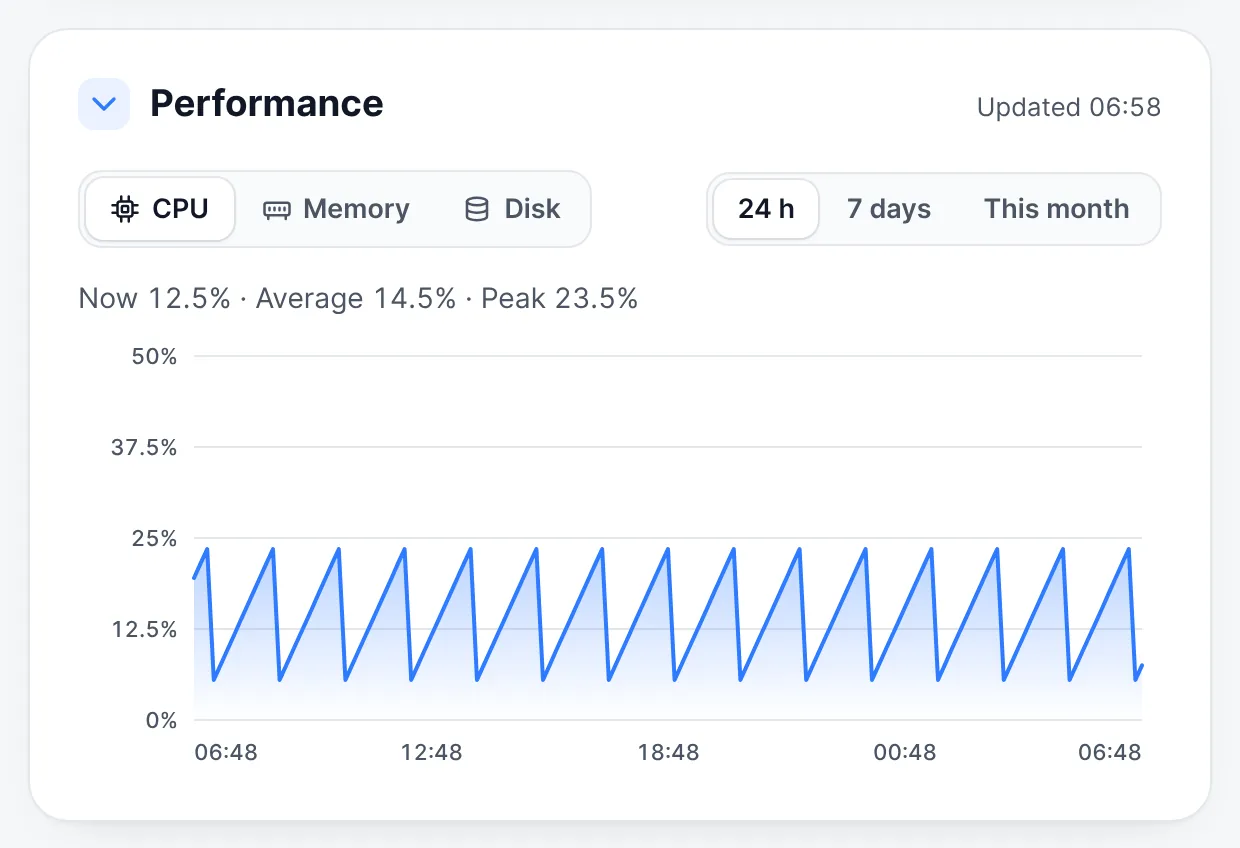
If the server feels slow, check the graphs: CPU or memory always near the top means the plan is too small for what you run. See Upgrade your plan.
More on our blog
Still stuck? Our team answers 24/7. Open a ticket or use live chat.