The console shows the server's own screen, even when Remote Desktop or the network inside Windows is not working. Use it to fix a firewall rule, a wrong network setting or a stuck update.
- Open your server in the client area. Under Manage, click Console, then Open console. The screen opens in a new tab.
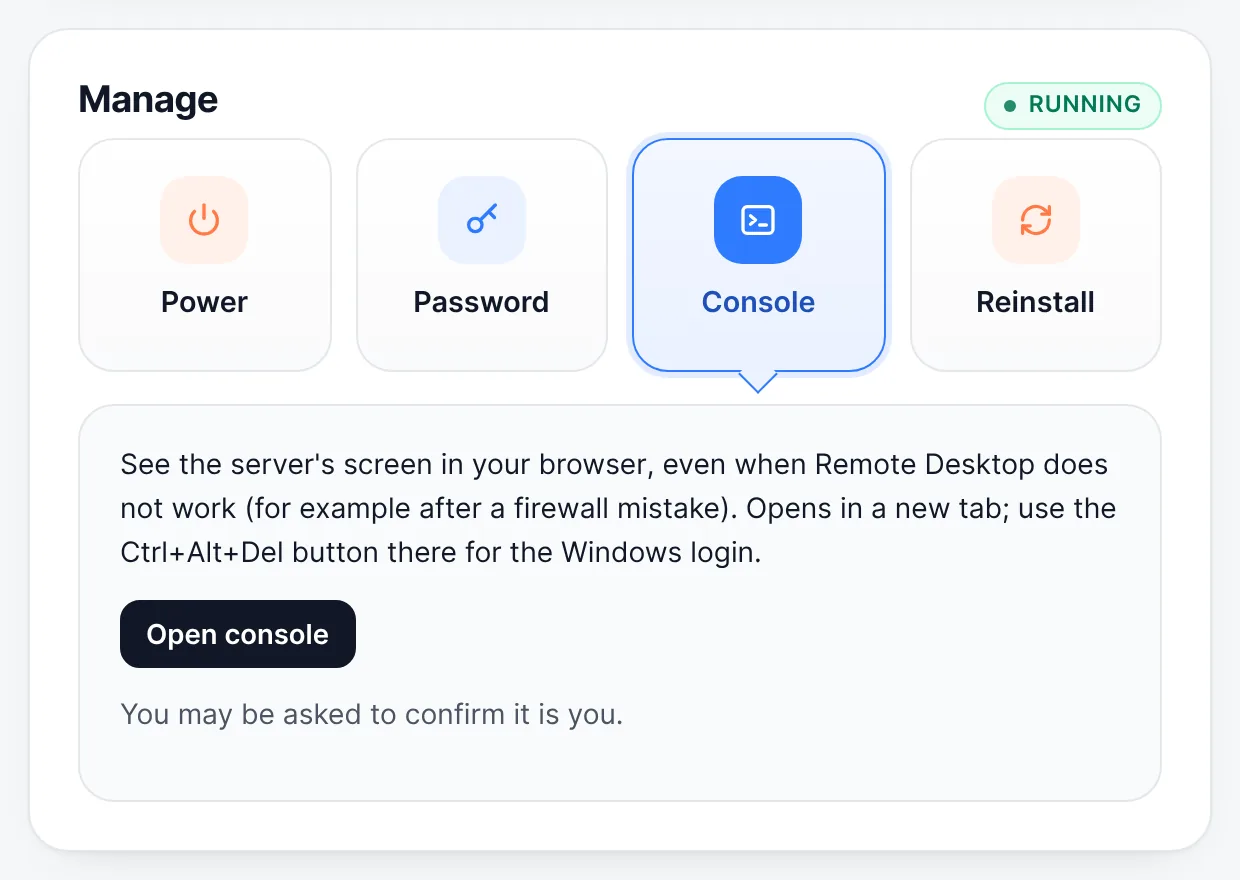
Manage → Console → Open console - To log in to Windows, use the Ctrl+Alt+Del button at the top of the console, then enter your password.
The Console button at the top of the server page opens it too. The console is available on VPS plans; for dedicated servers, ask for Console access with the request button on the server page.
Still stuck? Our team answers 24/7. Open a ticket or use live chat.