VPS and Admin RDP
- Open your server in the client area. Under Manage, click Password.
- Type
RESETin the box and click Reset password.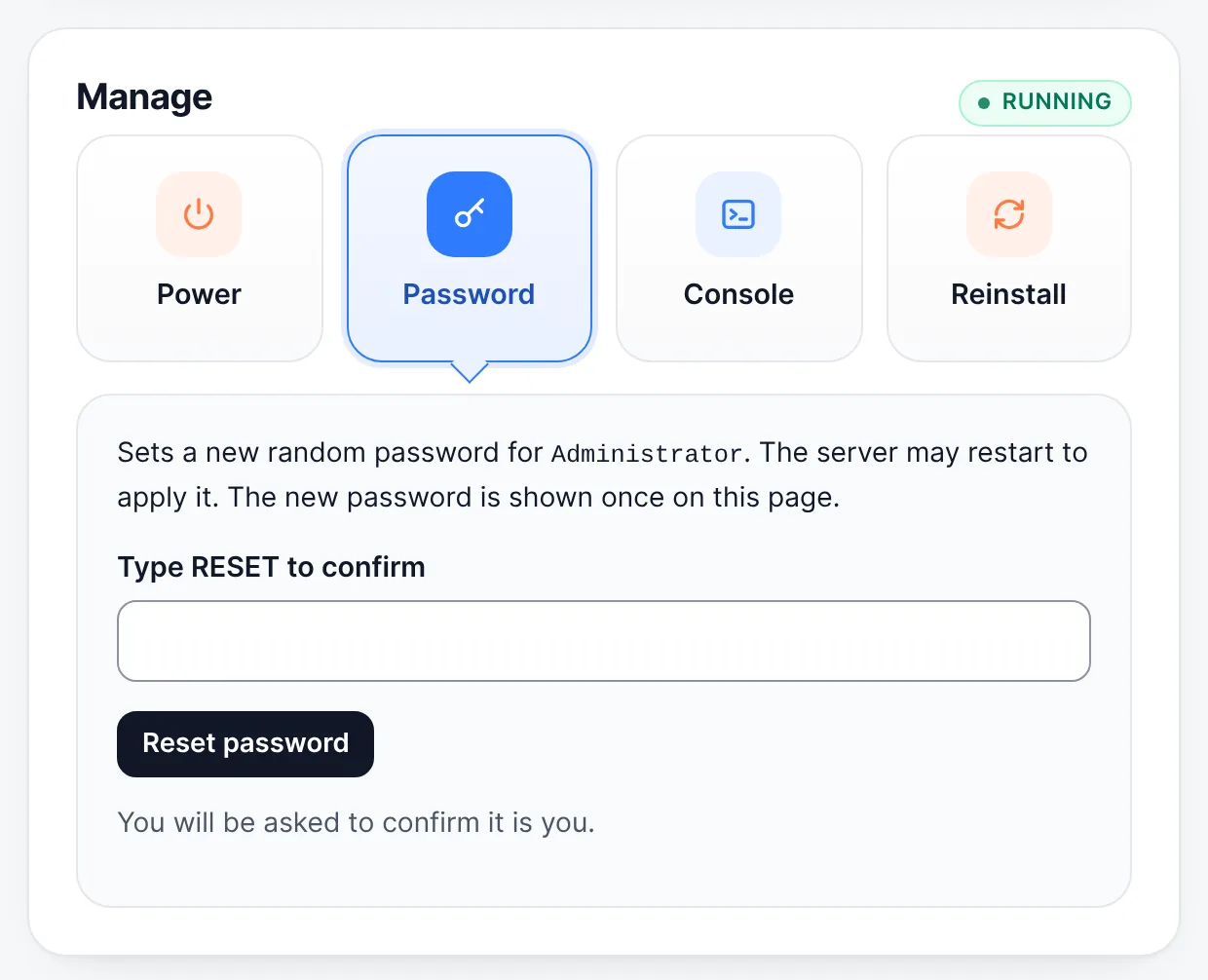
Manage → Password → type RESET → Reset password - The server may restart. The new password is shown once on the server page: copy it somewhere safe.
If you do not see the Password tile, open a ticket and we reset it for you.
Shared RDP accounts and dedicated servers
Open a ticket and we set a new password for you. You will find it on your server page.
Change it yourself in Windows
While you are logged in, press Ctrl + Alt + End in the Remote Desktop window and choose Change a password.
We never ask for your password by email, chat or phone.
Still stuck? Our team answers 24/7. Open a ticket or use live chat.