How to Block or Unblock Program with Windows Defender Firewall
How to Block or Unblock Program with Windows Defender Firewall, How to block any proggram in windows server through firewall
Category
How-tos for remote desktop users: connecting, fixing common errors, securing Windows Server and getting the most out of an RDP server.
How to Block or Unblock Program with Windows Defender Firewall, How to block any proggram in windows server through firewall
Dedicated RDP servers are a great way to provide access to your computer files and applications from anywhere in the world.
Botting RDP is a process by which a computer is used to control another computer from a remote location. This can be done for a variety of purposes…
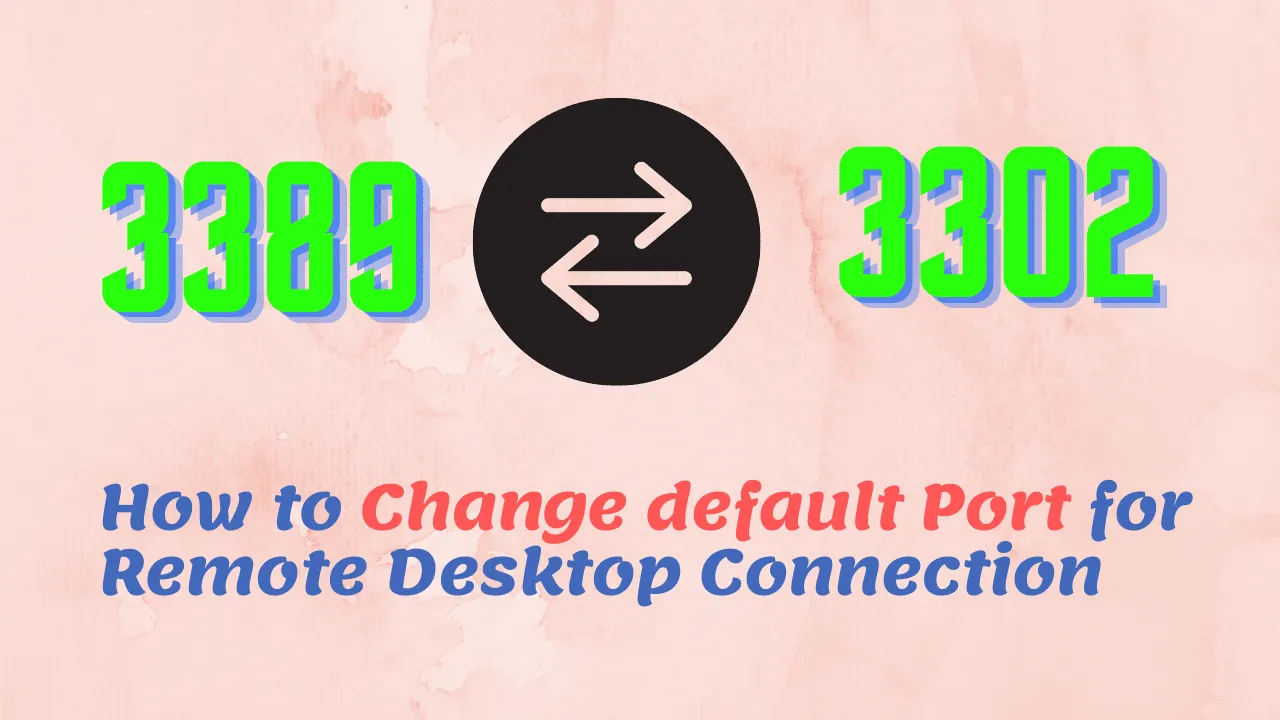
In this article, we will discuss "How to Change default Port for Remote Desktop Connection". Remote Desktop Protocol is a proprietary protocol…
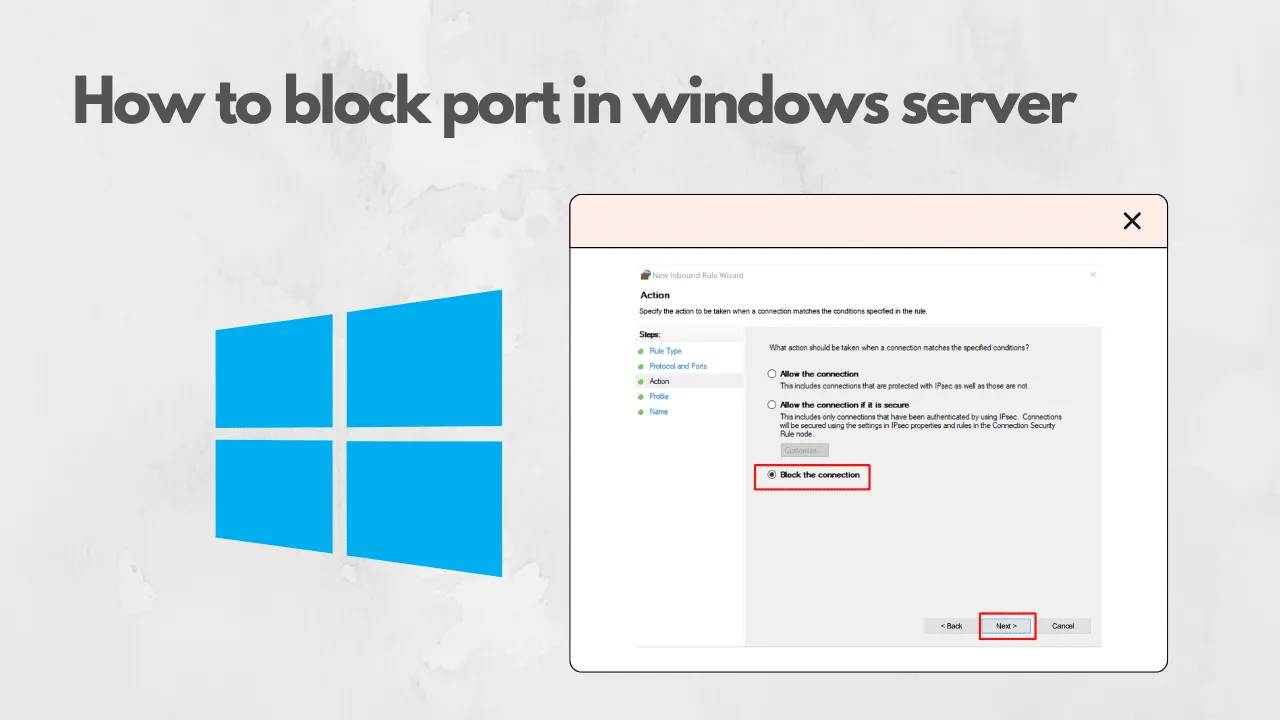
In this article, we will discuss "how to block port in windows server". In computing, a firewall is a network security system that monitors and…
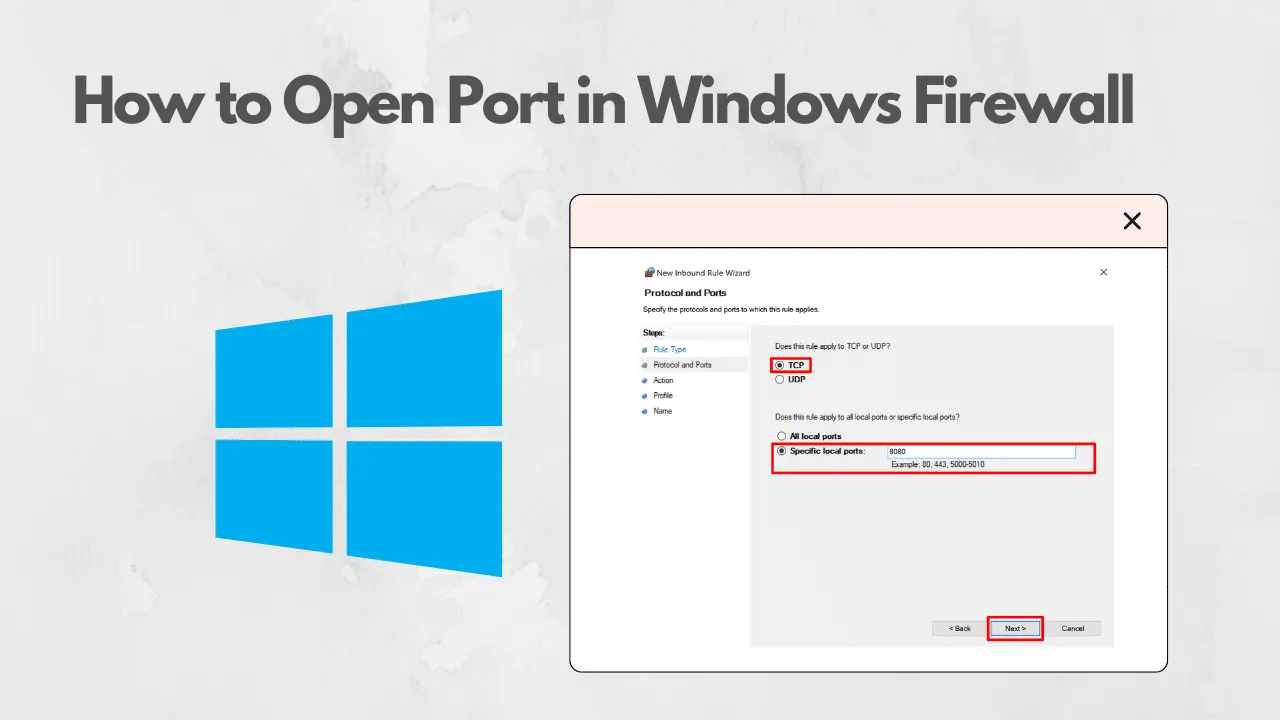
In this article, we will discuss "How to Open Port in Windows Firewall ". In computing, a firewall is a network security system that monitors and…
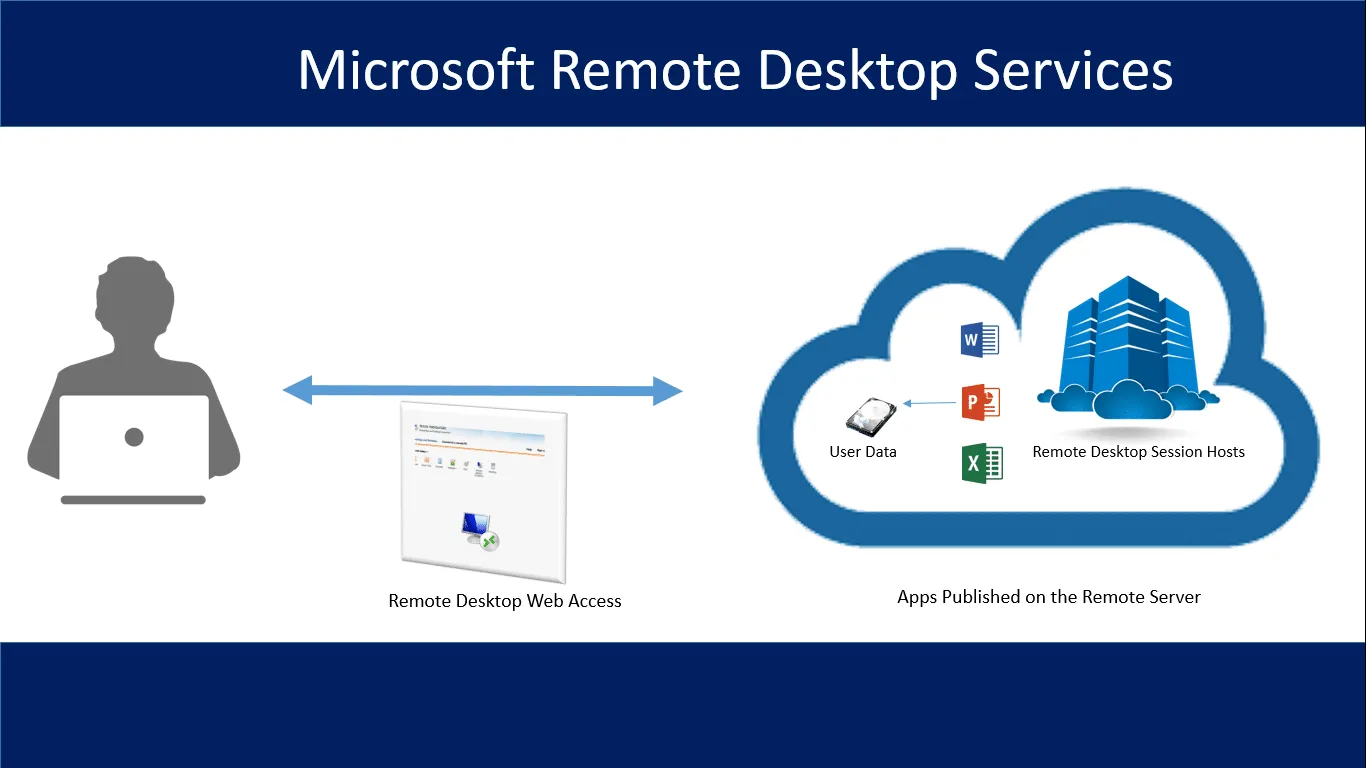
Read this article to learn about, ‘What is RDP service in Remote Desktop Services. The remote desktop protocol is a proprietary protocol that…
In today's tutorial, we will see "How to Install Python on Windows 10". Python is a high-level general-purpose programming language.
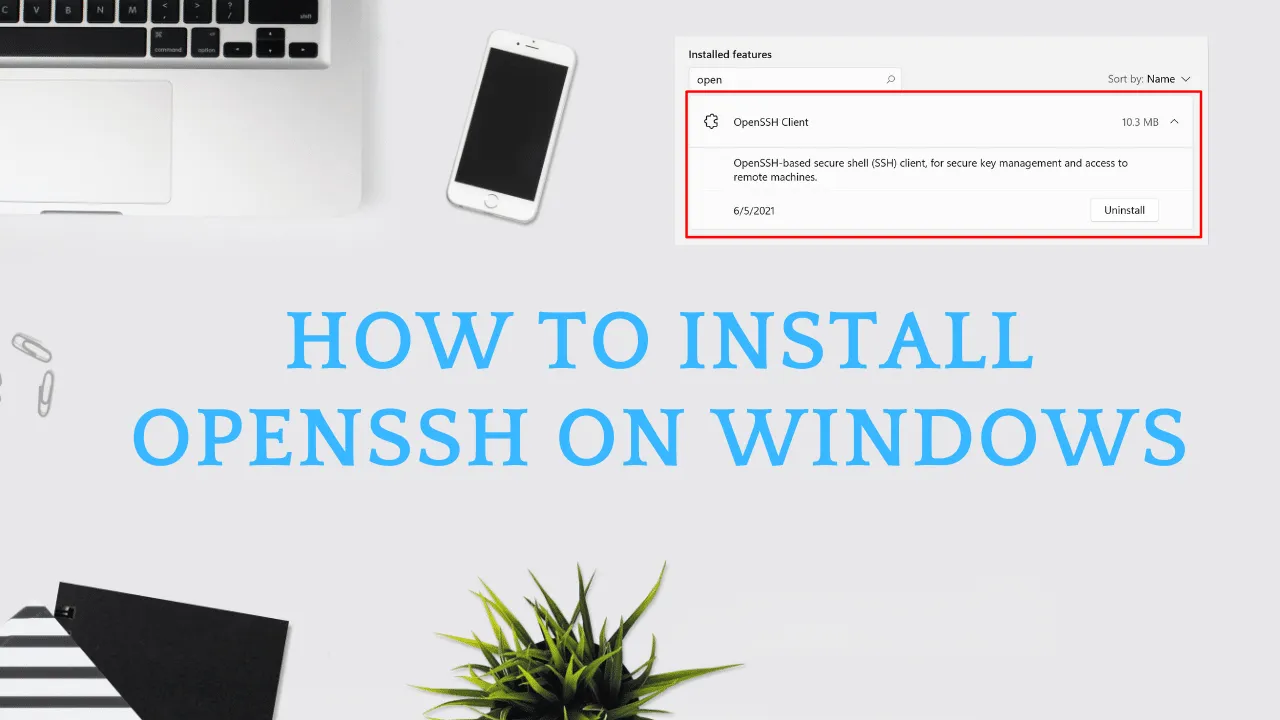
In today's tutorial, we will see "How to Install OpenSSH on Windows". SSH (Secure Shell) is a tool for secure system administration, file…
Today we will see How to Install Node.js and NPM on Windows and How to check Node.js and NPM Version on Windows Server.
.NET Framework 3.5 builds incrementally on the new features added in Dot NET Framework 3.0 . For example, feature sets in Windows Workflow Foundation…
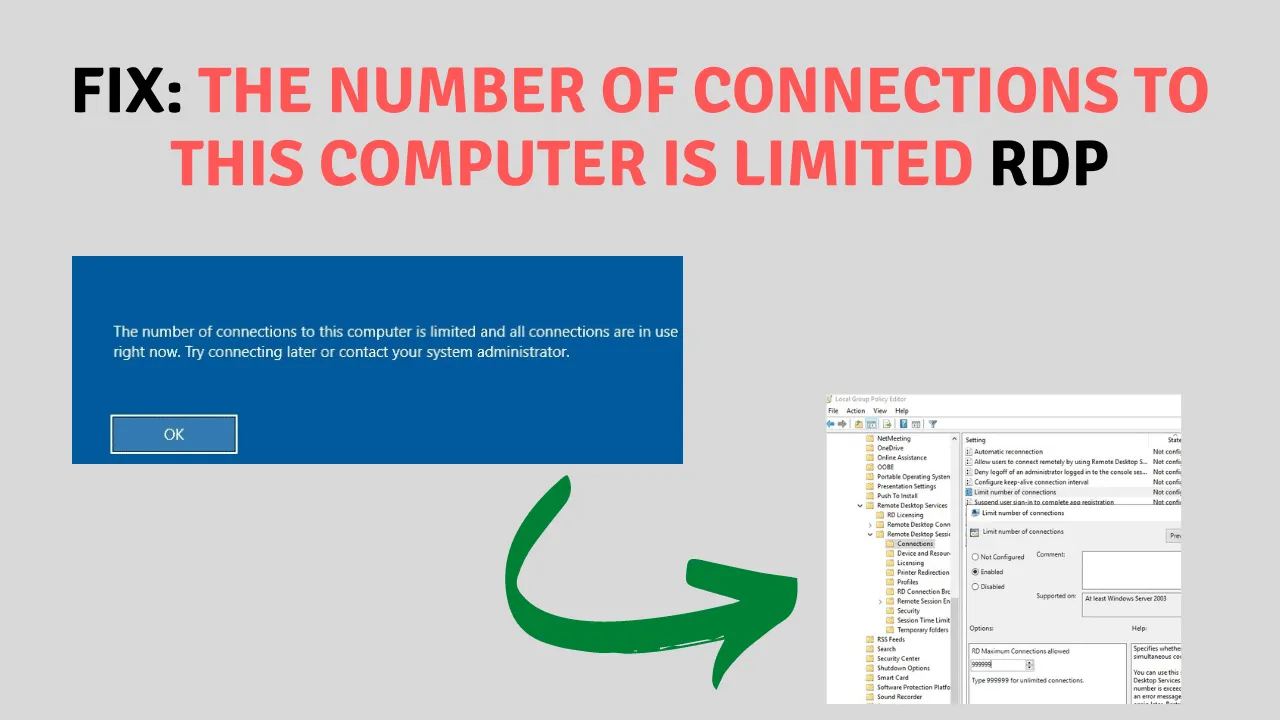
Today we will fix a critical error called. It happens that when you try to establish a second RDP connection under a different user account, you…