Today we will see How to Install Node.js and NPM on Windows and How to check Node.js and NPM Version on Windows Server. Node.js is an open-source, cross-platform, back-end JavaScript runtime environment that runs on the V8 engine and executes JavaScript code outside a web browser. NPM stands for Node Package Manager, which is an application and repository for developing and sharing JavaScript code.
Download Node.js Installer
- Open your Desired Web Browser.
- Now Navigate to the Official NodeJS WebSite Download page.
- Click the Windows Installer button to download the latest default version.
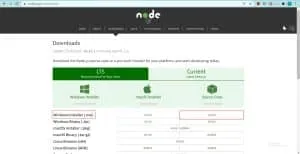
- Now Download the Installer that Matches with your CPU - Architecture (32 or 64 Bit).
Installation Process
- Once the installer finishes downloading, Open the Default downloads folder.
- Now Run the Installer.EXE file as Administrator.
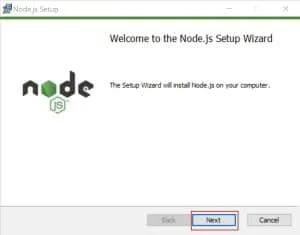
- Follow the installer steps, agree to the license agreement, and click the next button.
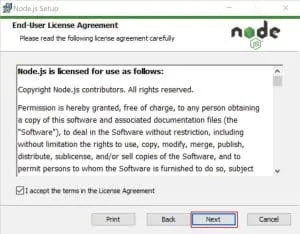
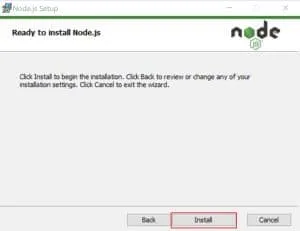
- Restart your system/machine.
Verify Installation
- Now Open CMD to Verify Installation Process
- Type
node -vand press Enter. - The system should display the Node.js version installed on your system. You can do the same for NPM
- Type
npm -vand press Enter. - The system should display the Npm version installed on your system.
- That's it. Now you can run your JS script on your Server.
Run it on HomeRDP
Windows VPS
Windows Server VPS with admin access and NVMe storage.