- Open Account → Security in the client area and click Turn on two-factor.
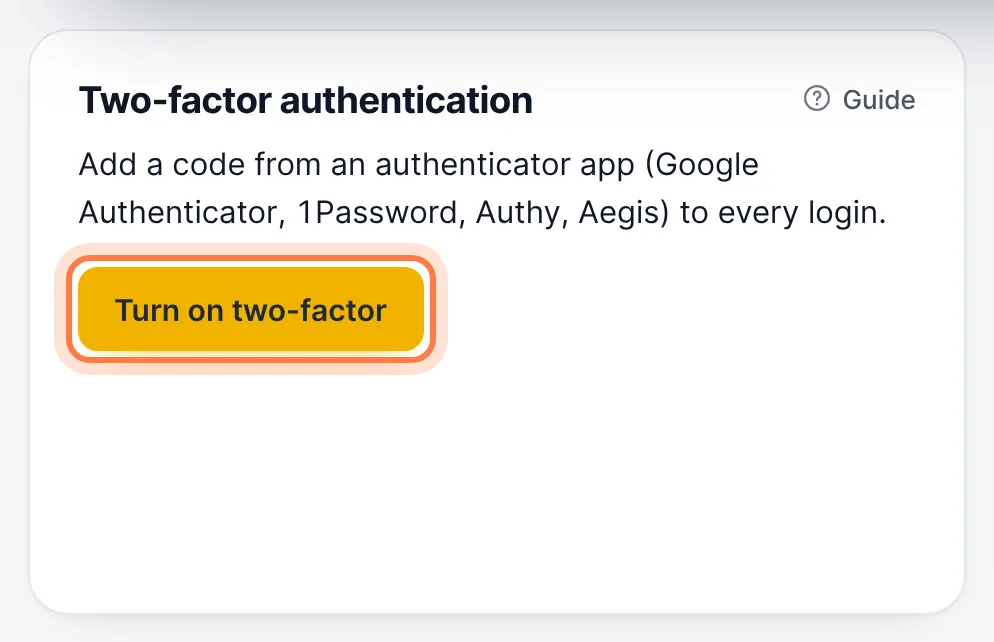
Account → Security → Turn on two-factor - Scan the QR code with an authenticator app (Google Authenticator, Microsoft Authenticator, 1Password, Authy…).
- Enter the 6-digit code to confirm. Save the recovery codes somewhere safe.
From then on you enter a code from the app after your password. Lost your phone? Use a recovery code, or contact us.
Still stuck? Our team answers 24/7. Open a ticket or use live chat.