

Fedora Atomic Desktops in 2026: Features, Benefits and What’s Next
Linux desktops have spent years balancing two competing goals: giving users deep control while keeping the operating system reliable and easy to maintain. Fedora Atomic Desktops take a different approach.
Instead of treating the operating system as a collection of packages that users continuously modify, Fedora’s Atomic model treats the core system more like a deployable image. Updates can be prepared as complete system states, users can reboot into the new deployment, and previous deployments can remain available for rollback.
That approach has made Fedora Silverblue particularly interesting to developers and Linux enthusiasts. But in 2026, the idea is no longer limited to a single experimental desktop concept.
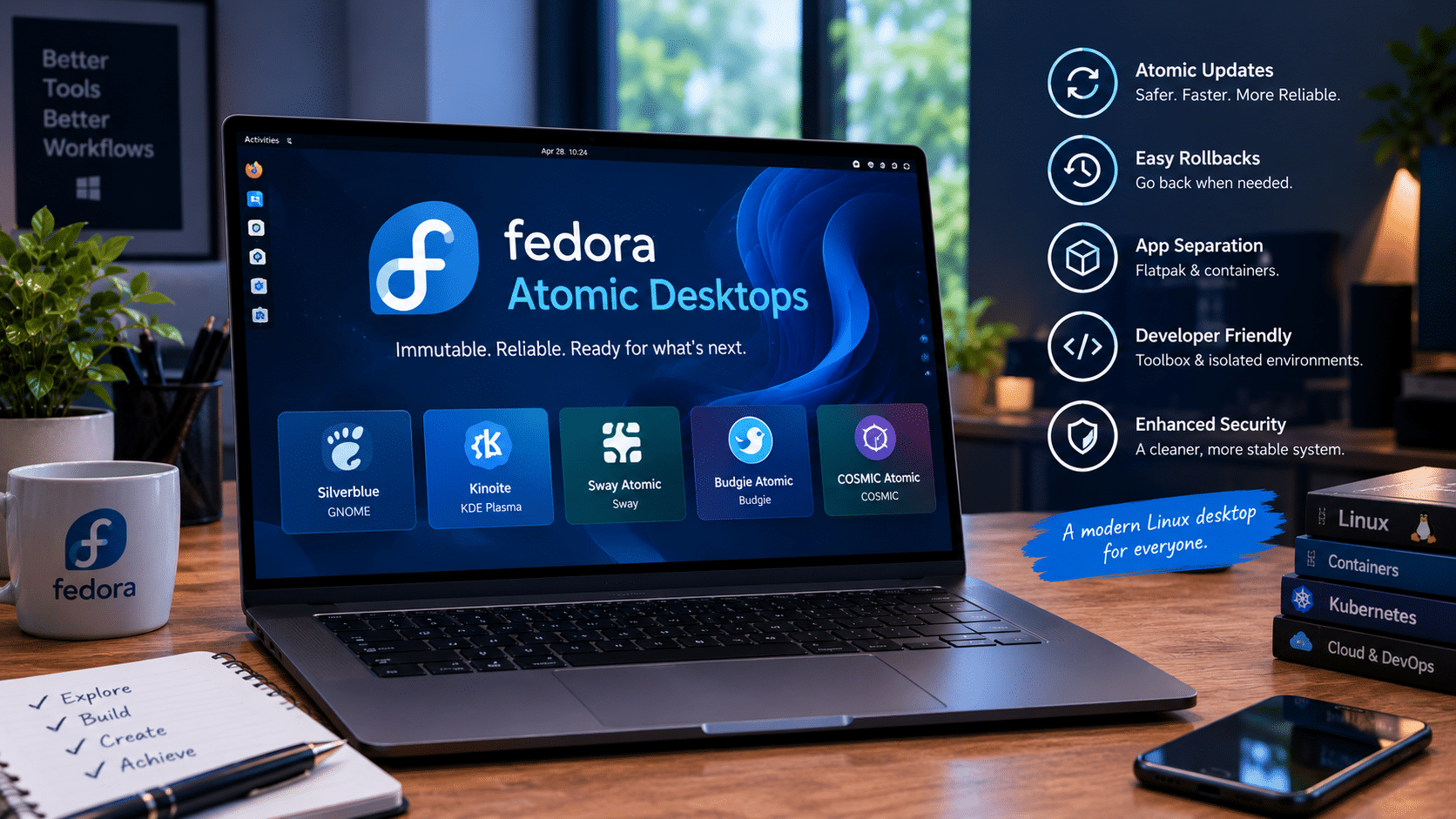
Fedora Atomic Desktops have grown into a broader family that includes Silverblue, Kinoite, Sway Atomic, Budgie Atomic, and COSMIC Atomic. Fedora Linux 44 also brings updated desktop environments and continued work toward a future based on Bootable Containers.
The result is a Linux desktop model that increasingly resembles modern infrastructure: declarative, image-oriented, container-friendly, and designed to make system changes more predictable.
So, what exactly are Fedora Atomic Desktops in 2026? What benefits do they provide? What compromises should users understand? And where is Fedora taking the technology next?
Let’s take a closer look.
What Are Fedora Atomic Desktops?
Fedora Atomic Desktops are Fedora Linux desktop variants built around an image-based operating-system model.
The family originally grew from projects such as Fedora Silverblue and Fedora Kinoite. Fedora later introduced the Fedora Atomic Desktops umbrella to give these systems a consistent identity and make it easier to introduce additional desktop environments.
The underlying technology uses rpm-ostree, which combines Fedora’s RPM packaging ecosystem with OSTree-based operating-system deployments.
Instead of thinking about an update as:
Install hundreds of individual packages and hope everything works afterward.
the Atomic approach is closer to:
Prepare a new system deployment, boot into it, and keep the previous deployment available if something goes wrong.
That distinction is important.
Fedora itself describes rpm-ostree as the underlying atomic technology used by the Atomic Desktop family.
The goal is not to remove user control. Instead, Fedora separates the operating system from applications and development environments more clearly.
This creates a different workflow:
- The base operating system remains controlled and predictable.
- Applications can be installed independently.
- Developer tools can live inside containers.
- System updates can be deployed as complete revisions.
- Previous deployments can be used for recovery.
- Users can still layer selected packages when necessary.
This makes Fedora Atomic particularly interesting for people who want a Linux desktop that behaves more like modern cloud infrastructure.
Fedora Atomic Desktops in 2026
The biggest story in 2026 is that Fedora Atomic is no longer just about Silverblue.
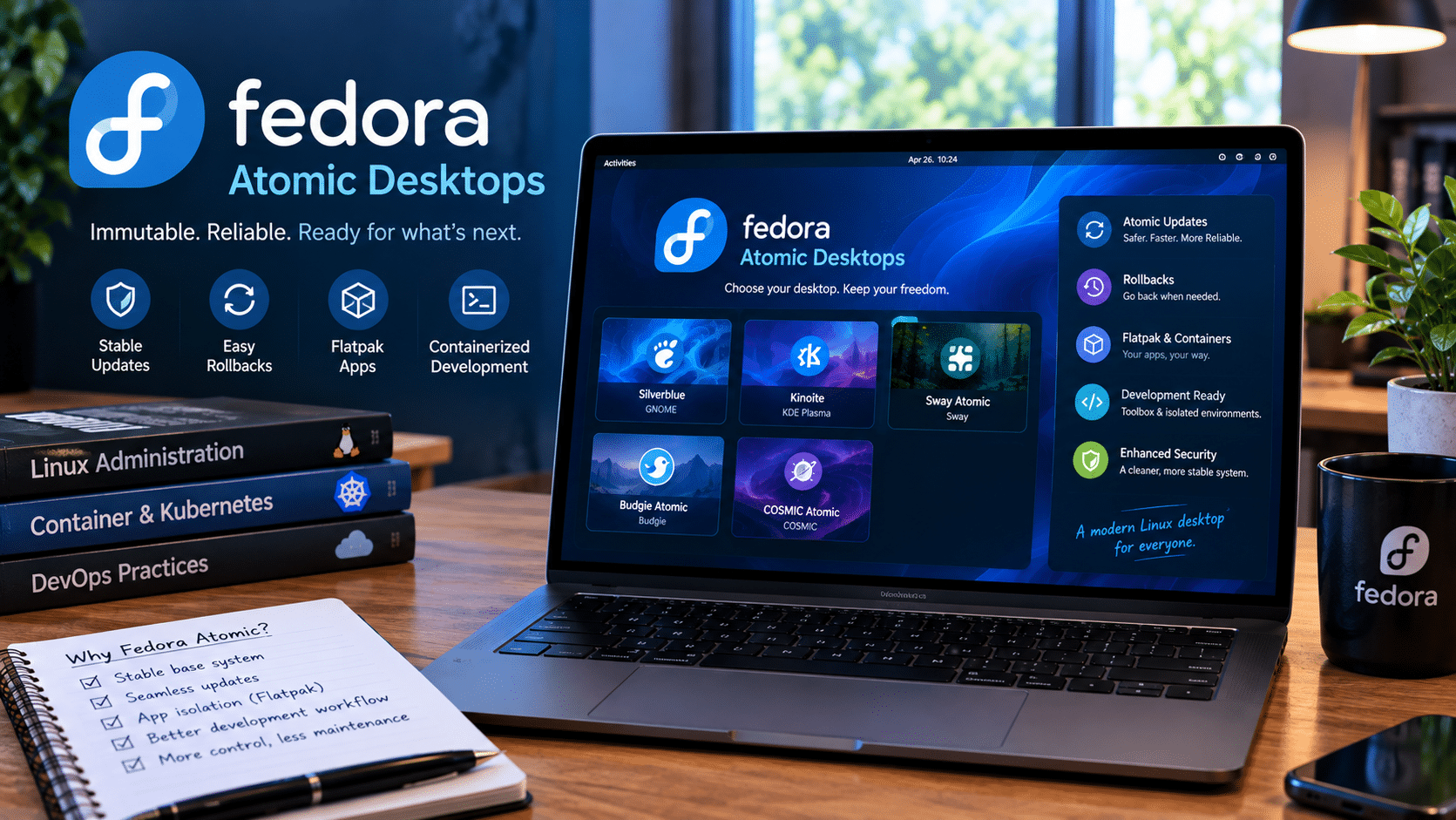
Fedora Linux 44 officially includes five Atomic Desktop variants:
- Fedora Silverblue — GNOME-based.
- Fedora Kinoite — KDE Plasma-based.
- Fedora Sway Atomic — Sway-based.
- Fedora Budgie Atomic — Budgie-based.
- Fedora COSMIC Atomic — COSMIC-based.
Fedora’s 2026 release documentation confirms these five variants and highlights major desktop updates across the family.
That matters because desktop preference is highly personal.
A user might prefer GNOME.
Another might want KDE Plasma.
A minimalist user might choose Sway.
Someone looking for Budgie can choose that environment.
And COSMIC provides another modern desktop option.
The Atomic architecture can therefore become a common foundation underneath different desktop experiences.
Fedora Silverblue: The Flagship Atomic Desktop
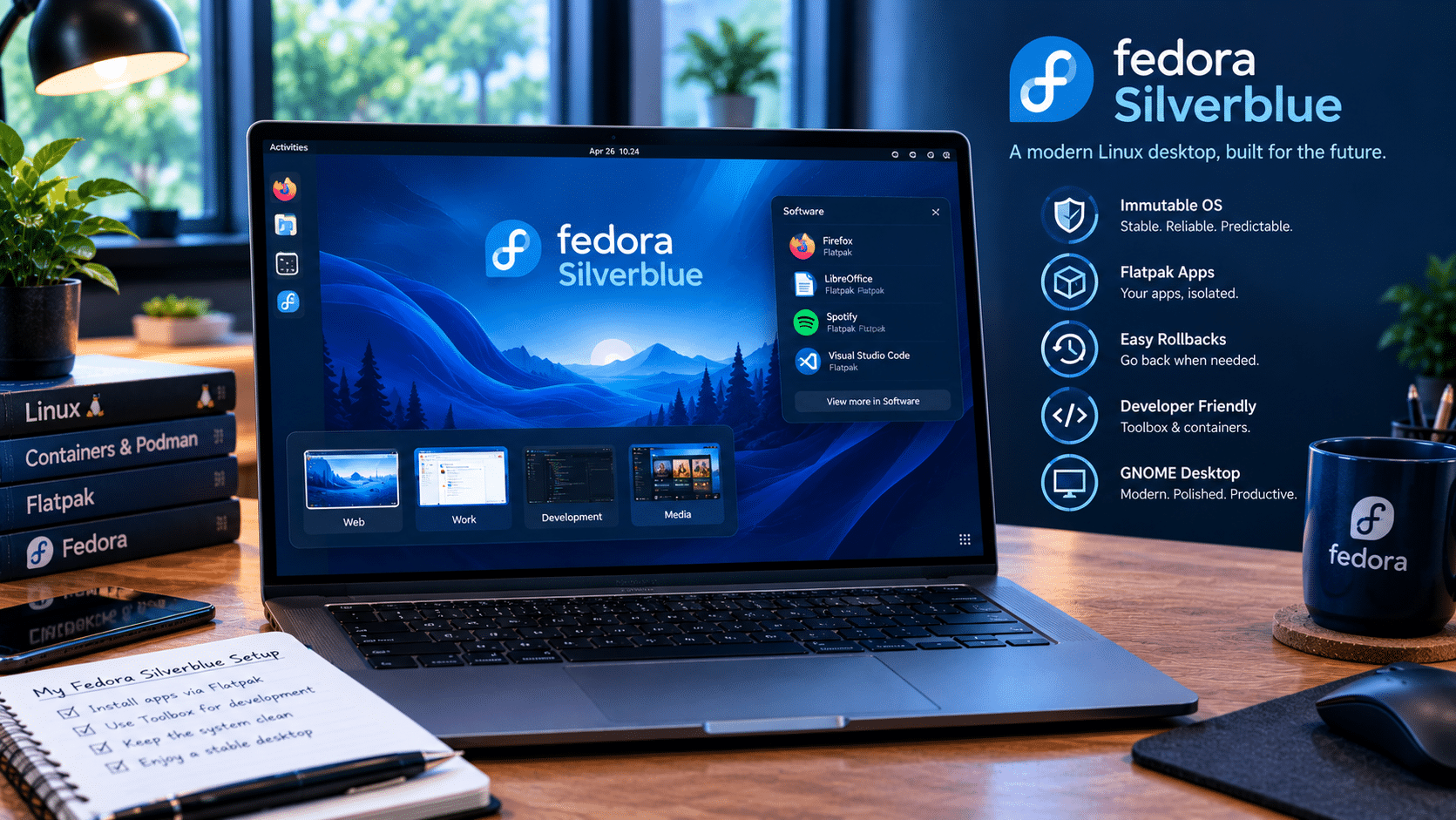
Fedora Silverblue remains one of the best-known examples of the Atomic desktop philosophy.
It combines Fedora Linux with GNOME and an image-based operating-system architecture.
For developers, Silverblue is especially interesting because it encourages a separation between the host operating system and development environments.
Instead of installing every compiler, SDK, runtime, and development dependency directly onto the host, users can create containerized development environments.
This approach can help prevent the classic Linux problem where one project requires a particular version of a library while another project needs something completely different.
A simplified workflow might look like this:
- Keep the base operating system clean.
- Install desktop applications separately.
- Create a container for a development project.
- Install project-specific dependencies inside that container.
- Keep the host system focused on running the desktop.
This separation becomes increasingly valuable as software development becomes more container-centric.
Fedora Kinoite: Atomic Linux With KDE Plasma
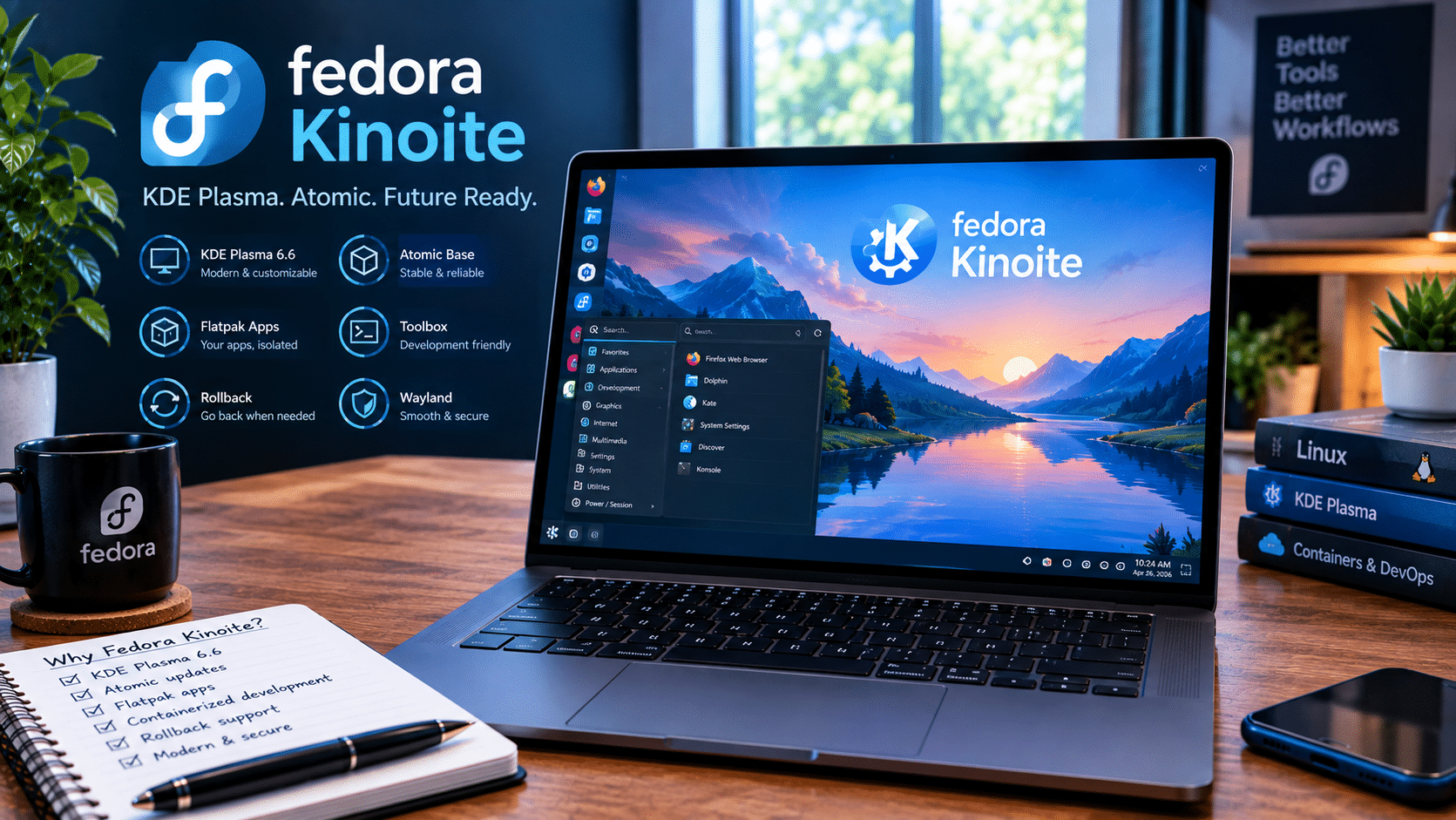
If you prefer KDE Plasma, Fedora Kinoite provides an Atomic alternative.
Kinoite follows the same fundamental image-based philosophy while using KDE Plasma as its desktop environment.
Fedora Linux 44 brings KDE Plasma 6.6, along with Frameworks 6.24 and KDE Gear 25.12. Fedora also introduced the Plasma Login Manager in place of SDDM for Kinoite.
That combination makes Kinoite particularly appealing to users who want:
- KDE Plasma customization.
- An Atomic operating-system architecture.
- Container-friendly development.
- Rollback capabilities.
- A modern Wayland-oriented desktop experience.
The important point is that Atomic does not mean every user has to accept the same desktop interface.
The architecture and desktop experience can remain distinct.
Sway Atomic, Budgie Atomic and COSMIC Atomic Expand the Ecosystem
The expansion of Fedora Atomic is arguably more important than any individual desktop release.
Fedora Sway Atomic targets users who prefer a keyboard-driven, tiling-window-manager workflow.
Fedora Budgie Atomic provides the Budgie desktop while adopting the Atomic model.
Fedora COSMIC Atomic brings System76’s COSMIC desktop into the Atomic family.
Fedora Linux 44 lists all five Atomic variants as installation choices, while COSMIC Atomic reached a stable 1.0.8 release in that cycle. Budgie Atomic also moved forward with Wayland support.
This variety strengthens the concept.
The future of Atomic Linux does not need to depend on a single desktop environment.
Instead, the same operating-system architecture can support different user interfaces and workflows.
Why Immutable or Image-Based Linux Matters
The word immutable gets used frequently when discussing Fedora Atomic, although Fedora has historically preferred more precise terminology around its implementation.
The important idea is that the core operating system is managed differently from a traditional mutable Linux installation.
On a traditional Fedora Workstation installation, a user might repeatedly run package-management commands that modify the current system.
That is powerful, but it also means the current operating environment can gradually become complicated.
You install one package.
Then another.
You add a third-party repository.
You change a configuration.
You install development dependencies.
Months later, the machine may contain hundreds of modifications.
Atomic systems attempt to make the base operating system more reproducible and easier to reason about.
That creates several potential benefits.
1. Safer System Updates
One of the most attractive features of Fedora Atomic is the deployment model.
Instead of treating every update as an incremental modification to the running system, rpm-ostree can prepare a new deployment.
After rebooting, the machine starts from that updated system state.
This creates a clearer boundary between the old and new operating-system versions.
For users, that can make major updates feel less risky.
Fedora’s own Silverblue upgrade documentation specifically highlights the ability to roll back if an unforeseen problem appears after an update.
That does not mean Atomic systems are immune to bugs.
They are not.
A bad update can still cause problems.
But the architecture provides a recovery mechanism that is particularly useful when experimenting with new versions.
2. Rollbacks Change the Upgrade Experience
Rollback is one of Fedora Atomic’s strongest concepts.
Imagine that your desktop works perfectly on Monday.
On Tuesday, you update the operating system.
After rebooting, you discover that something important no longer works correctly.
On a traditional system, you might need to diagnose packages, downgrade components, restore backups, or manually repair the installation.
With an Atomic deployment model, the previous deployment can remain available.
That means recovery can be much simpler.
The basic philosophy becomes:
Try the new system, and keep the previous system available as a safety net.
For enthusiasts who regularly test new software, this can be extremely useful.
It is also valuable for developers who cannot afford to spend hours repairing a workstation after an update.
3. Applications Are Separated From the Base OS
Fedora Atomic also encourages users to separate applications from the operating system.
Flatpak plays an important role here.
Instead of installing every graphical application directly into the host operating system, users can install applications in a more isolated application environment.
This creates a useful distinction:
Operating system:
The core platform required to run the computer.
Applications:
Desktop software that users install and update independently.
Development environments:
Containers containing project-specific dependencies.
This three-layer approach can make the overall system easier to manage.
4. Containers Become a First-Class Development Tool
Modern software development increasingly revolves around containers.
Developers routinely work with:
- Docker
- Podman
- Kubernetes
- Dev Containers
- Python environments
- Node.js environments
- Go toolchains
- Rust toolchains
- Database containers
- Cloud-native services
Atomic desktops fit naturally into this environment.
Rather than turning the host operating system into a giant development environment, developers can keep their project dependencies inside containers.
That reduces the pressure to install everything directly onto the host.
For example, one project could use Python 3.x while another requires a different runtime.
Instead of forcing both projects into the same host environment, containers provide isolation.
This is one reason Fedora Atomic has attracted interest among developers.
5. A Cleaner Host System
A traditional Linux workstation can become increasingly customized over time.
That flexibility is one of Linux’s greatest strengths, but it can also create maintenance problems.
Atomic desktops encourage users to keep the base system cleaner.
The philosophy is simple:
Keep the host stable. Put specialized workloads somewhere else.
This does not eliminate customization.
Users can still modify their environments.
But the system encourages a more deliberate approach to customization.
That can be particularly useful for machines that need to remain reliable for years.
6. Better Recovery Thinking
Traditional desktop computing often focuses heavily on preventing problems.
Atomic computing adds another concept:
Make recovery easier when problems happen.
This is a major philosophical shift.
No operating system is perfect.
Updates can fail.
Drivers can cause problems.
Applications can break.
Configurations can conflict.
Hardware can behave unexpectedly.
Instead of assuming these problems will never happen, an Atomic architecture makes it easier to return to a known-good system state.
That is a valuable property for both professionals and enthusiasts.
Fedora Atomic and Security
Security is another area where the Atomic model is interesting.
A more controlled base operating system can reduce the number of arbitrary changes made directly to the host.
Fedora Atomic Desktops also use technologies designed to improve the integrity of system content.
For example, Fedora enabled composefs by default for Atomic Desktops in Fedora 42, describing it as an important step toward better system-content integrity.
However, users should not interpret this as meaning that an Atomic desktop automatically solves every security problem.
Security still depends on:
- Timely updates.
- Strong authentication.
- Application security.
- Browser security.
- Safe permissions.
- Good backup practices.
- Secure network configuration.
- Responsible third-party software usage.
Atomic architecture is one part of a broader security strategy.
What About Traditional RPM Packages?
One common misconception is that Fedora Atomic completely eliminates RPM packages.
That is not accurate.
The underlying system still comes from Fedora’s RPM ecosystem.
rpm-ostree integrates RPM-based content into an image-oriented deployment model.
Users can also layer packages onto the base system when necessary.
However, layering should generally be treated differently from installing ordinary desktop applications.
The Atomic philosophy encourages users to ask:
Does this software really need to modify the host operating system?
If the answer is no, Flatpak or a container may be a better fit.
This distinction helps keep the base system cleaner.
Fedora Atomic Isn’t Perfect
The Atomic approach also introduces trade-offs.
Users accustomed to traditional Fedora Workstation may initially find the workflow unfamiliar.
Some software expects to modify the host system.
Some proprietary drivers or specialized tools may require additional configuration.
Hardware support can also vary depending on the workload.
Fedora itself has highlighted areas where users may encounter limitations, including NVIDIA drivers, additional media codecs, and out-of-tree kernel drivers.
That means Atomic should not be treated as a universal replacement for every Linux desktop.
Instead, users should evaluate their workflow.
Ask:
- Do I frequently experiment with my operating system?
- Do I work heavily with containers?
- Do I value rollback?
- Do I prefer Flatpak applications?
- Do I want a cleaner base OS?
- Do I need unusual kernel modules?
- Do I rely on software that expects a traditional mutable Linux environment?
The answers will determine whether Atomic fits the particular machine.
Fedora Atomic for Developers
For developers, the architecture can be especially compelling.
A typical developer workstation might contain:
- IDEs
- compilers
- SDKs
- databases
- language runtimes
- container engines
- cloud CLIs
- testing tools
- browser automation
- local Kubernetes clusters
Installing everything directly on the host can eventually become messy.
With Fedora Atomic, developers can instead separate these components.
For example:
Host: Fedora Atomic Desktop
Applications: Flatpak
Development: Toolbox or containers
Services: Containers
Remote workloads: VPS or cloud infrastructure
This creates a modular development workstation.
Where HOMERDP Fits Into the Modern Linux Workflow
A local Atomic desktop does not have to handle every computing workload.
That is where remote infrastructure can complement the desktop.
For users who need additional Linux computing resources, a Linux VPS can provide an independent environment for servers, development workloads, websites, automation, testing, and other tasks.
HOMERDP Linux VPS offers Linux VPS plans with root/admin access, SSD/NVMe storage, configurable CPU and memory options, and multiple resource tiers.
The combination can be useful:
Local Fedora Atomic desktop
Use it for:
- Daily computing.
- Browsing.
- Office work.
- Coding.
- Desktop applications.
- Container-based development.
Remote HOMERDP Linux VPS
Use it for:
- Linux server workloads.
- Remote development environments.
- Websites and web applications.
- Automation.
- Testing.
- Long-running processes.
- Additional computing resources.
This separation can reduce the need to turn the local workstation into a server.
A developer could keep their Fedora Atomic desktop clean while running a persistent service remotely.
That is particularly useful when a workload needs to remain online even after the laptop is shut down.
A Practical Fedora Atomic + Remote VPS Workflow
Consider a developer who works from a laptop.
Their workflow could look like this:
Step 1: Fedora Atomic Desktop
The laptop runs Fedora Silverblue or another Atomic variant.
Step 2: Flatpak Applications
Desktop applications stay separated from the base system.
Step 3: Containers
Project dependencies run inside containers.
Step 4: Git
Code remains version-controlled.
Step 5: Remote VPS
A Linux VPS handles persistent workloads.
Step 6: Secure Remote Access
The developer connects to the VPS when remote resources are required.
Step 7: Local Recovery
If a Fedora Atomic update creates an unexpected problem, the developer can roll back the local desktop while the remote environment continues operating independently.
This creates a resilient architecture across both local and remote computing.
The VPS does not replace Fedora Atomic.
It complements it.
Fedora Linux 44 Makes Atomic More Interesting
Fedora Linux 44 is an important release for the Atomic family.
Fedora officially released Fedora 44 on April 28, 2026, with Atomic Desktop installation options including Silverblue, Kinoite, COSMIC, Budgie and Sway.
Silverblue received GNOME 50.
Kinoite moved to KDE Plasma 6.6.
Budgie Atomic received a newer Budgie release with Wayland support.
COSMIC Atomic reached a stable 1.0.8 desktop release.
These updates show that Atomic desktops are not frozen operating systems.
They continue receiving modern desktop environments while retaining their image-based foundation.
Bootable Containers: The Next Major Step
Perhaps the most interesting part of Fedora Atomic’s 2026 roadmap is the move toward Bootable Containers.
Fedora has identified Bootable Containers as a major next step for Atomic Desktops.
The project is working toward building Fedora Atomic Desktop images using container-based tooling and Fedora’s Konflux infrastructure.
Fedora’s roadmap also points toward Fedora Linux 45 for parts of the transition, with Bootable Container support following as the work progresses.
Why is this important?
Because containers have traditionally been associated with applications.
Now, the same conceptual model can be used to build operating-system images.
That creates a fascinating convergence:
Application containers → development containers → infrastructure containers → bootable operating-system containers
The boundaries between desktop operating systems and cloud-native infrastructure are becoming increasingly interesting.
What Are Bootable Containers?
A Bootable Container is essentially a container image designed to become a complete bootable operating-system environment.
That idea can simplify how operating-system images are built, tested, distributed and maintained.
Instead of relying exclusively on traditional operating-system image-building workflows, developers can use container tooling and image registries as part of the operating-system lifecycle.
For Fedora Atomic, this could make the platform more flexible.
It may also make the process of creating customized Fedora-based operating-system images more accessible to developers and organizations.
Fedora Atomic and the Future of Linux
The larger story goes beyond Fedora.
Linux is increasingly being used in environments where reproducibility matters.
Containers changed application deployment.
Infrastructure-as-code changed server management.
Immutable operating systems changed how some organizations manage hosts.
Atomic desktops bring similar ideas to personal computers.
That convergence could influence how Linux desktops are built over the coming years.
Instead of asking:
How many packages can I install?
users may increasingly ask:
What should belong on my base operating system, and what should run separately?
That is a very different way of thinking about desktop computing.
Why Normal Users Should Pay Attention
Fedora Atomic may sound like something designed exclusively for developers.
But several of its benefits make sense for ordinary desktop users too.
Consider someone who wants a computer that:
- Updates reliably.
- Can recover from problematic updates.
- Keeps applications separated from the core OS.
- Requires less system maintenance.
- Can run modern desktop software.
- Offers multiple desktop environments.
- Provides a cleaner long-term configuration.
Those are not developer-only requirements.
They are useful for everyday computing.
The biggest challenge is the learning curve.
Users accustomed to traditional Fedora may initially wonder why certain operations work differently.
But once the underlying philosophy becomes familiar, the workflow can become intuitive.
Fedora Atomic vs Traditional Fedora
The distinction can be summarized like this:
| Area | Traditional Fedora | Fedora Atomic |
|---|---|---|
| Base OS | Package-based | Image/deployment-based |
| Updates | Package transactions | Atomic deployments |
| Rollback | More manual | Built into deployment model |
| GUI apps | RPM/Flatpak | Strong Flatpak workflow |
| Development | Host or containers | Strong container workflow |
| Customization | Extremely flexible | More structured |
| System modifications | Direct | More controlled |
| Recovery | Depends heavily on backups/manual work | Previous deployment can help |
| Best fit | Broad general-purpose use | Reliability, containers, predictable systems |
Neither approach is universally correct.
They represent different philosophies.
Traditional Fedora prioritizes direct control and familiarity.
Atomic Fedora emphasizes controlled deployments, separation and recovery.
Is Fedora Atomic Ready for Everyday Use in 2026?
For many users, yes.
Fedora itself provides Atomic Desktop editions as mainstream installation choices alongside its other Fedora editions and spins.
Silverblue and Kinoite are no longer obscure experiments.
The family has expanded.
The desktop environments have matured.
The documentation has become more unified.
And Fedora is actively working on the next generation of image-based infrastructure.
However, “ready for everyday use” does not mean “perfect for everyone.”
Users with highly specialized hardware or software requirements should test compatibility before switching.
For someone whose workflow revolves around containers, Flatpak applications, development environments and predictable updates, however, Fedora Atomic can be a compelling alternative.
What’s Next for Fedora Atomic Desktops?
The roadmap suggests several important developments.
1. Bootable Containers
Fedora is actively working toward Bootable Containers as the next major evolution of Atomic Desktop technology.
2. Better Image Building
The project is moving toward modern image-building infrastructure, including Fedora’s Konflux environment.
3. More Desktop Variants
The Atomic family has already expanded beyond GNOME and KDE.
Additional desktop environments could become Atomic variants as contributor interest and technical support grow.
4. Improved Documentation
Fedora has already launched unified documentation for the Atomic Desktop family.
Better documentation can reduce the learning curve for new users.
5. Better Integration With Modern Development
Containers, Flatpaks and image-based operating systems increasingly fit together into a coherent developer workflow.
That trend is unlikely to disappear.
Should You Switch to Fedora Atomic?
The answer depends on how you use Linux.
Fedora Atomic is particularly interesting if you value:
- Reliable system updates.
- Easy rollback.
- Container-based development.
- Flatpak applications.
- A clean host operating system.
- Modern desktop environments.
- Reproducible system deployments.
- A Linux workflow influenced by cloud-native infrastructure.
Traditional Fedora may remain more comfortable for users who frequently modify the host system, depend on specialized packages, or prefer conventional package-management workflows.
The important thing is understanding the architectural difference before switching.
Fedora Atomic Desktops Are More Than an Immutable Linux Experiment
Fedora Atomic Desktops have evolved considerably.
What began with projects such as Silverblue has become a broader Fedora strategy covering multiple desktop environments.
In 2026, Fedora offers Atomic variants based on GNOME, KDE Plasma, Sway, Budgie and COSMIC. Fedora Linux 44 also demonstrates that these systems can keep pace with modern desktop releases while retaining their image-based architecture.
The bigger story, however, is the direction of development.
Fedora is moving toward Bootable Containers.
Developers are increasingly working inside containers.
Desktop applications are increasingly distributed through isolated formats such as Flatpak.
Remote infrastructure is becoming easier to access through VPS and cloud services.
Together, these trends point toward a more modular computing model.
The operating system does not have to contain everything.
The desktop does not have to host every workload.
And a failed update does not necessarily have to become a disaster.
That is the real promise behind Fedora Atomic.
It is not simply about making Linux “immutable.”
It is about changing how we think about the relationship between the operating system, applications, development environments and remote infrastructure.
For users who want a modern Linux desktop with stronger boundaries between these layers, Fedora Atomic Desktops in 2026 are becoming increasingly difficult to ignore.
And as Fedora moves toward Bootable Containers, the most interesting part of the Atomic story may still be ahead.
Frequently Asked Questions
What is Fedora Atomic Desktop?
Fedora Atomic Desktop is a family of Fedora Linux desktop variants that use an image-based operating-system model built around technologies such as rpm-ostree.
Which Fedora Atomic Desktop should I choose?
The choice largely depends on your preferred desktop environment. Silverblue uses GNOME, Kinoite uses KDE Plasma, Sway Atomic uses Sway, Budgie Atomic uses Budgie, and COSMIC Atomic uses COSMIC.
Can Fedora Atomic roll back updates?
Yes. The Atomic deployment model keeps previous system deployments available, allowing users to roll back when an updated deployment causes problems.
Is Fedora Atomic good for developers?
It can be particularly useful for developers who rely heavily on containers and want to separate development dependencies from the base operating system.
Does Fedora Atomic support Flatpak?
Yes. Flatpak is an important part of the Atomic desktop workflow because it allows graphical applications to remain separate from the base operating system.
Is Fedora Atomic completely immutable?
“Immutable” is commonly used to describe the model, but Fedora’s implementation is better understood as an image-based or Atomic deployment system. The base system can still be customized through supported mechanisms such as package layering.
What is coming next for Fedora Atomic?
One of the biggest developments is Fedora’s roadmap toward Bootable Containers, which aims to modernize how Atomic Desktop images are built and delivered.
Final Thoughts
Fedora Atomic Desktops represent a different philosophy for Linux desktop computing.
Instead of continuously modifying one operating-system installation, users can work with controlled system deployments while keeping applications and development environments more independent.
That architecture can make updates easier to recover from, encourage cleaner systems and align naturally with container-based development.
Fedora Linux 44 shows how far the project has progressed, while the roadmap toward Bootable Containers suggests that Fedora considers image-based computing an important part of its future.
For Linux users, the choice is no longer simply between different desktop environments.
It is increasingly a choice between different ways of managing the entire computing environment.
And Fedora Atomic is putting one of those approaches directly on the desktop.
EXPLORE MORE ; Why Fedora Could Be the Best Arch Linux Alternative in 2026
READ OUR BLOGS