

Why Fedora Could Be the Best Arch Linux Alternative in 2026
For years, Linux enthusiasts have treated Arch Linux as the distribution to beat when they want control, fresh software, customization, and a system that stays close to upstream projects.
That reputation is deserved.
Arch follows a rolling-release model, provides a minimal base installation, and gives experienced users enormous freedom over how they construct their systems. Its official project describes Arch as a general-purpose distribution focused on keeping software close to upstream while providing the latest stable versions through continuous updates. The Arch User Repository (AUR) further expands the ecosystem with more than 49,000 build scripts.
But Linux in 2026 is changing.
Users increasingly want an operating system that combines modern software with predictable maintenance. Developers want powerful tooling without spending unnecessary hours repairing their workstation. Remote workers want environments that can move between computers. Businesses want Linux systems that are easier to standardize. And cloud-native workflows increasingly blur the line between desktop, server, container, and remote development environment.
That is where Fedora becomes particularly interesting.
Fedora does not try to copy Arch. Instead, it offers a different interpretation of modern Linux: current software, strong upstream relationships, a structured release cycle, polished desktop experiences, developer-oriented tooling, and multiple editions for different workloads.
With Fedora Linux 44 released in April 2026, the distribution has another strong argument for users who want a modern Linux experience without committing fully to the maintenance philosophy of a rolling release.
For many users, Fedora could be the best Arch Linux alternative in 2026.
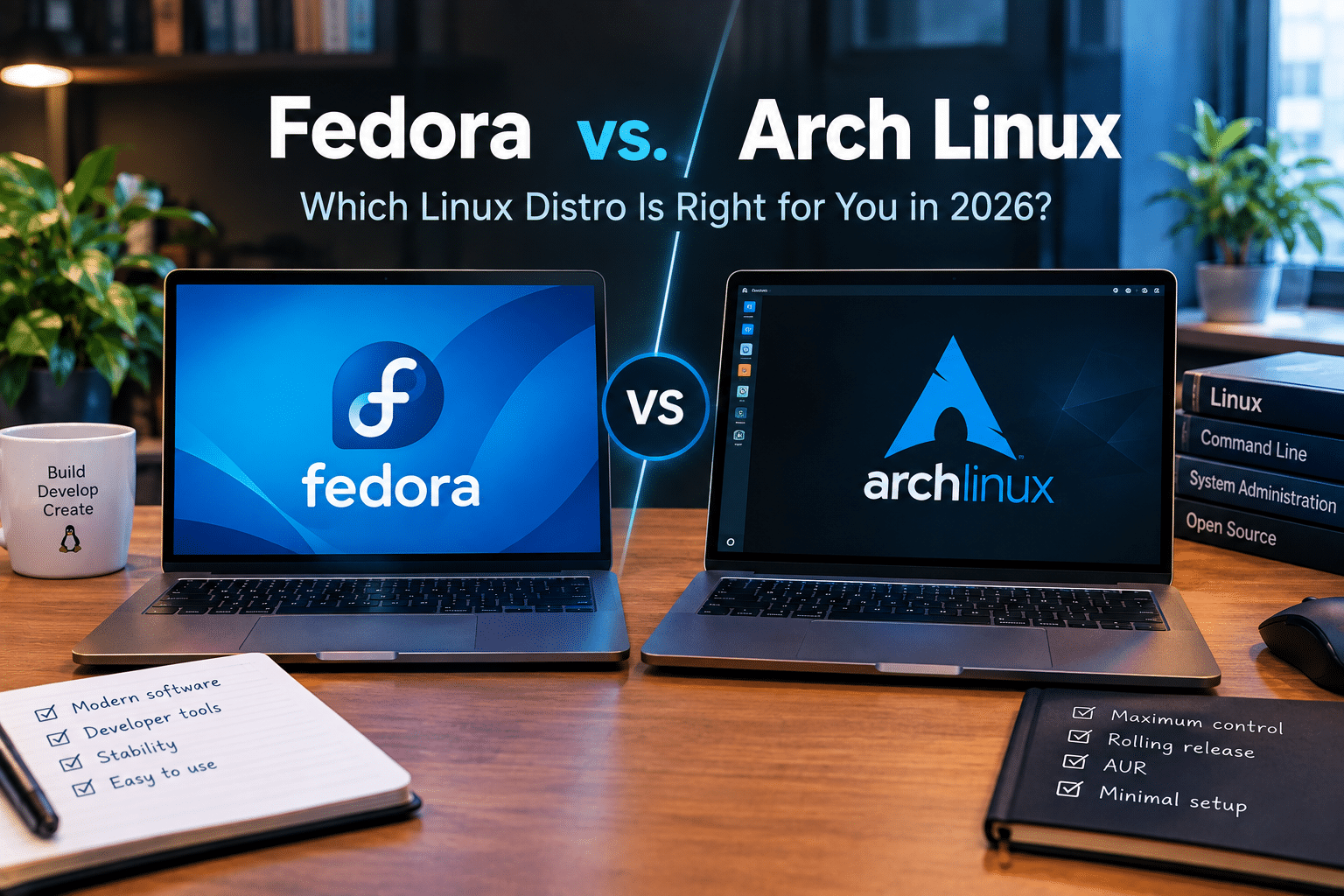
Fedora vs. Arch Linux: Two Different Philosophies
Before declaring one distribution better, it is important to understand what each project tries to accomplish.
Arch takes a minimalist and highly customizable approach.
Its default installation gives users a relatively small foundation and expects them to build the environment they actually want. Arch’s documentation emphasizes simplicity, upstream software, minimal downstream modification, and user control.
Fedora takes a more integrated approach.
Instead of asking users to construct everything themselves, Fedora provides complete environments such as:
- Fedora Workstation
- Fedora Server
- Fedora Cloud
- Fedora IoT
- Fedora Atomic Desktops
- Fedora KDE Plasma Desktop
- Other specialized variants
This difference can be summarized simply:
Arch asks, “What do you want to build?”
Fedora asks, “What do you want to accomplish?”
Neither philosophy is inherently superior.
But the second question is becoming increasingly important as Linux becomes a mainstream platform for development, cloud computing, remote work, artificial intelligence, containers, and professional productivity.
1. Fedora Delivers Modern Software Without Being a Rolling Release
This is probably Fedora’s strongest argument against Arch.
Arch’s rolling-release approach means users continuously receive new versions rather than moving through conventional major releases. Arch officially describes this as a one-time installation followed by perpetual upgrades.
That provides an obvious advantage.
You do not have to wait for the next major operating-system release to receive newer software.
However, continuous updates also mean continuous change.
Arch’s own system-maintenance documentation recommends regular full upgrades and explicitly warns against partial upgrades. It also advises users running production environments or systems where downtime matters to test configuration changes and package updates on non-critical systems before deploying them.
This does not make Arch unreliable.
Instead, it highlights an important reality:
Arch expects the user to participate actively in system maintenance.
Fedora offers a different balance.
It moves quickly enough to remain relevant to developers and Linux enthusiasts while maintaining defined releases.
Fedora Linux 44 became generally available on April 28, 2026.
That gives users a clearer upgrade rhythm.
For someone who wants modern Linux but does not want the operating system itself to become a full-time hobby, Fedora is extremely attractive.
2. Fedora 44 Shows Why the Distribution Is Competitive in 2026
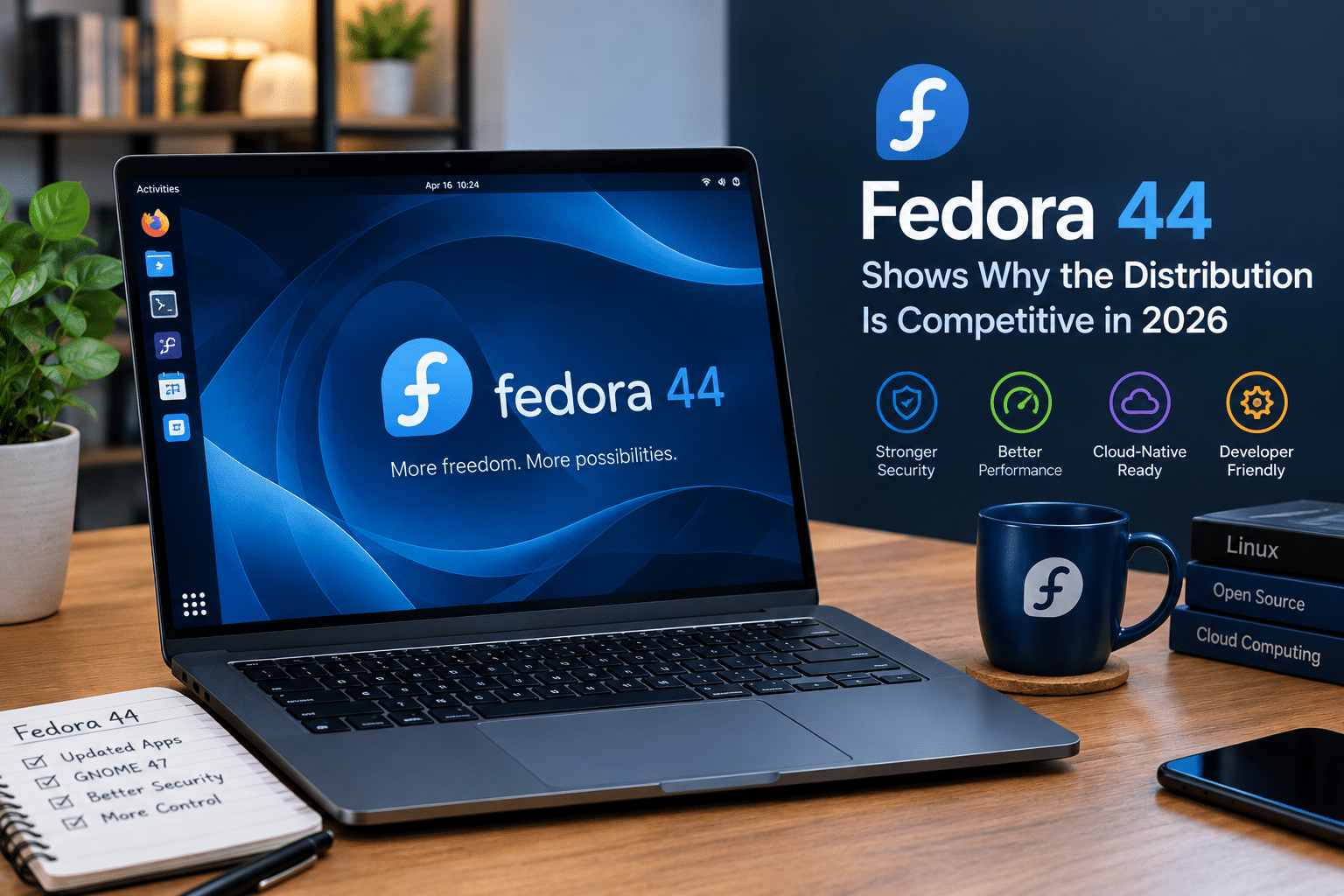
Fedora’s current generation makes the comparison even more interesting.
Fedora Linux 44 includes substantial improvements across the operating system, while Fedora Workstation 44 ships with GNOME 50. Fedora’s release announcement highlights improvements ranging from desktop accessibility and color management to remote-desktop functionality.
That matters because the desktop experience has become increasingly important.
Linux users no longer have to choose between:
- Lightweight but outdated
- Modern but unstable
- Powerful but difficult
- Easy but restrictive
Fedora attempts to occupy the middle.
You can install a modern desktop, access current development tools, work with containers, use graphical software-management tools, and still retain the underlying power of Linux.
That makes Fedora particularly compelling for people moving from Windows or macOS who want a professional Linux workstation without spending days assembling one.
3. Arch Is More Customizable—but Fedora Is More Convenient
Arch’s biggest strength is customization.
You can start with a minimal system and add exactly what you want.
Want GNOME?
Install it.
Want KDE Plasma?
Install it.
Want a tiling window manager?
Build around one.
Want an extremely minimal graphical environment?
You can do that too.
Want to configure system services manually?
Arch gives you the freedom.
That flexibility is one of the reasons Arch has such a strong following.
But customization comes with a cost: time.
The more components you manage yourself, the more decisions you need to make.
Fedora takes many of those decisions off your plate.
That can be an advantage rather than a limitation.
For a developer, the hours saved configuring a workstation can be spent writing software.
For a student, those hours can go toward learning.
For a remote worker, they can go toward actual work.
For a system administrator, standardized environments can reduce unnecessary complexity.
In other words:
Arch optimizes for control. Fedora often optimizes for productivity.
4. Fedora Is an Excellent Developer Workstation
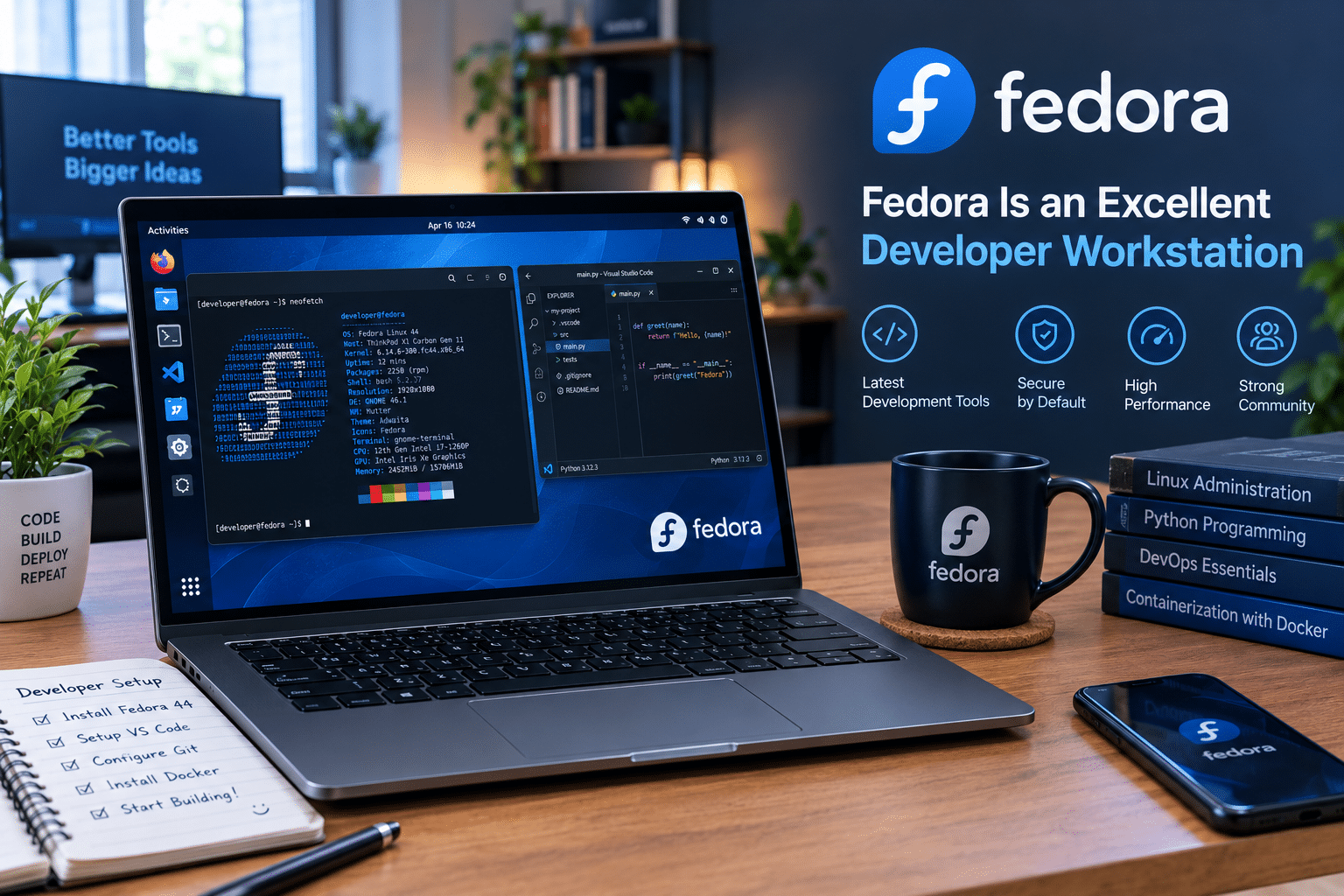
Modern software development requires far more than a compiler.
Today’s developer may need:
- Git
- Python
- Node.js
- Rust
- Go
- GCC
- Clang
- Container tools
- Databases
- Kubernetes tools
- Virtual machines
- IDEs
- Remote development tools
- Cloud SDKs
- AI development frameworks
Fedora is particularly well positioned for this environment.
The Fedora ecosystem has long embraced container-oriented development. Fedora documentation and Fedora Magazine have demonstrated workflows using Podman for building and running containers, including non-root container workflows.
That matters because containers have become a fundamental part of modern software development.
Instead of installing every dependency directly onto the host operating system, developers can isolate workloads inside containers.
The result is a cleaner architecture:
Fedora host → Development tools → Containers → Applications
That model works exceptionally well for developers who want a modern Linux workstation.
5. Fedora and Containers Fit Naturally Together
Containerization has changed the way developers think about operating systems.
In the past, developers often installed multiple runtime environments directly on their computers.
That could lead to dependency conflicts.
One project might require one version of Python.
Another might need another.
A third might depend on a specific database version.
Containers solve much of that problem by isolating applications and their dependencies.
Fedora’s integration with Podman makes this workflow particularly appealing.
Podman supports rootless container workflows and integrates naturally with the broader Linux ecosystem. Fedora has used Podman as an important component of its container-focused strategy for years.
For developers who want a workstation that resembles modern production infrastructure, Fedora can therefore provide a strong foundation.
6. Fedora Atomic Desktops Add Another Dimension
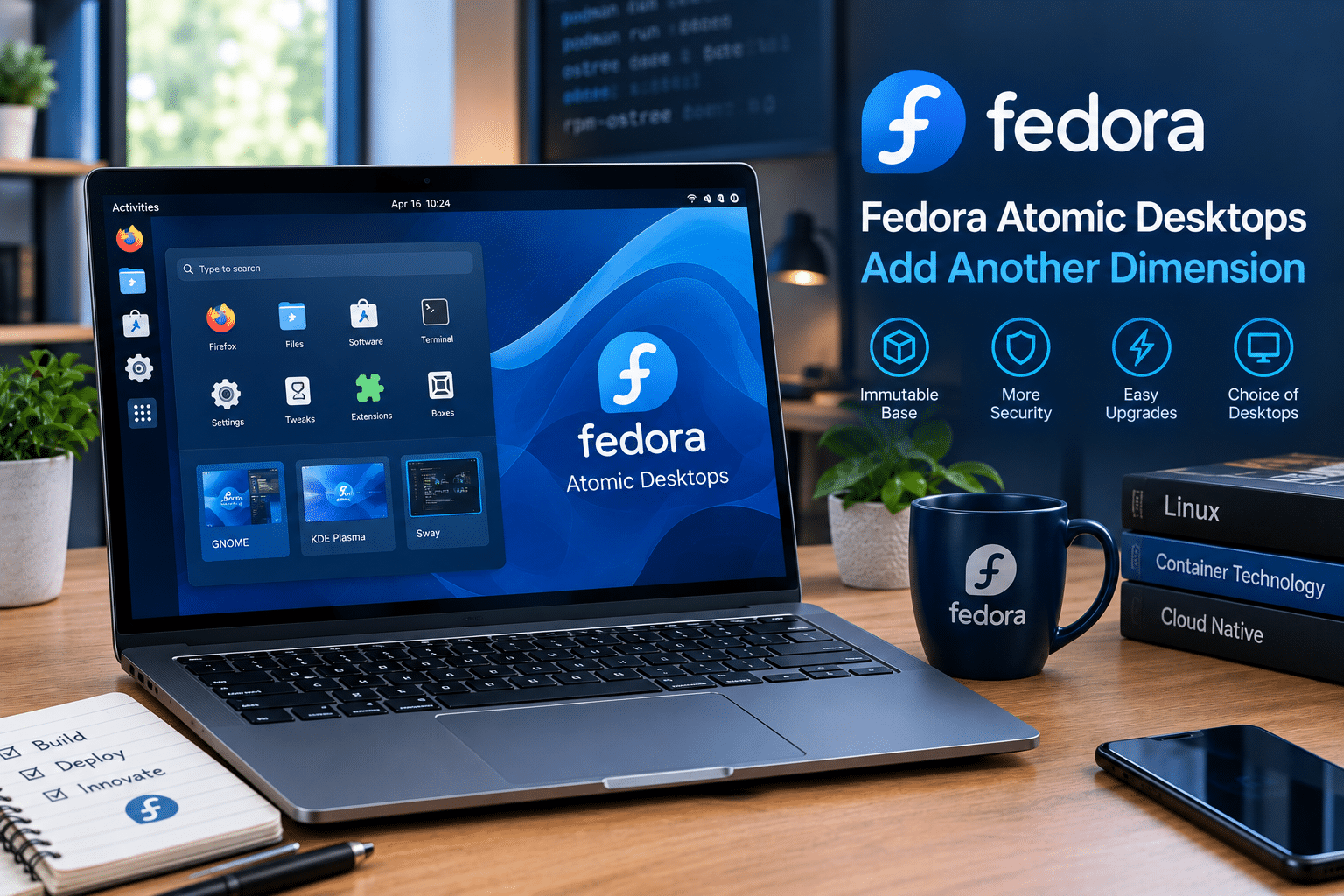
Fedora’s conventional Workstation is not the only reason to consider the distribution.
Fedora also has an expanding family of Atomic Desktops, including variants such as:
- Silverblue
- Kinoite
- Sway Atomic
- Budgie Atomic
- COSMIC Atomic
Fedora 44 continued development across these Atomic Desktop variants.
The concept is fundamentally different from a traditional mutable desktop.
Instead of treating the operating system as something that users constantly modify package by package, Atomic-style systems emphasize image-based or transactional approaches.
That can make the system easier to reason about.
It also provides a compelling platform for users who want:
- Container-heavy workflows
- Reproducible environments
- Safer upgrades
- Rollback capabilities
- Separation between applications and the base operating system
Arch can certainly be configured to support sophisticated workflows.
But Fedora makes several of these approaches much more central to the distribution’s overall strategy.
7. Arch’s Rolling Release Remains Its Biggest Advantage

It would be misleading to portray Fedora as universally superior.
Arch has a major advantage:
Software freshness.
Arch’s rolling-release model is designed to provide the latest stable software continuously.
That can be incredibly valuable for enthusiasts.
If a new version of a desktop environment appears, Arch users can often get it much sooner than users on distributions with slower release cycles.
The same can apply to:
- Kernels
- Graphics stacks
- Development tools
- Programming languages
- Libraries
- Desktop applications
Arch also offers access to the AUR, which significantly expands the number of applications and packages users can build and install. The official Arch site currently describes the AUR as containing more than 49,000 build scripts.
For advanced users, that is difficult to ignore.
So Fedora’s argument is not:
“Arch is outdated.”
It is:
“You may not need Arch’s level of freshness and control to get a modern Linux experience.”
8. Fedora Provides a Better Balance for Many Users
The most compelling reason to choose Fedora is balance.
Consider these priorities:
| Feature | Fedora | Arch |
|---|---|---|
| Modern software | Excellent | Excellent |
| Rolling release | No | Yes |
| Customization | High | Extremely high |
| Maintenance burden | Moderate | Higher |
| Installation simplicity | Easier | More hands-on |
| Developer tools | Excellent | Excellent |
| Container workflow | Excellent | Excellent |
| AUR | No | Major advantage |
| Structured releases | Yes | No |
| Minimalism | Moderate | Excellent |
| Beginner accessibility | Better | Lower |
| Advanced control | High | Exceptional |
The table makes the difference clear.
Fedora does not necessarily win individual categories.
Instead, it performs very well across many categories simultaneously.
That makes it an excellent general-purpose Linux platform.
9. Fedora Can Be a Better Choice for Professional Work
Professional computing changes the equation.
When your computer is simply a hobby machine, spending an afternoon troubleshooting an update can be interesting.
When the same computer is responsible for your work, it becomes expensive.
Every hour spent troubleshooting is an hour not spent working.
That makes predictable maintenance valuable.
Arch itself recognizes this distinction. Its documentation recommends testing updates and configuration changes on a non-critical duplicate system before deploying them to production when downtime cannot be tolerated.
This is sensible advice.
It also demonstrates why some professional users may prefer Fedora.
A scheduled release model can make planning easier.
You can establish:
- A test environment
- An upgrade schedule
- Application compatibility checks
- Backups
- A maintenance window
- A production rollout
This does not eliminate Linux administration.
It simply makes the process more predictable.
10. Fedora Is Particularly Interesting for Remote Computing
The Linux desktop is only one part of modern computing.
More users now work across multiple machines.
You may have:
- A lightweight laptop
- A powerful desktop
- A cloud server
- A development VPS
- A home server
- A remote workstation
This changes what users expect from their operating system.
Instead of demanding that one computer perform every task, workloads can move between environments.
A laptop can handle communication and everyday browsing.
A remote Linux server can handle:
- Development
- Databases
- Web applications
- Containers
- Automation
- Testing
- Background services
- Resource-intensive workloads
That is where HOMERDP’s Linux VPS service becomes a natural complement to a Fedora-centered workflow.
HOMERDP provides Linux VPS hosting intended for remote Linux workloads, giving users access to VPS resources, root access, SSD/NVMe storage options, and different resource configurations.
The important idea is not that Fedora requires HOMERDP.
It does not.
The point is that a modern Linux workstation and remote Linux infrastructure can work together.
HOMERDP Can Extend the Capabilities of a Fedora Workstation
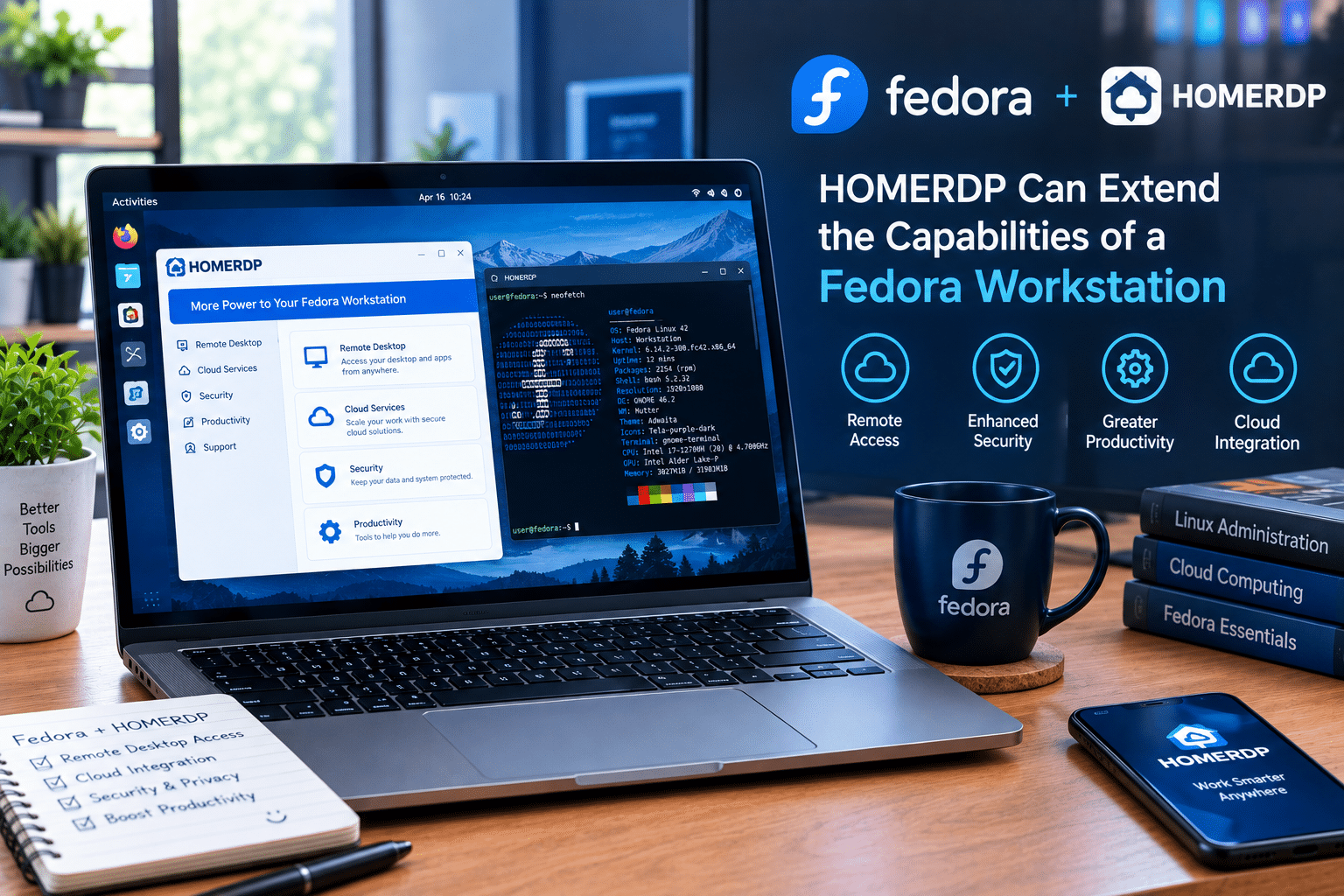
Imagine a developer using Fedora on a relatively modest laptop.
The local machine is perfectly capable of:
- Browsing
- Coding
- Editing documents
- Connecting to Git repositories
- Running lightweight development tools
- Managing remote systems
But the developer eventually needs more resources.
Perhaps a project requires:
- More RAM
- More CPU cores
- Persistent background processes
- A database
- Multiple containers
- A staging environment
Buying a new laptop is one option.
Moving the heavy workload to a remote VPS is another.
With a Linux VPS, the developer can access a separate environment remotely and keep demanding workloads away from the local machine.
This creates an efficient architecture:
Fedora laptop → SSH/remote access → Linux VPS → applications and workloads
The laptop becomes the access point.
The VPS becomes the computing environment.
That separation can be especially valuable for remote professionals.
Remote Linux Can Also Extend Hardware Lifecycles
One of the most overlooked benefits of remote computing is hardware longevity.
A five-year-old laptop may still be perfectly adequate for basic productivity.
Its biggest limitation may not be that it is unusable.
The limitation may simply be that it lacks the CPU, RAM, or storage required for modern workloads.
Instead of immediately replacing it, users can move demanding workloads elsewhere.
For example:
Local machine
- Browser
- Terminal
- Remote desktop
- Documentation
- Communication
Remote VPS
- Development environment
- Containers
- Databases
- Web services
- Testing
- Automation
This approach can delay hardware upgrades.
It also reduces the need to carry a powerful computer everywhere.
For users working from multiple locations, that can be a significant productivity advantage.
Fedora’s Remote-Desktop Improvements Are Also Noteworthy
Fedora Workstation 44 ships with GNOME 50, which includes improvements touching remote desktop functionality alongside other desktop refinements.
That reflects a broader shift.
Remote computing is no longer simply an administrator’s tool.
It is becoming part of everyday desktop workflows.
Developers routinely access remote servers.
Businesses use cloud desktops.
Students access university systems remotely.
Teams share development environments.
AI workloads frequently run on remote hardware.
Linux distributions therefore need to function effectively in environments where the physical machine is only one component of the workflow.
Fedora’s current direction fits that reality.
Fedora Is Also a Strong Platform for Learning Linux
Arch is famous for teaching users how Linux works.
That remains one of its greatest strengths.
Installing Arch manually can force users to understand:
- Disk partitioning
- Bootloaders
- Networking
- Users and permissions
- Services
- Filesystems
- Package management
- Desktop environments
But Fedora can also provide a strong learning environment.
The difference is that Fedora lets users decide how deep they want to go.
A beginner can install Fedora and start using it immediately.
An advanced user can open the terminal and manage virtually every part of the system.
A developer can use containers.
An administrator can deploy services.
A Linux enthusiast can explore system internals.
That makes Fedora a flexible platform for users who want to grow into Linux rather than configure everything before they can begin.
Fedora’s Hardware Support Is a Major Practical Advantage
Modern Linux users increasingly expect their operating system to work with contemporary hardware.
That includes:
- New CPUs
- New GPUs
- Wi-Fi adapters
- Displays
- Bluetooth devices
- High-resolution monitors
- Modern laptops
Fedora’s relatively current software stack helps it remain competitive here.
This is one reason Fedora often appeals to people buying relatively new hardware.
Arch can also provide extremely recent kernels and graphics components, sometimes even earlier.
But again, the question is not simply about who gets the newest package first.
It is about the total experience.
Fedora offers a modern stack while placing more emphasis on an integrated distribution experience.
Fedora’s Broader Ecosystem Makes It More Than a Desktop Distribution
Another reason Fedora could become an even stronger Arch alternative in 2026 is the breadth of its ecosystem.
Fedora is not one operating system image.
It is an entire family of environments.
You can use Fedora for:
- Desktop computing
- Development
- Servers
- Cloud workloads
- Containers
- IoT
- Atomic desktops
- Specialized hardware
Fedora 44’s release included Workstation, Server, IoT, and other variants, demonstrating the project’s broad scope.
That creates an attractive progression.
You might begin with Fedora Workstation.
Later, you might experiment with Fedora Server.
Then you could explore Fedora Atomic Desktop.
Eventually, you might deploy Linux workloads remotely.
The underlying ecosystem remains familiar.
Fedora vs. Arch for Remote VPS Workloads
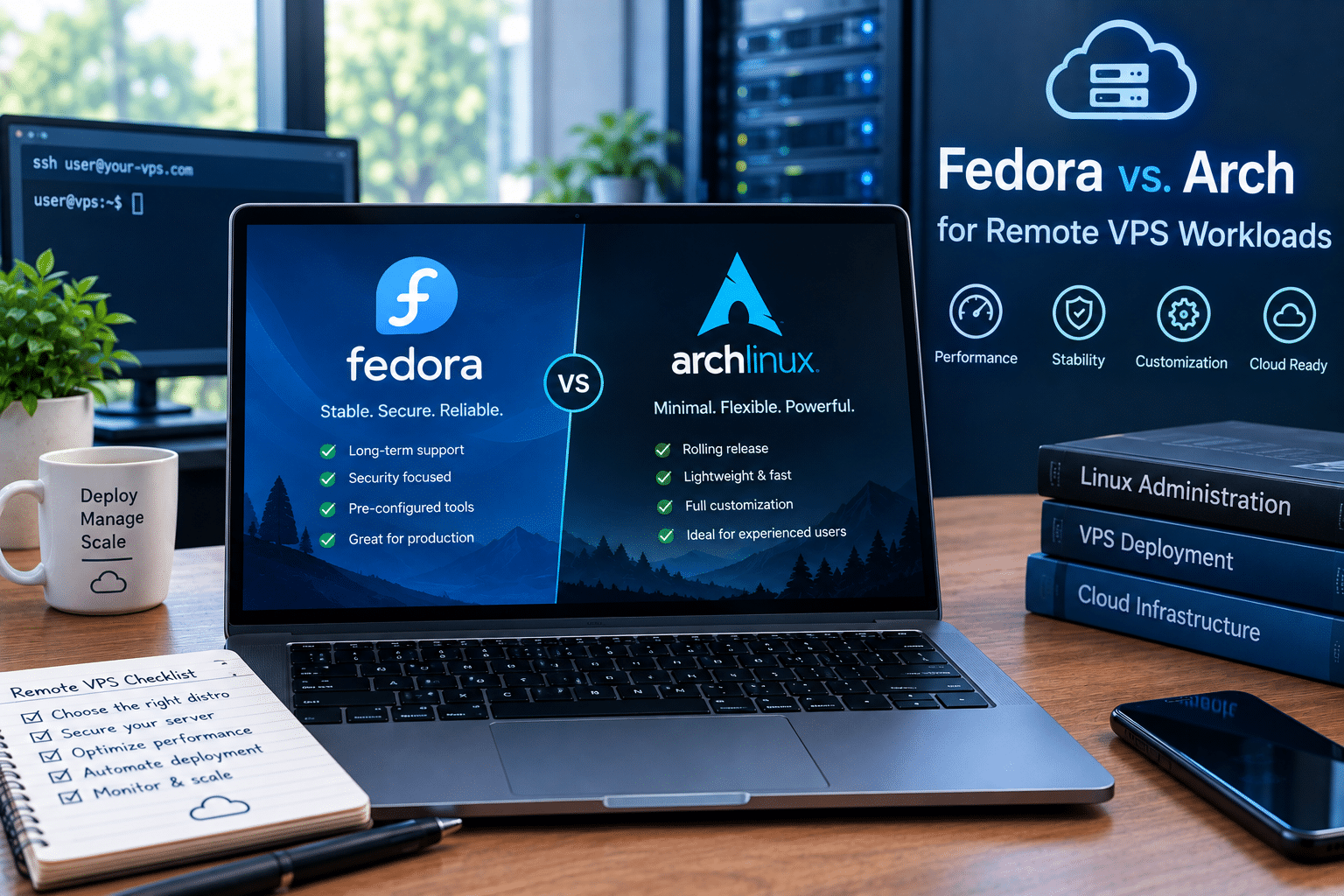
For remote infrastructure, the choice becomes more nuanced.
Arch’s strengths include:
- Minimal base
- Extremely current packages
- High customization
- Excellent documentation
- Large AUR ecosystem
Fedora’s strengths include:
- Structured releases
- Strong security practices
- Modern packages
- Developer tooling
- Container ecosystem
- Server and cloud variants
If you enjoy maintaining a minimal remote system and want maximum control, Arch can be an excellent choice.
If you want a modern server environment with a more structured lifecycle, Fedora can be attractive.
And regardless of distribution, the quality of the underlying VPS infrastructure matters.
A Linux environment is only as useful as its CPU, RAM, storage, network performance, reliability, and accessibility.
This is why the operating system and hosting provider should be evaluated separately.
When Arch Linux Is Still the Better Choice
Fedora’s advantages do not eliminate Arch’s appeal.
Arch remains the better option if you:
Want maximum customization
Arch gives you a blank canvas.
Want a rolling-release system
You receive continuous updates rather than waiting for major releases.
Want the AUR
The AUR remains one of Arch’s biggest differentiators.
Enjoy troubleshooting
If understanding and fixing Linux problems is part of the fun, Arch can be rewarding.
Want minimal software
Arch lets you avoid many packages and services you do not need.
Want maximum control
Arch allows you to make decisions that Fedora often makes for you.
For these users, switching to Fedora may actually feel restrictive.
And that is perfectly fine.
When Fedora Is the Better Choice
Fedora becomes especially compelling if you:
- Want a modern Linux desktop
- Develop software professionally
- Use containers
- Prefer predictable release cycles
- Want current software without rolling releases
- Need a polished workstation
- Work remotely
- Use multiple computers
- Want server and desktop options within the same ecosystem
- Prefer spending less time maintaining the OS
- Want to experiment with Atomic Linux
The common theme is productivity.
Fedora makes a strong case when the operating system is a tool rather than the hobby itself.
The Best Fedora Workflow May Not Be Entirely Local
This is perhaps the most interesting conclusion.
The future of Linux computing does not have to be:
One computer + one operating system + everything running locally.
Instead, it can be:
Local Linux + remote Linux + containers + cloud infrastructure
For example:
Fedora Workstation
Use it for:
- Writing code
- Browsing
- Documentation
- Communication
- Git
- Terminal work
HOMERDP Linux VPS

Use it for:
- Hosting applications
- Running databases
- Containerized services
- Development environments
- Testing
- Automation
- Persistent workloads
Remote access
Use SSH, remote development tools, or other appropriate remote-access technologies to move between the two.
This architecture separates the interface from the infrastructure.
And that can be extremely powerful.
Fedora Could Be the “Practical Arch” for 2026
Calling Fedora a “better Arch” is technically inaccurate.
But calling Fedora a practical Arch alternative makes sense.
Both distributions appeal to users who want modern Linux.
Both provide powerful developer environments.
Both can be heavily customized.
Both offer extensive repositories.
Both can serve advanced users.
The major difference is how much responsibility the distribution expects the user to assume.
Arch says:
Build your system and maintain it.
Fedora says:
Here is a modern system. Customize it as much as you want, but start working immediately.
For many people in 2026, the second approach is more attractive.
A Data-Driven Look at the Trade-Off
The comparison becomes clearer when we score the distributions conceptually across important categories.
| Category | Fedora | Arch |
|---|---|---|
| Software freshness | 9/10 | 10/10 |
| Stability for general users | 9/10 | 8/10 |
| Customization | 9/10 | 10/10 |
| Ease of installation | 9/10 | 6/10 |
| Maintenance simplicity | 9/10 | 6/10 |
| Developer experience | 9/10 | 9/10 |
| Container ecosystem | 10/10 | 9/10 |
| Documentation | 9/10 | 10/10 |
| Package ecosystem | 9/10 | 10/10 |
| Beginner accessibility | 9/10 | 6/10 |
| Advanced control | 9/10 | 10/10 |
| Professional usability | 9/10 | 8/10 |
These are not laboratory benchmarks or performance measurements.
They are a practical framework for evaluating the user experience.
And the pattern is clear:
Arch generally wins when control is the primary metric.
Fedora generally wins when balance is the primary metric.
Fedora Is Not Trying to Replace Arch
This distinction is important.
Fedora does not need to destroy Arch to succeed.
Linux benefits from having distributions with different philosophies.
Arch pushes users toward understanding their systems.
Fedora pushes Linux technologies forward through a more structured platform.
Debian emphasizes stability and longevity.
Ubuntu emphasizes accessibility and broad deployment.
openSUSE offers its own powerful administration and desktop ecosystem.
Alpine targets minimalism and security-oriented environments.
The Linux ecosystem becomes stronger because these projects solve different problems.
Fedora’s opportunity is therefore not to become “the new Arch.”
Its opportunity is to become the distribution users choose when they want Arch-like modernity without committing to Arch’s maintenance philosophy.

Final Verdict: Fedora Could Be the Best Arch Linux Alternative in 2026
Arch Linux remains one of the best distributions for experienced Linux users who want maximum control.
Its rolling-release model provides exceptionally current software. Its minimal base gives users freedom. Its documentation is outstanding. And its AUR gives users access to an enormous collection of community-maintained build scripts.
But those advantages come with responsibility.
Arch’s own documentation makes clear that users need to perform full system upgrades, avoid partial upgrades, pay attention to system changes, and take additional precautions when downtime matters.
For some people, that is exactly what they want.
For everyone else, Fedora offers a compelling alternative.
Fedora Linux 44 demonstrates the project’s continuing commitment to modern desktop and cloud technologies, while Fedora Workstation 44 brings GNOME 50 and other current improvements to the desktop.
The result is a Linux distribution that balances:
- Modern software
- Developer productivity
- Container workflows
- Hardware support
- Desktop polish
- Structured releases
- Professional usability
- Cloud and server flexibility
And when paired with remote infrastructure, that flexibility becomes even more valuable.
A Fedora workstation can provide the local development environment, while a service such as HOMERDP’s Linux VPS can provide additional remote computing capacity for development, hosting, testing, containers, and other workloads.
That combination represents a broader trend in modern Linux computing.
Your laptop does not have to do everything.
Your operating system does not have to be your hobby.
And your computing environment does not have to live entirely on one physical machine.
Arch Linux remains the better choice for users who want maximum control.
Fedora may be the better choice for users who want maximum productivity with modern Linux.
That is why Fedora could be the best Arch Linux alternative in 2026.
Not because Arch has become irrelevant.
But because Fedora has become good enough, modern enough, flexible enough, and polished enough to give users another compelling answer to the question:
“What should I use when I want powerful, current Linux without unnecessary complexity?“
EXPLORE MORE ; KDE Plasma 6.8 Brings Windows-Like Autoscrolling to Linux Desktop

READ OUR BLOGS