

Calibre 9.17 Released With Faster Ebook Conversion and JPEG XL Support
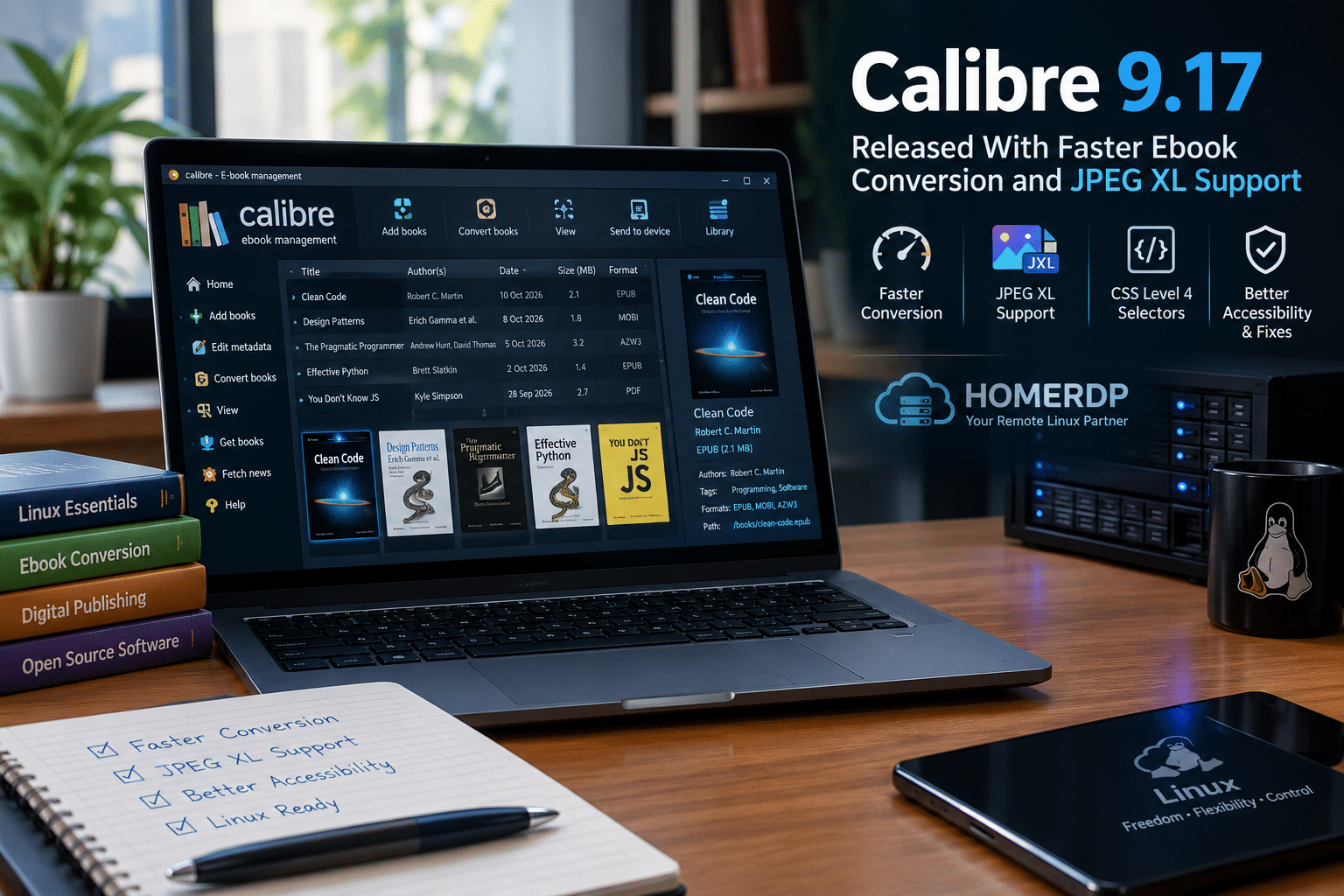
Calibre 9.17 introduces faster ebook conversion, modern image-format compatibility, improved accessibility, and several important bug fixes. Discover the latest features, what they mean for Linux users, and how HOMERDP’s Linux VPS services can support flexible digital publishing workflows.
Digital reading continues to grow across personal devices, professional environments, and online publishing platforms. Readers want convenient ways to organize their digital libraries, convert ebooks into compatible formats, preserve document formatting, and access their collections across different devices.
For many users, Calibre provides an effective solution.
Calibre is a free, open-source ebook management application that combines library organization, ebook conversion, metadata editing, reading, and publishing-related tools in one platform. Its broad format support makes it useful for casual readers, authors, researchers, and professionals who regularly work with digital publications.
On October 23, 2026, the Calibre development team released Calibre 9.17, introducing several improvements designed to make ebook processing more efficient and compatible with modern content.
The update focuses on faster compression when generating MOBI, AZW3, and PDB files. It also adds support for reading JPEG XL images during conversion, expands CSS selector compatibility, improves accessibility checks, and fixes a regression that affected certain PDF conversions. The release includes additional refinements for large libraries and the application’s content server.
These changes may appear incremental, but they address practical challenges that ebook users encounter regularly.
For Linux users, in particular, Calibre 9.17 offers another reason to keep their productivity tools updated. Meanwhile, businesses and individuals who need remote Linux environments for suitable digital workflows can explore infrastructure options from HOMERDP.
Let’s examine the release in detail, explain its practical benefits, and explore how users can make the most of these improvements.
1. Calibre 9.17 Improves Ebook Conversion Speed
Ebook conversion remains one of Calibre’s most important features.
Different e-readers, applications, and publishing workflows support different ebook formats. Consequently, users often need to convert a document before they can read it on a particular device or distribute it through a compatible platform.
For example, an ebook collection might contain EPUB files, while a particular workflow requires MOBI or AZW3 output.
Calibre handles these conversions by processing document content, metadata, images, formatting rules, and other elements before producing the output file.
The process can become time-consuming when users convert many books, especially when their workflow repeatedly generates compressed output formats.
What’s new in Calibre 9.17?
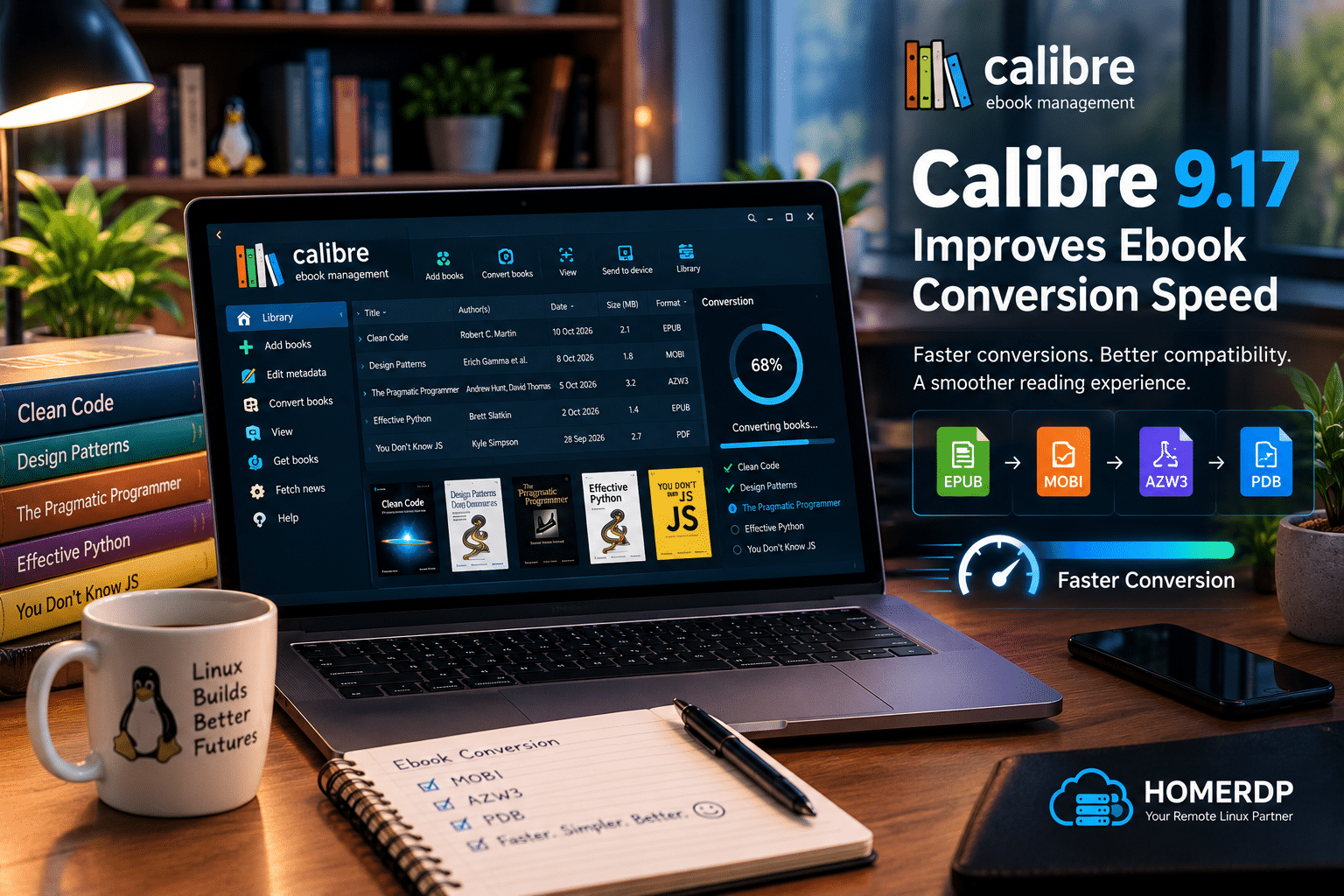
The latest release improves compression performance for three output formats:
- MOBI: A legacy ebook format associated with older Kindle workflows.
- AZW3: An ebook format used by compatible Kindle devices and applications.
- PDB: A format associated with certain older ebook systems.
The developers specifically identify faster compression as an improvement for these output formats. The release notes do not provide a universal percentage improvement, so actual time savings will depend on the source files, hardware, and conversion settings.
Why does faster conversion matter?
Imagine a user who converts dozens or hundreds of ebooks for a personal library, an educational project, or a publishing workflow.
Even modest improvements can make repetitive tasks more convenient.
Faster compression can help users:
- Complete supported conversions more quickly. Less time spent waiting makes repeated processing more convenient.
- Manage larger collections efficiently. Users who convert multiple books can benefit from improvements across repeated operations.
- Reduce workflow interruptions. Faster processing can help users move between document preparation, review, and distribution.
- Improve automation efficiency. Workflows that invoke Calibre’s conversion tools repeatedly may benefit from reduced processing time.
- Spend more time reviewing content. More efficient processing leaves users with more time for checking formatting and metadata.
However, users should not expect every conversion to become faster.
The improvement specifically concerns compression for MOBI, AZW3, and PDB output. Users who primarily read EPUB files without converting them may notice little difference from this feature alone.
The key takeaway: Calibre 9.17 targets a specific part of ebook conversion rather than promising a universal performance increase across every supported format.
2. JPEG XL Support Expands Ebook Image Compatibility
Images contribute significantly to the quality of modern digital publications.
Illustrated books, educational resources, technical manuals, travel guides, and graphic-heavy documents often depend on images to communicate information effectively.
However, image formats vary in their compression methods, supported features, and compatibility with different software applications.
Calibre 9.17 addresses part of this challenge by adding support for reading JPEG XL images during ebook conversion.
What is JPEG XL?
JPEG XL is a modern image format designed to provide efficient compression while supporting high image quality and advanced capabilities, including high dynamic range.
Its features can be useful in workflows that handle detailed images or content that benefits from efficient image storage.
Nevertheless, support varies across applications and platforms. An image format’s technical capabilities do not automatically guarantee compatibility with every e-reader.
How does the new support help Calibre users?
The addition offers several potential benefits.
For ebook creators: Authors and designers can work with compatible source material containing JPEG XL images when preparing supported ebook conversions.
For digital publishers: Improved format recognition can make certain image-processing workflows easier to manage.
For technical writers: Users who prepare image-rich manuals and reference documents may benefit when their source material includes JPEG XL images.
For digital library managers: Additional image compatibility can reduce format-related obstacles when processing supported documents.
For users working with illustrated ebooks: The update provides another option for handling modern image assets during conversion.
Does JPEG XL support guarantee smaller ebooks?
No.
Although JPEG XL offers efficient compression capabilities, the size of the final ebook depends on the source image, output format, conversion settings, and other content.
A conversion may also transform an image into a different format if the selected output format or processing pipeline requires it.
Therefore, users should evaluate the resulting ebook rather than assume that JPEG XL support automatically produces smaller files.
Even with that limitation, this addition makes Calibre more versatile for users who work with modern image formats.
3. CSS Level 4 Selector Support Improves Ebook Formatting
A well-designed ebook needs more than readable text. It also needs appropriate headings, spacing, emphasis, lists, images, and other formatting elements.
Cascading Style Sheets, commonly known as CSS, help control how these elements appear.
Ebook authors often use CSS to create consistent visual structures across chapters and document sections. More advanced selectors allow stylesheets to target elements according to specific attributes, relationships, and conditions.
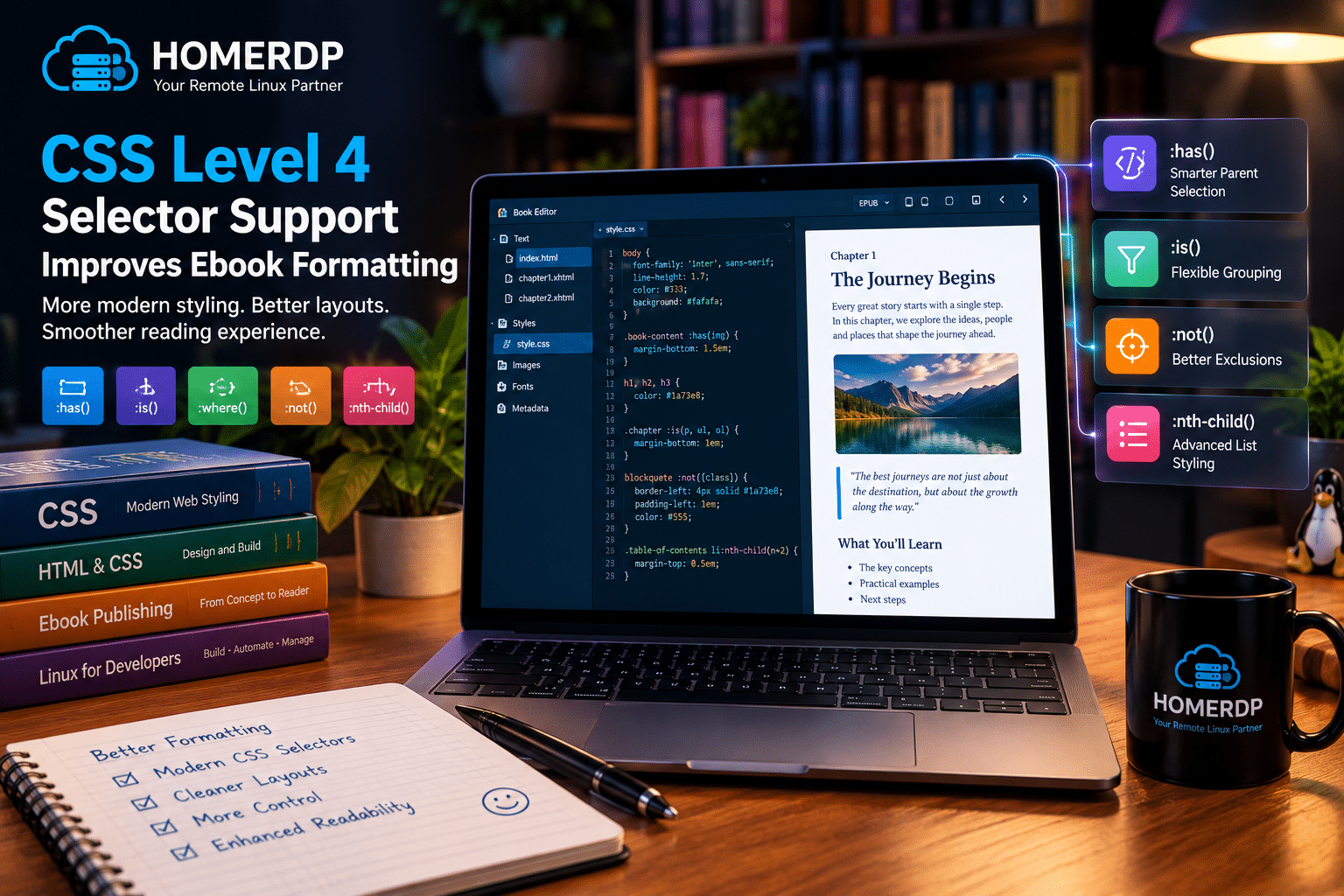
Calibre 9.17 adds support for CSS Level 4 selectors in its conversion engine.
Why is this improvement important?
When a conversion engine does not understand a styling rule, it may fail to reproduce the intended appearance of the original document.
That can lead to formatting differences, inconsistent layouts, or additional manual editing.
Improved CSS selector support can help Calibre interpret a wider range of modern styling instructions during conversion.
The potential benefits include:
- Improved styling compatibility: The conversion engine can recognize additional CSS selector patterns.
- More consistent formatting: Supported rules have a better chance of surviving conversion.
- Simpler publishing workflows: Authors can work with modern stylesheets more confidently.
- Less manual correction: Better CSS handling may reduce the need to repair certain formatting problems.
- Improved document preparation: Publishers can process compatible ebooks with more sophisticated styling rules.
What should ebook authors know?
CSS compatibility depends on the source document, the conversion process, and the capabilities of the target format.
An EPUB file may support styling features that a legacy output format cannot reproduce perfectly.
Consequently, adding CSS Level 4 selector support does not guarantee identical rendering across all ebook formats and reading devices.
Authors should still inspect converted documents before publishing them.
Nevertheless, the improvement represents a useful step toward handling modern ebook formatting more effectively.
4. Calibre 9.17 Improves Performance for Large Libraries
Calibre does more than convert ebooks. It also helps users maintain extensive digital libraries.
A library can contain thousands of books, each with its own metadata, author information, tags, series details, and cover images.
As a collection grows, the application must manage increasingly large amounts of information.
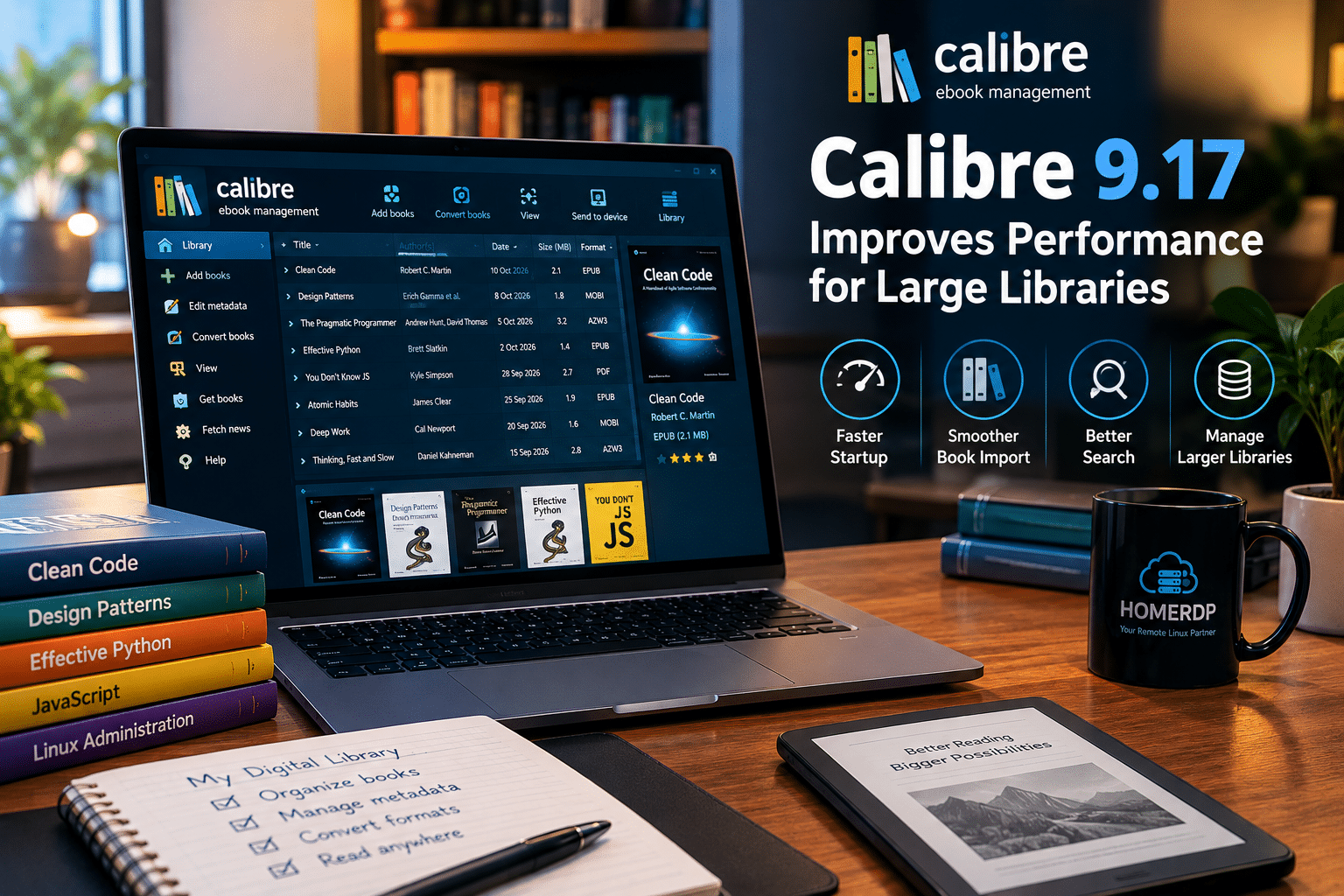
Calibre 9.17 improves the speed of adding books and starting the application when the Tag browser is hidden.
Who benefits from this improvement?
The change may be particularly useful for:
- Readers with extensive ebook collections.
- Researchers organizing digital reference libraries.
- Writers managing books and source material.
- Students maintaining educational resources.
- Users who frequently import new books.
- People who prefer a simplified interface without the Tag browser.
Why does startup performance matter?
Users often open their ebook manager to complete a quick task.
They might want to add a new title, update metadata, locate a reference, or convert a single document.
When the application starts promptly, these small tasks become easier to complete.
Similarly, faster book-import operations can reduce friction when users regularly expand their libraries.
The release notes do not specify an exact startup-time reduction or a minimum library size needed to observe the improvement. Actual performance will still depend on hardware, library structure, and system configuration.
Even so, the optimization demonstrates Calibre’s continued attention to everyday usability.
Practical tips for maintaining a large Calibre library
Users can complement application improvements with sensible library-management practices:
- Keep metadata organized and correct duplicate entries when necessary.
- Back up the library before making significant changes.
- Store the collection on reliable storage.
- Avoid unnecessary duplication of large source files.
- Keep Calibre updated to receive relevant fixes and improvements.
- Periodically verify that backups can be restored successfully.
These practices help users maintain a more manageable digital collection over time.
5. Accessibility Improvements Support a Better Reading Experience
Accessibility matters because people interact with software in different ways.
Some users prefer reduced animation, while others depend on assistive technologies to understand digital content.
Calibre 9.17 introduces improvements in both areas.
Operating-system reduced-motion preferences
The Calibre content server and ebook viewer now respect the operating system’s prefers-reduced-motion setting.
This setting communicates a user’s preference for reduced motion effects.
Some people find animated transitions uncomfortable or distracting. Others prefer interfaces that minimize unnecessary movement.
When applications respect the operating system’s preference, users can benefit from a more consistent experience across their software.
For Calibre users, the improvement helps align supported parts of the reading experience with their system accessibility settings.
Improved ARIA reference checking
Calibre’s ebook editor also improves the Check Book tool.
Version 9.17 adds a check for dangling ARIA references and updates ARIA references when automatically fixing invalid IDs.
ARIA stands for Accessible Rich Internet Applications. Its attributes help assistive technologies interpret the structure and purpose of elements in web-based content.
When a reference points to an identifier that no longer exists, the associated accessibility information may become unreliable.
For example, an editing operation might change an element’s identifier without updating every reference that points to it.
Calibre’s improved validation can identify certain dangling references and update related references during supported automatic repairs.
Why should ebook publishers care?
Accessibility contributes to the usefulness of digital publications.
Authors and publishers should consider whether their documents work well for people who use assistive technologies, keyboard navigation, or other accessibility features.
Calibre’s improvements make its validation tools more helpful when checking specific accessibility-related problems.
However, fixing ARIA references does not guarantee that an entire ebook meets every accessibility requirement.
Publishers should still review document structure, navigation, image descriptions, reading order, contrast, and other relevant characteristics.
For ebook creators, the lesson is simple: use automated checks to identify problems, then review the complete document before distribution.
6. The Update Fixes a Regression in PDF Conversion
PDF files remain common across education, business, technical documentation, and digital publishing.
However, PDF conversion can be difficult because the format often preserves fixed page layouts instead of the flowing text structure used by many ebooks.
Calibre can convert supported PDF files into other formats, but complex layouts may require additional correction.
Calibre 9.17 fixes a regression introduced in the previous release that broke conversion of some PDF files.
What is a software regression?
A regression occurs when a software change unintentionally breaks functionality that worked in an earlier version.
For example, an application update might introduce a new feature while also causing an existing document-processing operation to fail.
Such problems can disrupt workflows that users have relied on for months or years.
Why does the PDF fix matter?
Users who experienced PDF conversion problems after upgrading to Calibre 9.16 should consider testing the affected documents with version 9.17.
The fix may restore functionality for the affected cases.
However, users should understand that PDF conversion has inherent limitations.
PDF documents can contain:
- Multiple text columns.
- Complex page layouts.
- Scanned pages.
- Embedded fonts.
- Tables and diagrams.
- Headers and footers.
- Text positioned independently across a page.
These structures can make it difficult to reconstruct a clean, flowing ebook.
Therefore, the regression fix does not mean every PDF will convert perfectly.
For important documents, users should inspect the converted output and correct formatting problems before distributing or archiving it.
7. Additional Bug Fixes Make Calibre More Reliable
Beyond its headline features, Calibre 9.17 contains a broad collection of smaller fixes.
These changes address document handling, library searching, metadata, device compatibility, and the content server.
Full-text search improvements
The update fixes a problem affecting searches in libraries that contain no book files.
This matters because users may maintain records or metadata for books even when the associated ebook files are unavailable.
Reliable search functionality helps users retrieve relevant library information without unnecessary complications.
Better catalog generation
Calibre improves how it identifies generated catalogs.
The application now records Calibre as the creator of generated catalogs and uses the generation date as the publication date.
This provides clearer information about the origin and timing of the generated catalog.
Improvements for Kobo and Tolino users
The update fixes a regression affecting cover handling for older Tolino firmware.
It also addresses filename handling so that dots in filenames are preserved on affected Tolino devices.
These changes may help users who rely on compatible Kobo-related drivers and older Tolino hardware.
Better dark-mode presentation
Calibre 9.17 includes improvements related to dark-mode colors and keyboard-focus styling in the content server and ebook viewer.
The application also fixes several hardcoded colors that could become difficult to read in dark mode.
These changes can improve readability and interface consistency for users who prefer darker themes.
More reliable catalog and conversion workflows
The release also fixes issues involving catalog generation, conversion notifications, and content-server behavior.
For example, the content server receives fixes related to searching and switching between libraries, while the desktop application receives notifications about formats created through server-side conversions.
These improvements can be especially useful for users who manage their libraries through a combination of desktop and browser-based interfaces.
Taken together, these fixes strengthen the overall experience without requiring users to learn an entirely new interface.
8. Calibre 9.17 Builds on Recent Improvements
Calibre 9.17 follows version 9.16, released on October 9, 2026.
The earlier release introduced several additional capabilities, including support for AVIF images, improvements to PDF input handling, and new high-quality Kokoro voices for the Read Aloud feature.
These features belong to version 9.16 rather than being new additions in 9.17.
Understanding the distinction helps users evaluate the broader development of the application.
Recent improvements at a glance
| Feature | Release | Practical benefit |
|---|---|---|
| Faster MOBI, AZW3, and PDB compression | 9.17 | More efficient conversion to supported formats |
| JPEG XL image reading during conversion | 9.17 | Additional image-format compatibility |
| CSS Level 4 selectors | 9.17 | Better handling of modern styling rules |
| Reduced-motion support | 9.17 | Improved accessibility consistency |
| Improved ARIA reference checks | 9.17 | Better validation of certain accessibility references |
| AVIF image support | 9.16 | Additional image-format compatibility |
| Kokoro Read Aloud voices | 9.16 | More natural-sounding speech options |
| Improved PDF input handling | 9.16 | Better handling of right-to-left text and multicolumn pages |
The table shows how recent releases have improved different parts of the ebook workflow.
Calibre continues to combine feature development with practical maintenance, allowing users to benefit from incremental improvements without abandoning established libraries and workflows.
9. Why Calibre 9.17 Matters for Linux Users
Linux users often choose their software based on flexibility, control, reliability, and compatibility with existing tools.
Calibre fits well into this environment because it provides ebook management, conversion, editing, and reading capabilities through one application.
It can support workflows ranging from simple personal libraries to more structured document-processing tasks.
Key benefits for Linux users
1. More efficient supported conversions
Users who generate MOBI, AZW3, or PDB files can benefit from the release’s compression improvements.
2. Broader image compatibility
JPEG XL support expands the types of source images Calibre can read during conversion.
3. Better formatting support
CSS Level 4 selector support can help process compatible ebook stylesheets.
4. Improved library management
Users who keep the Tag browser hidden may benefit from faster application startup and book-import operations.
5. Better accessibility handling
Reduced-motion support and improved ARIA reference validation help make supported workflows more considerate of accessibility needs.
6. Continued maintenance
Bug fixes address issues involving PDF conversion, searching, device compatibility, dark mode, and server-side library management.
A practical recommendation for Linux users
If you rely on Calibre for everyday ebook management, review the changes and consider upgrading.
Users who experienced the PDF regression in version 9.16 have a particularly clear reason to test the newer release.
Before upgrading, back up important libraries and check that your preferred installation method provides the intended version.
After upgrading, test the conversion formats, devices, and workflows you use most frequently.
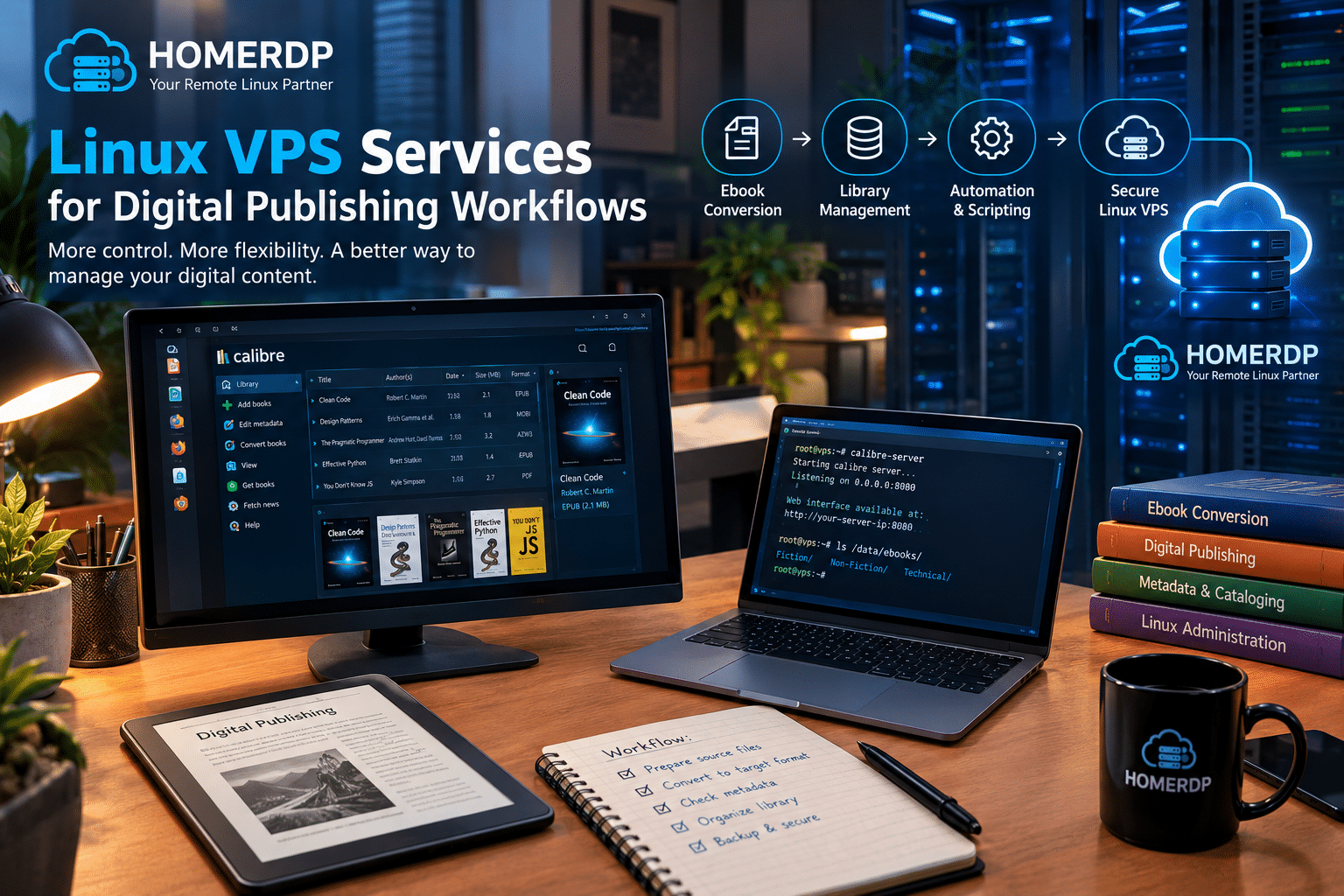
How HOMERDP’s Linux VPS Services Can Support Digital Publishing Workflows
Calibre runs on desktop systems, but some users also need remote computing resources for document processing, automation, or digital publishing support.
For example, a professional might want to run recurring conversion jobs, maintain supporting services, or manage files in a remote Linux environment.
In these situations, a Linux virtual private server can provide useful flexibility.
HOMERDP’s Linux VPS service offers a configurable remote Linux environment that users can evaluate for suitable computing and automation workloads.
Explore the available options on the official HOMERDP Linux VPS page.
A. Create a remote Linux environment
A Linux VPS provides a virtual server that users can administer remotely.
Depending on the selected plan and operating system, it can support compatible command-line tools, scripts, file-processing utilities, and other server-side applications.
For users working with ebook collections, this may provide an additional environment for organizing files and running supported conversion tasks.
However, users should verify Calibre’s requirements and the compatibility of their chosen Linux distribution before deployment.
B. Automate repetitive ebook conversions
Calibre includes command-line utilities that can support automated ebook-management tasks.
For example, a suitable workflow might follow these steps:
- Place authorized source ebooks in a designated directory.
- Validate filenames and organize the incoming files.
- Run a conversion command for supported source and output formats.
- Save the generated files to an appropriate destination.
- Review the output for formatting and metadata problems.
- Back up important results.
A Linux VPS can provide a remote environment for running suitable scripts and managing these files.
This approach may be helpful for users who repeatedly perform the same conversion tasks.
Nevertheless, automation requires appropriate scripting, error handling, and output validation. A server does not automatically make a workflow reliable simply because it runs remotely.
C. Manage files without dedicating a local computer
A remote server can be useful when a workflow needs to run independently of a user’s primary workstation.
For instance, an authorized document-processing task may take place on a remote Linux machine while the user performs other work locally.
The suitability of this arrangement depends on the task, processing requirements, and file-transfer needs.
Users should also distinguish between background conversion jobs and Calibre’s graphical interface.
Running command-line conversion tasks does not necessarily require a desktop environment. Operating the full graphical application remotely may require additional desktop or remote-display configuration.
D. Select resources that match the workload
Not every ebook project needs a powerful server.
A small collection of text-heavy ebooks may require relatively modest resources, while large libraries or image-intensive documents may require additional processing power, memory, and storage.
Before choosing a plan, evaluate these factors:
| Requirement | What to consider |
|---|---|
| CPU | The processing capacity required for conversion and concurrent tasks |
| RAM | Memory requirements for the application and other running processes |
| Storage | Space for source files, converted ebooks, metadata, and backups |
| Network | The amount of data transferred to and from the server |
| Operating system | Compatibility with the intended Calibre installation |
| Remote access | Whether the workflow requires terminal access or a graphical desktop |
| Security | Authentication, access restrictions, updates, and backup procedures |
HOMERDP provides Linux VPS options that users can review when evaluating a suitable remote computing environment.
Compare the current specifications and choose resources according to the actual workload rather than automatically selecting the most expensive plan.
E. Keep the environment secure
Remote document processing requires sensible security practices.
Users should:
- Protect SSH credentials and other authentication information.
- Restrict unnecessary network access.
- Install supported security updates.
- Back up important files and configuration data.
- Test restoration procedures.
- Limit access to authorized users.
- Respect copyright and licensing requirements for stored ebooks.
A VPS supplies computing infrastructure, but users remain responsible for appropriate configuration and data management.
For more information about available remote Linux environments, visit HOMERDP’s Linux VPS service.
How to Update to Calibre 9.17 on Linux
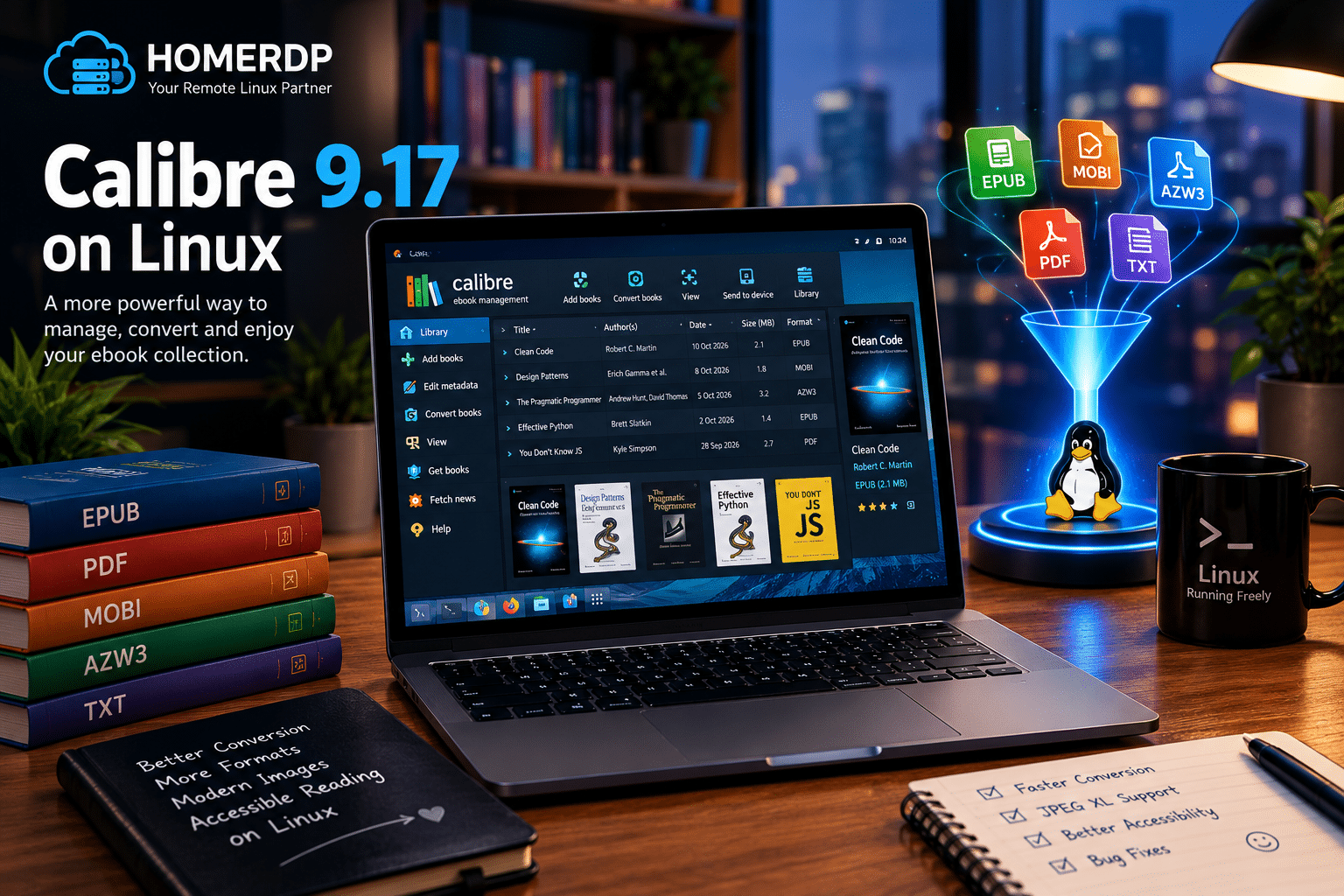
Users who want to benefit from the latest improvements should first check which Calibre version they currently run.
The official release notes identify Calibre 9.17 as the version released on October 23, 2026.
Because Linux distributions and installation methods can package different versions, users should verify that their chosen source provides the intended release.
Step 1: Check your installed version
Open Calibre and locate its version information.
Record the current version so that you can confirm whether the update succeeded.
Step 2: Back up your ebook library
Before changing your installation, back up important library data.
A Calibre library can contain ebook files, metadata, cover images, and organizational information. Protecting this data reduces the risk of losing important work.
If your library is large, verify that the backup contains the expected files.
Step 3: Identify your installation method
Determine whether you installed Calibre through your distribution’s package manager or another supported installation method.
Different methods can provide different release versions and manage application files differently.
Avoid mixing installation methods without understanding how they interact.
Step 4: Install the intended version
Follow the installation instructions for your chosen method and confirm that the version matches your requirements.
If your distribution’s package repository does not yet provide version 9.17, review the available supported installation options.
Step 5: Test important workflows
After upgrading, verify the functions you use most frequently.
For example:
- Convert a representative ebook into your usual output format.
- Test a compatible document containing JPEG XL images.
- Review the formatting of a converted ebook.
- Recheck PDF files that previously failed to convert.
- Confirm that your library and metadata remain accessible.
- Test device connections if your workflow depends on them.
These checks help you determine whether the update works correctly in your environment.
Step 6: Monitor future updates
Calibre receives ongoing maintenance and feature development.
Review future release notes when updates become available, especially if you depend on specific devices, conversion formats, or automated workflows.
Keeping software updated can help users benefit from relevant fixes, although every update should still be evaluated against the needs of the environment in which it runs.
Who Should Upgrade to Calibre 9.17?
Calibre 9.17 offers improvements across several parts of ebook management, but the value of each change depends on how users work.
The following table summarizes the main beneficiaries.
| User group | Potential benefit |
|---|---|
| Ebook readers | Improved conversion performance for supported formats |
| Kindle users | Faster compression when generating MOBI or AZW3 output |
| Ebook publishers | JPEG XL and CSS selector improvements |
| Technical writers | Better compatibility with supported document content |
| Digital library managers | Improved startup and import performance under the specified conditions |
| Accessibility-conscious users | Reduced-motion support in the content server and viewer |
| Ebook editors | Better checking of certain ARIA references |
| PDF users | A fix for the regression affecting some PDF conversions |
| Linux users | Continued improvements to a versatile cross-platform application |
| Publishing teams | Opportunities to streamline supported document-processing workflows |
Users who regularly convert MOBI, AZW3, or PDB files may appreciate the performance improvements most.
Those who work with modern image assets or complex stylesheets may benefit from the new compatibility features.
Users who experienced the PDF conversion regression should test the affected files after upgrading.
Meanwhile, people who use Calibre only for straightforward EPUB reading may notice fewer immediate differences.
Regardless of the use case, reviewing the release notes and testing important workflows provides a practical way to decide whether the update meets your needs.
What Calibre 9.17 Means for the Future of Ebook Management
The ebook ecosystem continues to evolve as publishers adopt different image formats, readers use new devices, and document creators develop more sophisticated layouts.
Software developers must accommodate these changes while preserving compatibility with established formats and existing libraries.
Calibre 9.17 illustrates how targeted improvements can strengthen an established application.
Its faster compression addresses a practical performance concern. JPEG XL support expands image compatibility, while CSS Level 4 selector support improves the handling of modern styling rules.
Accessibility improvements help users manage certain document-validation problems and align supported interfaces with reduced-motion preferences.
Bug fixes also remain essential. Correcting PDF conversion problems, improving library searches, and refining content-server behavior help users maintain dependable workflows.
Why infrastructure also matters
For professional users, productivity depends on more than application features.
The underlying environment can influence processing speed, file availability, workflow automation, and long-term data management.
A local workstation may provide everything an individual reader needs. A remote Linux environment may offer additional flexibility for users with appropriate automation or server-side processing requirements.
HOMERDP’s Linux VPS service is one option to evaluate when a project requires configurable remote computing resources.
The right choice depends on workload size, technical requirements, security practices, and budget.
Users should assess those factors before deciding whether a remote server offers meaningful advantages over their existing computer.
Conclusion: Calibre 9.17 Delivers Practical Improvements for Ebook Users
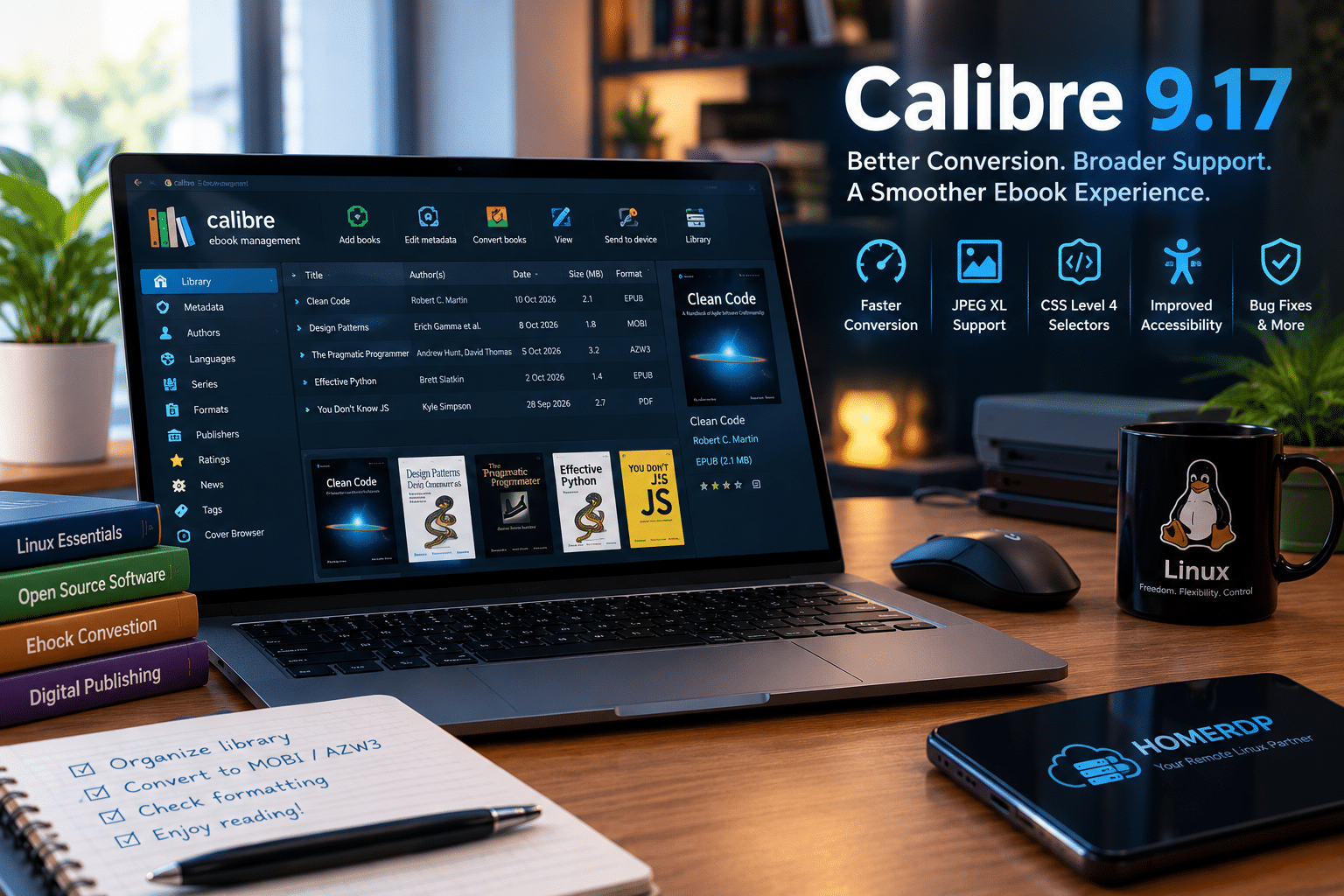
Calibre 9.17 strengthens an already versatile ebook management application with targeted performance, compatibility, accessibility, and reliability improvements.
The release introduces faster compression for MOBI, AZW3, and PDB output formats, adds support for reading JPEG XL images during conversion, and expands CSS Level 4 selector support.
It also improves startup and book-import performance when the Tag browser is hidden, enhances ARIA reference checking, respects reduced-motion preferences in supported interfaces, and fixes a regression affecting some PDF conversions.
Although the developers have not published a universal benchmark for the conversion-speed improvements, the changes offer practical value for users whose workflows depend on the affected features.
Linux users who manage digital libraries, convert ebooks, or prepare documents for publishing should review the update and test the workflows most important to them.
For users who need additional infrastructure, a remote Linux environment may complement suitable document-processing and automation tasks. HOMERDP’s Linux VPS service provides an option to explore when configurable remote computing resources fit the requirements of a project.
Ready to explore remote Linux infrastructure for your digital workflow?
Visit the official HOMERDP Linux VPS service to review the available configurations and determine whether a suitable option meets your technical requirements.
EXPLORE MORE ; KDE Plasma 6.8 Brings Windows-Like Autoscrolling to Linux Desktop

READ OUR BLOGS