

Why MultiOS-USB 0.1.21 Is a Must-Have for Every IT Professional
In modern IT environments, speed, flexibility, and reliability are more important than ever. Whether you’re deploying Windows across an enterprise, testing Linux distributions, recovering failed systems, or troubleshooting client machines, having the right tools can significantly reduce downtime and improve productivity.
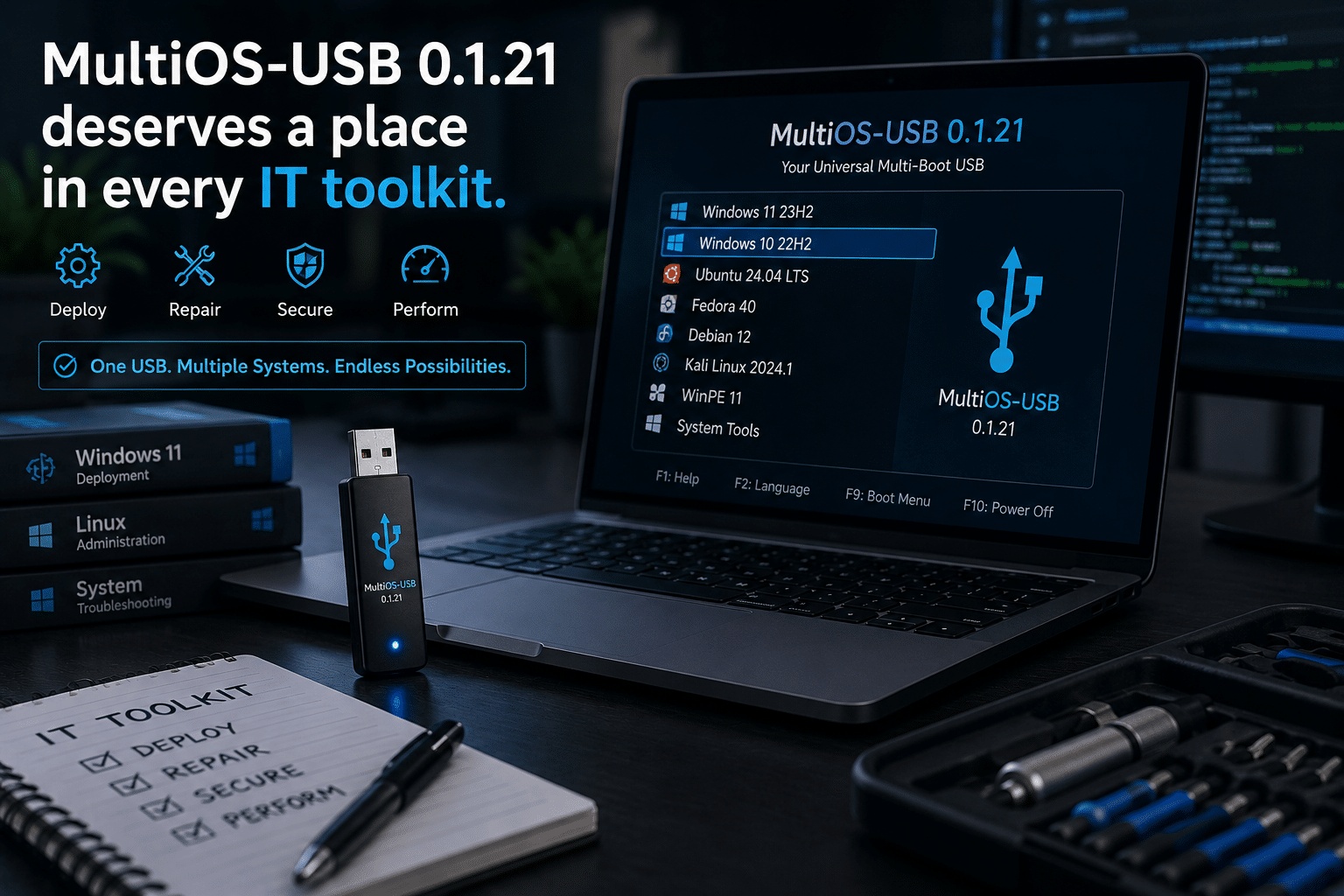
One tool that continues to gain attention among system administrators and technology enthusiasts is MultiOS-USB. With the release of MultiOS-USB 0.1.21, managing multiple operating systems from a single USB drive has become even easier, making it an invaluable addition to every IT professional’s toolkit.
Instead of carrying several USB drives for different operating systems and utilities, MultiOS-USB lets you store multiple bootable images on one device. Better yet, it supports both BIOS and UEFI systems, Secure Boot compatibility, and multiple operating systems without repeatedly formatting your USB drive.
While this simplifies deployment and recovery, today’s professionals also need powerful computing resources after the operating system is installed. This is where HOMERDP complements the workflow by providing high-performance cloud desktops and GPU-powered remote environments that eliminate many of the limitations of local hardware.
Let’s explore why MultiOS-USB 0.1.21 deserves a place in every IT toolkit.
The Growing Complexity of Modern IT
The average IT professional no longer works exclusively with Windows desktops.
A typical week may involve:
- Installing Windows 11
- Deploying Windows Server
- Testing Ubuntu LTS
- Managing Fedora Workstation
- Troubleshooting Debian servers
- Recovering damaged systems
- Running hardware diagnostics
- Booting recovery environments
- Installing virtualization platforms
- Updating firmware
According to StatCounter, Windows remains the dominant desktop operating system worldwide, while Linux continues to grow steadily in development, cloud infrastructure, and enterprise environments. Modern organizations often operate heterogeneous environments, requiring technicians to work across multiple platforms.
This diversity makes flexible deployment tools increasingly valuable.
What Is MultiOS-USB?
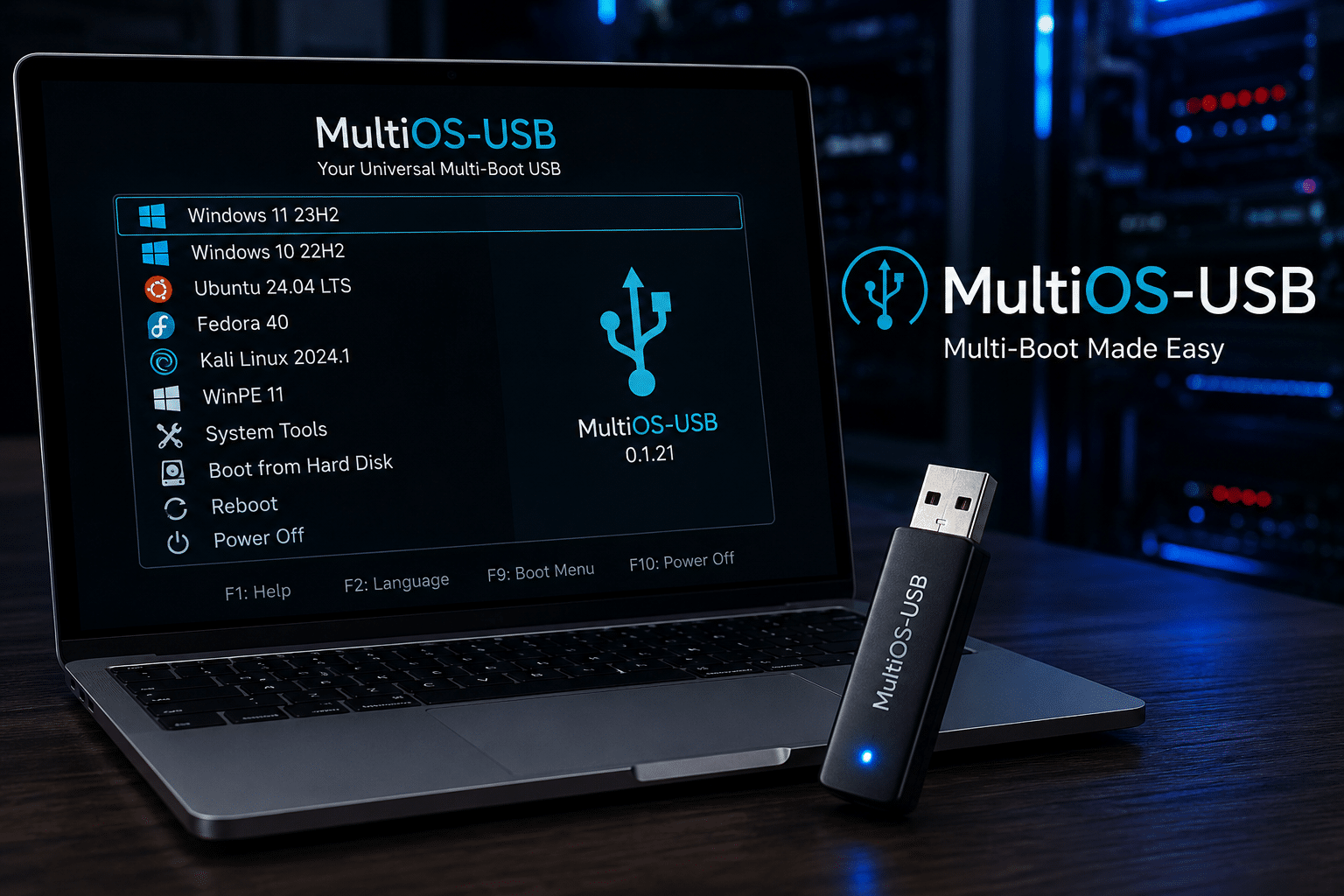
MultiOS-USB is an open-source utility that transforms a single USB drive into a multi-boot device capable of storing and launching multiple operating system images.
Unlike traditional bootable USB tools that erase the drive every time a new operating system is added, MultiOS-USB installs its bootloader only once. After that, users simply copy supported ISO or WIM files into the appropriate folder, and the boot menu updates automatically.
This approach dramatically simplifies USB management while saving time during deployments.
What’s New in MultiOS-USB 0.1.21?
Version 0.1.21 continues improving compatibility, stability, and usability.
Some notable capabilities include:
- Better UEFI compatibility
- Secure Boot support
- BIOS compatibility
- Windows installation support
- Linux distribution support
- WinPE support
- EFI executable support
- exFAT partition compatibility
- Easier ISO management
- Automatic boot menu generation
These features reduce manual configuration and allow IT teams to maintain one deployment device instead of several.
Why Multi-Boot USB Drives Matter
Imagine supporting dozens of computers every week.
Without a multi-boot solution, you might carry separate USB drives for:
- Windows 10
- Windows 11
- Windows Server
- Ubuntu
- Fedora
- Kali Linux
- Debian
- Rescue environments
- Diagnostic utilities
- Memory testing software
Managing so many drives creates unnecessary complexity.
Common challenges include:
- Losing USB drives
- Using outdated installation media
- Labeling confusion
- Repeated formatting
- Higher hardware costs
A single high-capacity USB SSD with MultiOS-USB eliminates these problems.
Faster Deployment Saves Valuable Time
Time is money in IT.
Every minute spent recreating bootable media is time not spent solving business problems.
MultiOS-USB speeds deployment by allowing administrators to:
- Add new ISOs without formatting
- Update operating systems quickly
- Maintain centralized deployment media
- Switch between installers instantly
For organizations managing hundreds of computers, these efficiencies scale rapidly.
Simplified Disaster Recovery
Hardware failures are inevitable.
When systems refuse to boot, technicians need immediate access to recovery tools.
MultiOS-USB allows a single device to contain:
- Windows Recovery Environment
- Linux live environments
- Disk cloning software
- Partition managers
- Backup restoration tools
- Firmware utilities
- Password recovery utilities
- File recovery software
Instead of searching for the correct USB drive, everything is immediately available.
Excellent for System Builders
Custom PC builders frequently install multiple operating systems.
Every customer has different requirements.
Some need:
- Windows 11 Pro
- Ubuntu Desktop
- Fedora
- Linux Mint
- Dual-boot environments
MultiOS-USB allows technicians to complete installations faster while keeping all installers updated.
Developers Love Flexibility
Software developers often test applications across multiple platforms.
Common testing environments include:
- Windows
- Ubuntu
- Fedora
- Debian
- Arch Linux
- Kali Linux
Instead of maintaining separate installation media, developers can boot whichever environment they need from one USB device.
This streamlines testing and reduces preparation time.
A Valuable Tool for Cybersecurity Professionals
Security researchers and penetration testers rely on specialized operating systems.
These may include:
- Kali Linux
- Parrot OS
- BlackArch
- WinPE recovery tools
- Password auditing environments
Having every environment available on one bootable USB simplifies fieldwork and incident response.
Training and Education Become Easier
Educational institutions teaching operating systems, networking, and cybersecurity often require multiple Linux distributions and Windows versions.
Rather than maintaining dozens of USB drives for students, instructors can prepare standardized deployment media using MultiOS-USB.
Students gain hands-on experience while administrators spend less time managing installation devices.
Supporting Remote Work
Remote work has changed how organizations manage IT.
Employees now use desktops, laptops, and hybrid workstations across multiple locations.
When systems require rebuilding, technicians can deploy operating systems using MultiOS-USB and then connect users to secure cloud desktops without waiting for expensive hardware upgrades.
The Limits of Physical USB Deployment
Although MultiOS-USB greatly simplifies installation and recovery, physical media still has limitations.
USB drives cannot solve:
- Slow processors
- Limited RAM
- Weak integrated graphics
- Aging hardware
- Large software builds
- AI model training
- Professional rendering
- Enterprise virtualization
Once the operating system is installed, productivity depends on the machine’s computing power.
Why Cloud Desktops Are Becoming Essential
Organizations increasingly adopt cloud desktops because they separate computing performance from physical hardware.
Instead of purchasing expensive workstations, users access powerful remote systems from almost any device.
Benefits include:
- Centralized management
- Improved security
- Faster provisioning
- Lower maintenance
- Easy scalability
- Consistent performance
- Remote accessibility
This model is becoming increasingly attractive for modern businesses.
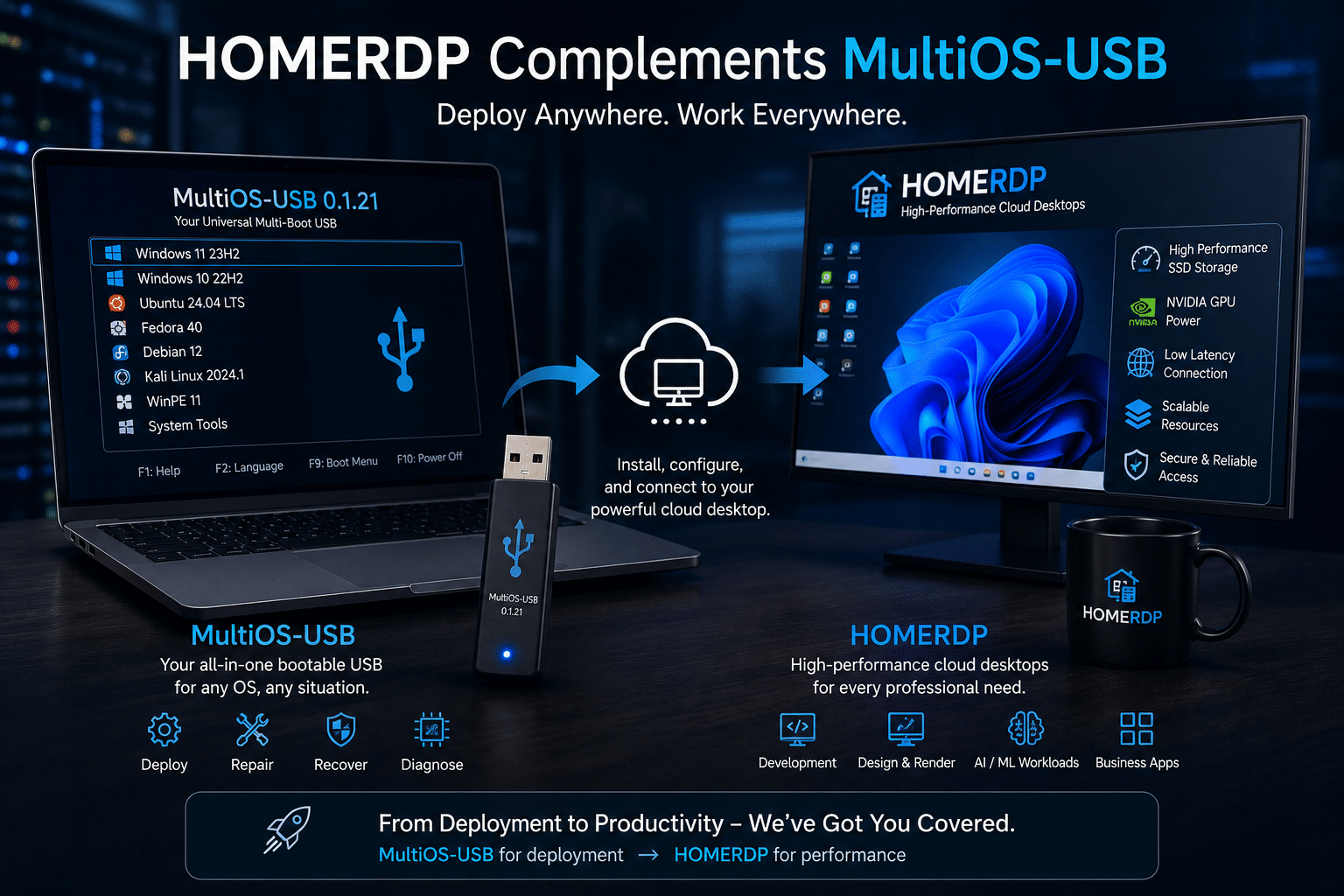
How HOMERDP Complements MultiOS-USB
MultiOS-USB handles deployment.
HOMERDP powers production workloads.
After installing Windows or Linux using MultiOS-USB, professionals can immediately connect to their HOMERDP cloud desktop and continue working without relying on local hardware limitations.
HOMERDP offers:
- High-performance Windows cloud desktops
- Dedicated GPU RDP solutions
- NVMe SSD storage
- Reliable remote access
- Low-latency connectivity
- Flexible resource allocation
- Enterprise-grade uptime
- Secure remote environments
This combination provides an efficient deployment-to-production workflow.
Ideal Workflow for Modern IT Teams
A modern IT workflow can look like this:
Step 1: Boot the computer using MultiOS-USB.
Step 2: Install Windows or Linux.
Step 3: Configure networking.
Step 4: Apply updates.
Step 5: Connect to HOMERDP.
Step 6: Begin software development, administration, rendering, AI research, or business operations using cloud resources.
This approach minimizes hardware dependency while maximizing flexibility.
GPU Workloads Need More Than Boot Media
Today’s workloads often require dedicated graphics hardware.
Examples include:
- Blender rendering
- Unreal Engine development
- Adobe Premiere Pro
- DaVinci Resolve
- Stable Diffusion
- TensorFlow
- PyTorch
- AutoCAD
- SolidWorks
- Machine learning
Even high-end laptops struggle with some of these workloads.
HOMERDP’s GPU-powered remote desktops provide NVIDIA-backed computing resources that enable users to run graphics-intensive and AI-focused applications without investing in expensive local workstations.
Cost Savings for Businesses
IT budgets remain under pressure.
Purchasing high-end workstations for every employee is expensive.
Instead, organizations can:
- Deploy operating systems using MultiOS-USB.
- Use standard business laptops.
- Offload demanding workloads to HOMERDP cloud desktops.
- Scale resources as projects grow.
This reduces capital expenditure while improving operational flexibility.
Best Practices for Using MultiOS-USB
To get the best experience:
- Use high-quality USB 3.2 or USB4 flash drives or portable SSDs.
- Download operating systems from official sources.
- Verify checksums whenever available.
- Keep installation images updated.
- Test new ISOs before production use.
- Maintain backup copies of deployment media.
- Enable Secure Boot where supported.
- Store emergency recovery tools alongside operating system installers.
These practices improve reliability and reduce deployment issues.
Future Trends in OS Deployment
Operating system deployment continues to evolve.
Several trends are shaping the future:
- Larger operating system images
- More UEFI-only hardware
- Increased Secure Boot adoption
- Cloud-managed deployments
- Hybrid infrastructure
- Remote administration
- AI-assisted system management
- Portable SSD deployment devices
MultiOS-USB aligns well with these trends by providing a flexible, future-ready deployment platform.
Why Open-Source Tools Continue to Thrive
Open-source utilities remain popular because they offer:
- Transparency
- Community-driven improvements
- Rapid updates
- Flexibility
- Broad hardware compatibility
- Cost-effectiveness
MultiOS-USB benefits from this ecosystem, making it an attractive option for professionals who value control and adaptability.
Final Thoughts
MultiOS-USB 0.1.21 is more than just another bootable USB utility. It is a practical solution that simplifies one of the most common tasks in IT: deploying and recovering operating systems across diverse hardware. By allowing multiple Windows, Linux, and recovery images to coexist on a single USB drive, it reduces complexity, saves time, and improves operational efficiency.
However, deployment is only the beginning of the modern IT workflow. Once systems are installed, professionals increasingly require scalable computing power for software development, virtualization, creative production, engineering, and AI workloads. This is where HOMERDP adds significant value. Its high-performance cloud desktops and GPU RDP solutions provide secure, enterprise-grade remote computing that removes the limitations of local hardware.
Together, MultiOS-USB and HOMERDP create a powerful combination: one streamlines operating system deployment, while the other delivers the performance and flexibility needed for today’s demanding workloads. For IT professionals, developers, managed service providers, and businesses embracing hybrid infrastructure, this pairing offers a smarter, more efficient way to deploy, manage, and scale modern computing environments.
EXPLORE MORE; From HDR to Multi-Monitor Workflows: KDE Plasma 6.7
READ OUR BLOGS