RDP in the Age of AI
Artificial Intelligence has rapidly transformed how developers and engineers build, train, and deploy software. From training massive language models to managing real-time applications, today’s workflows demand remote access to high-performance computing. That’s where Remote Desktop Protocol (RDP) steps in — not just as a tool for remote access, but as a game-changer for AI-driven development.- Remote Desktop Protocol (RDP) bridges this gap, especially when powered by reliable providers like HOMERDP — offering lightning-fast, secure, and scalable RDP services tailored for modern tech stacks.
1. How RDP Supercharges AI Workflows
- Instant Access to High-End Remote Machines Use basic hardware while accessing GPU-rich cloud environments hosted by HOMERDP.
Ideal for AI model training, simulations, and data preprocessing.
- Secure and Centralized Workspaces Keep datasets, models, and tools in one protected environment with HOMERDP’s advanced security protocols.
- Collaborate Across Borders Multiple developers can log in, code, and troubleshoot on the same machine using HOMERDP’s multi-user support.
Stat: 72% of AI developers now prefer RDP over traditional SSH for resource-intensive tasks due to its GUI support and lower setup time (Source: DevTech AI Report 2025).
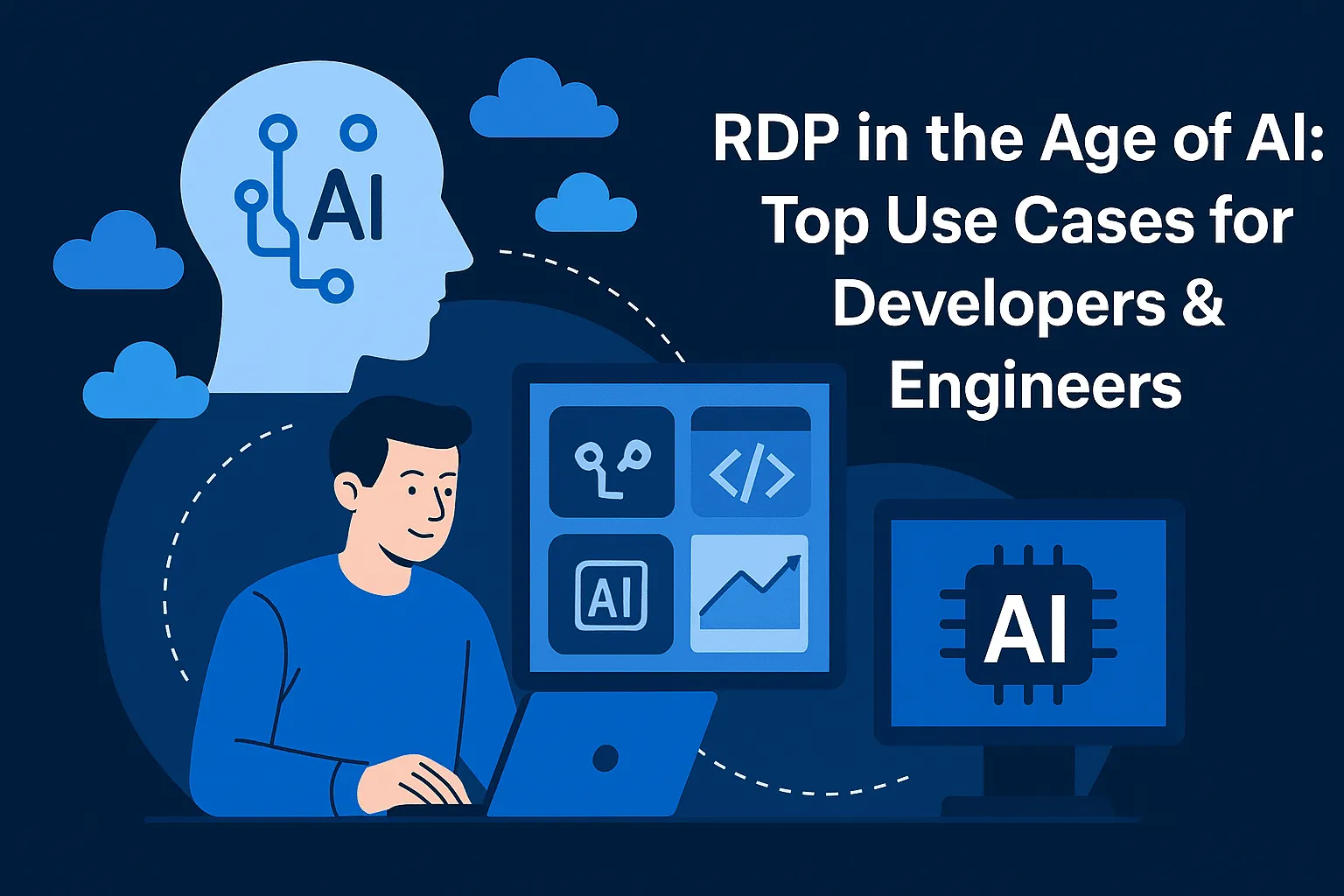
2. Use Cases of RDP for Developers & Engineers
a. Train AI Models on GPU-Enabled RDP Machines
- HOMERDP offers GPU VPS solutions optimized for TensorFlow, PyTorch, and CUDA workflows.
- Offload heavy training tasks and keep your local machine free for other productivity.
b. Cross-Platform Testing & Deployment
- Use HOMERDP to simulate different OS environments — Windows, Linux, and macOS — without dual-booting or virtual machines.
- Run compatibility tests for AI-based apps and APIs remotely.
c. Data Annotation, Preprocessing & Visualization
- Perform real-time image, audio, or text data preprocessing on RDP machines connected to high-speed SSDs.
- Use remote tools like LabelImg, Pandas Profiling, and Tableau seamlessly via HOMERDP.
d. Remote Monitoring of ML Pipelines
- Connect to remote dashboards like TensorBoard, MLflow, and Weights & Biases hosted on RDP machines.
- Monitor training metrics, resource consumption, and real-time logs securely.
3. Why Developers Choose HOMERDP for AI Projects
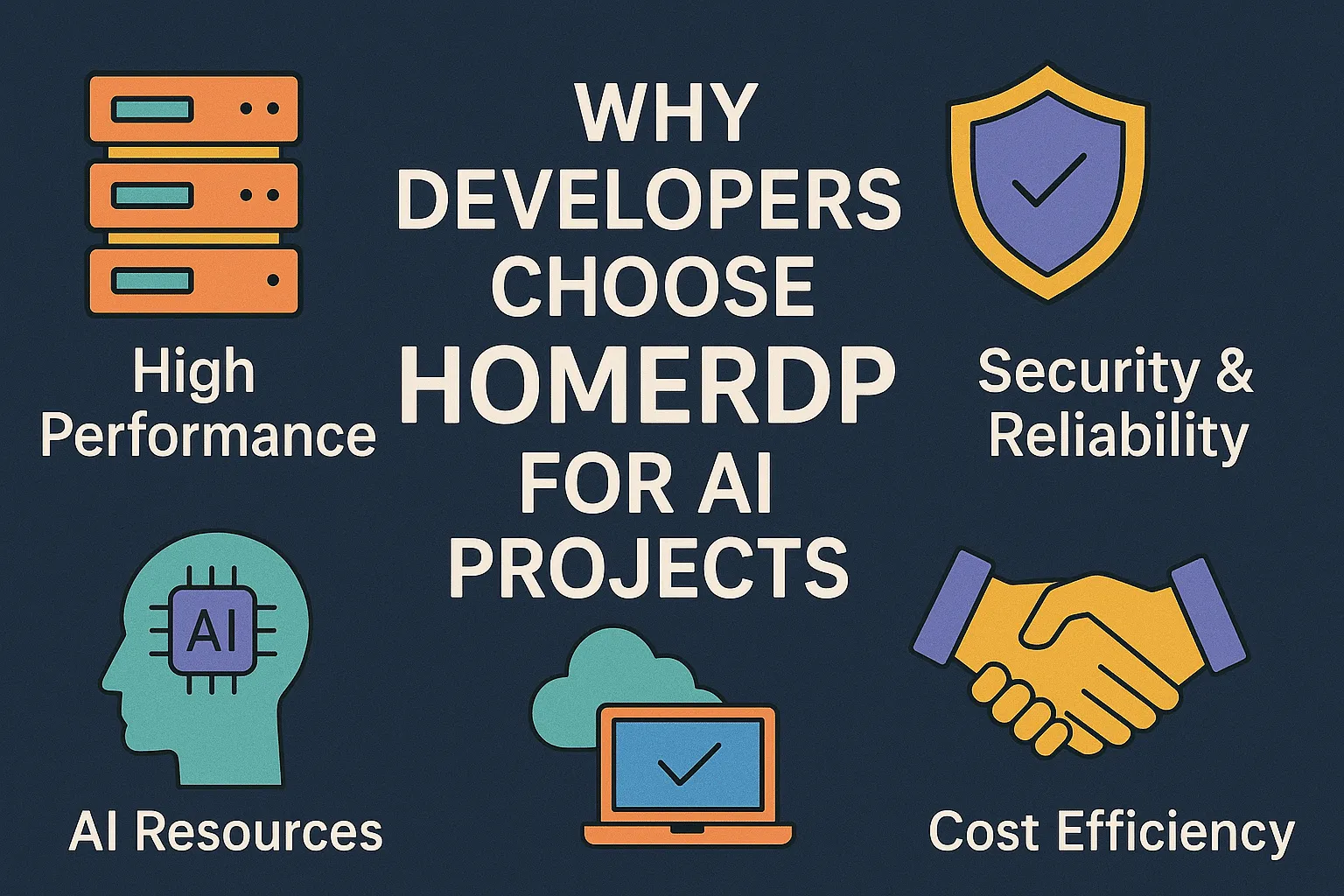
Developers and engineers prefer HOMERDP because it checks every box needed for smooth, high-performance AI development:- Unmatched Performance HOMERDP offers GPU-powered VPS plans with SSD storage and ultra-low latency for lightning-fast computation.
- Robust Security Enjoy peace of mind with built-in DDoS protection, firewall configurations, and end-to-end encryption.
- Flexible OS Options Choose from Windows or Linux RDP environments tailored to your workflow or preferred tech stack.
- Scalable Infrastructure Easily upgrade your RAM, GPU, or storage as your AI projects grow — no need to migrate or reconfigure.
- 24/7 Technical Support Whether you're setting up an AI pipeline or troubleshooting model training, HOMERDP’s expert support is always available.
“With HOMERDP, I trained my BERT model 3x faster without investing in expensive hardware.” — Devika M., ML Engineer
4. Get Started with HOMERDP
Whether you're:
- Building a custom LLM,
- Collaborating on a GitHub project,
- Deploying APIs or microservices,
- Or simply learning AI through hands-on experiments...
- Developer RDP – Best for coding, light data tasks
- GPU RDP – Ideal for training models & rendering tasks
- Forex RDP – High-speed + stability for data-intensive applications
EXPLORE MORE ; Ticketing HOMERDP: Your Quick Guide in WHMCS!”