

Major Debian 13 Trixie Kernel Update Arrives With Fixes for 1,313 CVEs
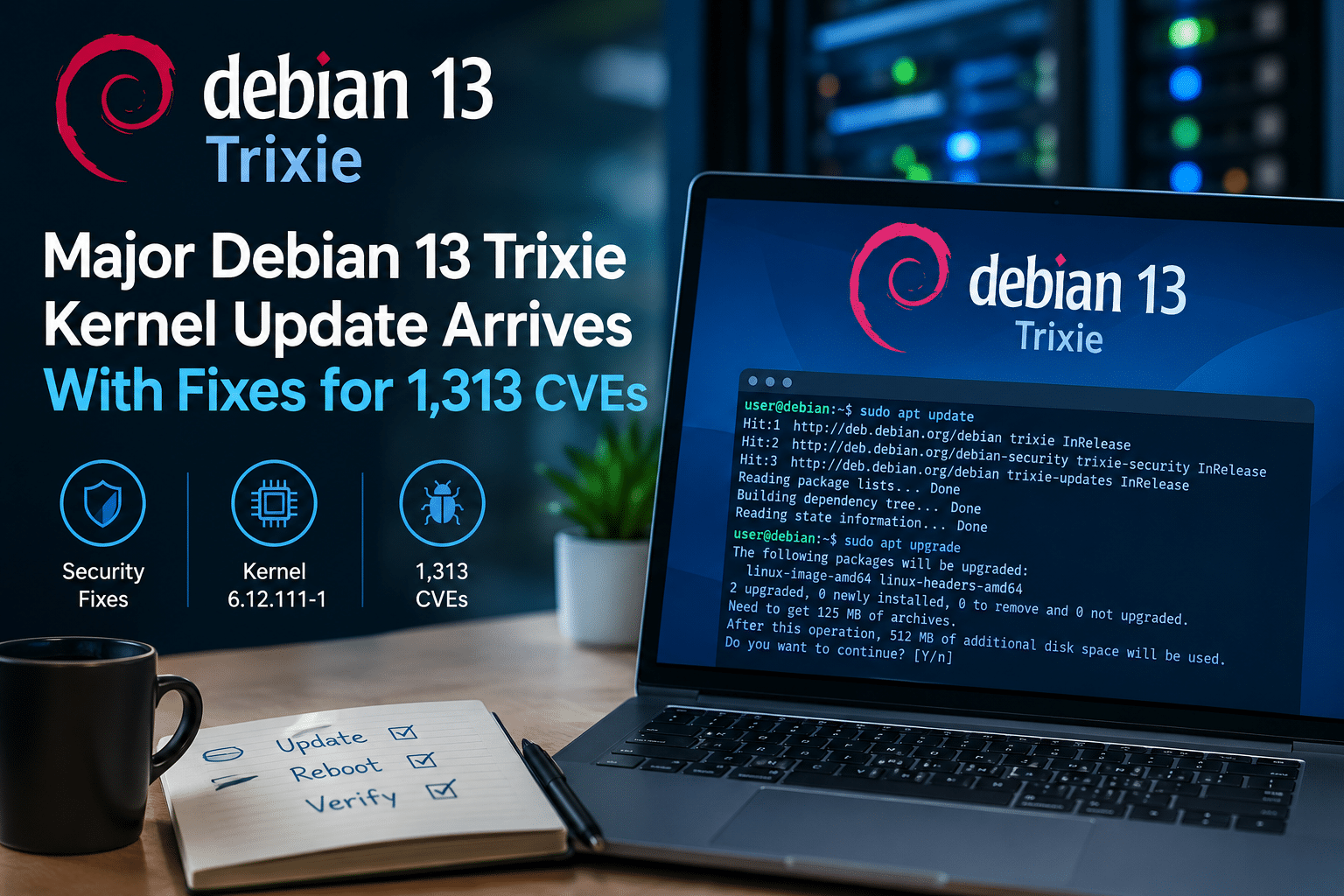
Debian 13 “Trixie” users have another important reason to keep their systems updated.
The Debian Project has released a major Linux kernel security update that addresses 1,313 CVE entries affecting the Linux kernel used by Debian 13. The security update moves the Trixie kernel to version 6.12.111-1, and Debian recommends that users upgrade their Linux packages.
The scale of the update immediately stands out. More than 1,300 CVE identifiers in a single kernel security advisory sounds alarming, but the number needs context. It does not mean that every Debian 13 computer suddenly faces 1,313 equally severe or remotely exploitable attacks.
Instead, the update reflects the enormous volume of security-related fixes now being tracked across the Linux kernel ecosystem.
For Debian users, however, the practical message remains simple:
Keep your system patched, reboot when necessary, and verify that the updated kernel is actually running.
For businesses and professionals operating remote infrastructure, the update also highlights a broader issue: maintaining a secure Linux environment requires more than deploying a server and leaving it untouched.
That is particularly relevant for users relying on remote desktops, VPS environments, and dedicated servers. Services such as HOMERDP can provide the remote infrastructure layer, but users still need a disciplined approach to operating-system security and maintenance.
Debian 13 Trixie Gets a Major Kernel Security Update
The latest Debian security advisory covers vulnerabilities in the Linux kernel and states that some of the identified issues could potentially result in:
- Privilege escalation
- Denial of service
- Information leaks
For Debian 13 “Trixie,” these problems have been addressed in Linux package version 6.12.111-1.
That makes the update particularly relevant to administrators running Debian-based servers, workstations, virtual machines, and other infrastructure.
The key point is that this is a security update rather than a new Debian release.
Users do not need to reinstall Debian 13. They need to ensure that their existing installation receives the latest available security packages.
What Does 1,313 CVEs Actually Mean?
The headline number is easy to misunderstand.
A CVE, or Common Vulnerabilities and Exposures identifier, provides a standardized identifier for a publicly tracked security vulnerability.
The latest Debian kernel advisory contains 1,313 CVE entries.
That does not mean:
- 1,313 separate attacks are currently targeting Debian 13.
- Every vulnerability can be exploited remotely.
- Every Debian 13 computer is equally affected.
- Every vulnerability has the same severity.
- Attackers can automatically compromise a system simply because it has an older kernel.
Security risk depends heavily on the specific vulnerability, affected subsystem, system configuration, enabled functionality, privileges required, and whether an attacker can reach the vulnerable component.
The huge number nevertheless demonstrates how complicated modern kernel security has become.
Linux supports an enormous range of hardware, architectures, drivers, networking components, filesystems, virtualization technologies, and other subsystems. Security researchers and developers continuously identify and fix problems throughout that ecosystem.
The latest update is therefore best understood as a large collection of kernel security fixes, rather than one giant vulnerability.
Why the Linux Kernel Is So Important
The kernel is the foundation underneath the Linux operating system.
Applications do not normally communicate directly with hardware. They rely on the kernel to manage critical resources and system functions.
The kernel controls or coordinates areas such as:
- CPU scheduling
- Memory management
- Storage
- Networking
- Hardware drivers
- Processes
- System calls
- Filesystems
- Device access
- Virtualization
That central role explains why kernel vulnerabilities deserve serious attention.
A vulnerability in an ordinary application might compromise that particular application.
A vulnerability in the kernel can potentially affect a much larger portion of the system.
This becomes particularly important when a vulnerability allows an attacker to cross a security boundary.
Privilege Escalation Is One of the Biggest Concerns
One of the security consequences identified in the Debian advisory is privilege escalation.
Privilege escalation occurs when an attacker or malicious process obtains permissions beyond those it should normally have.
Consider a simplified example.
A vulnerable application runs with limited privileges. An attacker manages to compromise that application.
The initial compromise might restrict the attacker to a specific account or process.
If the attacker can then exploit a kernel vulnerability that enables privilege escalation, the situation can become considerably more serious.
The attacker may potentially gain access to resources that were previously protected.
This is why kernel security matters even when a server already uses:
- Strong passwords
- Firewalls
- SSH restrictions
- User permissions
- Application-level security
Layered security works best when every layer remains properly maintained.
Denial-of-Service Vulnerabilities Can Affect Availability
Security is not only about preventing data theft.
Availability matters too.
A denial-of-service vulnerability can potentially cause a system or service to crash, become unstable, or consume resources in a way that prevents normal operation.
For a personal computer, that may be an inconvenience.
For a production server, the consequences can be much greater.
A single Linux server may host:
- Websites
- APIs
- Databases
- Development environments
- Remote desktops
- Internal applications
- Monitoring services
- Automation workloads
If the underlying system becomes unavailable, multiple services may be affected simultaneously.
That makes kernel maintenance an important part of both security and uptime management.
Information Leaks Are Another Important Risk
The Debian advisory also identifies vulnerabilities that can potentially result in information leaks.
Information disclosure may not sound as dramatic as system takeover, but leaked information can become valuable to attackers.
Security attacks are often conducted in stages.
An attacker may first gather information about a system.
That information can then help identify additional weaknesses or improve the chances of successfully exploiting another vulnerability.
For that reason, administrators should not ignore vulnerabilities simply because they are classified as information disclosure issues.
The practical approach is to apply the available security fixes and maintain other defensive controls.
Debian 13’s Fixed Kernel Version
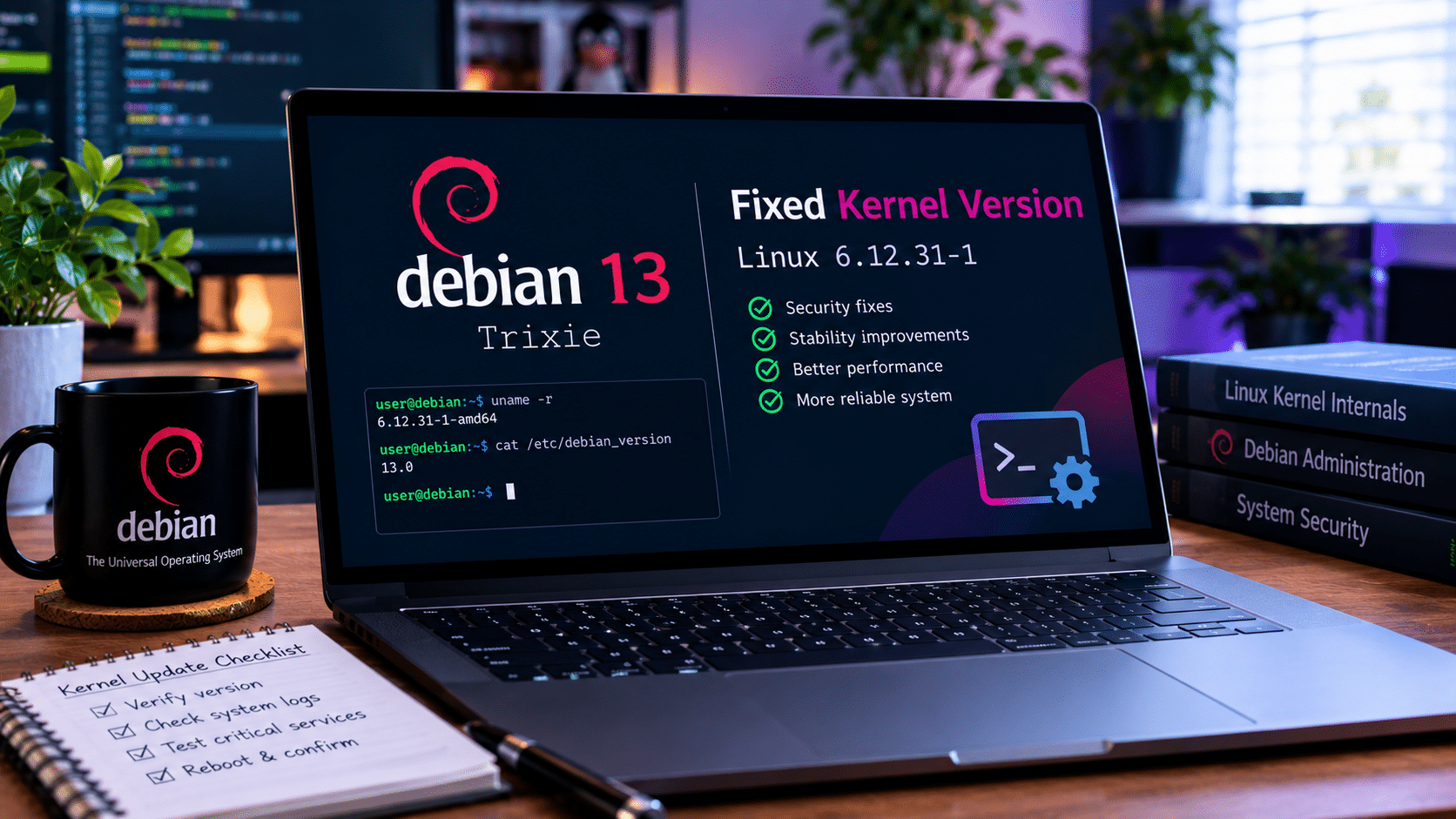
For Debian 13 Trixie, the security fixes are available in Linux package version 6.12.111-1.
Debian’s package information lists the corresponding linux-image-amd64 package as version 6.12.111-1 [security] for 64-bit PC systems.
That gives administrators a concrete version against which they can check their systems.
However, administrators should remember an important distinction:
Installing a new kernel package and actually running the new kernel are not necessarily the same thing.
A system can have the updated kernel installed while continuing to run an older kernel until it is rebooted.
That makes post-update verification essential.
How to Update Debian 13 Trixie
For a typical Debian 13 installation using the normal security repositories, administrators can refresh package information and install available updates with:
sudo apt update
sudo apt upgrade
After the kernel update has been installed, a reboot may be necessary to load the patched kernel.
Administrators can check the currently running kernel with:
uname -r
They can also inspect installed Linux packages with:
dpkg -l | grep linux
The exact maintenance procedure can vary depending on the server configuration and operational requirements.
Production environments should always account for service dependencies, maintenance windows, backups, monitoring, and recovery procedures before rebooting.
Don’t Stop at Installing the Package
One of the most common mistakes in server maintenance is assuming that downloading a security update automatically means the system is protected.
For kernel updates, administrators should verify the entire process.
A sensible workflow looks like this:
1. Identify the system
Know which machines run Debian 13.
2. Check the current kernel
Use:
uname -r
3. Update package information
Run:
sudo apt update
4. Apply security updates
Run:
sudo apt upgrade
5. Confirm the kernel package
Check installed Linux packages and confirm that the expected update is present.
6. Plan the reboot
If the new kernel requires activation, schedule an appropriate maintenance window.
7. Reboot
Restart the system using your normal operational procedure.
8. Verify
Run:
uname -r
again after the reboot.
9. Check services
Confirm that applications, websites, databases, remote-access services, and other workloads have returned to normal.
10. Record the change
For business infrastructure, document the update and reboot.
This simple process can significantly improve patch-management visibility.
Why Servers Need Extra Attention
A desktop computer usually has a limited number of users and services.
A server can be very different.
A production Linux server may operate continuously and expose services to the internet.
It may also contain sensitive information or provide access to other systems.
That makes delayed patching particularly risky.
Servers commonly run:
- Web applications
- Databases
- Control panels
- APIs
- File services
- VPN services
- Development platforms
- Remote desktop environments
- Virtual machines
- Automation workloads
An unpatched kernel becomes another potential weak point in that environment.
The longer an administrator waits to install an available security update, the longer the system remains exposed to known security weaknesses.
Remote Infrastructure Makes Patch Management Even More Important
Modern businesses increasingly depend on remote computing.
Employees may connect to systems from home.
Developers may access cloud environments from different locations.
Administrators may manage infrastructure without being physically present in the data center.
Remote desktop and VPS services make this possible.
But remote access also means infrastructure needs disciplined security practices.
A remote server should not be treated as a “set it and forget it” machine.
It needs:
- Regular updates
- Strong authentication
- Restricted access
- Monitoring
- Backups
- Firewall rules
- Account management
- Security reviews
- Recovery planning
This is where a provider such as HOMERDP can become relevant to users who need dependable remote desktop, VPS, or dedicated-server infrastructure.
HOMERDP provides remote desktop services alongside VPS and dedicated-server options, giving users infrastructure for a range of remote computing workloads.
The important distinction is that infrastructure availability and operating-system security work together.
A reliable remote server still requires the customer to maintain the software running on it.
HOMERDP and the Need for Reliable Remote Computing
Remote computing has moved far beyond simple office access.
Users increasingly rely on remote infrastructure for:
- Development
- Website management
- Cloud administration
- Automation
- Remote applications
- Large-file workloads
- Testing
- Business operations
- Virtual environments
HOMERDP offers RDP, VPS, and dedicated-server services designed for these kinds of remote workloads.
Its infrastructure options include different server configurations and locations, allowing users to choose environments based on their workload requirements.
For users operating Linux-based infrastructure or applications on remote servers, the latest Debian kernel update provides an important reminder:
Remote access is only one part of a secure computing environment.
The underlying operating system must also remain current.
Security Updates Should Become Routine
Many organizations treat security updates as emergency events.
That approach creates unnecessary pressure.
A better strategy is to make patching routine.
For example, administrators can establish a recurring maintenance cycle that includes:
- Reviewing available updates
- Checking security advisories
- Testing important changes
- Applying patches
- Scheduling reboots
- Verifying services
- Reviewing logs
- Recording completed maintenance
This approach makes security predictable.
It also reduces the chance that an important update will remain forgotten for weeks or months.
Backups Matter Before Kernel Maintenance
Updating a kernel is a routine administrative task, but production systems should still have recovery plans.
Before performing important maintenance, administrators should know:
- What data requires protection
- When the last backup completed
- Whether the backup is usable
- How the server can be restored
- Which services are critical
- Who has emergency access
- How to roll back if a serious compatibility problem occurs
Backups do not replace security updates.
They complement them.
The goal is not to avoid updating because something might go wrong.
The goal is to make the environment resilient enough that administrators can update confidently.
What Debian 13 Users Should Do Now
For ordinary Debian 13 users, there is no reason to panic about the 1,313-CVE figure.
Instead, take practical action.
Check for updates
sudo apt update
Install available upgrades
sudo apt upgrade
Check the running kernel
uname -r
Reboot if required
Use your normal reboot procedure after confirming that the updated kernel is installed.
Verify again
After rebooting:
uname -r
The goal is simple: ensure that the machine is actually running the patched kernel.
What Businesses Should Take Away From the Update
The biggest lesson from this Debian update is not the number itself.
It is the importance of continuous vulnerability management.
Modern operating systems are extraordinarily complex.
No matter how mature a project becomes, developers will continue discovering bugs and security weaknesses.
Businesses therefore need processes that assume updates will happen.
A mature Linux security strategy should include:
- Asset inventory
- Patch management
- Vulnerability tracking
- Access control
- Backup management
- Monitoring
- Logging
- Incident response
- Disaster recovery
- Regular security reviews
This becomes even more important when organizations operate multiple remote machines.
Manually checking every system becomes increasingly difficult as infrastructure grows.
Automation and centralized processes can help organizations maintain consistency.
The 1,313-CVE Number Shouldn’t Be Misinterpreted
It is worth returning to the headline.
1,313 CVEs sounds enormous.
But the number does not mean every Debian 13 machine has 1,313 immediately exploitable vulnerabilities.
The CVE count represents a large collection of identified security issues associated with the kernel.
The actual impact of an individual vulnerability depends on the affected component and the circumstances in which the vulnerable functionality can be reached.
Therefore, responsible reporting should avoid turning the number into sensational claims about automatic system compromise.
The right conclusion is much more useful:
Debian has released fixes, and users should install them.
Why Timely Patching Is a Competitive Advantage
Security maintenance is often viewed as an expense.
In reality, effective patch management can protect business continuity.
Consider two organizations.
One maintains a consistent update schedule, keeps backups, monitors infrastructure, and documents changes.
The other postpones updates until a problem occurs.
The first organization has a much better chance of responding calmly when a serious vulnerability emerges.
The second may face an emergency involving:
- Unplanned downtime
- Emergency patching
- Customer disruption
- Data exposure
- Recovery costs
- Lost productivity
Security maintenance therefore has a direct operational and financial dimension.
Linux Security Is a Shared Responsibility
Debian provides the security infrastructure and patched packages.
Kernel developers identify and resolve vulnerabilities.
Security researchers discover weaknesses.
Distribution maintainers integrate fixes.
Infrastructure providers deliver computing environments.
Administrators deploy and maintain those environments.
Users configure their systems responsibly.
Every part of that chain matters.
A vulnerability cannot be fully addressed if a patch exists but administrators never install it.
Likewise, a patched system can still be compromised through weak passwords, exposed services, outdated applications, or poor configuration.
Security requires multiple layers working together.
What Makes Debian 13 Trixie Stronger After the Update?
The immediate benefit is obvious: systems that install the update receive the corresponding kernel security fixes.
But the update also demonstrates one of Debian’s most important strengths.
Debian does not treat a stable release as a finished product that never changes.
Instead, the project continues maintaining it throughout its supported lifecycle.
Debian 13 Trixie has already received multiple point updates during 2026, including Debian 13.7 in September. Security corrections continue to arrive separately as vulnerabilities are identified and fixed.
For users, this means a stable Debian installation can remain current without requiring a complete operating-system reinstall for every security issue.
A Secure Remote Server Starts With a Secure Operating System
Remote infrastructure is only as strong as the systems running on it.
Whether a machine hosts a website, development environment, database, remote desktop, or business application, its operating system remains an important security layer.
The latest Debian kernel update reinforces that principle.
For users who rely on remote infrastructure, HOMERDP provides RDP, VPS, and dedicated-server services that can support demanding remote computing workloads.
But users should pair reliable infrastructure with responsible system administration.
That means:
- Patch regularly.
- Protect credentials.
- Restrict unnecessary access.
- Monitor important systems.
- Maintain backups.
- Verify updates.
- Plan maintenance windows.
- Keep recovery procedures ready.
Final Thoughts
The latest Debian 13 Trixie kernel security update is significant.
It addresses 1,313 CVE entries and brings the Debian 13 kernel package to 6.12.111-1. The associated security issues include potential privilege escalation, denial of service, and information leaks.
The number may sound frightening, but it should not be interpreted as 1,313 identical or immediately exploitable threats.
Instead, it illustrates the complexity of modern Linux security and the importance of keeping software maintained.
For Debian 13 users, the best response is straightforward:
Update your packages.
For administrators, the responsibility goes further:
Update, reboot when necessary, verify the running kernel, monitor services, maintain backups, and document the change.
For businesses using remote computing environments, the update provides another reminder that dependable infrastructure requires continuous security management.
Reliable remote access through services such as HOMERDP can provide the infrastructure foundation, but keeping the operating system secure remains an essential part of the overall process.
The most important lesson from Debian’s massive kernel update is therefore not simply that 1,313 CVEs were addressed.
It is that Linux security is an ongoing process.
The safest systems are not systems that never need updates.
They are systems whose administrators consistently identify, apply, verify, and manage those updates before vulnerabilities become operational problems.
EXPLORE MORE ; Why Fedora Could Be the Best Arch Linux Alternative in 2026

READ OUR BLOGS