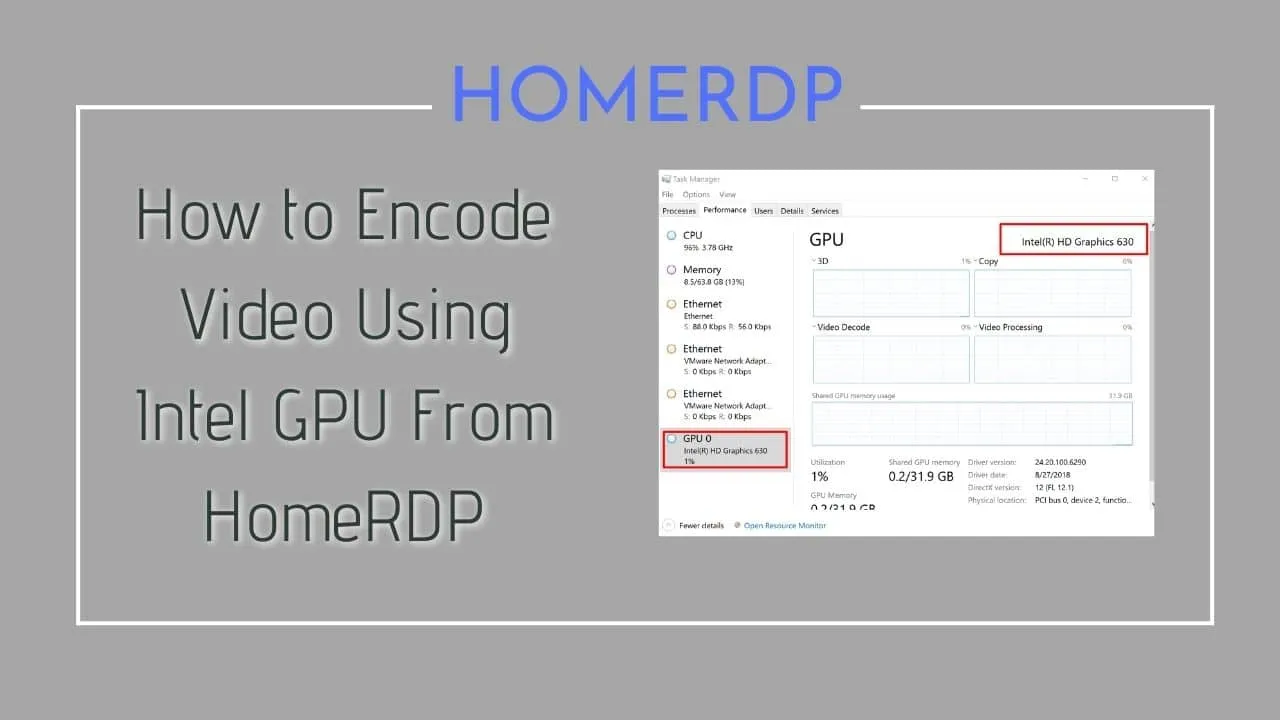
How to Encode Video Using Intel GPU From HomeRDP
What do video codec and container mean and is MP4 a good file format?
This is hidden behind technical terms such as video codec, container, and H264 (H265, H266): You like to create videos, but terms such as codec or container confuse you and you are unsure which video format is good for your purposes. We explain the basics.
Video codec: concept and application
The word codec is a combination of the words encode and decode. Codec is often spoken of in connection with video files. Here, a video codec is a technology or software used to encode and compress the video. That is, the video is converted into a specific file format using the codec and downsized for better storage, sharing, and playback on different devices. When you think of “compression” you might think of the pixelated video, but the compression process is necessary and efficient when shooting video. It leads to smaller and more usable files with hardly any noticeable loss of quality.
The video camera or screen recorder used often already determines the codec of the video: Modern cameras, screen recorders, and video editing software make the codec selection automatic. You should only define the codec yourself if you need a special quality or need to publish to a very special destination.
Codec standard: H264, H265 or H266
The standard for video coding has been continuously developed since the mid-1980s and is known as High-Efficiency Video Coding (HEVC), H for short. We have now arrived at version H266, which is intended to replace the earlier codecs H264 and H265.
Encode Using GPU
- First, buy a GPU Server From HomeRDP - https://homerdp.com/gpu-rdp/
- Now login to your Server.
- After this Install Handbrake from its Official Site.
- Now Open Handbrake and Drag your Video Content to Handbrake.
- After this go to the Video Option and click video encoder, Dropdown Menu.
- Now choose the Intel QSV encoding Option.
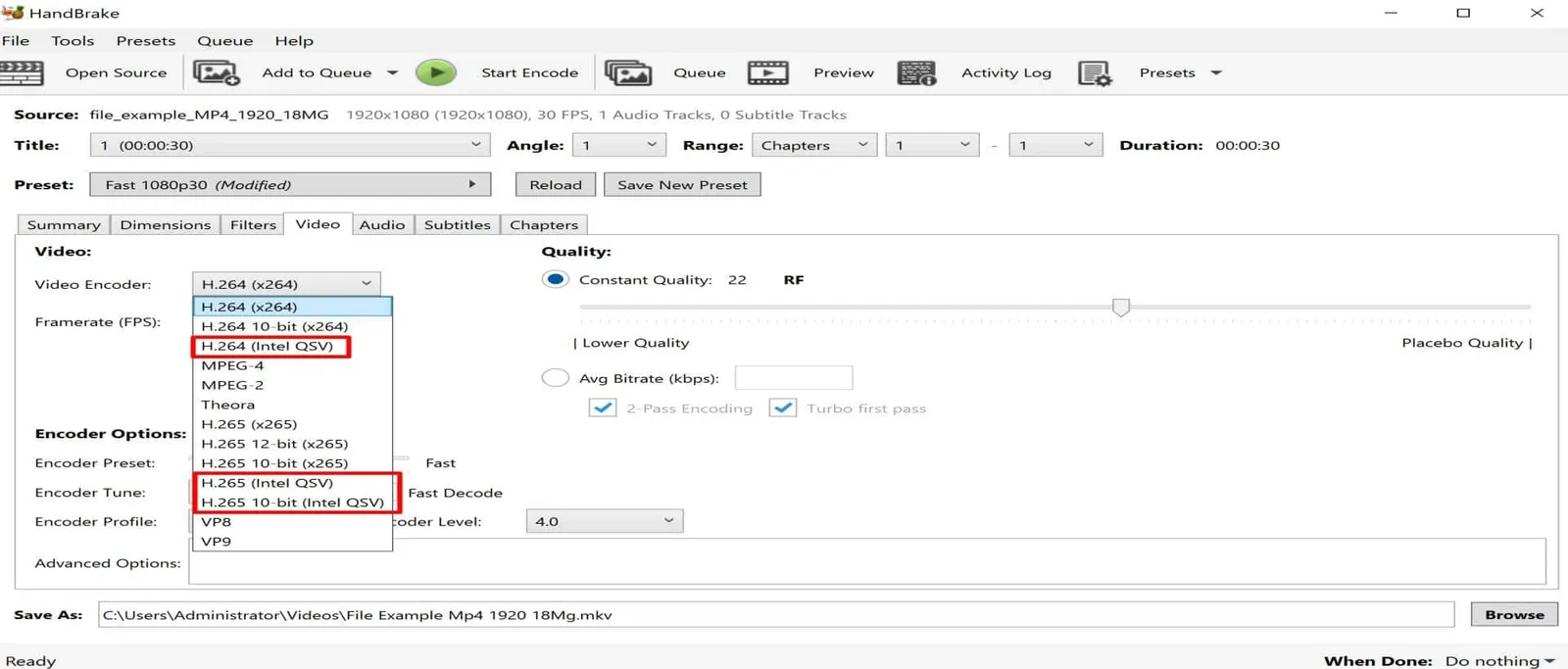
- That's it now just adjust the encoding settings as you want.
- After this run the Start Encode button to run your encode.
Run it on HomeRDP
Encoding RDP
Offload video encoding to fast servers with 64 GB RAM.
Encoding RDP #1
$12.99 /mo
- Intel® Core™ i7-6700 Quad-Core 3.40Ghz
- 64 GB DDR4 RAM
- 1 Gbps Internet Speed
Encoding RDP #2
$13.99 /mo
- Intel® Core™ i7-6700 Quad-Core 3.40Ghz
- 64 GB DDR4 RAM
- 1 Gbps Internet Speed
Encoding RDP #3
$16.99 /mo
- Intel® Core™ i7-8700 Hexa-Core 3.60Ghz
- 64 GB DDR4 RAM
- 1 Gbps Internet Speed