

7 Hidden GPU Features That Can Instantly Boost Your Gaming Performance
Modern graphics cards are far more capable than many gamers realize. Whether you’ve invested in an NVIDIA GeForce RTX GPU, an AMD Radeon card, or an Intel Arc graphics card, chances are you’re not using every feature that can improve your gaming experience. Many users install the latest driver, launch their favorite games, and never look back at the settings that could unlock smoother gameplay, lower latency, and better visuals.
The good news is that you don’t always need to spend hundreds of dollars on a new graphics card to enjoy a noticeable performance boost. Today’s GPUs include intelligent software features powered by artificial intelligence, advanced rendering techniques, and driver-level optimizations that can significantly improve frame rates while maintaining excellent image quality.
If you’ve ever wondered why your friend’s PC delivers smoother gameplay with similar hardware, the answer might not be a better graphics card—it could simply be that they’ve enabled the right GPU features.
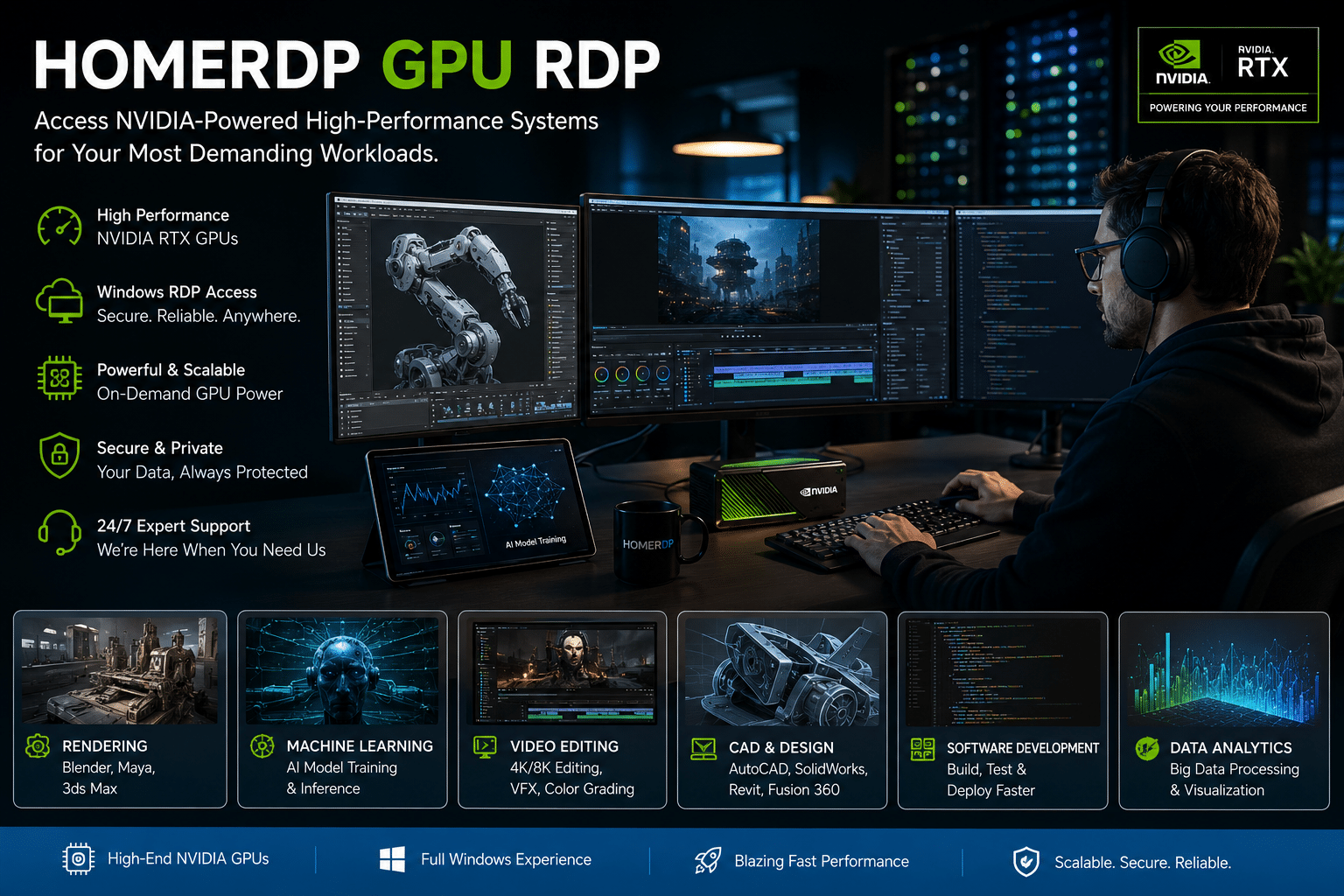
In this guide, we’ll explore seven hidden GPU features that can instantly boost your gaming performance. We’ll also discuss how professionals, developers, AI engineers, and content creators can go beyond local hardware limitations by leveraging HOMERDP’s GPU-powered remote desktop solutions.
Why GPU Features Matter More Than Ever
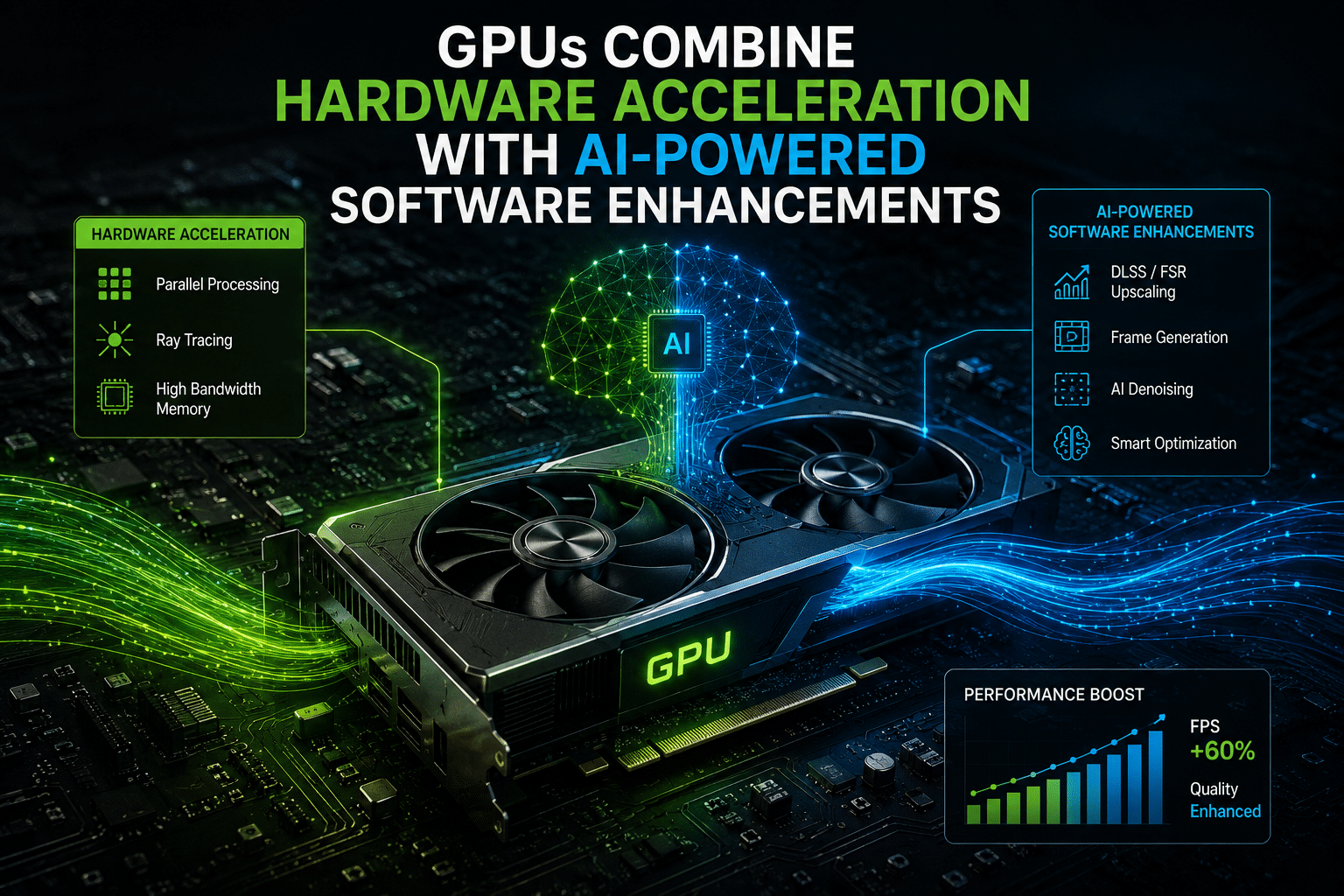
Gaming technology has changed dramatically over the past few years. Instead of relying solely on raw graphics processing power, modern GPUs combine hardware acceleration with AI-powered software enhancements.
Today’s graphics cards can:
- Upscale lower-resolution images using artificial intelligence
- Generate additional frames for smoother gameplay
- Reduce input latency for competitive gaming
- Improve texture streaming
- Enhance ray tracing performance
- Optimize power consumption
- Accelerate creative applications like Blender, Adobe Premiere Pro, and Unreal Engine
These innovations mean that enabling the right settings can sometimes provide performance improvements comparable to upgrading your hardware.
1. Enable DLSS for AI-Powered Performance
If you own an NVIDIA RTX graphics card, Deep Learning Super Sampling (DLSS) should be one of the first features you enable.
Instead of rendering every frame at your monitor’s native resolution, DLSS renders the game internally at a lower resolution and then uses AI to reconstruct a high-quality image. This reduces GPU workload while maintaining impressive visual quality.
Benefits of DLSS
- Higher average FPS
- Better 1440p and 4K gaming
- Improved ray tracing performance
- Lower GPU utilization
- Smoother gameplay in demanding titles
Games like Cyberpunk 2077, Alan Wake 2, Microsoft Flight Simulator, and Black Myth: Wukong demonstrate just how effective DLSS has become.
For gamers using ray tracing, DLSS is often the difference between an unplayable and a smooth gaming experience.
2. Use AMD FidelityFX Super Resolution (FSR)
Many gamers mistakenly believe FSR only works on AMD graphics cards.
In reality, AMD FidelityFX Super Resolution supports a wide range of GPUs from AMD, NVIDIA, and Intel.
FSR uses advanced upscaling techniques to increase frame rates while preserving image quality.
Why enable FSR?
- Better FPS on older graphics cards
- Compatible with many GPU brands
- Easy to enable in supported games
- Excellent alternative when DLSS isn’t available
With each new version, AMD continues improving image reconstruction and frame generation, making FSR an increasingly attractive option for gamers seeking free performance improvements.
3. Turn On Frame Generation
One of the biggest advancements in modern PC gaming is Frame Generation.
Rather than rendering every frame conventionally, AI creates additional intermediate frames between rendered ones.
The result?
Your game appears much smoother.
Imagine this:
- Native performance: 65 FPS
- With Frame Generation: 110–140 FPS
While the GPU isn’t rendering every displayed frame, the perceived smoothness increases dramatically.
Frame Generation works especially well in:
- Open-world games
- Flight simulators
- RPGs
- Story-driven AAA titles
It’s less beneficial in fast-paced competitive games where minimizing latency is more important than maximizing frame count.
4. Reduce Input Lag with NVIDIA Reflex or AMD Anti-Lag
High frame rates don’t automatically mean responsive gameplay.
Input latency determines how quickly your mouse movements and keyboard inputs appear on screen.
Modern GPUs include technologies designed specifically to reduce this delay.
NVIDIA Reflex
Available in many competitive games, Reflex reduces system latency by synchronizing CPU and GPU workloads more efficiently.
AMD Anti-Lag
AMD’s Anti-Lag technology performs a similar function, helping reduce delays between user input and displayed actions.
Benefits include:
- Faster aiming
- More responsive controls
- Improved competitive performance
- Better overall gaming feel
If you play titles like Valorant, Counter-Strike 2, Fortnite, Apex Legends, or Call of Duty, enabling these settings can provide a noticeable competitive advantage.
5. Enable Resizable BAR
Resizable BAR (Base Address Register) is often overlooked because it requires enabling a BIOS setting alongside GPU support.
Normally, the CPU accesses GPU memory in small blocks.
Resizable BAR allows the processor to access the GPU’s entire VRAM at once.
This can improve:
- Texture loading
- Frame consistency
- Asset streaming
- Overall FPS in supported games
Many motherboard manufacturers now ship systems with this feature enabled, but older PCs may require manual activation.
Before enabling it, make sure:
- BIOS is updated
- GPU driver is current
- Motherboard supports Resizable BAR
- Graphics card supports the feature
6. Optimize Ray Tracing Instead of Disabling It
When ray tracing first launched, many gamers disabled it because of severe performance penalties.
That has changed dramatically.
Modern technologies like:
- DLSS
- FSR
- XeSS
- Ray Reconstruction
- Frame Generation
allow ray tracing to run much more efficiently.
Rather than turning ray tracing completely off, experiment with:
- Medium ray tracing presets
- Balanced DLSS mode
- Frame Generation
- Updated GPU drivers
You’ll often achieve an excellent balance between image quality and performance.
7. Keep Drivers Updated
This may sound obvious, but many gamers go months without updating GPU drivers.
Driver updates often include:
- Game Ready optimizations
- Bug fixes
- Better DirectX performance
- Improved shader compilation
- AI improvements
- Security patches
- Stability enhancements
A newly released AAA title may receive significant performance improvements through driver updates alone.
Whenever a major game launches, check whether your GPU manufacturer has released optimized drivers.
Bonus GPU Tweaks Worth Enabling
Beyond the seven primary features, consider these additional optimizations:
Hardware-Accelerated GPU Scheduling
Available in Windows, this feature can reduce latency and improve scheduling efficiency on supported systems.
Variable Refresh Rate (VRR)
If your monitor supports:
- G-SYNC
- FreeSync
enable them to eliminate screen tearing and reduce stuttering.
Game Mode
Windows Game Mode prioritizes gaming workloads and minimizes unnecessary background tasks.
Hardware Video Encoding
Streamers should enable:
- NVIDIA NVENC
- AMD AMF
- Intel Quick Sync
These dedicated encoders reduce CPU usage while maintaining excellent streaming quality.
Don’t Ignore Cooling
GPU performance depends heavily on temperature.
If your graphics card overheats, it automatically reduces clock speeds to protect itself.
To maintain maximum performance:
- Clean dust regularly
- Improve case airflow
- Replace aging thermal paste if necessary
- Adjust fan curves
- Monitor temperatures using GPU utilities
A cooler GPU is often a faster GPU.
Why More VRAM Doesn’t Always Mean Better Gaming
Many buyers focus exclusively on VRAM capacity.
While VRAM matters, gaming performance also depends on:
- GPU architecture
- Memory bandwidth
- AI acceleration
- Driver optimization
- Game engine support
A newer GPU with less VRAM can sometimes outperform an older card with significantly more memory thanks to architectural improvements and advanced software features.
GPU Features That Benefit More Than Gaming
Modern GPUs are versatile computing devices.
The same technologies that improve gaming also accelerate:
- Blender rendering
- Adobe Premiere Pro exports
- DaVinci Resolve editing
- Unreal Engine development
- Unity projects
- Stable Diffusion
- Large language model inference
- TensorFlow
- PyTorch
- CAD software
- Scientific simulations
This makes GPU optimization valuable for professionals as well as gamers.
When Local Hardware Isn’t Enough
Even after enabling every optimization, some workloads remain extremely demanding.
Examples include:
- 8K video editing
- AI model training
- Large-scale rendering
- Virtual production
- Game development
- Machine learning research
Instead of purchasing a workstation costing thousands of dollars, many professionals now use cloud-based GPU solutions.
Supercharge Your Workflow with HOMERDP GPU RDP
Power users often need access to enterprise-grade GPUs without investing in expensive hardware that quickly becomes outdated. That’s where HOMERDP’s GPU Remote Desktop solutions make a real difference.
Whether you’re a gamer testing graphics-intensive titles, a YouTuber rendering 4K videos, a Blender artist creating complex 3D scenes, or an AI developer training machine learning models, HOMERDP provides powerful remote GPU environments that are ready when you need them.
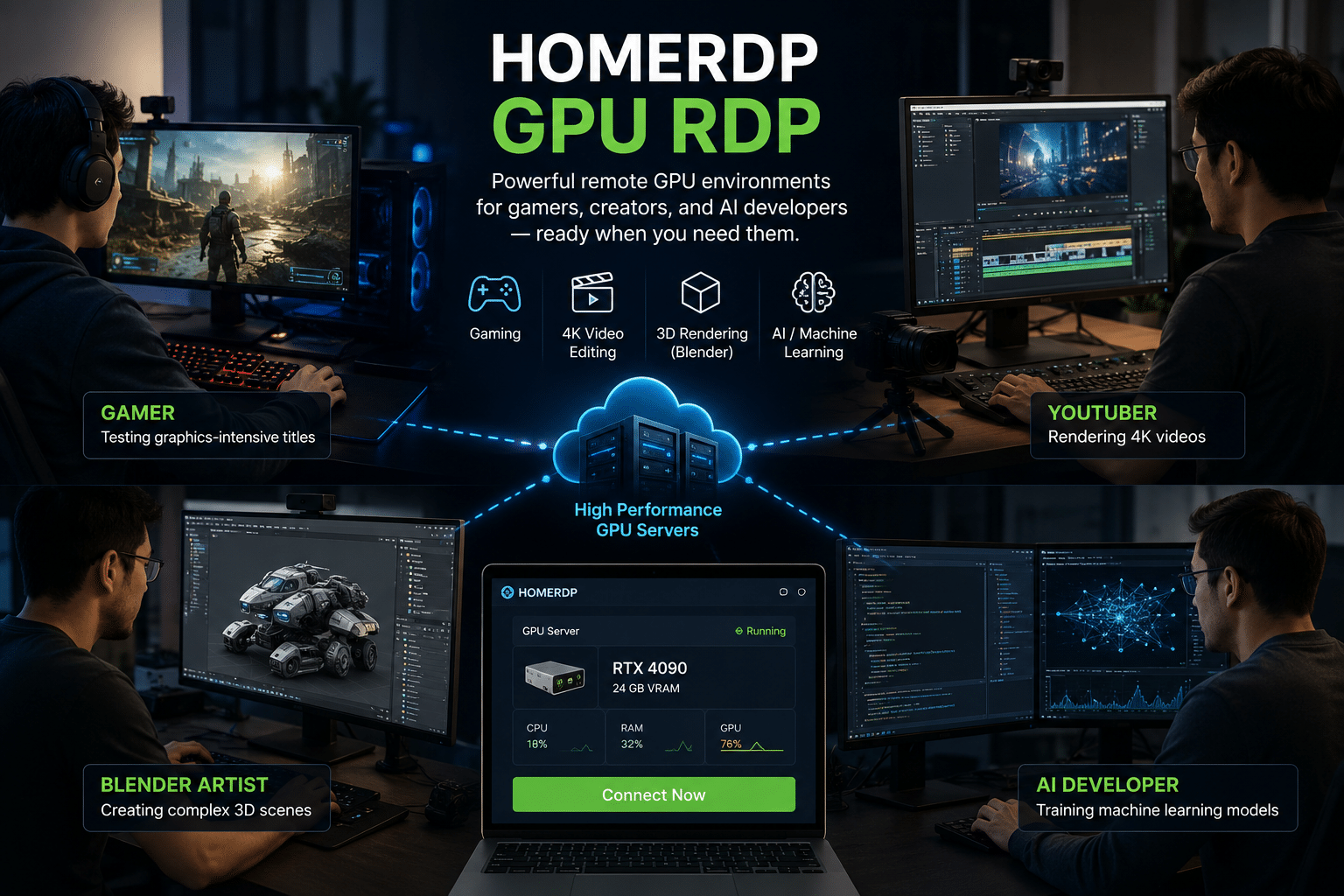
Why Choose HOMERDP?
- High-performance NVIDIA GPU-powered remote desktops
- Perfect for AI, machine learning, deep learning, and data science
- Optimized for Blender, Unreal Engine, Unity, Adobe Creative Cloud, DaVinci Resolve, and CAD software
- Access your GPU workstation securely from almost any Windows, macOS, Linux, Android, or iOS device
- Scale resources without purchasing expensive desktop hardware
- Eliminate maintenance costs, hardware upgrades, and downtime
- Flexible plans suitable for freelancers, startups, businesses, and enterprise users
Instead of spending a large upfront amount on a new graphics card, HOMERDP lets you access professional-grade GPU resources on demand, helping you complete demanding workloads faster while staying productive from anywhere.
For developers and creators who frequently switch between gaming, rendering, AI experimentation, and software development, cloud GPU infrastructure offers the flexibility that traditional desktops simply can’t match.
Common Mistakes That Reduce GPU Performance

Avoid these frequent errors:
- Never updating GPU drivers
- Running outdated BIOS firmware
- Ignoring DLSS or FSR settings
- Disabling Resizable BAR
- Allowing excessive GPU temperatures
- Installing unnecessary background applications
- Running games from slow storage devices
- Forgetting to enable hardware acceleration
- Using outdated Windows versions
- Choosing ultra settings instead of optimized presets
Correcting just a few of these issues can dramatically improve your gaming experience.
Quick Optimization Checklist
Before launching your next game, make sure you’ve completed this checklist:
- ✔ Update GPU drivers
- ✔ Enable DLSS, FSR, or XeSS where available
- ✔ Turn on Frame Generation if supported
- ✔ Enable NVIDIA Reflex or AMD Anti-Lag
- ✔ Activate Resizable BAR
- ✔ Enable G-SYNC or FreeSync
- ✔ Keep GPU temperatures under control
- ✔ Enable Windows Game Mode
- ✔ Update BIOS if necessary
- ✔ Close unnecessary background applications
Final Thoughts

Modern graphics cards are much smarter than they were just a few years ago. Features like DLSS, FSR, Frame Generation, NVIDIA Reflex, AMD Anti-Lag, and Resizable BAR demonstrate that software optimization is now just as important as raw hardware power. By enabling these hidden GPU features, many gamers can enjoy smoother gameplay, higher frame rates, lower input latency, and better visual quality without spending money on a new graphics card.
For creators, developers, AI professionals, and businesses whose workloads exceed the capabilities of local hardware, the next step isn’t always buying a more expensive GPU. Cloud-based solutions like HOMERDP GPU RDP provide access to high-performance NVIDIA-powered systems that are ideal for rendering, machine learning, video editing, CAD, software development, and other graphics-intensive tasks—all without the cost and maintenance of owning a dedicated workstation.
Before you decide to upgrade your GPU, take the time to explore the features already built into your existing hardware. You may be surprised at just how much performance is waiting to be unlocked.
EXPLORE MORE ; Why Gamers Are Switching to CachyOS in 2026
READ OUR BLOGS