

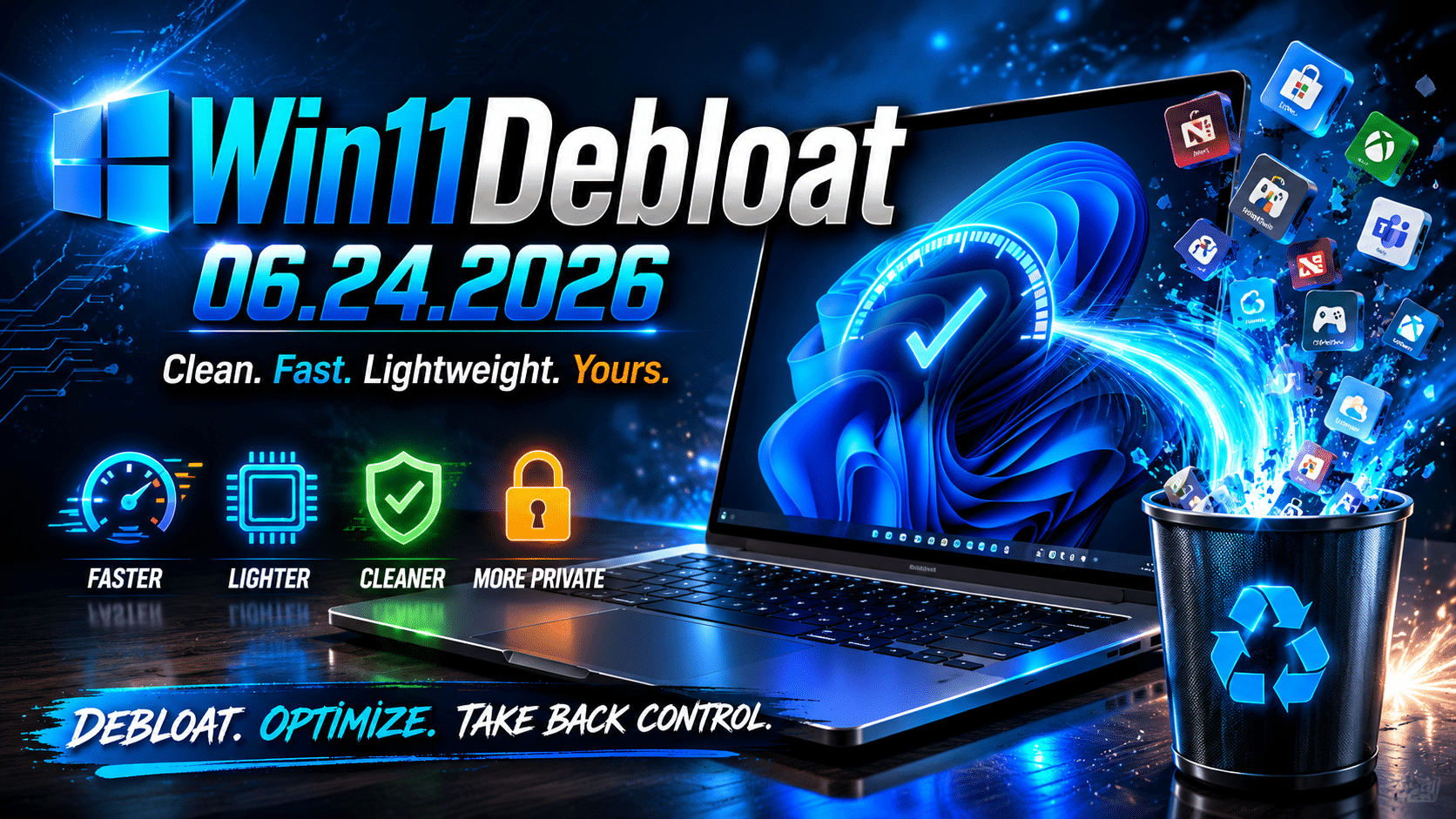
Win11Debloat 06.24.2026 Brings Safer Windows Optimization—Here’s Everything You Need to Know
Windows 11 has evolved into one of Microsoft’s most advanced operating systems, bringing AI features, deeper cloud integration, enhanced security mechanisms, and modern productivity tools. However, with every new update, Windows has also become increasingly resource-intensive. Many users complain about unnecessary applications, background services, telemetry processes, advertisements, and features that consume system resources without delivering meaningful value.
This growing frustration has fueled the popularity of debloating utilities, and among them, Win11Debloat has emerged as one of the most trusted solutions for power users, developers, and IT administrators.
The latest release, Win11Debloat 06.24.2026, focuses heavily on safety, transparency, and administrative control. Instead of aggressively removing Windows components, the new version introduces smarter mechanisms that help users understand system modifications before they are applied.
For businesses and professionals seeking maximum performance from Windows systems, this release arrives at an important time.
The Growing Problem of Windows Bloat
Modern operating systems are no longer simple software platforms. They have become ecosystems.
A fresh Windows 11 installation may include:
- Multiple pre-installed applications
- AI-powered services
- Promotional widgets
- Background synchronization services
- Telemetry systems
- Advertising recommendations
- Gaming components
- Social integrations
- Microsoft Store services
- Cloud synchronization tools
While some users appreciate these features, many professionals prefer lean, distraction-free systems.
The issue becomes even more noticeable in:
- Development environments
- Remote workstations
- Business desktops
- Virtual machines
- Older hardware
- Low-resource systems
Every unnecessary background process competes for:
- CPU cycles
- RAM
- Disk I/O
- Network bandwidth
- Battery life
The result is an operating system that often feels heavier than necessary.
Why Debloating Has Become Mainstream
Five years ago, debloating Windows was considered an activity for enthusiasts and advanced users.
Today, the situation is entirely different.
Businesses increasingly want:
- Better device performance
- Improved privacy
- Simplified administration
- Lower hardware costs
- Faster boot times
- Reduced distractions
- Greater customization
The popularity of lightweight Linux distributions and cloud desktops has also influenced expectations around computing efficiency.
Users increasingly ask a simple question:
Why should my computer use resources for features I never use?
This demand for control is precisely why Win11Debloat continues to gain traction.
What Exactly Is Win11Debloat?
Win11Debloat is an open-source PowerShell utility designed to simplify Windows optimization.
Its purpose is straightforward:
Remove unnecessary components while giving users greater control over their Windows environment.
The utility allows users to:
Remove Unwanted Applications
Many pre-installed applications can be safely removed.
Examples include:
- Xbox applications
- Clipchamp
- News applications
- Promotional applications
- Certain Microsoft consumer apps
Disable Telemetry
Users can limit background data collection services.
Customize User Interface
Users can:
- Remove widgets
- Disable recommendations
- Simplify taskbars
- Reduce interface clutter
Improve Performance
Removing unnecessary processes often results in:
- Faster boot times
- Reduced memory consumption
- Lower background CPU activity
Simplify Administration
IT administrators can deploy configurations more consistently.
What’s New in Win11Debloat 06.24.2026?
The June 2026 release focuses on one major principle:
Safer Optimization
Previous debloating methods occasionally caused problems because users removed services without fully understanding the consequences.
Win11Debloat 06.24.2026 attempts to solve this problem.
1. Improved Policy Warnings
One of the biggest improvements is enhanced policy awareness.
Many enterprise environments rely heavily on:
- Group Policies
- Domain policies
- Security baselines
- Organizational configurations
Blindly changing Windows settings can create conflicts.
The new release warns administrators before making potentially conflicting modifications.
Benefits include:
- Reduced configuration errors
- Better transparency
- Easier troubleshooting
- Improved enterprise compatibility
2. Better Preview Mechanisms
Modern IT environments demand visibility.
Administrators want to know:
- What changes are being made
- Why changes are necessary
- Which settings will be modified
The latest version introduces better preview mechanisms that provide improved insight into upcoming modifications.
Advantages include:
- Safer deployments
- Better auditing
- Reduced human error
- Improved change management
3. Smarter Telemetry Management
Telemetry has become one of the most debated aspects of modern operating systems.
Windows uses telemetry for:
- Diagnostics
- Feature improvements
- Security monitoring
- Usage analytics
However, many organizations prefer to reduce unnecessary data collection.
Win11Debloat now manages telemetry configurations more transparently.
Benefits include:
- Improved privacy
- Reduced background activity
- Greater user control
- Easier configuration reviews
4. Better Copilot Management
Artificial intelligence is becoming deeply integrated into Windows.
Microsoft Copilot continues to expand across:
- Search
- Settings
- Productivity workflows
- Context-aware recommendations
While some users embrace AI integration, others prefer traditional workflows.
The new release improves management of Copilot-related components.
Users can now:
- Disable unnecessary AI features
- Simplify user experiences
- Maintain predictable workflows
- Reduce distractions
5. Improved Reliability
One of the most important aspects of this release is reliability.
Debloating should never create system instability.
The latest version focuses heavily on:
- Safer execution
- Better compatibility
- Improved rollback awareness
- Clearer warnings
These improvements make Win11Debloat more suitable for professional environments.
Why Performance Optimization Matters More Than Ever
The modern workplace has changed dramatically.
Employees now run:
- Multiple browsers
- Collaboration platforms
- Video conferencing software
- Development tools
- Cloud applications
- Virtual environments
Every additional background process consumes resources.
Even small inefficiencies multiply over time.
Consider a team of 100 employees.
Suppose each employee loses:
- Five minutes daily
- Due to slower startups
- System lag
- Unnecessary interruptions
That equals:
- 500 minutes every day
- Over 40 hours weekly
- More than 2,000 hours annually
Performance optimization is no longer a luxury.
It has become a business requirement.
Why Developers Love Debloated Systems
Developers often need:
- Clean environments
- Predictable performance
- Minimal distractions
- Maximum resource availability
Development workloads frequently include:
- Docker containers
- IDEs
- Databases
- Browsers
- Virtual machines
Every gigabyte of RAM matters.
Every CPU cycle matters.
A streamlined operating system gives developers more resources for actual work.
Why Remote Teams Benefit
Remote work environments introduce additional challenges.
Employees require:
- Reliability
- Security
- Consistency
- Performance
Bloated systems can cause:
- Slower application launches
- Reduced responsiveness
- Higher support requirements
Optimization improves the overall user experience and reduces frustration.
The Rise of Lightweight Computing
The popularity of tools like Win11Debloat signals a larger trend.
Organizations increasingly prefer:
Minimalism Over Complexity
Businesses want systems that focus on work rather than distractions.
Performance Over Features
Unused features provide little value.
Flexibility Over Hardware Dependence
Companies increasingly adopt cloud-based infrastructure.
Simplicity Over Administrative Burden
IT teams prefer environments that are easier to manage.
Why Debloating Alone Is Not Enough
Although optimization significantly improves performance, it cannot solve every problem.
Businesses still face challenges:
- Hardware limitations
- Remote accessibility requirements
- Device failures
- Scaling issues
- Administrative overhead
This is where cloud desktops enter the conversation.
Why HOMERDP Complements Win11Debloat Perfectly
Win11Debloat optimizes local Windows environments.
HOMERDP extends optimization into the cloud.
The combination creates an extremely efficient computing strategy.
Instant Access to Powerful Windows Desktops
Instead of depending entirely on physical machines, organizations can deploy cloud desktops through HOMERDP.
Benefits include:
- Rapid deployment
- High availability
- Consistent environments
- Anywhere accessibility
Reduced Hardware Costs
Many businesses continually upgrade hardware simply to keep up with increasing software requirements.
Cloud desktops reduce this dependency.
Organizations can:
- Extend hardware life cycles
- Lower capital expenditure
- Reduce maintenance costs
Better Support for Remote Teams
Cloud desktops allow employees to access work environments from:
- Home
- Offices
- Client locations
- Temporary workspaces
The desktop remains available regardless of physical location.
Easier IT Administration
Managing hundreds of physical computers is expensive and time-consuming.
Cloud desktops simplify:
- Software deployment
- System updates
- Security policies
- Backup management
- Resource allocation
Ideal Use Cases for HOMERDP
Developers
Access high-performance Windows environments instantly.
Startups
Scale infrastructure without major hardware investments.
Agencies
Run multiple environments efficiently.
Training Organizations
Deploy standardized desktops rapidly.
Remote Teams
Provide secure and consistent workspaces.
Freelancers
Access professional computing resources anywhere.
Best Practices Before Using Win11Debloat
Optimization should always be performed responsibly.
Create a Backup
Always maintain:
- Restore points
- System backups
- Recovery plans
Understand Business Policies
Some Windows components may be required.
Evaluate:
- Security requirements
- Compliance obligations
- Organizational standards
Test Configurations
Validate modifications before production deployment.
Testing reduces:
- Downtime
- User complaints
- Configuration errors
Document Changes
Documentation simplifies:
- Troubleshooting
- Auditing
- Future upgrades
Consider Cloud Alternatives
Sometimes infrastructure modernization delivers greater long-term benefits than repeatedly optimizing local hardware.
Combining Windows optimization with cloud desktops often produces superior results.
The Future of Windows Optimization
The future of computing appears increasingly clear.
Users want:
- Greater privacy
- Better performance
- More control
- Less clutter
- Faster systems
- Simplified workflows
Microsoft will continue integrating AI and cloud services into Windows.
At the same time, users will continue seeking efficient, distraction-free environments.
This creates an interesting balance.
Tools like Win11Debloat empower users to customize their experiences, while cloud providers such as HOMERDP enable businesses to modernize their infrastructure without sacrificing performance.
Final Thoughts
Win11Debloat 06.24.2026 is not merely another debloating script. It represents the evolution of Windows optimization toward safer, more transparent, and more enterprise-friendly system management.
Its improved policy warnings, smarter telemetry handling, better preview mechanisms, and enhanced reliability make it one of the most mature debloating solutions available for Windows 11 users today.
For individual users, it offers a cleaner and faster operating system.
For developers, it creates more efficient workstations.
For businesses, it highlights an increasingly important principle:
Productivity grows when unnecessary complexity disappears.
And when organizations combine optimized Windows environments with scalable cloud desktop solutions like HOMERDP, they gain something even more valuable—a secure, high-performance, and future-ready computing environment that supports modern work from anywhere.
In an era where software stacks continue to grow larger and operating systems become increasingly feature-heavy, simplicity itself has become a competitive advantage. Win11Debloat 06.24.2026 and HOMERDP together demonstrate how organizations can reclaim performance, improve efficiency, and build smarter Windows experiences for the future.
EXPLORE MORE ; Why Gamers Are Switching to CachyOS in 2026
READ OUR BLOGS