

Why LXC & Docker Outperform Traditional VMs on HOMERDP
For years, developers and engineers relied on virtual machines (VMs) for isolation, testing, hosting multiple applications, and running complex workloads. VMs provided security, OS-level independence, and stable performance. But as technology matured, the industry began to shift toward highly efficient container-based deployment using LXC (Linux Containers) and Docker.
Today, the biggest question teams face is not “VM or container?” but “How many containers can I smartly run inside one powerful server?”
This article explores why running multiple containers is often more efficient than maintaining one heavy VM, and how HOMERDP’s high-performance, admin-level RDP machines make containerized architectures not only possible but exceptionally powerful.
1. Containers Deliver Higher Resource Efficiency
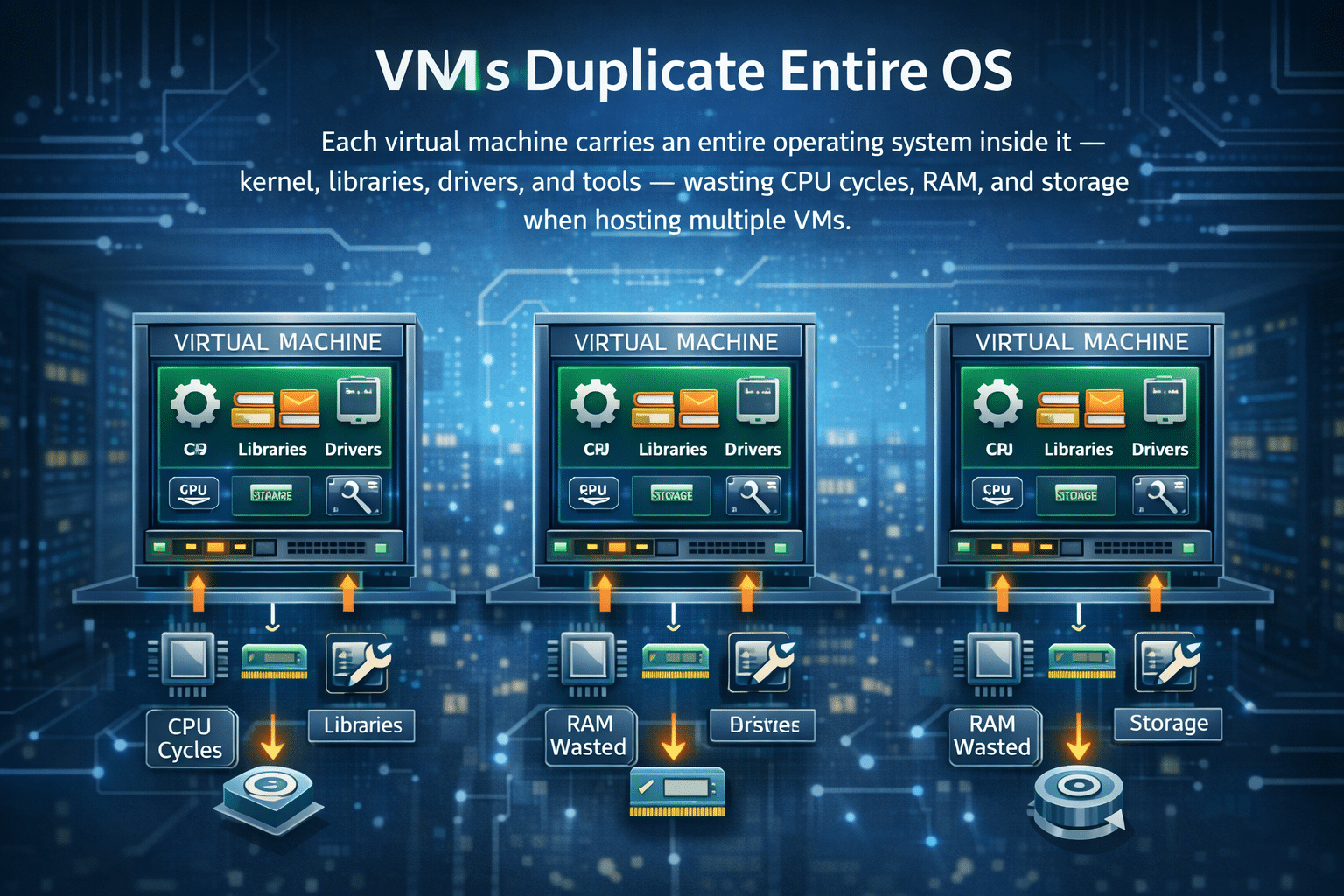
A virtual machine carries an entire operating system inside it — kernel, libraries, drivers, system tools — everything. This duplication wastes CPU cycles, RAM, and storage when hosting multiple VMs.
Containers solve this problem by sharing the host OS kernel while isolating applications using lightweight namespaces and cgroups.
Key advantages of this shared model:
- Containers require less RAM and CPU than traditional VMs.
- One powerful server can run 20–50+ containers, depending on workload.
- Containers start and stop in seconds, enabling rapid scaling.
- You avoid maintaining multiple full OS images.
On a typical VM setup, even idle machines still consume memory due to full OS overhead. Containers eliminate this waste, allowing your applications to make better use of your hardware.
Why this matters on HOMERDP
HOMERDP offers high-performance CPU cores, NVMe SSD storage, and large RAM pools—perfect for container density. Developers hosting multiple apps can deploy more workloads per machine, maximizing the value of their subscription.
2. Containers Support Microservices and Modular Applications
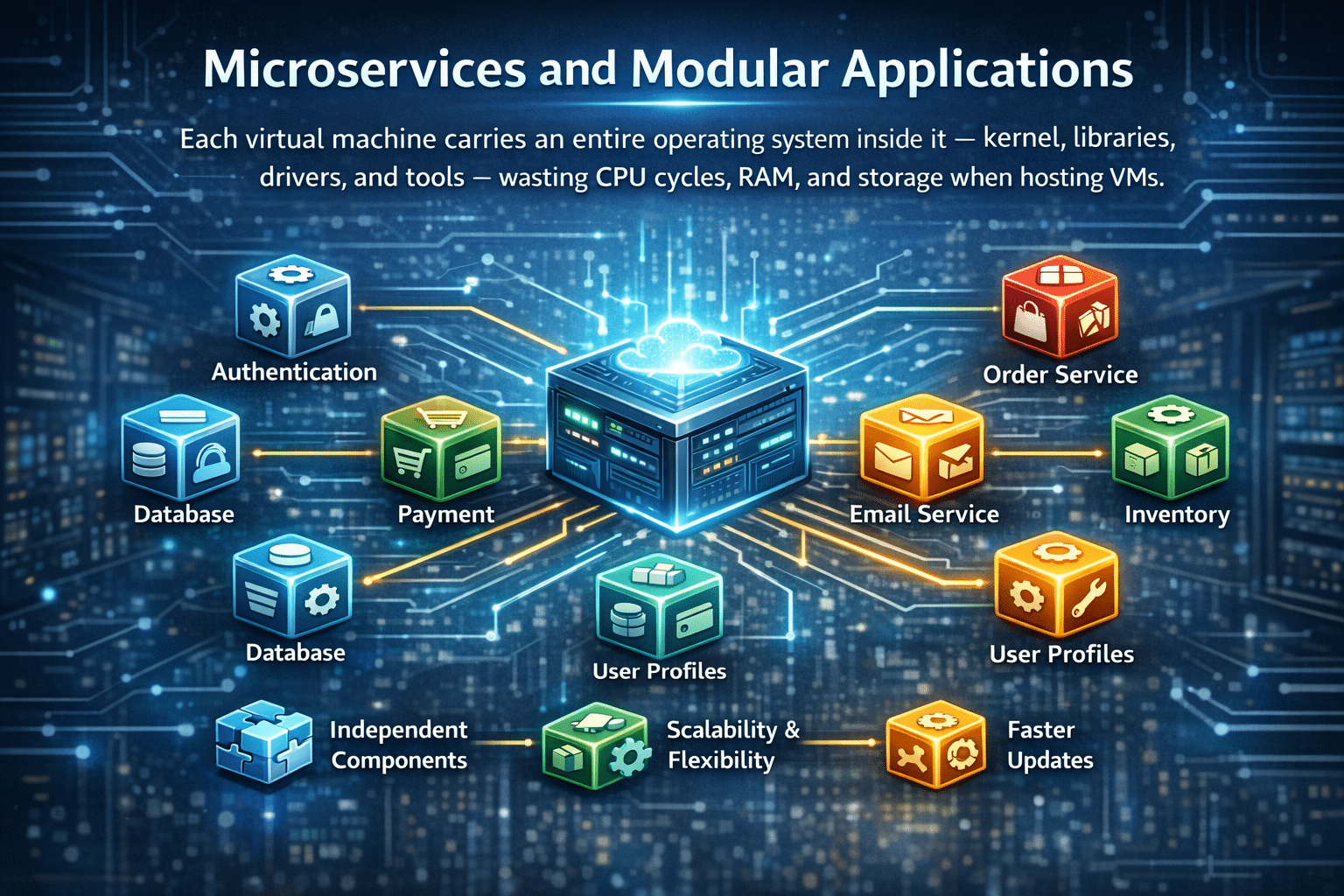
Modern cloud-native apps thrive on decomposition: break one large system into many small, independent services.
Containers become the natural fit because they isolate:
- Dependencies
- Runtime environments
- Libraries
- Configurations
This isolation allows each microservice to function as its own module.
Benefits of container modularity:
- Deploy updates to one service without touching others
- Roll back instantly if something breaks
- Zero downtime updates
- Rapid A/B testing
- Seamless horizontal scaling
- Strong fault isolation
How HOMERDP strengthens this
HOMERDP gives full admin access to your RDP server. That means you can:
- Install Docker
- Configure Kubernetes or Docker Swarm
- Deploy LXC containers
- Run isolated development, staging, and testing environments
Whether you’re running 2 microservices or 20, HOMERDP’s infrastructure gives you the freedom and performance to manage them effortlessly.
3. Faster Deployment and Iteration Cycles
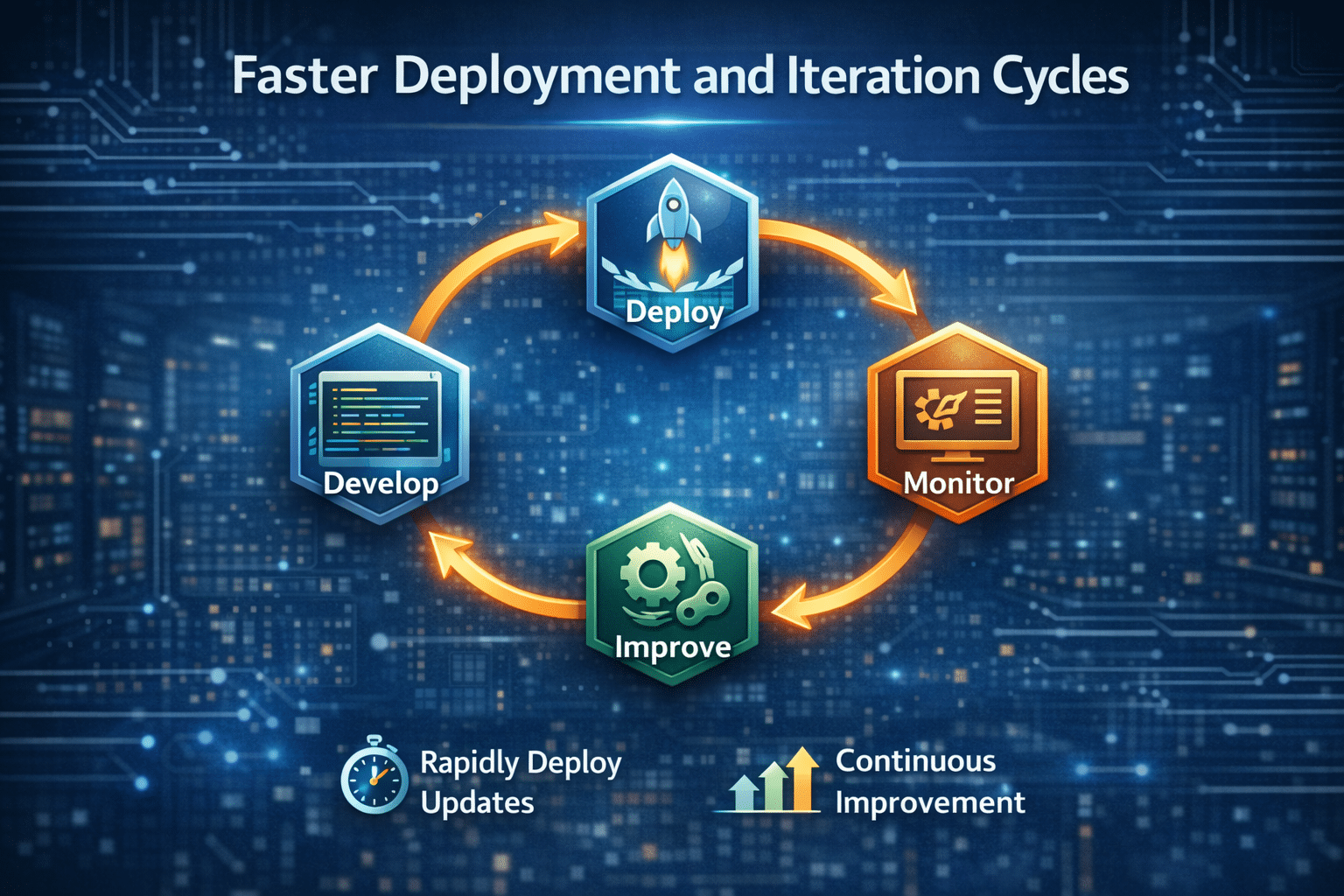
A VM typically requires minutes to:
- Boot the OS
- Load services
- Initialize processes
Containers, however, start in less than a second. This makes them ideal for:
- Continuous deployment
- Automated CI/CD pipelines
- Rapid prototyping
- Instant rollouts
- Quick disaster recovery
When speed matters:
If you’re testing code 10–50 times a day, VMs slow you down. Containers accelerate development dramatically.
Why developers love containers on HOMERDP
With HOMERDP:
- You push updates faster
- Your testing pipelines run smoother
- You deploy fixes instantly
- You avoid VM bottlenecks
The result?
Higher productivity, fewer delays, and much faster go-to-market timelines.
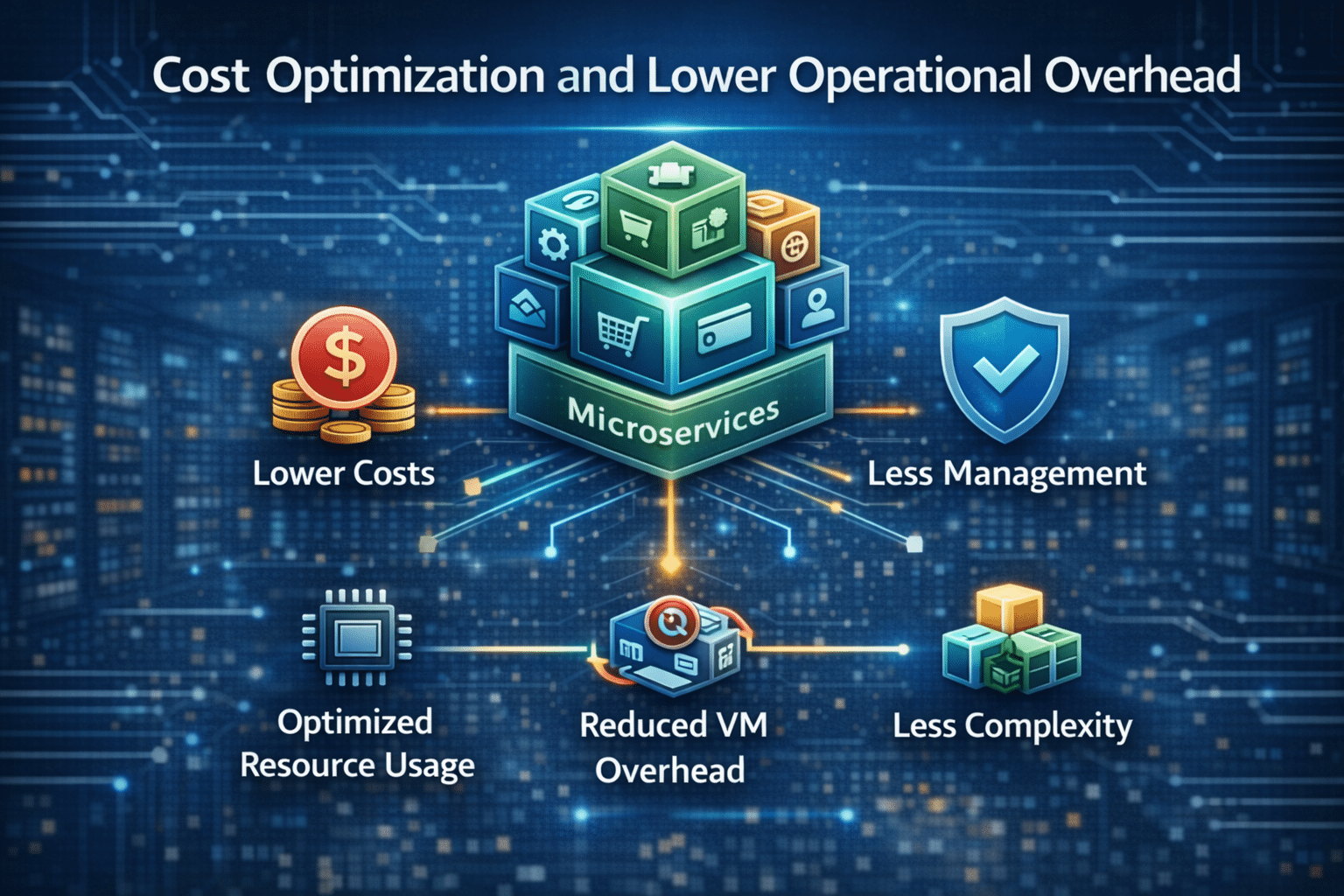
4. Better Cost Optimization and Lower Operational Overhead
Running multiple VMs means:
- Multiple OS licenses
- More storage usage
- More memory consumption
- Higher compute demand
In contrast, containers:
- Reduce hardware load
- Save storage (no OS duplication)
- Lower maintenance requirements
- Minimize operational complexity
Containers allow one HOMERDP machine to do the work of several traditional VMs. This dramatically reduces the cost of hosting multiple workloads.
Cost-saving example
- Running 5 VMs = 5 OS instances running 24/7
- Running 5 containers = 5 lightweight services sharing one OS kernel
The resource consumption difference is massive.
For HOMERDP customers
This means you spend less money per workload while still unlocking powerful features like:
- Admin access
- NVMe SSD performance
- High-thread-count CPUs
- Full customization
You get enterprise-level hosting efficiency without enterprise-level pricing.
5. Improved Scalability and High-Density Hosting
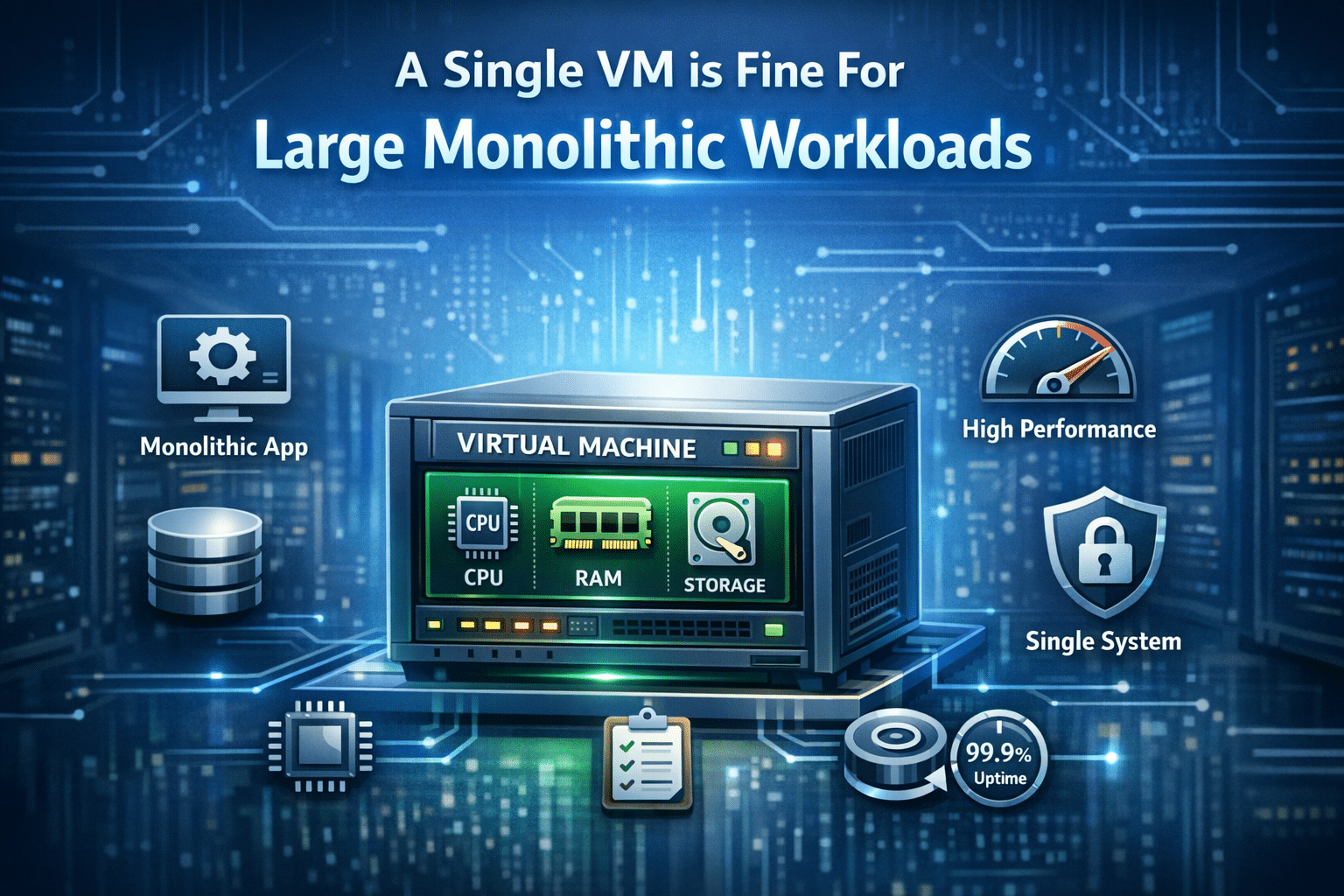
A single VM is fine for large monolithic workloads. But what if you want to:
- Host 10+ client websites?
- Run 20 Python bots?
- Maintain multiple Node.js apps?
- Deploy dozens of microservices?
A VM becomes huge and clunky.
Containers allow:
- Higher density
- Better segmentation
- Efficient load balancing
- Instant scaling
Perfect for agencies and freelancers
If you’re a web developer, agency owner, or freelancer hosting many client projects, you can:
- Put each project in its own container
- Avoid dependency conflicts
- Update one container without affecting others
- Manage all workloads from a single HOMERDP server
This simplifies life and boosts business efficiency.
6. Hybrid Approach: Running Containers Inside a VM

While containers are efficient, VMs still have advantages:
- Complete OS-level isolation
- Ability to run different operating systems
- Better separation for sensitive workloads
- More stable long-term environment
Many professionals use a hybrid model:
- Use one VM (such as your HOMERDP machine)
- Inside it, run multiple Docker/LXC containers
This gives you:
- VM isolation
- Container agility
- Stronger security
- Better organization
HOMERDP enables hybrid architecture
Since HOMERDP provides full root/admin access, you can:
- Create a base VM
- Inside it, run containers
- Isolate environments
- Harden your containerized apps
Hybrid deployments are ideal for:
- Agencies
- SaaS platforms
- Developers with multiple client projects
- Workflow automation engineers
Why HOMERDP Is the Perfect Environment for Containers

HOMERDP is built for developers, tech teams, freelancers, and businesses that depend on flexible, high-performance infrastructure.
HOMERDP is ideal for container deployment:
- Admin-level access for deep customization
- High-performance CPUs ideal for running multiple containers
- Large RAM options enabling high-density workloads
- NVMe storage for fast image loading
- Excellent uptime reliability for production workloads
- Scalable plans that evolve with your business
- Perfect for Docker, Kubernetes, LXC, and microservice architectures
By choosing HOMERDP, you gain not only server resources but also a powerful environment optimized for modern container-based development and hosting.
Containers + HOMERDP = The Future of Smart Hosting
Running multiple containers instead of one heavy VM is no longer just a trend — it is the foundation of modern, efficient, and scalable architecture. Containers save resources, accelerate deployments, encourage modular development, and make hosting far more cost-effective.
When you combine these benefits with HOMERDP’s powerful server infrastructure, you unlock a hosting environment that is:
- Faster
- More scalable
- More efficient
- More cost-effective
- Easier to manage
- Highly developer-friendly
HOMERDP doesn’t just give you a server — it gives you an entire ecosystem where your containerized applications can thrive.
If you’re building microservices, hosting multiple apps, running development environments, or managing automated workflows — HOMERDP provides the perfect foundation for container-driven architecture.
EXPLORE MORE; 10gbps USA Dedicated Server

READ OUR BLOGS