

Why Blanc Could Be the Minimalist Web Browser Linux Users Have Been Waiting For
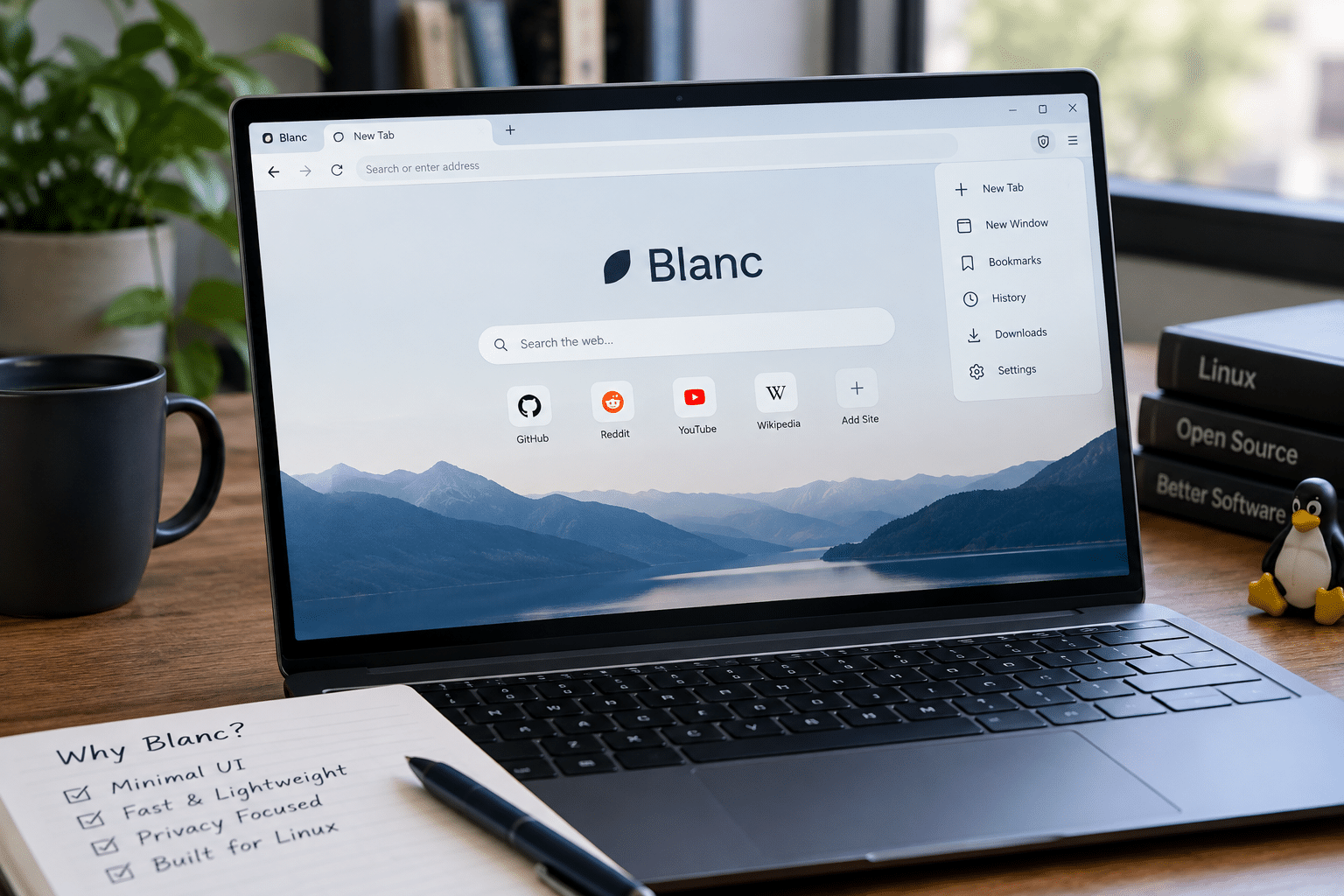
Web browsers have changed dramatically over the last decade.
What started as relatively simple software for opening websites has evolved into an increasingly crowded layer between users and the web. Modern browsers now offer AI assistants, shopping tools, password managers, synchronization platforms, productivity features, extensions, news feeds, recommendations, sidebar applications, and countless other additions.
For many users, those features are useful. For others, they create a different problem: the browser itself becomes distracting.
That is the problem Blanc is trying to address.
Blanc is a new open-source web browser that takes a deliberately minimalist approach to desktop browsing. Instead of keeping a traditional tab bar and large address toolbar permanently visible, Blanc places its main controls inside a floating interface called an “island.” The interface expands when users need it and stays visually restrained when they want to focus on a webpage.
The result is a browser that attempts to make the webpage the center of the experience again.
For Linux users, Blanc is particularly interesting because its philosophy aligns with something Linux has always offered: choice.
You can choose your distribution, desktop environment, window manager, terminal, applications, development tools, and now potentially the way your browser presents the web.
When that minimalist browser experience is combined with a remotely accessible Linux environment such as a Linux VPS from HOMERDP, it can also become part of a broader remote-work and development workflow.
Let’s explore why Blanc is attracting attention, what makes its approach different, where it still has limitations, and how it fits into a modern Linux-based workspace.
What Is Blanc Web Browser?
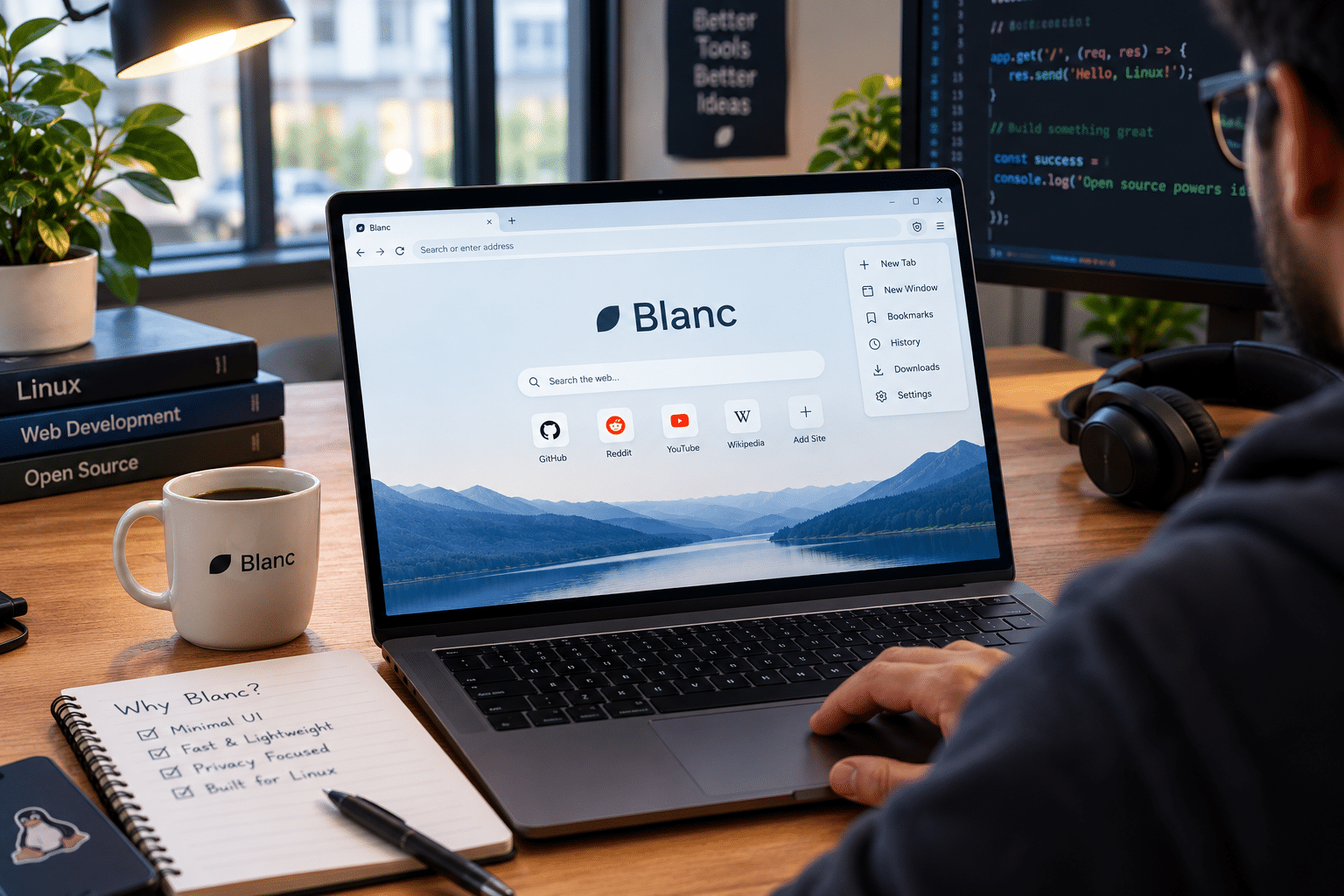
Blanc is an open-source desktop web browser designed around a simple concept: less browser, more web.
Instead of treating the browser interface as the main workspace, Blanc attempts to reduce the amount of permanent browser UI surrounding the webpage.
The most noticeable part of that strategy is its floating island.
The island sits at the top of the browser window and provides access to important controls such as:
- Website information
- Navigation buttons
- New-tab controls
- Favorites
- Tabs
- Search
- Browsing history
- Bookmarks
- Browser commands
Users can click the island to expand it or use Super + L to activate it. Typing / inside the expanded interface also allows users to access commands and browser actions.
This approach changes the traditional browser hierarchy.
Instead of:
Browser controls → always visible
Blanc aims for:
Web content → primary focus
Browser controls → available when needed
That may sound like a small interface change, but it represents a significant difference in browser philosophy.
Why Browser Minimalism Matters
A browser window can become visually crowded surprisingly quickly.
Consider a typical browsing session.
You might have:
- 15 open tabs
- Multiple pinned tabs
- Several extensions
- A bookmarks toolbar
- Notifications
- An AI assistant
- A sidebar
- Browser recommendations
- Account controls
- Search suggestions
- Shopping prompts
None of those features are necessarily bad.
The problem appears when every feature competes for attention.
Minimalism attempts to solve that problem by separating functionality from constant visibility.
Blanc does not eliminate basic browser functions. Instead, it hides much of the interface until the user needs it.
That distinction is important.
A minimalist browser does not have to be a browser with fewer capabilities.
It can simply be a browser that makes those capabilities less intrusive.
Blanc’s Dynamic Island Is the Main Attraction
The floating island is the feature most likely to make users immediately notice Blanc.
Traditional browsers generally reserve a permanent horizontal area for tabs and navigation.
Blanc takes a different approach.
This design can be particularly useful on laptops and smaller displays.
Every pixel matters when you’re working with:
- Documentation
- Code
- Dashboards
- Online editors
- Analytics platforms
- Web applications
- Research papers
- Large tables
- Technical diagrams
Reducing permanent interface clutter can give the webpage more visual importance.
That does not automatically make Blanc more productive for every user, but it gives the browser a clear design identity.
Your Tabs Are Still There
A common misunderstanding about minimalist browsers is that removing the traditional tab strip means removing tabs.
Blanc doesn’t do that.
The browser still supports familiar tab-management features such as:
- Pinned tabs
- Tab groups
- Task-oriented organization
- Browsing history
- Bookmarks
The difference is that Blanc surfaces those functions through its island instead of keeping a conventional tab strip permanently displayed.
This is an important design decision.
Experienced browser users don’t necessarily want fewer tabs. They may simply want their tabs to occupy less visual space.
For example, you could organize a session around separate tasks:
Development
- GitHub
- Documentation
- Stack Overflow
- Testing dashboard
Research
- Articles
- Reference material
- Search results
- Documentation
Business
- Analytics
- CRM
- Project management
Task-based organization can keep browsing sessions manageable without turning the entire browser window into a wall of tabs.
Glance Adds a Useful Split-View Workflow
Another interesting Blanc feature is Glance.
Glance provides a temporary split-view-like experience that lets users display another tab beside their current page.
This can be useful when you need two sources at the same time.
For example:
Documentation + application
You can read instructions while working through a web application.
Article + research source
You can compare information without constantly switching tabs.
Product page + specifications
You can keep technical information visible while checking a product.
Tutorial + development environment
You can follow instructions without repeatedly navigating back and forth.
The temporary nature of Glance is particularly interesting.
Instead of forcing users into a permanently divided interface, Blanc treats split viewing as a temporary tool.
That fits the browser’s larger philosophy: use additional interface elements when they are useful, then get them out of the way.
Built-In Ad and Tracker Blocking
Minimalism isn’t only about visual design.
Blanc also includes built-in ad and tracker blocking using EasyList and EasyPrivacy.
That means users don’t necessarily need to start by installing separate content-blocking extensions.
The browser also provides:
- Private tabs
- Browsing profiles
- Optional end-to-end encrypted synchronization
These features give users tools for separating different browsing contexts and managing data across devices.
This is particularly relevant because browser privacy has become increasingly complicated.
A user might want one profile for personal browsing and another for work.
A developer might want a separate profile for testing.
A researcher might want a clean browsing session without mixing it with everyday accounts.
Profiles provide a practical way to maintain that separation.
Blanc Takes a Different Position on AI
Perhaps one of Blanc’s most notable choices is what it does not include.
The browser does not come with built-in AI assistants, copilots, or page summarizers.
That is unusual in today’s browser market.
AI has become a major feature category across desktop software. Many applications now attempt to predict what users want, summarize information, generate text, answer questions, or automate tasks.
Blanc takes the opposite approach.
Its developer’s stated philosophy is to make webpages the main event again rather than surrounding browsing with AI bots and additional features.
For users who enjoy AI-powered browsing, this may feel like a missing feature.
For users who prefer to choose their own tools, it can feel refreshing.
The difference ultimately comes down to workflow.
Blanc does not try to decide that every browsing session needs an AI assistant.
It leaves that choice to the user.
Blanc Is Built With Electron and Chromium
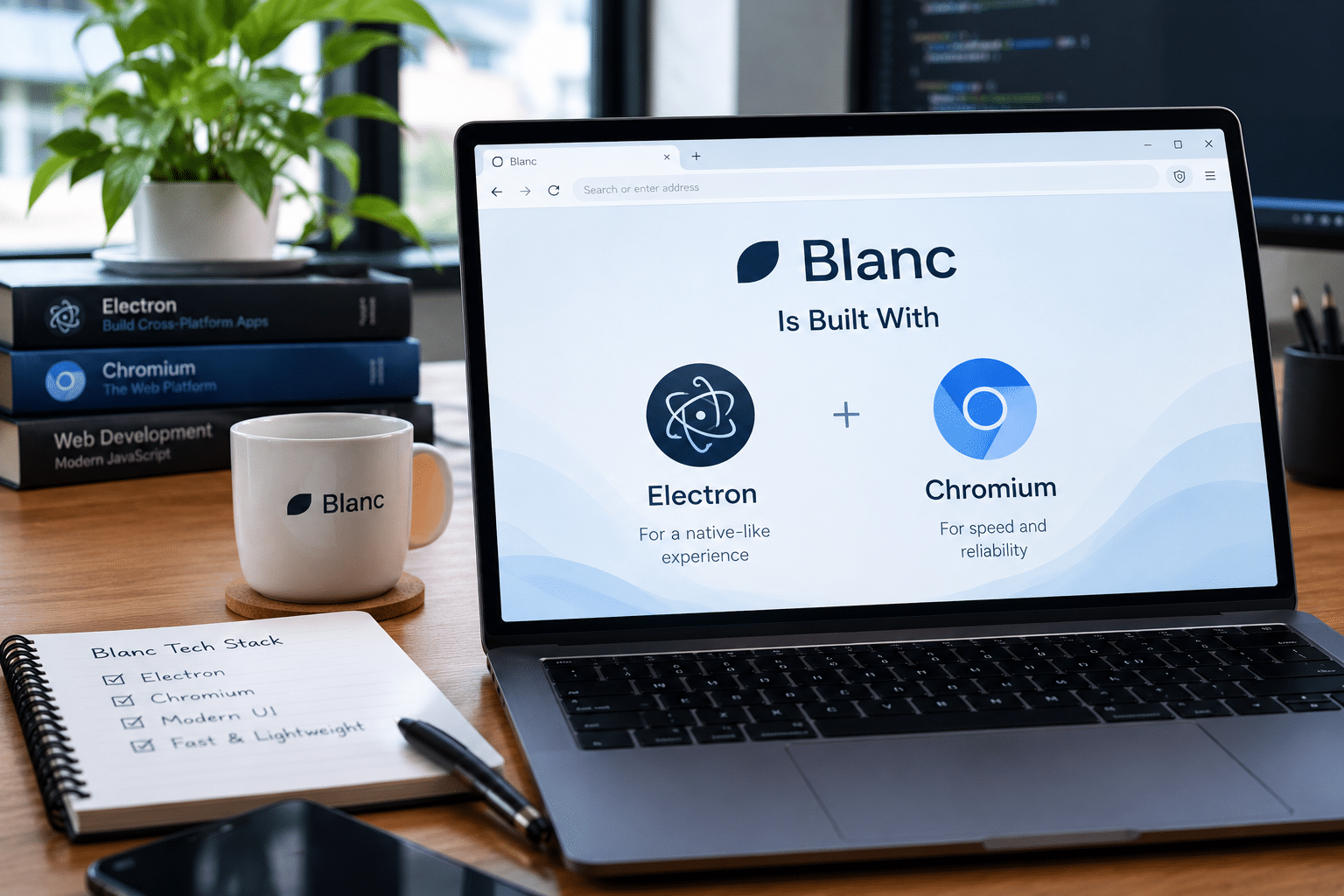
Underneath its minimalist interface, Blanc uses Electron and Chromium.
This gives the project access to Chromium’s established web-rendering ecosystem while allowing the developer to build a different interface around it.
The architecture also makes performance an important discussion.
Blanc’s developer claims that the browser used around one-quarter of the RAM consumed by Vivaldi or Chrome when running six heavy news websites in tabs.
That is an interesting result, but it should be treated carefully.
It is a developer-reported comparison, not an independent industry benchmark.
Browser performance depends on many variables:
- Number of tabs
- Website complexity
- JavaScript workloads
- Extensions
- Hardware
- Operating system
- Background applications
- Browser configuration
Therefore, users should not interpret the reported figure as a universal guarantee that Blanc will always use one-quarter as much memory as every competing browser.
Still, the claim demonstrates that performance efficiency is part of the project’s ambition.
Open Source Makes Blanc Especially Interesting for Linux Users
Blanc is not simply a proprietary browser with an unusual interface.
Its source code is available on GitHub under the MIT license.
That matters within the Linux community.
Open-source software gives technically minded users greater visibility into how an application is built. Developers can inspect the project, contribute improvements, report issues, and follow its development.
Linux users often value that transparency.
The operating system itself is built around a culture of:
- Open development
- Customization
- Community participation
- Modularity
- User control
Blanc’s open-source model fits naturally into that environment.
Blanc Is Available on Linux
Linux users can currently download Blanc as an AppImage, while the project also provides installers for Windows and macOS.
The AppImage format makes distribution relatively straightforward.
Instead of depending on a specific package manager or distribution repository, users can download the application and run the AppImage on a compatible Linux system.
That can be useful for testing a new browser without making it part of the system package infrastructure.
However, users should always obtain software from the project’s official release channels and verify compatibility with their system.
The Biggest Limitation: No Browser Extensions
Blanc’s minimalist approach currently comes with an important limitation.
It does not support web extensions.
For casual browsing, that may not matter.
For power users, it can be significant.
Extensions can provide:
- Password management
- Advanced content blocking
- Accessibility tools
- Developer utilities
- Productivity features
- Translation
- Web clipping
- Automation
- Workflow integrations
A user who depends on several extensions may find that Blanc cannot yet replace their existing browser.
Password-manager users, in particular, should carefully consider the implications of the current lack of extension support.
This is probably one of the biggest hurdles Blanc will need to overcome if it wants to attract a broader power-user audience.
There Is No Mobile Version Yet
Blanc is also currently focused on desktop platforms.
That creates an important limitation for users who expect a continuous browsing experience between:
- Desktop
- Laptop
- Tablet
- Smartphone
Optional encrypted synchronization can help users with multiple supported desktop installations, but it cannot replace a complete mobile browser ecosystem.
For Linux desktop users who primarily work from computers, this may not be a major issue.
For people who frequently move between devices, it could be a deciding factor.
Blanc Is Not Trying to Be Everything
This is perhaps the most important thing to understand about Blanc.
It isn’t trying to compete by adding more features.
Instead, it is experimenting with the opposite strategy.
Its philosophy can be summarized as:
- Keep the browser interface compact
- Make webpages the focus
- Provide necessary browser functions
- Reduce unnecessary visual distractions
- Include privacy features
- Avoid built-in AI assistants
- Keep the core browser usable without mandatory registration
The basic browser functions work without a sign-up or subscription, while Blanc’s source is available under the MIT license.
That makes the project interesting even if you never make it your primary browser.
It represents an experiment in what a modern browser can become.
A Small Contradiction: Blanc Includes Mahjong
There is an amusing twist to Blanc’s minimalist philosophy.
The browser includes a Mahjong game on its new-tab page.
That might seem strange for a browser that emphasizes fewer distractions.
But it also illustrates an important point: minimalism does not necessarily mean absolute austerity.
A product can have personality without turning every interface element into a productivity feature.
Whether users consider Mahjong a welcome addition or unnecessary clutter will depend entirely on their preferences.
Paid Workspaces Are Another Consideration
Blanc keeps its core browser functionality available without requiring a subscription.
However, the project’s Workspaces feature is currently associated with a paid Patron subscription starting at $4 per month, according to OMG! Ubuntu.
This creates a two-level model:
Free core browser
Users can browse without creating an account or paying for basic functionality.
Optional paid support
Users who want the additional Workspaces feature can support the project financially.
For an open-source project, this can provide a way to fund continued development while keeping the basic browser accessible.
As with any young project, users should check the latest official documentation because features and pricing can change over time.
Where HOMERDP Fits Into the Modern Linux Workflow
Blanc is primarily a browser.
HOMERDP solves a different problem: remote computing infrastructure.
That distinction is important.
You do not need a Linux VPS to use Blanc.
You do not need Blanc to use a Linux VPS.
But the two can fit naturally into a remote Linux workflow.
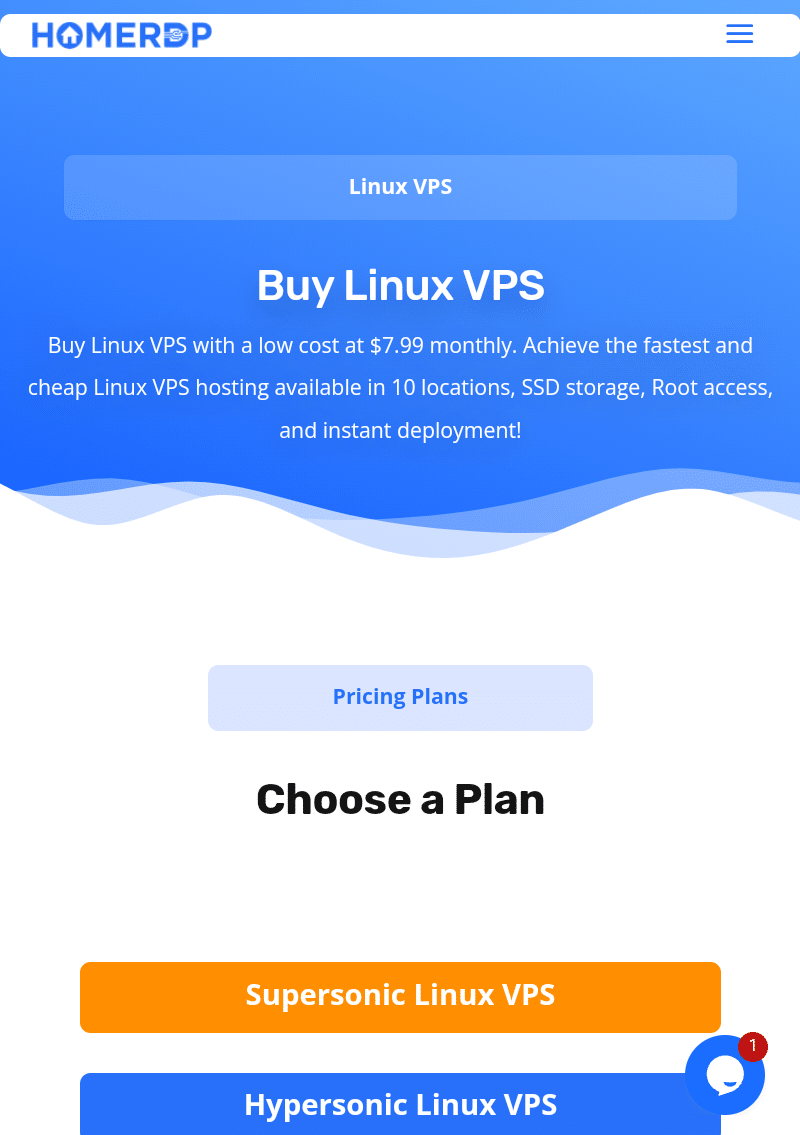
HOMERDP’s Linux VPS service currently offers Linux VPS configurations with different combinations of CPU, memory, storage, bandwidth, and connection capacity. The listed plans range from entry-level configurations through substantially larger systems.
HOMERDP also advertises full administrator/root access, dedicated resources, upgrade options, DDoS protection, backups/live snapshots, and a VPS management panel on its Linux VPS page.
That makes the service relevant for users who want more control over a remote Linux environment.
Why a Remote Linux Environment Can Complement a Minimal Browser
Modern work increasingly happens through a combination of local and remote systems.
A developer might have:
Local laptop
- Keyboard
- Monitor
- Communication tools
Remote Linux VPS
- Development environment
- Server applications
- Databases
- Testing tools
- Persistent files
Browser
- Documentation
- Cloud dashboards
- Git repositories
- Web applications
- Research
Blanc can occupy that final layer.
The browser becomes a focused interface for web-based work, while the VPS provides a persistent Linux environment.
This separation can be useful when you want your work environment to remain available independently of your physical computer.
Building a Blanc + Linux VPS Workflow
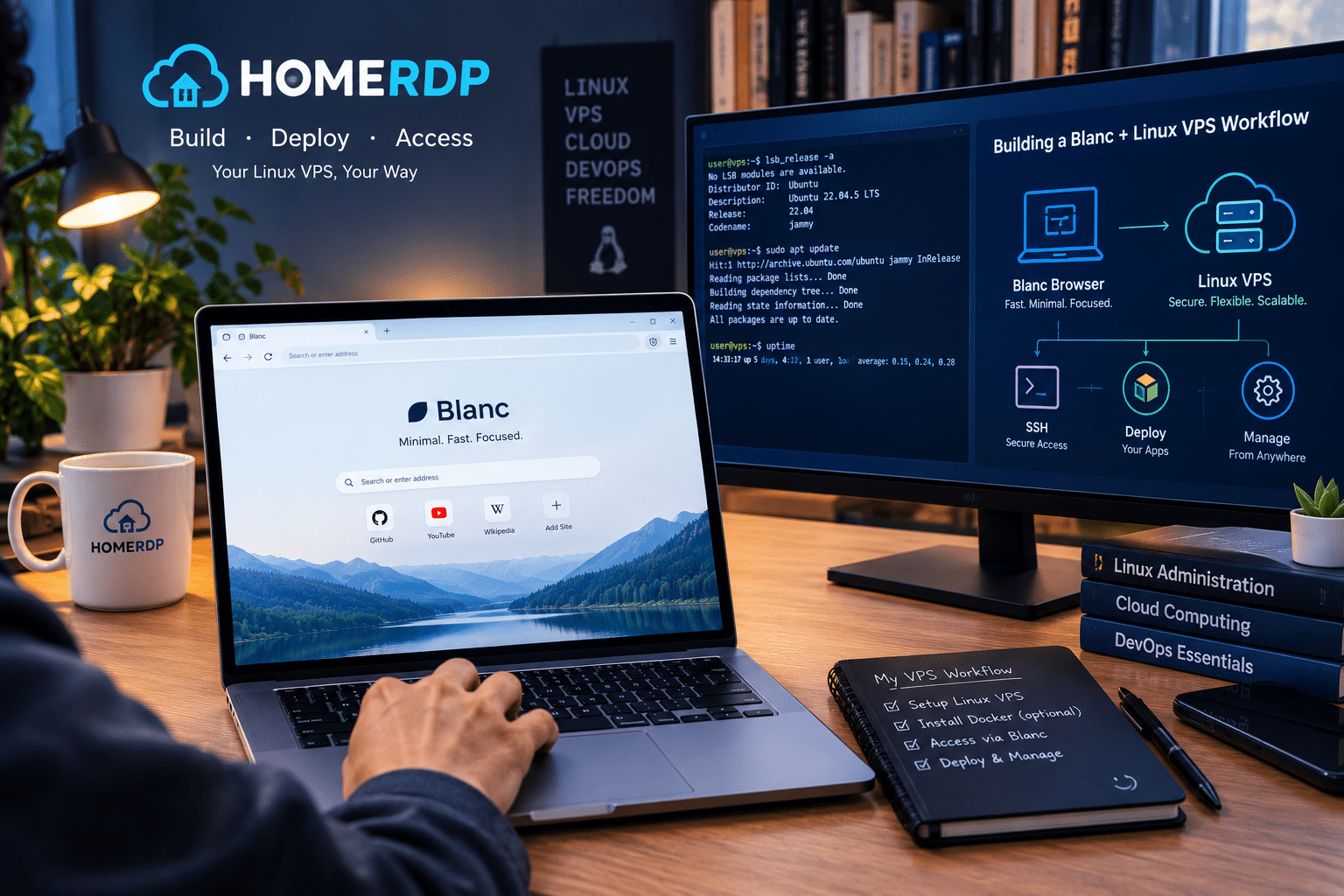
Imagine a developer who works from several locations.
Their laptop changes depending on where they work.
Instead of rebuilding their entire development environment on every machine, they maintain a Linux VPS containing their persistent tools and projects.
A workflow could look like this:
Step 1: Create a Linux VPS
Choose a Linux VPS configuration appropriate for your workload.
Step 2: Configure the environment
Install the required development tools, packages, databases, and services.
Step 3: Establish secure remote access
Use an appropriate remote-access method and secure the server before using it for production or sensitive work.
Step 4: Use Blanc for browser-based tasks
Open documentation, repositories, dashboards, research resources, and web applications.
Step 5: Organize work into browser tasks
Use Blanc’s tab groups and Glance feature to keep related information together.
Step 6: Keep the remote environment persistent
Your server remains available even when your local computer is shut down.
This approach can create a cleaner division between the physical device and the computing environment.
HOMERDP’s Linux VPS Options Scale With Different Workloads
One useful aspect of HOMERDP’s current Linux VPS offering is the range of listed configurations.
For example, its page currently lists an entry-level configuration with:
- 1 vCPU
- 1 GB DDR4 RAM
- 25 GB NVMe/SSD storage
- 1 TB bandwidth
- 1 Gbps connection
It also lists progressively larger configurations, including plans with 2 vCPUs and 4 GB RAM, 4 vCPUs and 8 GB RAM, and higher-resource options reaching 12 vCPUs and 64 GB RAM.
That matters because a browser is rarely the only workload.
A small remote environment might only need basic administration and lightweight web access.
A development workstation could need substantially more memory and CPU.
A more demanding environment might simultaneously run:
- Browser sessions
- IDEs
- Databases
- Containers
- Web servers
- Development tools
- Monitoring services
In those situations, resource planning matters more than simply choosing the cheapest VPS.
How Much VPS Power Does a Browser Need?
There is no universal answer.
It depends on the entire workload.
For a lightweight remote environment, users might focus on:
- One or two applications
- Documentation
- Basic web management
- Lightweight browsing
For a development environment, additional resources become useful.
You may need enough memory for:
- IDEs
- Browser tabs
- Databases
- Build tools
- Containers
For heavier workflows, additional CPU and RAM can become more important.
The important lesson is:
Choose VPS resources according to the complete workload, not the browser alone.
Blanc’s minimalist interface may reduce visual clutter, but it does not eliminate the underlying resource requirements of modern websites.
Privacy Has Two Separate Layers
Blanc’s privacy features and VPS security should not be confused.
They operate at different levels.
Browser layer
Blanc provides:
- Ad blocking
- Tracker blocking
- Private tabs
- Profiles
- Optional encrypted synchronization
Server layer
A Linux VPS requires:
- Secure authentication
- Regular updates
- Firewall configuration
- Careful port exposure
- Appropriate user permissions
- Backups
- Monitoring
A privacy-oriented browser does not automatically make an incorrectly configured server secure.
Likewise, a well-secured VPS does not automatically prevent websites from tracking browser activity.
A strong remote workflow considers both layers.
Why Linux Users May Appreciate Blanc
Linux users are not a single group.
Some want maximum customization.
Others want simplicity.
Some enjoy configuring every part of their system.
Others simply want software that gets out of the way.
Blanc is particularly interesting for the second group.
Its philosophy is not:
“Here are 100 features you can customize.”
It is closer to:
“Here are the features you need, presented with less permanent interface clutter.”
That can appeal to people who want their Linux desktop to remain focused.
Blanc Could Be Especially Interesting for Developers
Developers often spend hours inside browsers.
Documentation is online.
Repositories are online.
Issue trackers are online.
Cloud consoles are online.
Package documentation is online.
Testing environments are online.
Communication platforms are increasingly web-based.
That makes browser design surprisingly important for developers.
A cleaner interface can help users dedicate more of the screen to the content that actually matters.
Blanc’s Glance feature also has obvious development use cases.
For example:
Left side: Documentation
Right side: Web application
Or:
Primary tab: GitHub issue
Glance: Relevant code documentation
Or:
Primary tab: Cloud dashboard
Glance: Monitoring information
These are simple examples, but they demonstrate how temporary split viewing can support technical workflows.
Blanc Could Also Work for Researchers and Writers
Minimal browser design isn’t exclusively useful for developers.
Researchers frequently work across multiple sources.
Writers research articles while drafting content.
Students move between references and online learning platforms.
Analysts compare dashboards and reports.
SEO professionals monitor:
- Search results
- Analytics
- Webmaster tools
- Keyword research
- Competitor pages
- Content management systems
In all of these workflows, the browser becomes the main workspace.
Reducing unnecessary browser chrome can therefore have practical benefits.
Blanc doesn’t guarantee higher productivity, but its interface is clearly designed around keeping the content itself visually prominent.
The Browser’s Biggest Opportunity Is Also Its Biggest Risk
Blanc’s biggest strength is its willingness to be different.
But that can also become its biggest challenge.
Users are creatures of habit.
People know how Chrome works.
They know Firefox.
They know Edge.
They know Safari.
They know where the address bar goes.
They know where tabs go.
They know how extensions work.
They know how synchronization works.
Blanc asks users to relearn parts of that workflow.
That creates friction.
The question is whether the benefits of its minimalist design are strong enough for users to accept a different interaction model.
Only continued development and wider adoption will answer that question.
What Blanc Needs to Do Next
If Blanc wants to become a serious everyday browser for a larger audience, several areas could become important.
1. Extension Support
This is arguably the biggest missing feature for power users.
Extension compatibility would dramatically expand Blanc’s potential audience.
2. Mobile Availability
A mobile browser could make the ecosystem more complete.
3. Independent Performance Testing
Developer-reported benchmarks are useful, but independent testing across diverse workloads would provide stronger evidence.
4. Mature Synchronization
Cross-device synchronization will become increasingly important if Blanc expands beyond desktop users.
5. Continued UI Refinement
The island concept is distinctive.
The challenge will be making it intuitive enough that users don’t feel they are constantly searching for basic browser functions.
Is Blanc Ready to Replace Your Current Browser?
For some users, possibly.
For everyone, clearly not yet.
Blanc’s current lack of extensions and mobile support means that users with sophisticated browser workflows may encounter limitations.
However, Blanc doesn’t need to replace every browser to be valuable.
It can simply provide another option.
If you value:
- Open-source software
- A minimalist interface
- Chromium compatibility
- Built-in tracker blocking
- Private browsing profiles
- Task-oriented tabs
- Temporary split viewing
- Less AI-driven browser clutter
then Blanc is worth watching.
If your workflow depends heavily on extensions or mobile synchronization, its current limitations deserve serious consideration.
Final Thoughts: A Browser That Tries to Be Less
The most interesting thing about Blanc is not any single feature.
It is the philosophy behind the browser.
Modern software often grows by addition.
More features.
More assistants.
More notifications.
More recommendations.
More automation.
More integrations.
Blanc asks whether the opposite approach can work.
What if the browser simply focused on browsing?
That question makes Blanc particularly relevant to Linux users.
Linux has always provided an environment where users can decide how much complexity they want. A user can build a highly customized desktop or choose a deliberately simple one.
Blanc brings that philosophy into the browser.
Its dynamic island replaces the conventional always-visible browser interface. Its tab groups preserve familiar organization without keeping a large tab strip on screen. Glance introduces temporary split viewing. Built-in ad and tracker blocking reduces the need for additional privacy tools. Private profiles help separate browsing contexts. Optional encrypted synchronization addresses multi-device use. And its deliberate omission of built-in AI assistants gives users a browser that doesn’t attempt to turn every webpage into an AI interaction.
At the same time, Blanc remains a young project.
The absence of browser extensions and mobile applications limits its reach. Its reported RAM advantage comes from developer testing and should be evaluated independently. Its paid Workspaces feature and evolving ecosystem also mean that users should keep an eye on future releases.
For Linux enthusiasts, however, experimentation is part of the appeal.
And Blanc is certainly experimenting.
The browser also fits into a larger shift toward flexible computing environments. Instead of keeping every application and project tied to a single physical computer, users can combine local devices with remote Linux infrastructure.
That’s where HOMERDP’s Linux VPS offering can complement the idea.
A remote Linux VPS can provide the persistent computing environment, while Blanc can provide a cleaner interface for accessing the web-based tools, documentation, dashboards, repositories, and services that modern workflows depend on. HOMERDP currently offers Linux VPS configurations ranging from small entry-level systems to much larger CPU and memory configurations, alongside features such as root access and dedicated resources.
The two products are not formally integrated, and they solve different problems.
But together they illustrate an interesting modern Linux workflow:
A simple browser + a flexible Linux environment + remote accessibility = a computing setup that can remain focused, portable, and customizable.
Ultimately, Blanc doesn’t need to become the biggest browser in the world.
Its more interesting contribution may be challenging the assumption that browsers must continually become more complicated.
Sometimes, less can be a feature.
And for Linux users who want the web to take center stage rather than the browser surrounding it, Blanc could be exactly the kind of fresh experiment worth trying.
Key Takeaways
- Blanc is a new open-source Chromium-based web browser focused on minimalist browsing.
- Its signature dynamic island replaces the traditional always-visible tab and address-bar interface.
- Users still get familiar features such as pinned tabs, tab groups, history, and bookmarks.
- Glance provides temporary split-view functionality for comparing or referencing two pages.
- Blanc includes EasyList and EasyPrivacy-based ad and tracker blocking.
- Private tabs and browsing profiles help separate browsing contexts.
- Optional end-to-end encrypted synchronization supports multi-device desktop use.
- Blanc deliberately avoids built-in AI assistants, copilots, and page summarizers.
- The browser currently lacks web extension support and mobile versions, which may limit adoption among power users.
- Blanc’s source code is available under the MIT license.
- Linux users can download an AppImage release.
- HOMERDP’s Linux VPS service can provide a remote Linux environment for development, research, administration, and other web-centric workflows.
- The Blanc + HOMERDP combination is best viewed as a complementary workflow, rather than a formal product integration.
Frequently Asked Questions
What is Blanc browser?
Blanc is an open-source desktop web browser built with Electron and Chromium. Its defining feature is a minimalist floating interface called an island, which replaces the conventional always-visible browser toolbar and tab strip.
Is Blanc available for Linux?
Yes. The project provides an AppImage for Linux users, alongside installers for Windows and macOS.
Does Blanc support Chrome extensions?
According to the current OMG! Ubuntu report, Blanc does not currently support web extensions.
Does Blanc have AI features?
Blanc deliberately does not include built-in AI assistants, copilots, or page summarizers.
Does Blanc block ads and trackers?
Yes. Blanc includes built-in ad and tracker blocking using EasyList and EasyPrivacy.
Can Blanc synchronize browsing data?
Blanc offers optional end-to-end encrypted synchronization for users who want to use the browser across multiple supported devices.
What is Glance in Blanc?
Glance is a temporary split-view feature that allows users to display another tab beside the current page.
What is HOMERDP’s relevant service for a Blanc-focused workflow?
HOMERDP’s Linux VPS service is the most relevant fit. It provides remote Linux server environments with different CPU, memory, storage, bandwidth, and connection configurations, along with advertised root access and dedicated resources.
Can Blanc and a Linux VPS be used together?
Yes, as complementary tools. Blanc can serve as the browser interface for web-based work, while a Linux VPS can provide a persistent remote Linux environment for development, administration, research, and other workloads. The two services are not presented as formally integrated.
EXPLORE MORE ; How to Use lspci in Linux to Detect GPUs, Network Cards
READ OUR BLOGS