

Vivaldi 7.9 Auto-Hide UI: Unlock Full-Screen Power on GPU RDP
In a world where productivity is increasingly defined by screen efficiency, speed, and seamless workflows, even small interface innovations can make a massive difference. The release of Vivaldi 7.9 introduces a deceptively simple yet powerful feature—Auto-Hide UI—that transforms how users interact with their browser.
But the real magic happens when this feature is combined with a high-performance GPU-powered remote desktop environment like HOMERDP.
This article explores how Vivaldi 7.9’s auto-hide capability, when paired with GPU RDP infrastructure, creates a next-generation productivity ecosystem for developers, traders, AI professionals, and content creators.
What is Vivaldi 7.9’s Auto-Hide UI Feature?
Vivaldi has always stood out for its deep customization and user-first philosophy. With version 7.9, it introduces auto-hide functionality for UI elements, including:
- Tabs
- Address bar
- Toolbars
- Panels
🔹 How It Works
- UI elements automatically disappear when not in use
- They reappear instantly on hover or interaction
- Enables a true full-screen browsing experience
The result: Zero clutter. Maximum focus.
Why Full-Screen Browsing Matters More Than Ever
Modern workflows are no longer confined to desktop apps. Today, everything runs in the browser:
- Cloud IDEs
- AI dashboards
- Trading platforms
- Research tools
- CMS platforms
The Productivity Factor
Research in UX and developer workflows suggests:
- Even 10–20% more usable screen space can significantly improve task efficiency
- Frequent UI distractions can reduce deep work capability by up to 40%
What Auto-Hide Solves
- Eliminates visual clutter
- Reduces unnecessary eye movement
- Enhances immersion in tasks
In short, it helps you stay in the flow longer.
The Real Game-Changer: GPU RDP + Vivaldi 7.9
While auto-hide UI is impressive on a local system, its true potential is unlocked when used on a GPU Remote Desktop (RDP).
This is where HOMERDP comes into play.
What is GPU RDP and Why It Matters?
GPU RDP is a remote desktop environment powered by high-performance GPUs, enabling:
- Faster rendering
- Smooth graphics performance
- High-resolution display support
- Seamless multitasking
Unlike traditional systems, GPU RDP allows users to:
- Run heavy applications remotely
- Access powerful machines from low-end devices
- Work without hardware limitations
Why Vivaldi 7.9 is Perfect for GPU RDP Environments
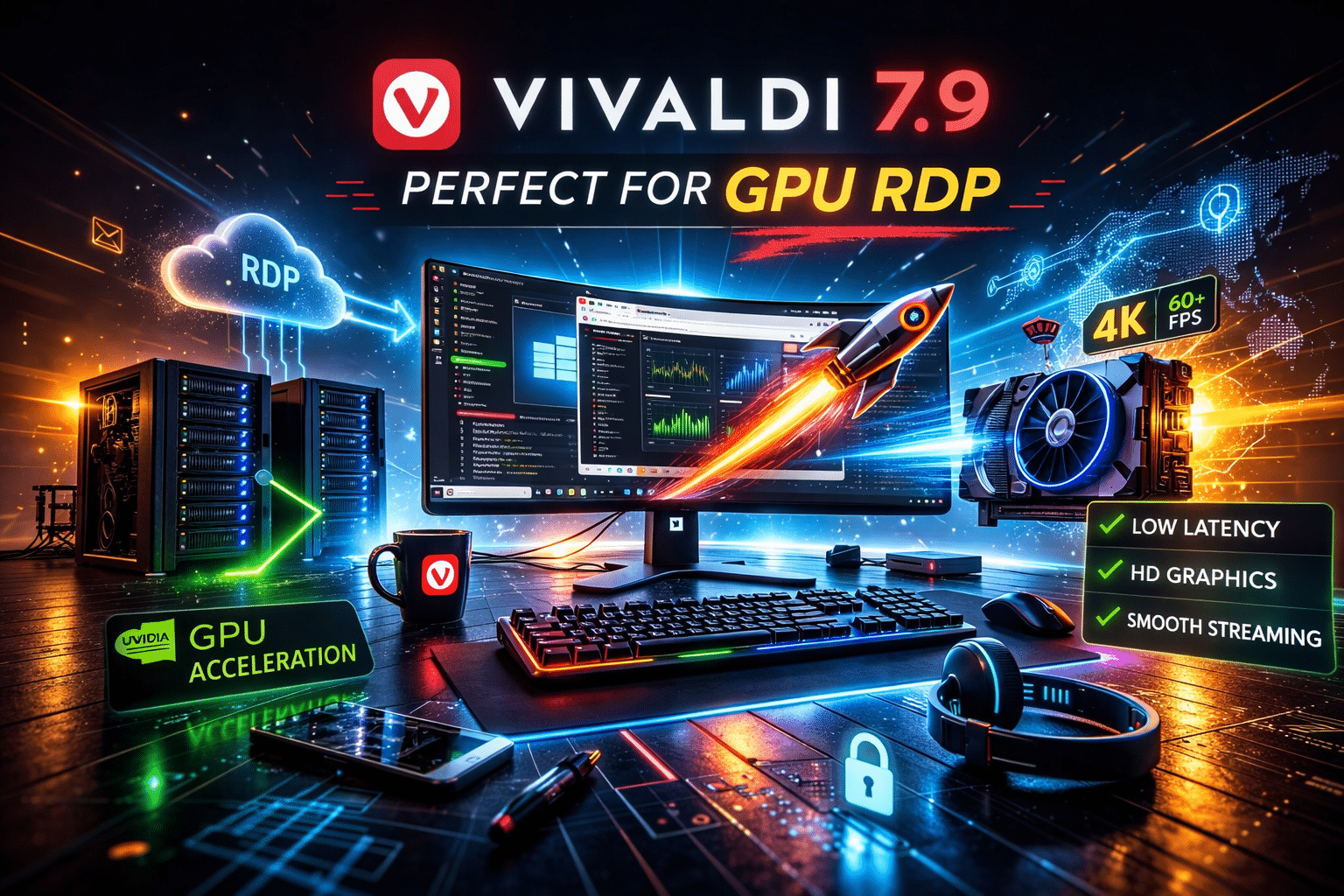
1. Maximum Screen Utilization on High Res Displays
GPU RDP environments often support:
- 2K / 4K resolutions
- Multi-monitor setups
With auto-hide UI:
- Every pixel is used efficiently
- No wasted space on static toolbars
Ideal for:
- Multi-tab research
- Large dashboards
- Coding environments
2. App-Like Browser Experience
With UI elements hidden:
- Websites behave like native applications
For example:
- Web-based IDEs feel like desktop editors
- Trading platforms look cleaner and more responsive
Combined with HOMERDP:
- GPU acceleration ensures buttery-smooth performance
- No lag, even in heavy browser workloads
3. Enhanced Multitasking with Tab Tiling
Vivaldi offers built-in:
- Tab tiling
- Split-screen browsing
When paired with auto-hide:
- More space for each window
- Cleaner multitasking experience
On GPU RDP:
- You can run multiple heavy tabs simultaneously
- Maintain performance without slowdowns
4. Reduced Cognitive Load
A cluttered interface increases:
- Mental fatigue
- Decision fatigue
Auto-hide UI:
- Keeps your workspace minimal
- Improves focus and clarity
Combined with high-performance RDP:
- You get both mental and system efficiency
Real-World Use Cases on HOMERDP
Developers & Engineers
- Use browser-based IDEs like VS Code Web
- Tile tabs for:
- Code
- Documentation
- Logs
Auto-hide ensures a distraction-free coding environment
Traders & Financial Analysts
- Monitor multiple charts and dashboards
- Use full-screen view for better analysis
GPU RDP ensures:
- Real-time updates
- Smooth chart rendering
AI & Data Science Professionals
- Work with web-based ML tools
- Visualize large datasets
HOMERDP GPU acceleration:
- Handles heavy workloads
- Improves responsiveness
Content Writers & Researchers
- Split screen for:
- Research
- Writing
Auto-hide UI creates:
- Clean writing environment
- Better focus for long-form content
Performance Comparison: Local vs GPU RDP
| Feature | Local System | GPU RDP (HOMERDP) |
|---|---|---|
| Rendering Speed | Limited | GPU Accelerated |
| Multitasking | Moderate | High |
| Screen Resolution | Device dependent | High-resolution optimized |
| Browser Performance | Can lag | Smooth & responsive |
Add Vivaldi’s auto-hide UI to GPU RDP, and you get: A clean, powerful, and highly responsive workspace
Why This Matters in 2026
The shift is clear:
✔ Remote work is the norm
✔ Browsers are becoming primary workspaces
✔ Applications are moving to the cloud
Emerging Trend:
Minimal UI + Maximum Performance = Future Productivity Standard
Vivaldi 7.9 aligns perfectly with this trend, while HOMERDP provides the infrastructure to support it.
Advantage of Using HOMERDP
When you combine:
- Vivaldi’s UI innovation
- HOMERDP’s GPU-powered infrastructure
You unlock:
Key Benefits
- Work from anywhere
- Access powerful systems remotely
- Run heavy browser workloads smoothly
- Achieve distraction-free productivity
👉 Explore GPU RDP:
https://homerdp.com/gpu-rdp/
Advanced Customization for Power Users
Vivaldi already allows:
- Custom keyboard shortcuts
- Mouse gestures
- UI layout control
With auto-hide:
- You can design a minimalist, high-efficiency workspace
On HOMERDP:
- This becomes your portable high-performance workstation
Final Thoughts
Vivaldi 7.9 is more than just an incremental update—it’s a productivity upgrade disguised as a UI tweak.
On its own:
- It declutters your browser
- Improves focus
When paired with HOMERDP:
- It transforms your workflow
- Unlocks full-screen power
- Delivers high-performance remote productivity
EXPLORE MORE ; How to Set the Primary GPU on Linux Systems with Multiple GPUs
READ OUR BLOGS