

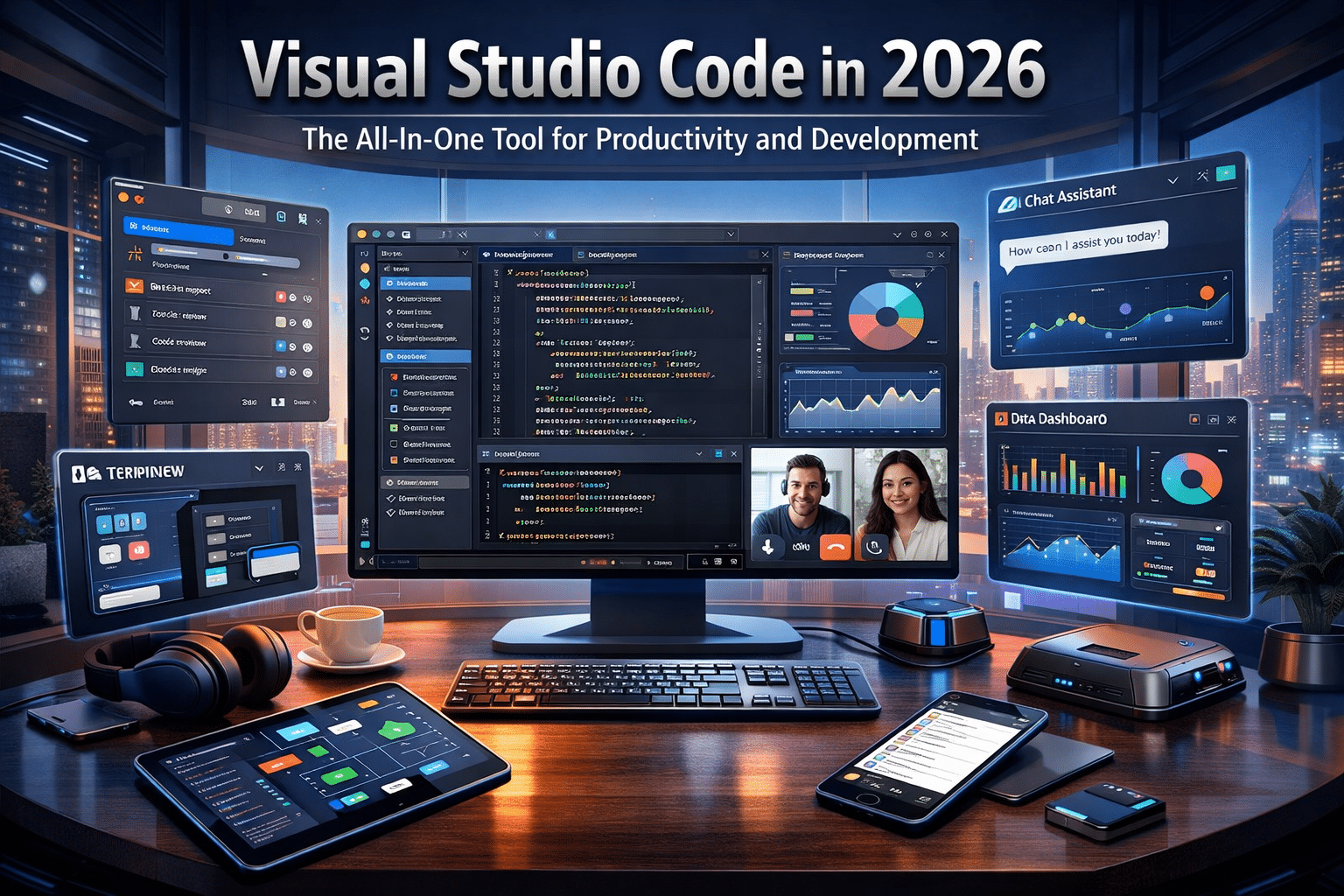

Visual Studio Code in 2026: The All-In-One Tool for Productivity and Development
In today’s digital economy, productivity tools determine how efficiently professionals work, collaborate, and build solutions. Over the past decade, one tool has quietly become the backbone of modern digital workflows—Visual Studio Code.
Originally launched by Microsoft, VS Code began as a lightweight code editor for developers. However, by 2026 it has evolved into a powerful, flexible platform used by millions of professionals across industries. From developers and DevOps engineers to writers, researchers, and students, VS Code has become a central workspace for productivity and technical work.
Thanks to its open-source ecosystem, thousands of extensions, built-in collaboration tools, and seamless cross-platform support, VS Code is no longer just a coding tool—it is an all-in-one productivity environment.
Let’s explore why Visual Studio Code is one of the most powerful digital tools in 2026 and how it is transforming workflows for professionals around the world.
1. A Lightweight Editor That Powers Modern Workflows
One of the biggest reasons for VS Code’s global adoption is its speed and simplicity.
Unlike traditional development environments that require heavy installations and system resources, VS Code is lightweight yet extremely powerful. It launches quickly, consumes fewer system resources, and remains responsive even when handling large projects.
Key advantages include:
- Fast startup and smooth performance
- Minimal memory usage compared to traditional IDEs
- Easy installation on multiple operating systems
- Clean and intuitive interface
Because of this efficiency, VS Code has become the preferred editor not only for programmers but also for professionals who need a powerful tool to manage digital content.
2. Powerful Editing Features That Save Time
At its core, VS Code is still one of the most advanced text editors ever created.
It includes numerous intelligent editing features that significantly improve productivity.
Some of the most useful capabilities include:
Multi-Cursor Editing
Users can place multiple cursors within a file and edit several lines at once. This feature is extremely useful for repetitive tasks like renaming variables or modifying repeated text.
Intelligent Search and Replace
VS Code allows users to search across entire projects using powerful filters and regular expressions.
This helps professionals quickly locate:
- specific keywords
- configuration settings
- code snippets
- documentation references
Split-Screen Editing
The editor allows users to open multiple files side by side, making it easier to compare documents or edit related files simultaneously.
These features dramatically reduce the time required for editing large documents or projects.
3. Built-In File and Project Management
Another reason for VS Code’s popularity is its integrated project management system.
Instead of switching between file explorers and editors, users can manage everything inside the same workspace.
VS Code allows users to:
- organize project folders
- create new files instantly
- drag and drop directories
- search across hundreds of files
For teams working on documentation, technical content, or software projects, this centralized environment improves workflow efficiency.
Writers managing blog content, developers working on repositories, and researchers organizing data can all benefit from this streamlined structure.
4. Thousands of Extensions That Expand Its Capabilities
Perhaps the most powerful feature of VS Code is its massive extension ecosystem.
The VS Code Marketplace offers thousands of extensions that allow users to customize their workspace for nearly any task.
Popular categories include:
- Programming language support
- AI writing assistants
- Markdown editors
- Git integrations
- productivity tools
- debugging extensions
- design utilities
For example, developers can install language packs for Python, JavaScript, or C++.
Meanwhile, writers can use grammar tools, Markdown editors, and content preview extensions to streamline documentation workflows.
This extensibility transforms VS Code into a fully customizable digital workspace.
5. Real-Time Collaboration for Modern Teams
Remote work and distributed teams have become standard across the global tech industry.
VS Code supports real-time collaboration through features like Live Share feature in Visual Studio Code.
Live Share allows multiple users to work inside the same development session simultaneously.
Teams can:
- edit files together
- review code or documents
- debug applications collaboratively
- share terminals and servers
This capability is particularly valuable for:
- remote development teams
- open-source projects
- online programming education
- collaborative documentation
By eliminating the need for constant file sharing, VS Code helps teams work faster and more efficiently.
6. Built-In Git Integration for Version Control
Version control is essential for modern development workflows, and VS Code integrates seamlessly with Git.
Users can perform key Git actions directly inside the editor, including:
- committing changes
- viewing file differences
- resolving merge conflicts
- managing branches
This eliminates the need to switch between command-line tools and separate Git applications.
For developers and technical teams, this integration simplifies project management and improves productivity.
7. Ideal for Data Science and Machine Learning
Beyond software development, VS Code has also become a powerful tool for data science.
Many researchers and analysts use it to run Jupyter Notebook environments directly inside the editor.
This allows professionals to combine:
- data analysis
- visualization
- documentation
- machine learning experiments
Within a single workspace.
Support for languages like Python makes VS Code a strong choice for:
- data scientists
- AI researchers
- machine learning engineers
The ability to integrate notebooks, scripts, and documentation in one platform greatly simplifies complex workflows.
8. Cross-Platform Compatibility
One of VS Code’s greatest strengths is its cross-platform support.
The editor runs smoothly on:
- Windows
- Linux
- macOS
Users can maintain the same development environment across devices by synchronizing their settings.
This means themes, extensions, and preferences automatically sync across machines.
Professionals who switch between office computers, laptops, or remote systems benefit greatly from this flexibility.
9. Why Cloud Development Environments Are Growing
As projects become larger and more resource-intensive, many developers prefer to work in cloud-based environments rather than relying solely on local machines.
Running development tools in the cloud provides several advantages:
- stronger processing power
- higher RAM availability
- stable internet-based access
- consistent development environments
Cloud workspaces are particularly useful for developers working with:
- large codebases
- containerized applications
- machine learning models
- complex testing environments
How HOMERDP Enhances the VS Code Experience
While VS Code works well on local systems, many professionals prefer running it on high-performance cloud desktops for better speed and reliability.
This is where HOMERDP provides a powerful advantage.
HOMERDP offers high-performance Windows RDP servers designed for developers, engineers, and remote professionals.
Using HOMERDP with VS Code allows users to:
- run development environments on high-speed cloud machines
- access projects from any device or location
- handle resource-intensive tasks without slowing down local computers
- maintain secure remote development environments
For example, developers working on large repositories or AI experiments can launch VS Code on a powerful remote desktop and continue working seamlessly from anywhere.
Perfect for Remote Developers and Digital Professionals

Modern professionals often work across multiple devices and locations.
By combining VS Code with HOMERDP’s cloud RDP solutions, users gain the flexibility to build and manage projects without hardware limitations.
This setup is particularly useful for:
- software developers
- DevOps engineers
- cloud architects
- data scientists
- technical writers
- remote startup teams
A powerful cloud desktop ensures that development environments remain fast, scalable, and accessible from anywhere.
Final Thoughts

In 2026, Visual Studio Code has become far more than a simple code editor.
It now serves as a comprehensive productivity platform used by millions of professionals worldwide.
Its key strengths include:
- powerful editing features
- massive extension ecosystem
- built-in collaboration tools
- integrated version control
- cross-platform compatibility
When combined with high-performance cloud infrastructure like HOMERDP, VS Code becomes an even more powerful environment for building applications, managing documentation, and collaborating remotely.
Whether you are a developer, writer, researcher, or student, adopting Visual Studio Code can dramatically improve your workflow.
As the digital workplace continues to evolve, tools like VS Code—paired with scalable cloud solutions—will remain at the center of modern productivity and innovation.
EXPLORE MORE ; RDP for AI Engineers: Why Cloud GPUs Are the Future of Machine Learning

READ OUR BLOGS