

How Tmux Supercharges Remote Linux Development and DevOps Productivity
Remote Linux development has become the backbone of modern software engineering, DevOps, and system administration. Developers now rely on cloud servers, VPS instances, and remote desktops more than ever before. However, working remotely introduces its own challenges—unstable connections, lost terminal sessions, scattered workflows, and reduced productivity.
This is where tmux steps in as a game-changing productivity tool. Tmux doesn’t just improve terminal usage—it redefines how developers work on remote Linux systems. When paired with a reliable remote infrastructure like HOMERDP’s high-performance Linux RDP and VPS solutions, tmux creates a powerful, resilient, and highly efficient development environment.
Tmux in a Remote Linux
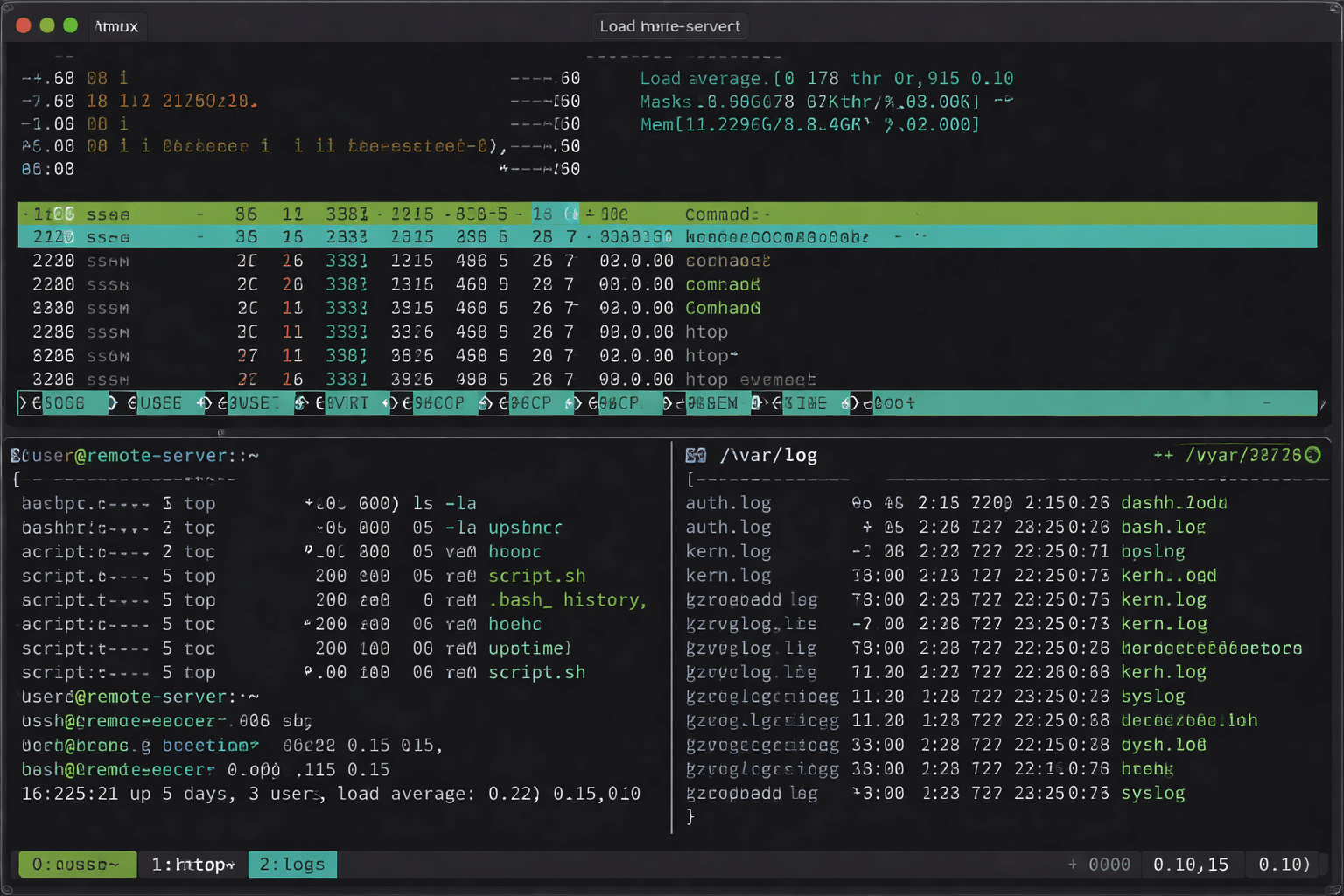
Tmux, short for terminal multiplexer, allows users to manage multiple terminal sessions within a single window. Instead of opening dozens of SSH tabs or terminal windows, tmux organizes everything into sessions, windows, and panes.
For remote Linux development, this structure is critical. Developers often run multiple services simultaneously—application servers, databases, log monitors, and build processes. Tmux keeps all of them active and accessible from one connected workspace.
More importantly, tmux runs server-side. This means your work continues on the remote Linux machine even if your local internet connection drops.
Why Remote Linux Development Needs Tmux
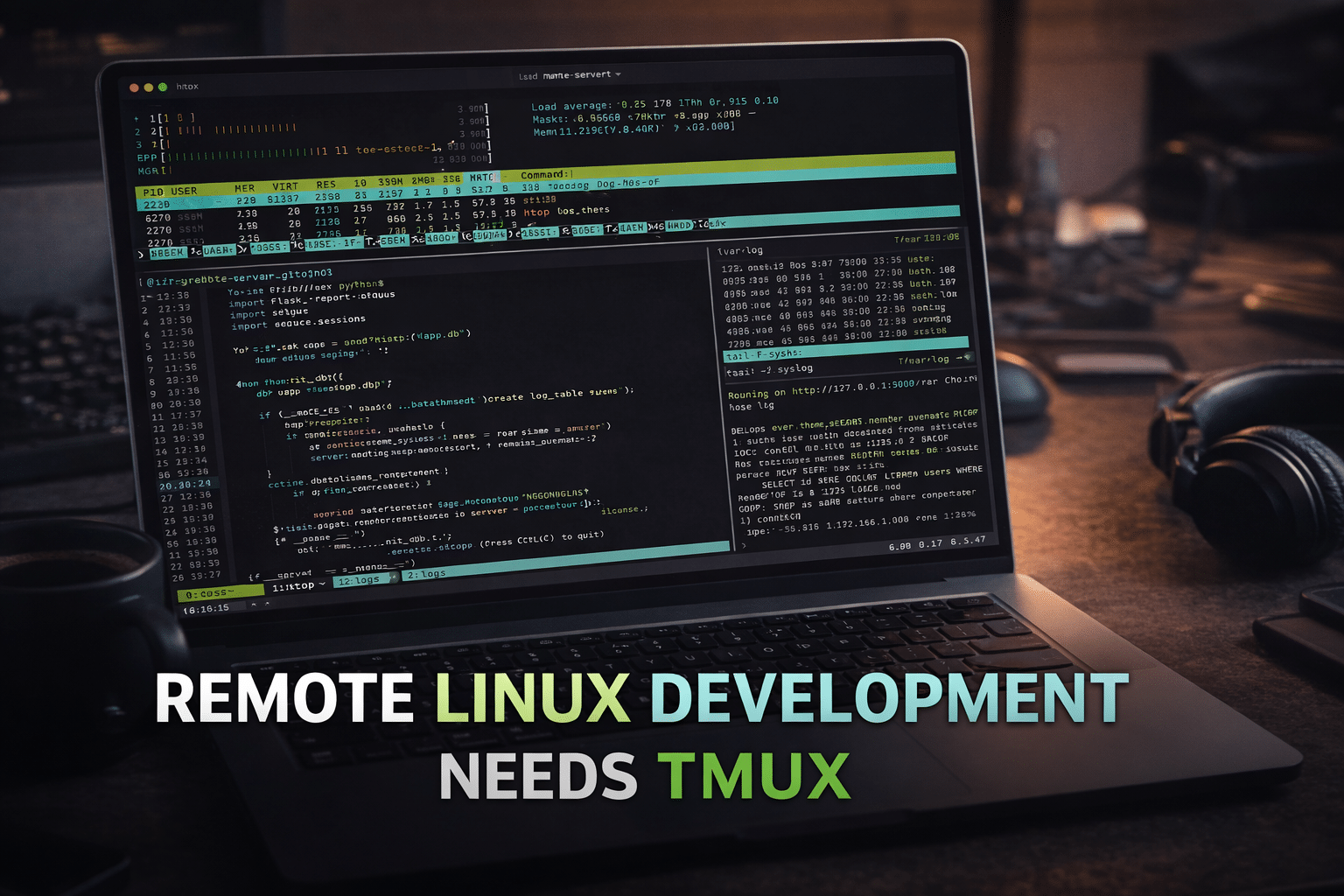
Remote development environments are powerful but fragile without the right tooling. Tmux solves some of the most common pain points developers face.
1. Session Persistence Eliminates Workflow Interruptions
One of tmux’s most valuable features is session persistence. When your SSH or RDP connection drops, tmux keeps all running processes alive.
This is especially useful when working on:
- Long-running builds or compilations
- Data processing tasks
- Server monitoring and debugging
- Deployment pipelines
On a HOMERDP Linux VPS or Linux RDP, tmux ensures your workflow remains intact regardless of network instability. You reconnect and pick up exactly where you left off—no lost progress, no restarting tasks.
2. One Terminal, Multiple Workspaces
Tmux allows you to split your terminal into multiple panes and windows, all within a single session.
For example:
- One pane runs your backend server
- Another pane tails application logs
- A third pane connects to a database
- A fourth pane handles Git operations
This setup dramatically reduces context switching. Instead of juggling multiple SSH sessions, everything stays visible and organized.
When running tmux on HOMERDP’s NVMe-backed Linux servers, these multi-pane environments remain smooth and responsive, even under heavy workloads.
3. Designed for SSH and RDP-Based Development
Remote Linux development commonly happens over SSH or Linux-based RDP environments. Tmux integrates perfectly with both.
With HOMERDP’s Linux RDP services, developers get:
- A stable remote desktop environment
- Full admin/root access
- Persistent server uptime
Adding tmux on top of this setup transforms the Linux RDP into a professional-grade development workstation that behaves like a local machine—but with cloud scalability.
How Tmux Boosts Developer Productivity
Tmux doesn’t just organize terminals; it actively improves how developers think and work.
4. Faster Task Switching with Keyboard-Driven Control
Tmux is fully keyboard-driven. Developers can switch panes, resize windows, and jump between sessions without touching the mouse.
This results in:
- Faster navigation
- Reduced distractions
- Improved focus during deep work
On remote Linux systems hosted by HOMERDP, tmux’s low-overhead design ensures performance stays consistent even on modest network connections.
5. Customizable Workflows for Any Development Stack
Tmux allows deep customization through configuration files and scripts. Developers can create predefined layouts for specific projects.
Examples include:
- A DevOps layout with monitoring, logs, and deployment panes
- A web development layout with frontend, backend, and database terminals
- A data science layout with model training, logs, and evaluation scripts
Because HOMERDP provides full root access, users can configure tmux exactly as they want—without the limitations often found in shared or restricted hosting environments.
6. Collaboration and Pair Programming Made Easy
Tmux supports shared sessions, allowing multiple users to view and interact with the same terminal environment.
This feature is extremely valuable for:
- Pair programming
- Live debugging sessions
- Remote training and mentoring
- Incident response and troubleshooting
When hosted on HOMERDP’s globally accessible Linux servers, shared tmux sessions enable real-time collaboration with low latency, regardless of team location.
Tmux + HOMERDP: Remote Linux Workflows
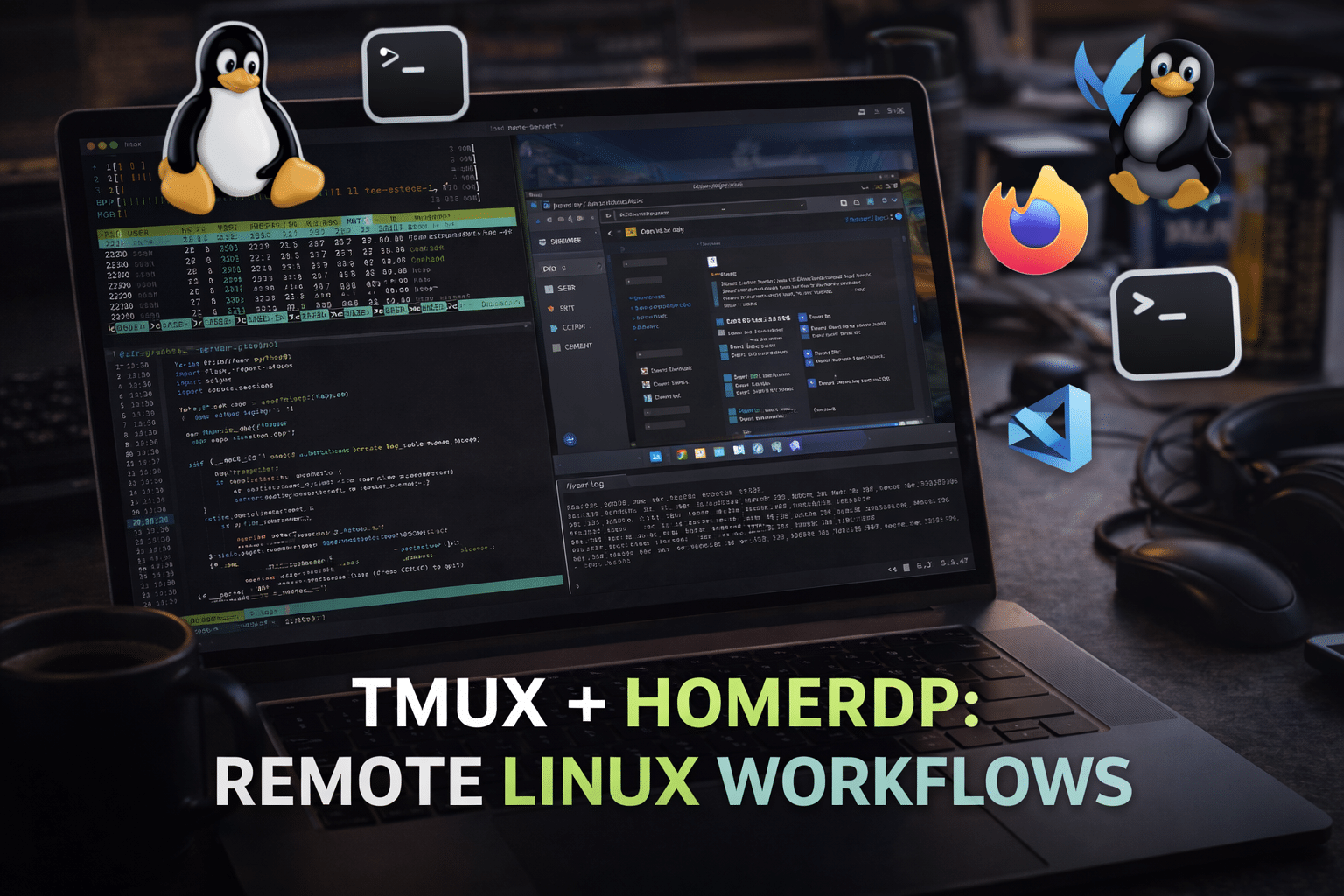
While tmux provides productivity at the software level, it performs best on a reliable and powerful infrastructure. This is where HOMERDP adds significant value.
7. High-Performance Linux VPS for Serious Development
HOMERDP’s Linux VPS solutions offer:
- Dedicated CPU and RAM resources
- NVMe SSD storage for fast I/O
- High uptime and stable networking
These features ensure that tmux sessions remain responsive even when running intensive workloads like builds, containers, or test environments.
8. Linux RDP for GUI + Terminal Power
For developers who prefer a graphical interface alongside terminal workflows, HOMERDP’s Linux RDP bridges the gap.
With Linux RDP:
- Run tmux inside a GUI terminal
- Use editors like VS Code, Vim, or Emacs remotely
- Access your environment from any device
This setup is ideal for developers who want local-like performance without maintaining physical hardware.
9. Security and Control for Professional Use
Remote development demands strong security. HOMERDP provides isolated environments with full administrative control, allowing developers to:
- Secure tmux sessions
- Manage SSH keys
- Harden server configurations
- Run private development stacks
Tmux adds another layer of safety by reducing unnecessary reconnections and minimizing exposure during unstable connections.
Real-World Use Cases
Tmux combined with HOMERDP is widely used by:
- Developers building and testing applications remotely
- DevOps engineers managing infrastructure and deployments
- System administrators monitoring servers and logs
- Students and learners practicing Linux skills in real environments
This combination offers a professional-grade setup without the cost or complexity of maintaining local hardware.
Final Thoughts
Tmux is more than a terminal tool—it’s a productivity multiplier for remote Linux development. It eliminates workflow disruptions, simplifies multitasking, and enables collaboration in ways traditional terminals cannot.
When you run tmux on HOMERDP’s powerful Linux RDP or VPS platforms, you unlock a development environment that is persistent, fast, secure, and accessible from anywhere.
For developers serious about efficiency, scalability, and control, tmux + HOMERDP is a winning combination.
👉 Explore HOMERDP’s Linux RDP and VPS solutions today and build a remote Linux workspace that truly works for you.
EXPLORE MORE ; Why LXC & Docker Outperform Traditional VMs on HOMERDP
READ OUR BLOGS