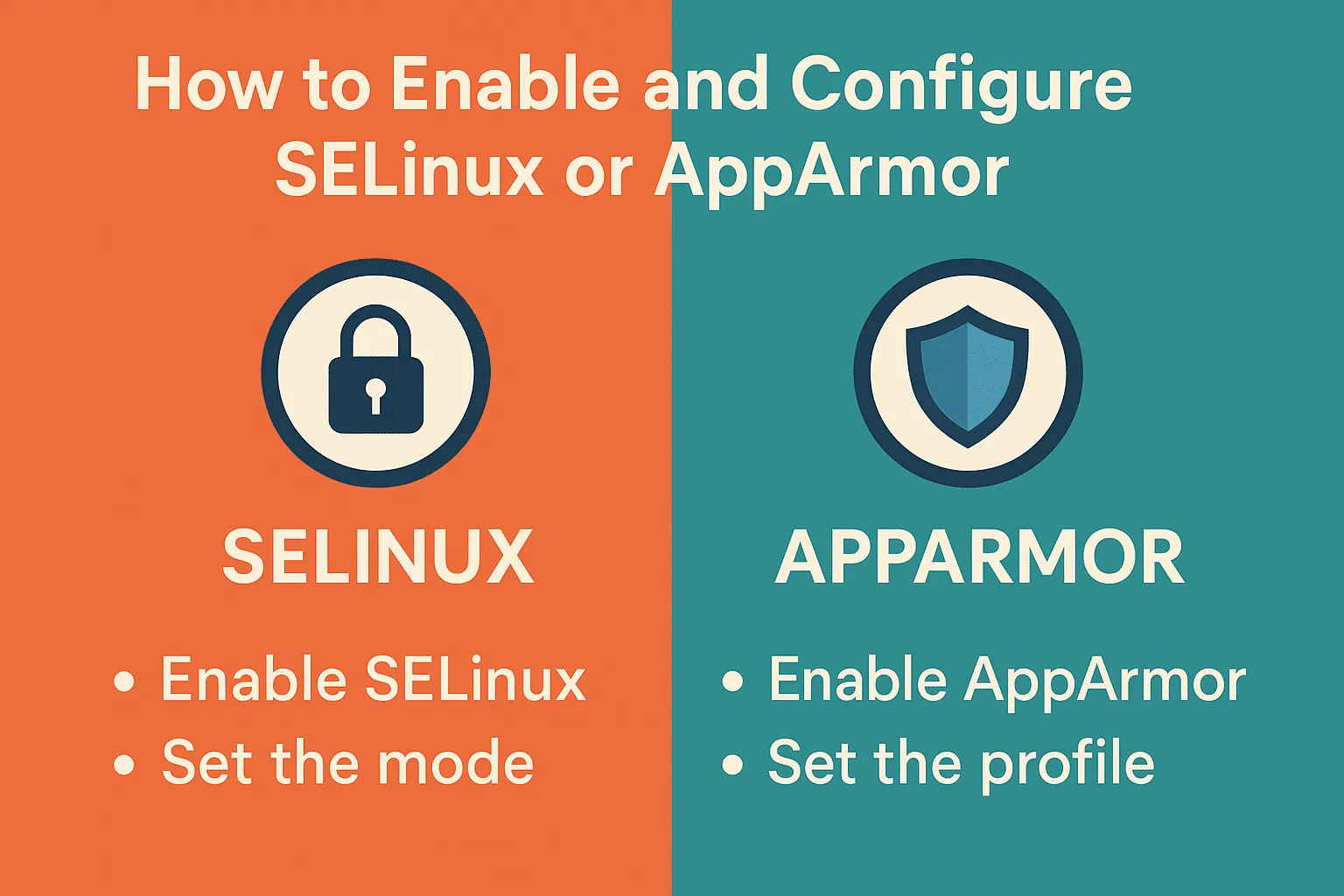
How to Enable and Configure SELinux or AppArmor
Securing a Linux system requires more than just firewalls and regular updates. Mandatory Access Control (MAC) systems like SELinux (Security-Enhanced Linux) and AppArmor provide an extra layer of defense by restricting what applications can do, even if they are compromised. Both tools enforce security policies, but their approach differs slightly.
In this guide, we’ll explore how to enable and configure SELinux or AppArmor on your Linux system.
1. Enabling and Configuring SELinux
SELinux is commonly used on Red Hat-based distributions (RHEL, CentOS, Fedora).
Check SELinux Status
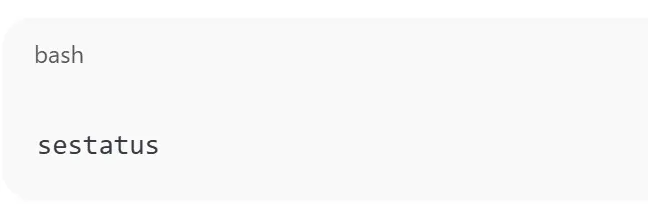
sestatus
Enable SELinux
If it’s disabled, edit the SELinux config file:
sudo nano /etc/selinux/config
Change the line:
SELINUX=disabled
to
SELINUX=enforcing
Modes of SELinux
- Enforcing – Policies are enforced (recommended).
- Permissive – Violations are logged but not enforced.
- Disabled – SELinux is off.
Apply Changes
Reboot the system or run:
sudo setenforce 1
Manage Policies
To check and manage contexts:
ls -Z /path/to/file
chcon -t httpd_sys_content_t /var/www/html/index.html
2. Enabling and Configuring AppArmor
AppArmor is more common on Debian/Ubuntu-based distributions.
Check AppArmor Status
sudo aa-status
Enable AppArmor
Make sure the kernel module is loaded:
sudo systemctl enable apparmor
sudo systemctl start apparmor
List Available Profiles
ls /etc/apparmor.d/
Put a Profile in Enforce Mode
sudo aa-enforce /etc/apparmor.d/usr.bin.firefox
Put a Profile in Complain Mode (logs violations without enforcing)
sudo aa-complain /etc/apparmor.d/usr.bin.firefox
3. SELinux vs AppArmor: Which Should You Use?
- SELinux: More granular and powerful, but harder to configure.
- AppArmor: Easier to use, profile-based, good for Ubuntu/Debian systems.
If you’re on Red Hat/Fedora, SELinux is usually the default. On Ubuntu/Debian, AppArmor is recommended.
How to Enable and Configure SELinux or AppArmor (F.A.Q)
Frequently asked questions
Can I use SELinux and AppArmor together?
No, they are separate frameworks. Typically, a distribution supports one by default.
How do I temporarily disable SELinux?
Run sudo setenforce 0 to switch SELinux into permissive mode.
What happens if I remove an AppArmor profile?
The application runs unrestricted, losing the extra layer of security.
Is SELinux better than AppArmor?
SELinux offers finer control, but AppArmor is simpler. The choice depends on your system and experience.
Run it on HomeRDP
Linux VPS
KVM Linux VPS with root access and NVMe storage.