Hello everyone today we will see “How to Connect Linux Server from Windows Remotely”. Remote Desktop Protocol is a proprietary protocol developed by Microsoft which provides a user with a graphical interface to connect to another computer over a network connection. The user employs RDP client software for this purpose, while the other computer must run RDP server software.
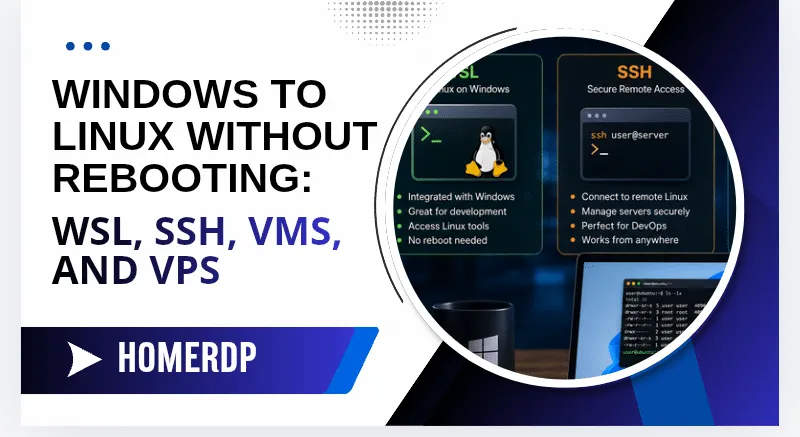
The Secure Shell Protocol is a cryptographic network protocol for operating network services securely over an unsecured network. Its most notable applications are remote login and command-line execution. SSH applications are based on a client-server architecture, connecting an SSH client instance with an SSH server.
There is much software available to connect Linux Server from windows. We will not use any other software. We will use windows default SSH Client
Configure Windows Built-in SSH Client
- Let's check whether SSH is installed or not, we need to run Powershell As Administrator.
- Press the Windows key and type "Powershell".
- Now right-click on Powershell and choose the run as Administrator option.
- After this Paste this command and hit enter key " Get-WindowsCapability -Online | Where-Object Name -like 'OpenSSH*' "
-
The following output should be returned if neither is already installed:
Name : OpenSSH.Client~~~~0.0.1.0 State : NotPresent Name : OpenSSH.Server~~~~0.0.1.0 State : NotPresent -
To install SSH run this command from Powershell
# Install the OpenSSH Client
Add-WindowsCapability -Online -Name OpenSSH.Client~~~~0.0.1.0
# Install the OpenSSH Server
Add-WindowsCapability -Online -Name OpenSSH.Server~~~~0.0.1.0
Connect Linux Server from Windows Remotely
- Within the terminal, enter the following command, replacing [username] with the username of the remote user and [ip-address] with the IP address or domain name of the remote server.
ssh [username]@[ip-address]That's it, Now you can connect Linux server from windows using ssh
Run it on HomeRDP
Linux VPS
KVM Linux VPS with root access and NVMe storage.