How to configure IDM extension for Chrome on Windows Server
The Remote Desktop Protocol (RDP) is a protocol developed by Microsoft for remote access to a computer running the Windows operating system. With the help of the protocol, screen displays and control commands can be transmitted in encrypted form over IP networks such as the Internet. RTP implementations also exist for other operating systems.
Go is a statically typed, compiled high-level programming language designed at Google by Robert Griesemer, Rob Pike, and Ken Thompson. It is syntactically similar to C, but with memory safety, garbage collection, structural typing, and CSP-style concurrency.
IDM extension is hidden on Google Store, and it cannot be searched as well. This is made by design because there is no sense to install an extension without IDM, also the extension should be installed automatically during IDM installation.
Prerequisites
- Windows Server
- Internet Download Manager
- Internet connection to download IDM Extension
Adminprivilege
Install Procedure:
- First, Open Chrome and click on this link - IDM EXTENSION.
- Now Click on Add to Button.
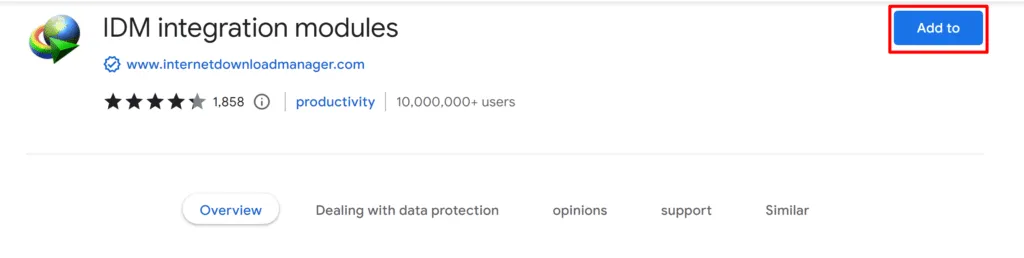
- After this Click on Add Extension Pop-up button.
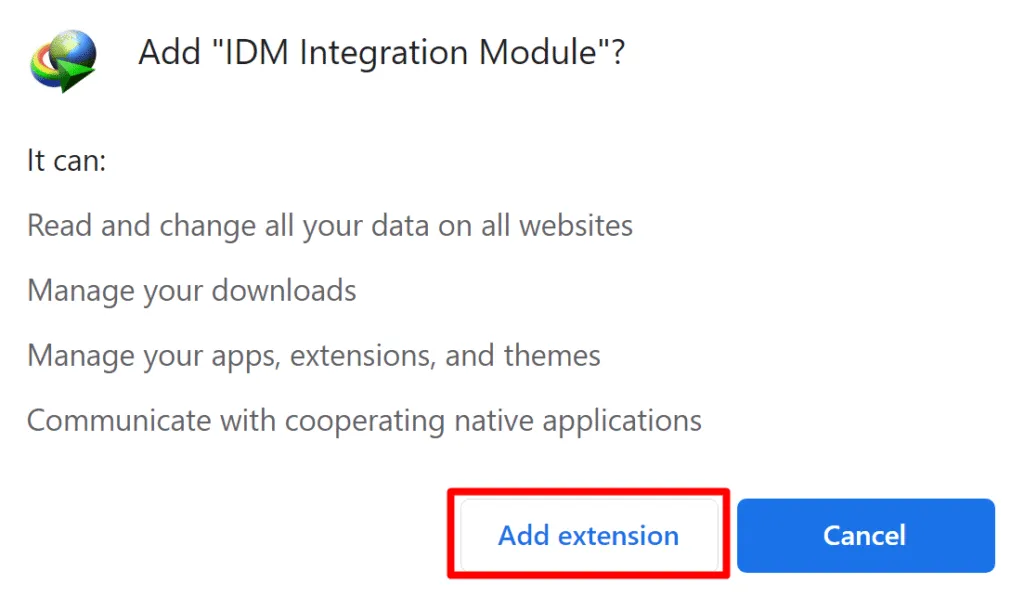
- It will Install IDM Extension Automatically.
Run it on HomeRDP
Windows VPS
Windows Server VPS with admin access and NVMe storage.