

How NotebookLM Supercharges Proxmox Learning
Learning a complex virtualization platform like Proxmox VE often feels overwhelming. Its features are powerful and extensive — from KVM virtualization and LXC containers to clustering, high availability, advanced networking, ZFS storage, and backup orchestration. For professionals, developers, IT students, and homelab enthusiasts, Proxmox becomes a gateway to mastering modern infrastructure. But mastering Proxmox requires not only good documentation, but also a structured approach to research, planning, deployment, and real-world maintenance.
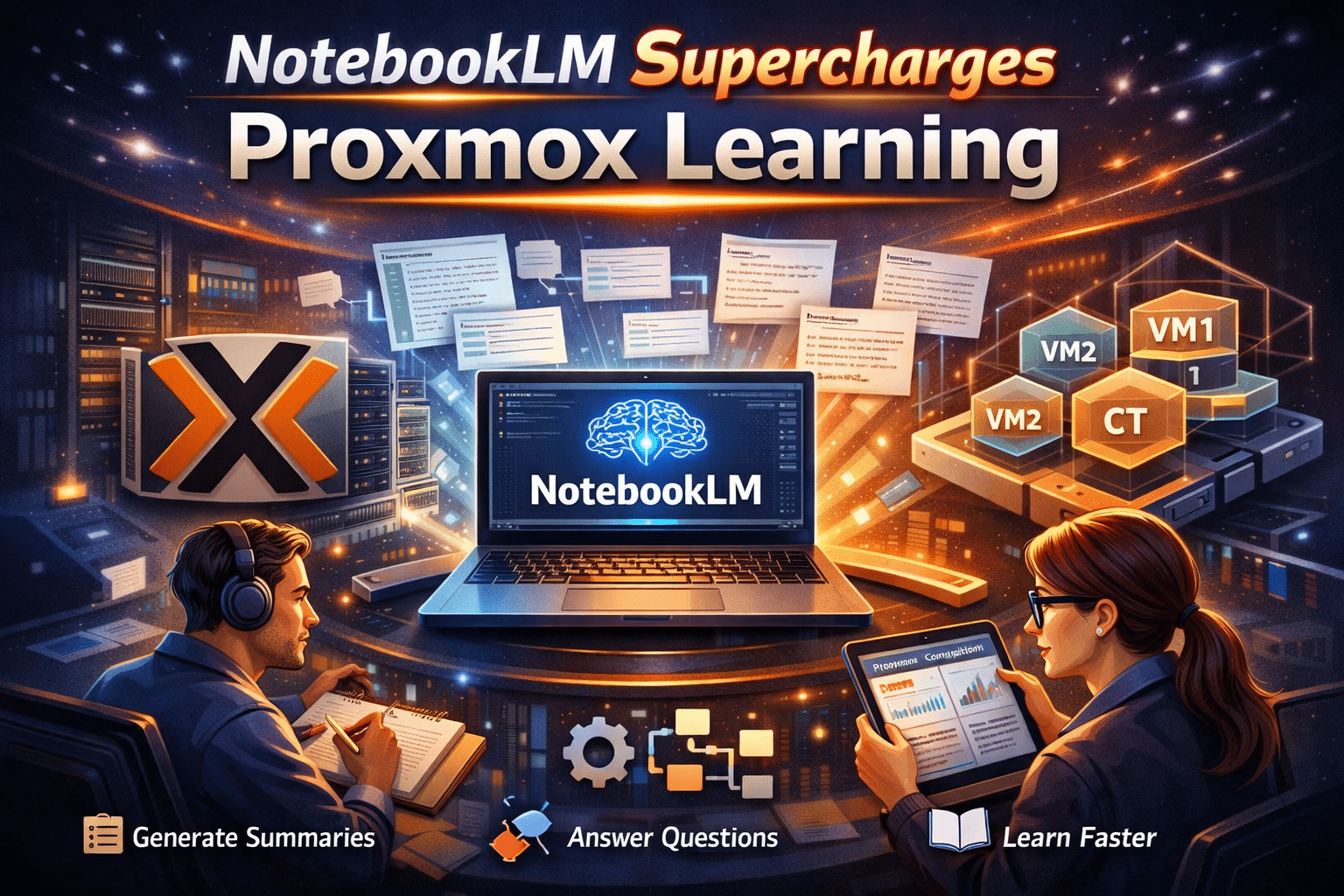
This is where NotebookLM and HOMERDP together create a winning combination. NotebookLM functions as a personalized research assistant that helps you understand, break down, and internalize Proxmox concepts. HOMERDP, on the other hand, delivers enterprise-grade RDP and server solutions that support virtualization workflows while providing expert guidance, optimized infrastructure, and reliable environments for deploying Proxmox- based workloads.
In this article, you will see how NotebookLM accelerates the learning curve and how HOMERDP naturally fits into the Proxmox journey with its high-performance server and RDP offerings.
Understanding the Complexity of Proxmox VE
Before diving into how learning tools help, it’s important to acknowledge why Proxmox is not beginner-friendly:
1. Dual Virtualization Stack
Proxmox supports both KVM (full virtualization) and LXC (lightweight containers). Understanding which workload belongs where requires familiarity with OS architecture, resource allocation, and performance expectations.
2. Advanced Networking Concepts
Bridges, VLANs, bonded interfaces, SDN-like configurations, and firewall rules often confuse new users. A small misconfiguration can break VM connectivity.
3. ZFS and Storage Tuning
From compression and deduplication to ARC sizing and RAID layouts, Proxmox’s storage layer demands careful planning based on workload patterns.
4. Cluster and High Availability
Setting up a stable Proxmox cluster requires knowledge of quorum, corosync, fencing, live migration, and shared storage.
5. Backup Strategy and Disaster Recovery
Snapshot frequency, retention, replication, and remote backup environments are crucial for reliability.
These aren’t trivial topics. Even skilled IT professionals sometimes need multiple sources to fully understand the nuances. This is why NotebookLM, with its ability to consolidate and contextualize information, becomes such a valuable learning companion.
How NotebookLM Transforms the Proxmox Learning Experience
NotebookLM is designed to simplify dense technical learning by functioning as a personal research assistant. Here’s how it helps in mastering Proxmox faster and with accuracy:
1. Centralized Knowledge Collection
You can feed NotebookLM all your learning sources — Proxmox documentation, community tutorials, personal notes, configuration guides, and even training PDFs. Instead of juggling 20 tabs or scattered files, everything sits in a single intelligent notebook.
This centralization creates clarity, reduces confusion, and ensures you never lose track of vital steps.
2. Contextual, Source-Grounded Answers
NotebookLM does not invent answers. It draws from your uploaded materials. When you ask:
- “What’s the ideal storage layout for running Windows VMs?”
- “How do I configure a Proxmox cluster for HA?”
- “Should I deploy this workload on a KVM VM or an LXC container?”
NotebookLM generates explanations grounded in your curated documents. This eliminates guesswork and helps you adopt best practices confidently.
3. Audio Overviews for Dense Concepts
Proxmox documentation can be intimidating due to its technical depth. NotebookLM’s “audio overview” feature translates long texts into digestible audio summaries, helping you learn even while commuting or multitasking.
4. Improved Workflow Through Thought Organization
You can ask NotebookLM to help you:
- Draft deployment plans
- Summarize configuration differences
- Create step-by-step installation notes
- Highlight risks and dependencies
- Generate a learning roadmap
This structured approach accelerates comprehension, especially for beginners.
5. Traceable and Reliable Learning
For a system like Proxmox, where mistakes can result in downtime or corrupted storage pools, traceable learning is essential. NotebookLM cites back to the documents you provided, ensuring correctness and transparency.
NotebookLM Helps You Learn, HOMERDP Helps You Build.
Learning Proxmox is only step one. Deploying and running it efficiently—especially for business, development, or testing use cases—requires a reliable server environment. And this is where HOMERDP becomes the perfect partner.
HOMERDP offers high-performance server and RDP solutions specifically optimized for virtualization, container workloads, and remote computing. Their infrastructure aligns with Proxmox’s needs for speed, stability, and consistent uptime.
Here’s where HOMERDP becomes essential:
1. High-Performance RDP Servers for Proxmox Labs
Proxmox requires strong compute resources, especially when running:
- Windows VMs
- Developer stacks
- Automation servers
- CI/CD environments
- GPU-accelerated workloads
- Container clusters
HOMERDP provides high-quality RDP servers powered by modern CPUs and fast NVMe storage, ideal for building virtual labs, test clusters, or staging environments for Proxmox learners and professionals.
2. Ideal for Remote Proxmox Management
Using a HOMERDP machine, you can:
- Access your Proxmox dashboard remotely
- Manage clusters without latency issues
- Run monitoring tools like Grafana or Cockpit
- Test multiple VMs without hardware limitations
- Keep your home or office system free from heavy workloads
For students, developers, and sysadmins, this means flexibility and uninterrupted access.
3. Supports Virtualization Workloads Seamlessly
HOMERDP offers configurations powerful enough for:
- Nested virtualization
- Development hypervisors
- Multi-VM testing
- Container orchestration
- Automation pipelines
This enables Proxmox learners to experiment with real-world infrastructure setups without investing in costly hardware.
4. Perfect Companion for Proxmox Backup, Migration, and Labs
You can use HOMERDP servers as:
- Offsite backup nodes
- Remote storage targets
- Additional lab nodes
- Dedicated test clusters
- Snapshot replication destinations
This enhances reliability and gives you a safe environment to try advanced features like HA, ZFS replication, and LXC migrations.
5. Expert Assistance & Enterprise Reliability
HOMERDP not only provides infrastructure but also supports users who need help with:
- Planning virtualization environments
- Optimizing VM/container performance
- Securing remote access
- Configuring backups and disaster recovery
- Migrating workloads
- Scaling infrastructure as needs grow
Proxmox becomes far easier to manage when you have professionals guiding and supporting your deployment.
The Perfect Workflow: NotebookLM + HOMERDP + Proxmox
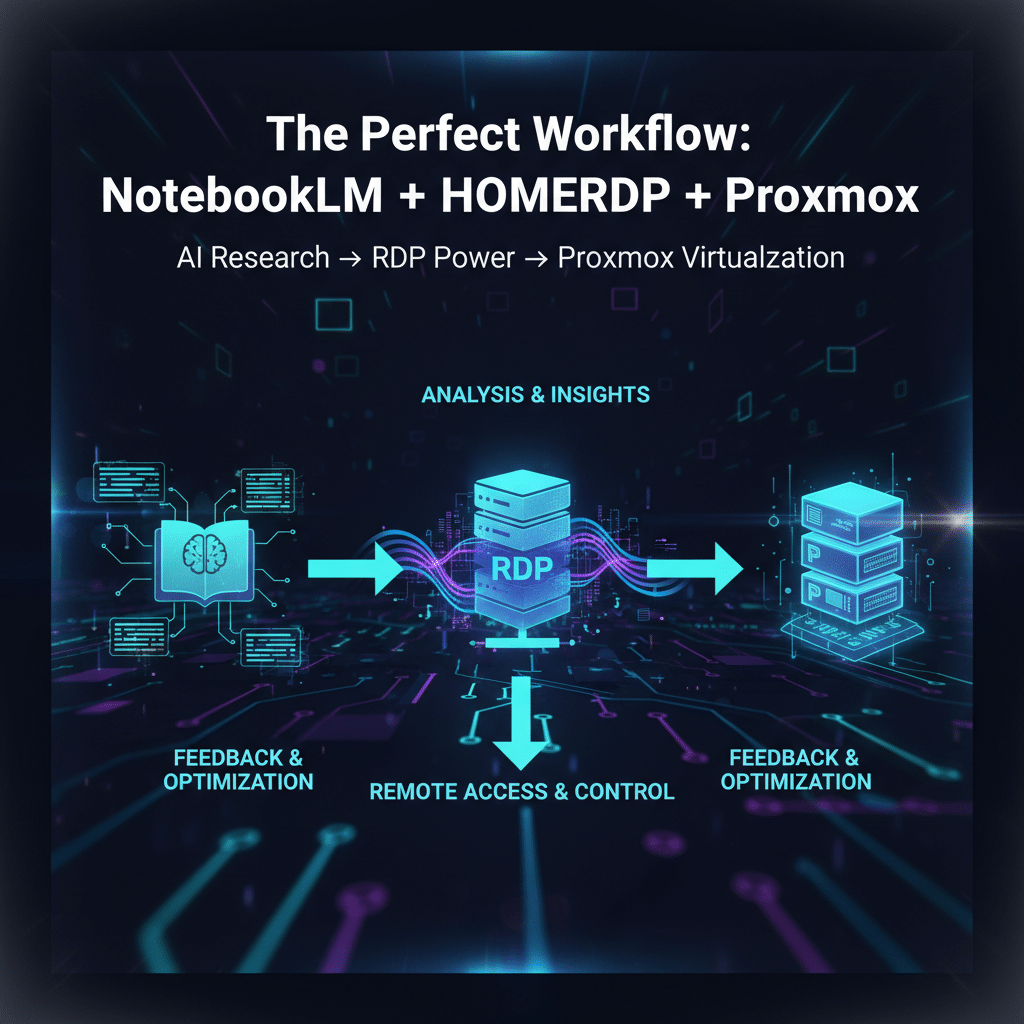
Here is a powerful, practical workflow you can adopt:
- Learn with NotebookLM
Collect documentation, compare setups, prepare architecture plans, and understand concepts. - Experiment on HOMERDP
Use RDP servers to run testbeds, create VMs, test clusters, or simulate real-world workloads. - Deploy Proxmox for Real Use Cases
Run production workloads or long-term projects with confidence. - Scale and Maintain with HOMERDP Support
As your environment grows, HOMERDP helps you optimize performance, ensure security, and maintain stability.
Final Thoughts
Proxmox is one of the most versatile virtualization platforms in the world — but learning it properly requires structure, clarity, and hands-on experimentation. NotebookLM provides the perfect research companion that simplifies learning, while HOMERDP provides the infrastructure backbone that empowers you to build, test, deploy, and operate Proxmox setups with professional reliability.
Together, they transform your Proxmox journey into a smooth, efficient, and future-ready experience.
EXPLORE MORE; Proxmox VE 9.0 with Debian 13
READ OUR BLOGS