

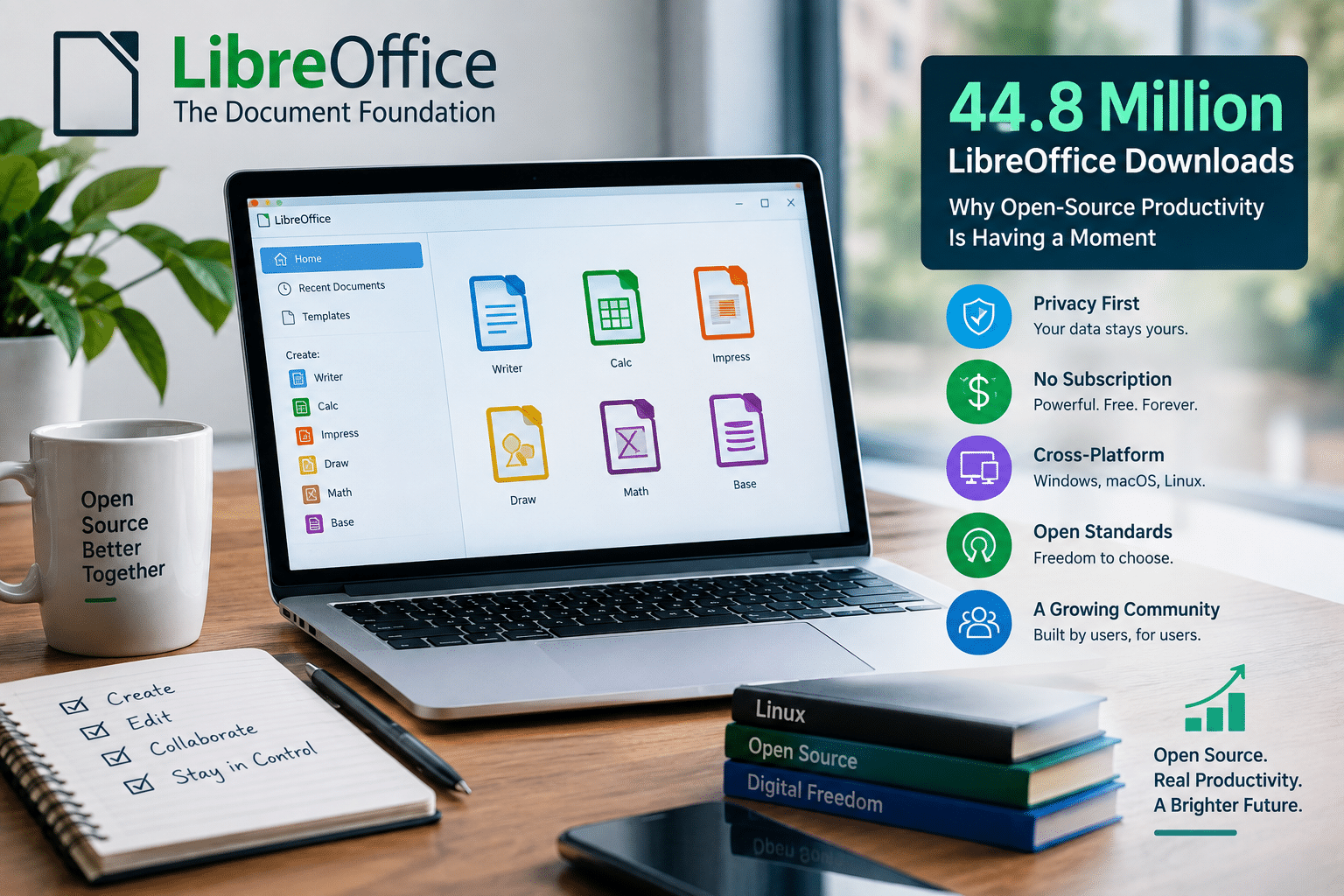
44.8 Million LibreOffice Downloads: Why Open-Source Productivity Is Having a Moment
Open-source productivity software is having a moment.
LibreOffice just delivered the kind of usage milestone that is difficult to ignore: LibreOffice 26.8 surpassed 1 million official downloads during its first week, while the wider LibreOffice project recorded 44,809,742 downloads from its official download page in 2025—the highest annual figure in its history.
Those numbers tell a bigger story than the success of one office suite.
They show that users still want productivity software that gives them control over their documents, does not require a mandatory subscription, works across operating systems, and can operate without sending their files to remote AI services.
At the same time, LibreOffice 26.8 demonstrates that open-source software does not have to stand still to preserve those principles. The latest release introduces a new Paragraph Composer, improvements for right-to-left and CJK text, Draft view, Markdown support, connectors in Writer and Calc, and multiple performance improvements.
That combination—scale, independence, active development, and privacy—makes LibreOffice particularly relevant in 2026.
And as more people work across Linux desktops, cloud infrastructure, remote workstations, and virtual environments, open-source productivity tools can play an increasingly important role in modern computing.
The Numbers Behind LibreOffice’s Momentum
Let’s start with the numbers.
The Document Foundation says LibreOffice was downloaded 44,809,742 times from its official download page during 2025. That represented the project’s highest annual download figure. citeturn1search0
The number is impressive on its own.
But it does not represent every LibreOffice installation.
The official download counter does not capture several important distribution channels. Many Linux users obtain LibreOffice through their operating system’s repositories or other package systems. Microsoft Store and Mac App Store installations are also outside the official download count. In addition, newer Windows update mechanisms can allow users to update without generating another official download-page hit.
That means 44.8 million is better understood as a measured minimum than a complete count of LibreOffice usage.
The project has therefore built a considerably larger ecosystem than the raw download number suggests.
And then came LibreOffice 26.8.
LibreOffice 26.8 Passed 1 Million Downloads in Seven Days

LibreOffice 26.8 arrived on August 26, 2026.
During its first seven days, the release generated 1,031,162 downloads from the official LibreOffice website. The Document Foundation described this as the highest first-week download figure for any LibreOffice release.
That is a particularly useful metric because it demonstrates immediate interest in the newest release.
It is not simply a cumulative figure built over many years.
More than one million official downloads arrived in approximately one week.
And once again, the actual adoption is likely higher because Linux users can acquire LibreOffice through channels such as Snap, Flathub, PPAs, and distribution repositories rather than directly through the official website.
The milestone therefore represents more than a successful software launch.
It suggests that LibreOffice remains highly relevant to users who actively seek new versions.
Why Are Users Still Choosing LibreOffice?
LibreOffice competes in an extremely crowded productivity market.
Users can choose from Microsoft 365, Google Workspace, Apple iWork, ONLYOFFICE, browser-based editors, specialist writing applications, and countless cloud services.
Yet LibreOffice continues to attract millions of downloads.
Why?
There is no single answer.
Instead, several trends are converging.
1. Users Want More Control
People increasingly care about what happens to their data.
A document can contain:
- Financial information
- Business plans
- Customer records
- Personal correspondence
- Legal information
- Research
- Intellectual property
- Private notes
Users do not always want those documents processed by remote services.
LibreOffice takes a fundamentally different approach.
The Document Foundation says LibreOffice 26.8 deliberately avoids integrating generative AI into the suite and emphasizes that documents are not transmitted to remote services for processing.
For organizations handling confidential information, that approach can be compelling.
LibreOffice’s Lack of AI Is Becoming a Selling Point
One of the most interesting aspects of the LibreOffice 26.8 story is what the software doesn’t do.
AI is now appearing throughout productivity software.
Many applications increasingly offer:
- AI writing assistants
- Automatic summaries
- Generated presentations
- Spreadsheet analysis
- AI-generated images
- Document rewriting
- Chatbots
- Automated formulas
For some users, these capabilities are useful.
For others, they create additional complexity.
LibreOffice has deliberately chosen not to follow that path.
The result is unusual in today’s productivity market.
You can open Writer and simply write.
You can open Calc and simply work with data.
You can create an Impress presentation without constantly encountering AI-driven suggestions.
That simplicity can itself become a feature.
Privacy Is Becoming a Productivity Feature
Privacy was once treated primarily as a security concern.
Today, it is increasingly part of the user experience.
Consider a business preparing a confidential financial report.
If the software automatically sends document content to a remote AI service for processing, the organization has another data-flow question to answer.
Where does the data go?
Who processes it?
How long is it retained?
Can administrators audit the process?
Does the organization have contractual control over the service?
LibreOffice’s local-first approach avoids many of these questions because the core application can operate without requiring remote document processing.
That does not make LibreOffice automatically secure in every deployment.
Users still need to secure their computers, operating systems, storage, backups, networks, and accounts.
But it does reduce one category of external dependency.
LibreOffice 26.8 Is More Than a Privacy Story
It would be a mistake to portray LibreOffice as successful only because competitors are adding too much AI.
The latest release is a substantial technical update.
LibreOffice 26.8 introduces several features that directly improve productivity.
A Better Paragraph Composer in Writer
One of the notable improvements involves justified text.
Traditional justification can sometimes produce uneven spacing because a word processor handles individual lines independently.
LibreOffice 26.8 introduces a new Paragraph Composer that considers several lines together when balancing text. This can produce more visually consistent justified paragraphs.
For users producing:
- Reports
- Books
- Academic papers
- Brochures
- Long-form documents
- Professional publications
typography matters.
A productivity suite is not only about creating text.
It is about presenting information clearly.
Draft View Brings More Focused Writing
LibreOffice 26.8 also introduces a distraction-free Draft view.
This reflects an important productivity principle:
Sometimes the best interface is the one that gets out of the way.
Modern applications often fill the screen with toolbars, suggestions, notifications, collaboration controls, AI assistants, and contextual menus.
Those features can help.
They can also distract.
A dedicated writing environment gives users another option: focus on the document rather than the application surrounding it.
For writers, researchers, students, and technical documentation teams, that can make a practical difference.
Markdown Support Connects Office Work With Developer Workflows
Perhaps one of the most strategically interesting additions is Markdown import and export.
Markdown has become deeply embedded in modern technical workflows.
Developers use it for:
- README files
- Documentation
- Git repositories
- Project notes
- Static websites
- Knowledge bases
- Technical specifications
LibreOffice traditionally occupied the office-document side of the productivity spectrum.
Markdown support helps bridge that gap.
The official LibreOffice download page lists Markdown import and export as one of the key features of version 26.8.
That means users can increasingly move between structured, developer-friendly text and traditional office documents without maintaining completely separate toolchains.
Better Connectors Improve Documents and Spreadsheets
LibreOffice 26.8 also introduces connectors in Writer and Calc.
In Writer, users can connect objects similarly to how connectors work in Impress and Draw.
In Calc, users can create visual connections between cells.
That matters for documents that need more than plain text.
Modern business documents frequently combine:
- Tables
- Diagrams
- Process flows
- Charts
- Relationships
- Data
- Explanations
Improved visual connections make it easier to build documents that communicate relationships rather than merely displaying information.
Performance Still Matters
The latest LibreOffice release also includes performance improvements.
The official project highlights improvements involving:
- EPUB export
- Scrolling
- SVG export with bitmaps
- 3D charts
- Other application components
Performance improvements rarely generate the same headlines as flashy new features.
But they matter during everyday work.
If a document opens faster, scrolling becomes smoother, or complex graphics render more efficiently, users notice.
Productivity software should ultimately make work faster rather than becoming another source of friction.
LibreOffice’s Cross-Platform Strategy Is Important
Another reason behind LibreOffice’s longevity is its broad platform support.
The current LibreOffice download infrastructure provides builds for:
- Windows x86-64
- Windows ARM64
- macOS Apple Silicon
- macOS Intel
- Linux RPM
- Linux DEB
That broad support matters because modern computing is increasingly heterogeneous.
A company might have:
- Windows desktops
- MacBooks for executives
- Linux workstations for developers
- ARM-based laptops
- Remote Linux servers
A cross-platform productivity suite can reduce friction across that environment.
Linux Is a Major Part of the LibreOffice Story
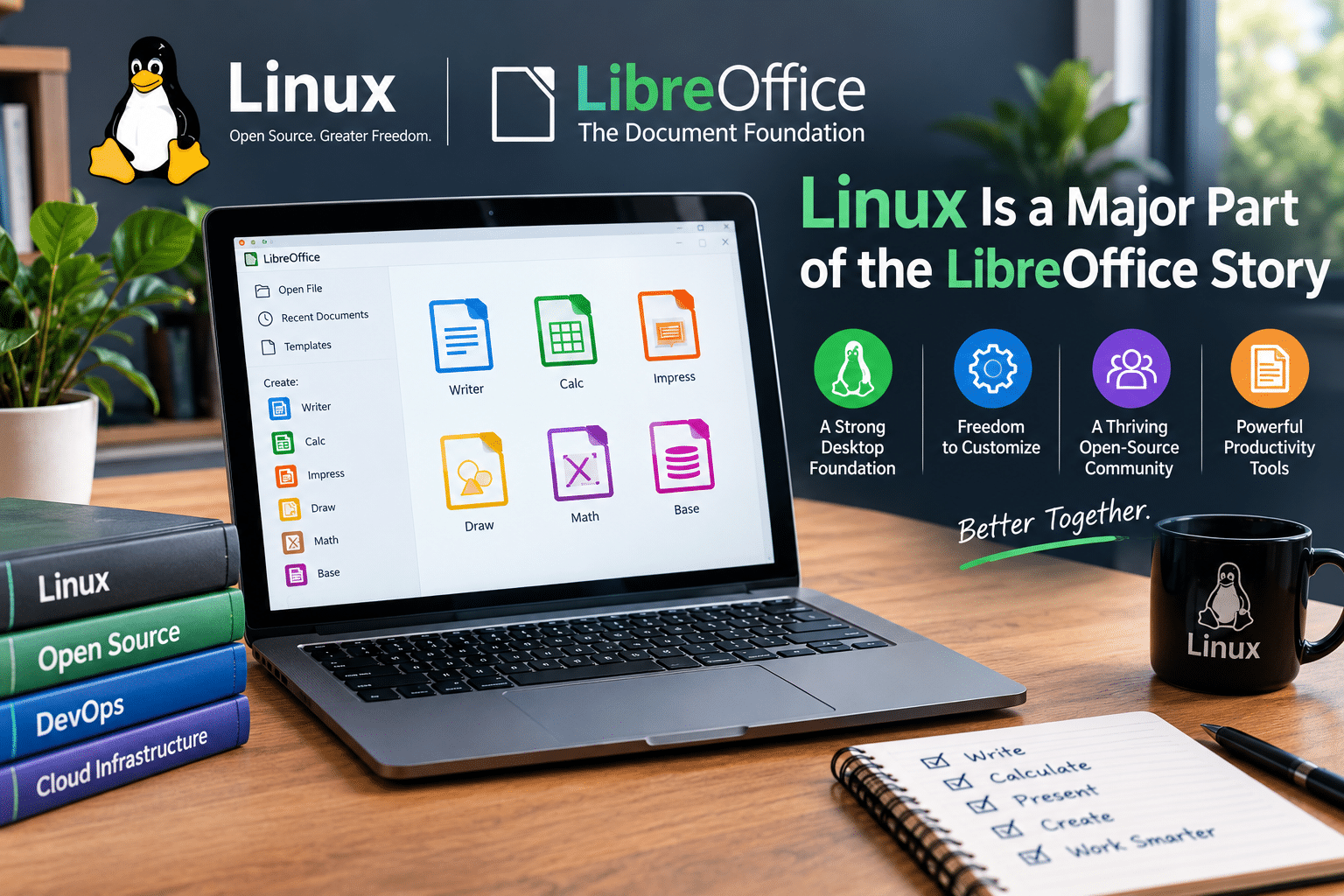
LibreOffice and Linux have a particularly strong relationship.
Linux users often value:
- Open-source software
- Open standards
- Package management
- System control
- Privacy
- Customization
- Long-term software availability
LibreOffice fits naturally into that ecosystem.
It provides a full office suite without requiring Linux users to maintain a proprietary operating system solely for productivity applications.
That matters because the availability of high-quality desktop software remains one of the biggest factors influencing the usability of any operating system.
Linux can be technically powerful.
But users also need practical applications.
LibreOffice fills one of the most important categories.
The Download Numbers Strengthen the Open-Source Argument
The LibreOffice numbers provide a useful counterpoint to the idea that open-source desktop software is inherently niche.
More than 44.8 million official downloads in a single year demonstrate significant demand.
And more than one million official downloads in the first week of version 26.8 show that users are actively moving to new releases.
These figures do not prove that LibreOffice has replaced proprietary office suites.
They do not.
But they demonstrate something equally important:
There is a substantial global market for open-source productivity software.
That market is not disappearing.
Open Source Is About More Than Saving Money
The most obvious advantage of LibreOffice is that users can obtain it without paying for a conventional office-suite subscription.
But focusing only on price undersells the project.
Open-source software can provide advantages around:
Independence
Users are not completely dependent on one vendor’s licensing decisions.
Transparency
The source code is publicly available.
Customization
Organizations can adapt and integrate open-source software according to their needs.
Longevity
The software is not dependent on one company’s decision to continue a particular commercial product.
Standards
LibreOffice supports open document formats alongside compatibility with commonly used proprietary formats.
Privacy
The core application can work locally without requiring documents to be processed by remote AI services.
These characteristics become particularly valuable to organizations that want greater control over their technology stack.
LibreOffice and Digital Sovereignty
Digital sovereignty has become an increasingly important topic for governments, businesses, universities, and other institutions.
The basic question is simple:
How much control do you have over the technology you depend on?
An organization that relies entirely on proprietary cloud services may face significant switching costs.
Moving data can be difficult.
Changing workflows can be expensive.
Employees may need retraining.
Third-party integrations may break.
Licensing models can change.
LibreOffice does not eliminate all these challenges, but it gives organizations another option.
An institution can deploy the software on infrastructure it controls.
That makes open-source office software particularly interesting for organizations that want to reduce long-term vendor dependency.
Remote Work Makes the Story Even More Interesting
The modern workplace no longer revolves around a single computer.
Employees increasingly work across:
- Home offices
- Corporate offices
- Co-working spaces
- Hotels
- Airports
- Client locations
- Multiple personal devices
That creates a need for flexible computing environments.
A traditional local installation puts the application and files on one machine.
A remote computing environment can centralize the workspace.
This is where Linux VPS and remote desktop infrastructure becomes relevant.

Where HOMERDP Fits Into the Open-Source Productivity Ecosystem
For users who want to extend their Linux productivity environment beyond a local PC, HOMERDP’s Linux VPS and remote desktop services can provide another layer of infrastructure.
HOMERDP has positioned its Linux VPS and remote desktop infrastructure for remote development, administration, and persistent Linux environments. Its own technical material highlights use cases including remote development, testing environments, centralized access, and cloud-based Linux workflows.
The relationship with LibreOffice is straightforward.
LibreOffice provides the productivity applications.
Linux provides the operating-system foundation.
HOMERDP provides remote infrastructure on which users can build persistent computing environments.
This can be particularly useful for technically capable users who want access to the same Linux environment from multiple devices.
Instead of repeatedly configuring LibreOffice and supporting tools on several computers, users can maintain a dedicated remote workspace.
Why a Remote LibreOffice Workspace Can Be Useful
Consider a freelancer who frequently switches between a laptop, desktop, and lightweight travel computer.
A local-only workflow can require constant synchronization.
A remote Linux environment offers another approach.
The user can maintain:
- LibreOffice
- Templates
- Scripts
- Documents
- Development tools
- Conversion utilities
- Supporting applications
inside a persistent environment.
They then access that environment remotely.
This model does not suit every user.
For someone who only writes occasional documents, local LibreOffice remains simpler.
But for professionals who maintain complex Linux-based workflows, remote infrastructure can provide meaningful flexibility.
LibreOffice Can Also Become Part of an Automated Workflow
The real opportunity becomes even more interesting when users combine LibreOffice with Linux automation.
Linux provides a rich ecosystem of:
- Bash
- Python
- Cron
- Git
- Containers
- Databases
- APIs
- Automation frameworks
LibreOffice can sit alongside these tools.
A business could potentially build workflows for:
- Generating reports
- Processing spreadsheets
- Converting documents
- Creating PDFs
- Maintaining templates
- Automating repetitive document operations
- Producing scheduled reports
That turns LibreOffice from a simple desktop application into one component of a broader productivity pipeline.
For developers, this is where the combination becomes particularly attractive.
Why Developers Should Pay Attention
LibreOffice might not be the first application developers think about when discussing Linux infrastructure.
But version 26.8 makes the project increasingly relevant to developer workflows.
Markdown support is an obvious example.
A developer can work with text-based documentation and then move that information into a more traditional office-document workflow.
LibreOffice 26.8 also includes improvements to its scripting environment. OMG! Ubuntu notes that developers can build and modify Python scripts inside the application, while ScriptForge provides additional functionality for automation.
That creates opportunities for organizations that need both human-facing documents and automated processing.
The Bigger Trend: Productivity Is Becoming Modular
The old productivity model looked like this:
Operating system → Office suite → Local files
The modern model is increasingly modular:
Operating system → Applications → Cloud services → APIs → Automation → Remote infrastructure
LibreOffice fits surprisingly well into this transition because it does not force users into one particular infrastructure model.
You can run it locally.
You can deploy it on Linux.
You can integrate it with scripts.
You can use it in virtual environments.
You can combine it with remote infrastructure.
That flexibility is one of open source’s greatest strengths.
Does LibreOffice Really Threaten Microsoft Office?
It would be excessive to claim that a 44.8-million-download year means LibreOffice is replacing Microsoft Office.
The markets are different.
Microsoft 365 provides a deeply integrated ecosystem involving:
- Word
- Excel
- PowerPoint
- Outlook
- Teams
- OneDrive
- SharePoint
- Enterprise identity
- Cloud collaboration
LibreOffice focuses on a different philosophy.
It emphasizes local applications, open-source development, broad platform support, and user control.
The better comparison is not necessarily:
Which suite will destroy the other?
Instead, ask:
How many different productivity models can users choose from?
That is where LibreOffice has real significance.
LibreOffice Gives Users Choice
Choice matters.
Some users want AI assistants everywhere.
Others want none.
Some organizations want cloud-first collaboration.
Others need local processing.
Some companies prefer subscription software.
Others want software they can deploy and maintain themselves.
Some users work primarily on Windows.
Others use Linux or macOS.
LibreOffice provides another path.
And its recent download figures demonstrate that millions of people continue to find that path useful.
What Businesses Should Take Away
Businesses evaluating LibreOffice should look beyond licensing costs.
The more important questions are:
Can it handle our documents?
LibreOffice supports common office formats and provides its own open document formats.
Can employees learn it?
Its applications follow familiar productivity concepts, although differences from Microsoft Office require some adjustment.
Can we deploy it across platforms?
Yes. LibreOffice supports Windows, macOS, and Linux.
Can we automate workflows?
Linux, scripting, macros, and related tooling provide multiple automation possibilities.
Can we keep sensitive documents local?
Yes. LibreOffice’s core design allows local document processing without requiring remote AI processing. citeturn1search16
Can we build a remote environment?
Yes, organizations can combine Linux productivity applications with VPS or remote desktop infrastructure when their use case requires it.
That last point creates an interesting bridge to providers such as HOMERDP.
HOMERDP and the Future of Remote Linux Productivity
Remote infrastructure is becoming an increasingly practical way to extend desktop computing.
HOMERDP’s existing Linux-focused infrastructure content emphasizes remote development environments, centralized access, testing labs, and the ability to use Linux remotely across devices.
For a Linux professional, the combination can look like this:
Local device
Used for accessing the environment.
Remote Linux VPS
Provides persistent computing resources.
LibreOffice
Handles documents, spreadsheets, presentations, and related productivity tasks.
Linux automation
Handles scripts, scheduled jobs, conversions, backups, and other repetitive work.
Remote access
Connects the user to the environment from different locations.
This architecture can be particularly useful for developers, consultants, technical writers, students, and small businesses that need a persistent Linux workspace without maintaining physical server hardware.
Security Should Remain a Priority
Remote productivity also introduces responsibility.
A remotely hosted office environment should not become an open door into an organization’s infrastructure.
Administrators should use:
- Strong passwords or SSH keys
- Multi-factor authentication where available
- Firewalls
- Regular operating-system updates
- Restricted administrative access
- Encrypted connections
- Regular backups
- Proper file permissions
- Monitoring and logging
The advantage of open-source software does not remove the need for good security practices.
Likewise, running LibreOffice on a VPS does not automatically make sensitive documents secure.
Security depends on the entire environment.
Why LibreOffice’s Growth Matters in 2026
The LibreOffice story is ultimately bigger than one office suite.
It reflects several major trends happening simultaneously.
Open-source software remains commercially and practically relevant
Millions of downloads demonstrate continued demand.
Privacy is becoming a product differentiator
Users increasingly question how software handles their information.
AI is not universally welcomed
LibreOffice’s decision to remain AI-free provides an alternative for users who prefer traditional productivity software.
Linux continues to need strong desktop applications
LibreOffice helps make Linux a viable everyday desktop environment.
Remote computing is expanding
VPS and remote desktop infrastructure can separate the user’s physical device from the computing environment.
Open standards remain important
Long-term access to information matters to businesses, governments, and individuals.
These trends reinforce one another.
What the 1-Million First Week Really Tells Us
The most revealing number may actually be the latest one.
LibreOffice 26.8 crossed 1,031,162 official downloads in its first week.
That tells us that users are not simply keeping old installations alive.
They are actively downloading new releases.
They are interested in improvements.
They are following development.
They are choosing to install a new version.
That is a strong sign for the health of the project.
44.8 Million Downloads Are a Signal, Not Just a Statistic
Numbers are useful when they reveal behavior.
The 44.8-million figure reveals that LibreOffice continues to attract enormous attention.
The 1-million-plus first-week figure reveals that the latest version generated unusually strong initial demand.
The limitations of the official download counter reveal that actual usage extends beyond those measurements.
And the release itself demonstrates that the project continues to evolve.
Taken together, these facts create a compelling picture.
LibreOffice is not simply surviving as an alternative to proprietary office suites.
It is developing its own identity.
It offers users a productivity environment that prioritizes:
- Open source
- Local processing
- Privacy
- Cross-platform support
- Open standards
- User control
- Long-term flexibility
The Future of Open-Source Productivity Looks Surprisingly Strong
The productivity market is entering an unusual period.
AI is transforming many applications.
Cloud platforms continue to dominate enterprise collaboration.
Subscription models remain widespread.
At the same time, users are becoming more aware of privacy, vendor lock-in, data ownership, and recurring costs.
That creates space for alternatives.
LibreOffice does not need to replace every proprietary office suite to succeed.
It simply needs to remain useful.
The latest download numbers suggest that it is doing exactly that.
Final Verdict
44.8 million official LibreOffice downloads in 2025 are more than an impressive statistic.
They represent a strong vote of confidence in open-source productivity software.
And the success of LibreOffice 26.8 reinforces the trend.
More than 1.03 million official downloads in its first week established a new first-week record for the project.
The release itself gives users plenty of reasons to upgrade, including a new Paragraph Composer, Draft view, improved typography, Markdown import/export, connectors in Writer and Calc, performance improvements, and continued cross-platform support.
But perhaps the most important feature is philosophical rather than technical.
LibreOffice gives users a choice.
A choice to work locally.
A choice to use open-source software.
A choice to avoid mandatory AI integration.
A choice to work across Windows, macOS, and Linux.
A choice to build productivity workflows around software they can control.
And when that local-first productivity approach meets modern remote infrastructure, the possibilities become even broader.
A Linux VPS from HOMERDP can provide the persistent remote computing layer for users who want to extend their Linux workflow beyond a single physical computer. HOMERDP’s Linux infrastructure is designed around remote access, development, testing, and flexible Linux environments.
That makes the LibreOffice story part of something much larger.
The future of productivity does not have to mean putting every document into the cloud or adding an AI assistant to every application.
It can also mean open-source software, local control, remote Linux infrastructure, automation, and user choice working together.
LibreOffice’s record-breaking numbers show that millions of users still want exactly that.
And if the first-week performance of LibreOffice 26.8 is any indication, open-source productivity is not merely having a moment.
It is building momentum for the long term.
EXPLORE MORE ; Why COSMIC Is Linux’s Most Exciting Desktop Project

READ OUR BLOGS