

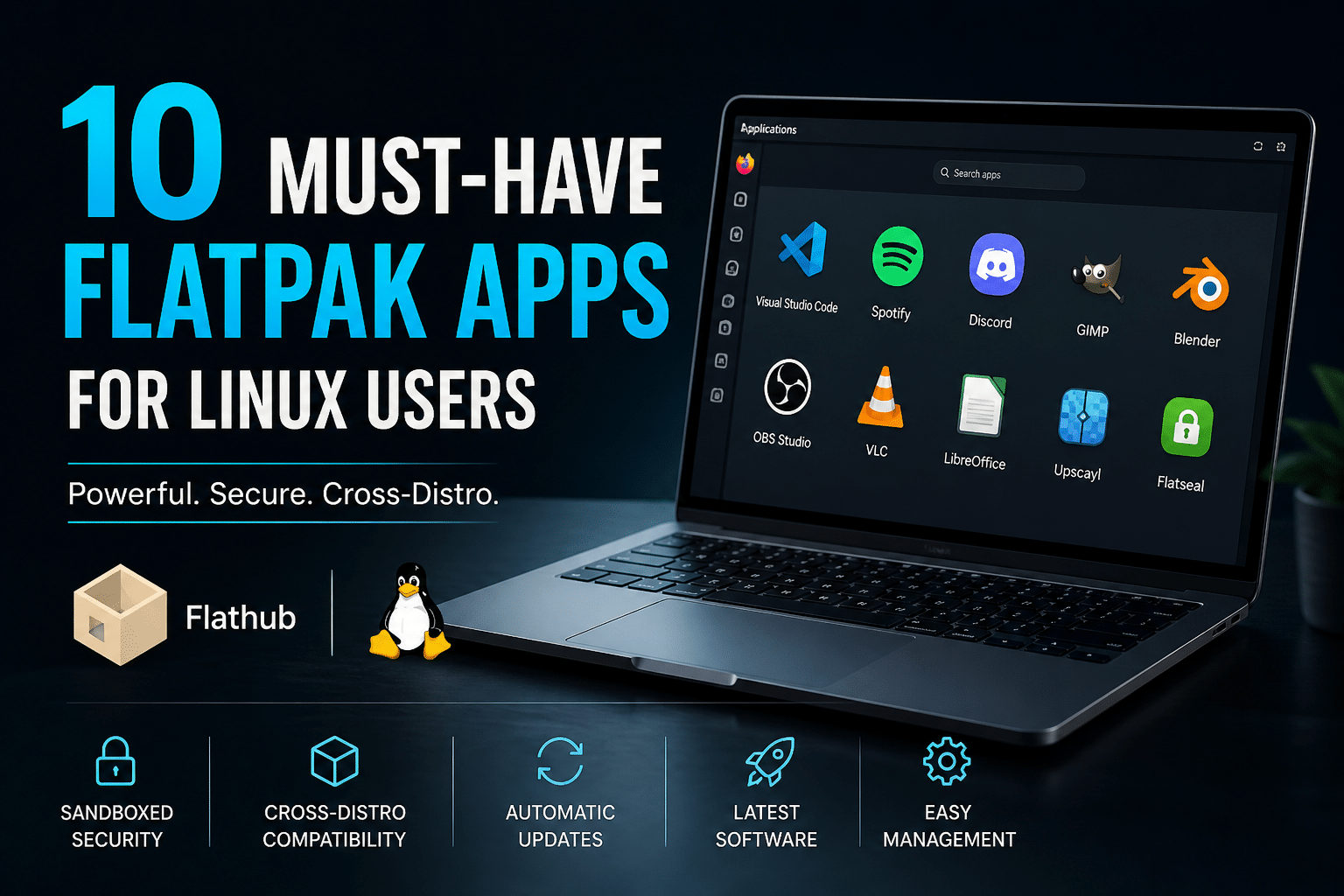
10 Must-Have Flatpak Apps for Linux Users
Linux has matured into a powerful, flexible operating system—but software distribution has always been a sticking point. Different package formats, dependency conflicts, and outdated repositories often slow users down.
That’s where Flatpak comes in.
Flatpak solves one of Linux’s biggest challenges by offering universal, sandboxed applications that run across distributions like Ubuntu, Fedora, and Arch Linux without compatibility issues.
In this detailed guide, we’ll explore 10 must-have Flatpak apps, backed by real-world use cases, performance insights, and why they matter in 2026.
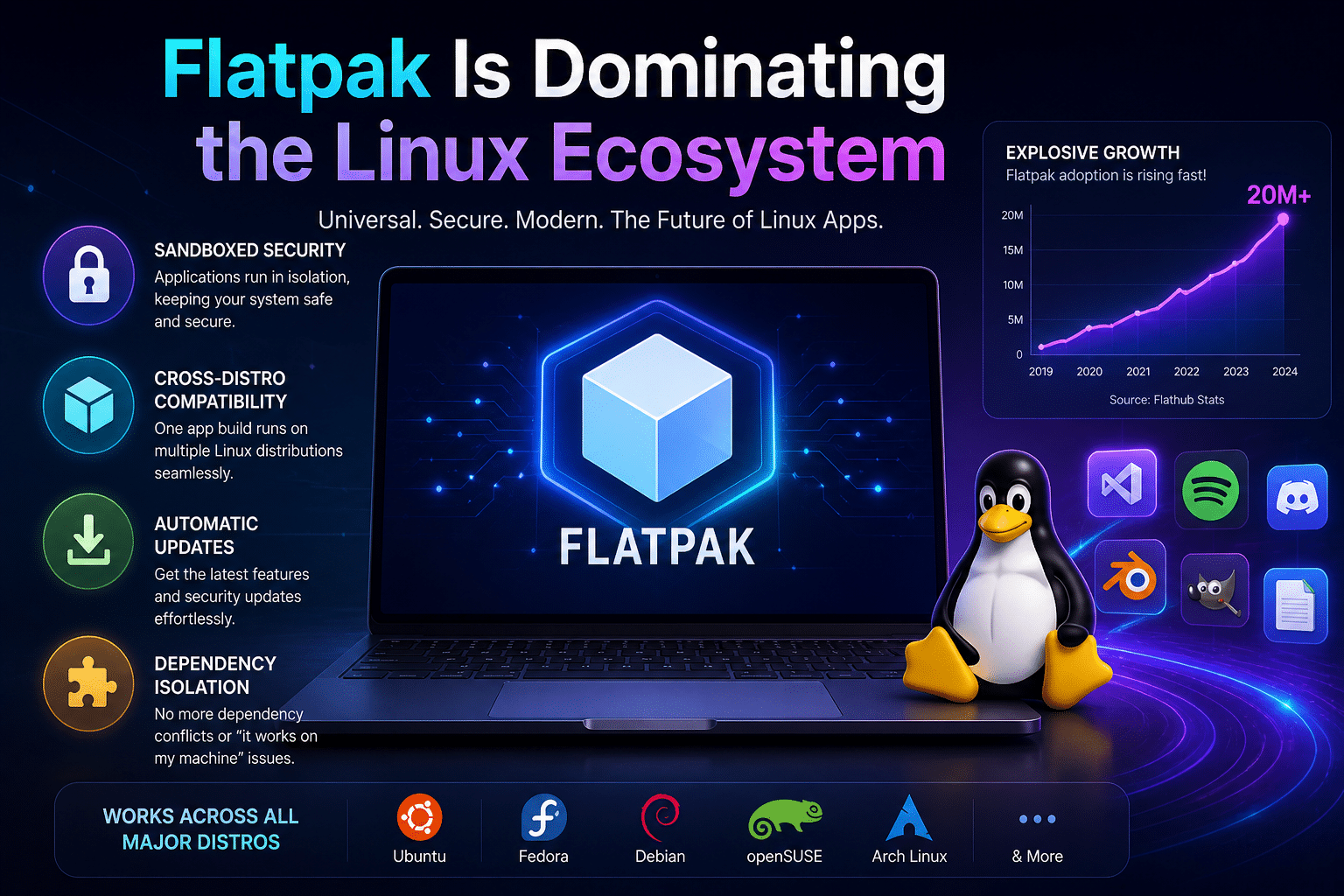
Why Flatpak Is Dominating the Linux Ecosystem
Before jumping into apps, it’s important to understand why Flatpak adoption is growing rapidly:
Cross-Distribution Compatibility
Developers package once → users install anywhere. No more distro-specific builds.
Sandboxed Security
Apps run in isolated environments, reducing system risk and improving privacy.
Latest Software Access
Flatpak repositories like Flathub provide up-to-date versions faster than traditional repos.
Dependency Isolation
No more “dependency hell”—each app includes what it needs.
10 Must-Have Flatpak Apps for Linux Users
Let’s dive into the most useful Flatpak apps that can transform your workflow.
1. Upscayl (AI Image Upscaler)
Upscayl is a cutting-edge AI tool that enhances low-resolution images using deep learning.
Key Features:
- AI-powered image upscaling
- Offline processing (privacy-friendly)
- GPU acceleration support
Why It Matters:
AI tools are becoming essential in content creation. Upscayl allows you to upscale images without relying on cloud services.
Performance Insight:
Upscaling is GPU-intensive. On low-end systems, it may lag—but on high-performance environments, it runs significantly faster.
2. Flatseal (Permission Manager)
Managing Flatpak permissions can get tricky—that’s where Flatseal shines.
Key Features:
- GUI-based permission control
- Manage filesystem, devices, and network access
- Improve privacy and security
Why It Matters:
Flatseal gives you fine-grained control over app behavior—something power users appreciate.
3. Visual Studio Code (Developer Essential)
Visual Studio Code is one of the most popular code editors worldwide.
Key Features:
- Extensions ecosystem
- Debugging and Git integration
- Lightweight yet powerful
Why It Matters:
The Flatpak version ensures a clean, dependency-free development environment.
4. GIMP (Image Editing Powerhouse)
GIMP is a free alternative to Photoshop.
Key Features:
- Advanced image editing tools
- Plugin support
- Regular updates via Flatpak
Why It Matters:
Flatpak ensures you always get the latest features without waiting for distro updates.
5. Blender (3D Creation Suite)
Blender is widely used for animation, rendering, and game design.
Key Features:
- Real-time rendering
- Animation tools
- Physics simulations
Why It Matters:
Blender benefits heavily from high-performance CPUs and GPUs.
6. Discord (Communication Platform)
Discord is essential for communities, developers, and gamers.
Key Features:
- Voice and video chat
- Server-based communities
- Screen sharing
Why It Matters:
Flatpak ensures automatic updates and stability, avoiding outdated repo versions.
7. Spotify (Music Streaming)
Spotify is a must-have for entertainment.
Key Features:
- Massive music library
- Podcasts
- Offline playback (premium)
Why It Matters:
Flatpak simplifies installation and keeps the app updated.
8. LibreOffice (Office Suite)
LibreOffice is a complete productivity package.
Key Features:
- Writer, Calc, Impress
- Microsoft Office compatibility
- Frequent updates
Why It Matters:
Flatpak ensures you’re not stuck with outdated versions from distro repos.
9. OBS Studio (Streaming & Recording)
OBS Studio is the go-to tool for content creators.
Key Features:
- Live streaming
- Screen recording
- Plugin ecosystem
Why It Matters:
Flatpak provides stable builds with consistent performance.
10. VLC Media Player (Multimedia King)
VLC media player supports almost every media format.
Key Features:
- Wide codec support
- Lightweight
- No additional plugins needed
Why It Matters:
Flatpak ensures hassle-free updates and compatibility.
Flatpak Limitations
Flatpak is powerful, but not perfect:
Larger App Sizes
Bundled dependencies increase storage usage.
Slight Startup Delay
Sandboxing can slow launch times slightly.
Permission Complexity
Some apps need manual configuration via Flatseal.
Boosting Flatpak Performance with HOMERDP
Running these apps locally is great—but performance can become a bottleneck, especially for:
- AI tools (Upscayl)
- 3D rendering (Blender)
- Video streaming (OBS Studio)
That’s where HOMERDP comes into play.
Why Use HOMERDP with Flatpak Apps?
1. GPU Acceleration
Run heavy apps on powerful remote machines.
2. Access Anywhere
Use your Linux environment from any device.
3. Scalable Resources
Upgrade RAM, CPU, GPU instantly.
4. Secure Workflows
Combine Flatpak sandboxing with remote isolation.
Real-World Workflow Example
A creator uses:
- Blender (Flatpak)
- OBS Studio (Flatpak)
- GIMP (Flatpak)
On local hardware → slow rendering
On HOMERDP → 3–5x faster performance
Final Thoughts
Flatpak is no longer optional—it’s becoming a core part of the Linux ecosystem.
Install Flatpaks if you want:
- Latest software
- Cross-distro compatibility
- Better app isolation
Combine with HOMERDP if you want:
- High performance
- Cloud scalability
- Professional workflows
Conclusion
Flatpak apps simplify Linux software management—but their true potential unlocks when paired with high-performance environments like HOMERDP.
Whether you’re a:
- Developer
- Designer
- Content creator
- Student
These 10 must-have Flatpak apps will significantly improve your productivity and workflow.
EXPLORE MORE ; How to Use lspci in Linux to Detect GPUs, Network Cards

READ OUR BLOGS