

LibreOffice 26.2.5 and Windows VPS: The Open-Source Productivity Stack for Modern Remote Work
The modern workplace no longer depends on a single computer sitting on a single desk.
A developer may work from a laptop in the morning, connect to a remote Windows environment in the afternoon, and access the same files and applications from another device in the evening. A freelancer may need a persistent desktop for documents, spreadsheets, presentations, and browser-based tools. A small business may want a consistent Windows environment without buying and maintaining powerful hardware for every employee.
This shift has created a new productivity model built around two important layers:
- Open-source productivity software
- Flexible remote computing infrastructure
LibreOffice represents the first layer.
A Windows VPS accessed through Remote Desktop Protocol represents the second.
The latest LibreOffice 26.2.5 release strengthens this combination by focusing on stability, compatibility, and more than 20 targeted improvements across Writer, Calc, Base, HTML handling, accessibility, Unicode behavior, and the user interface. The Document Foundation released version 26.2.5 on July 24, 2026, making it the fifth bug-fix release in the LibreOffice 26.2 branch.
For local users, the update improves the desktop productivity experience.
For remote workers and businesses, it also highlights a larger technology trend:
Productivity software increasingly runs inside flexible computing environments that users can access from almost anywhere.
That is where a combination of LibreOffice and a Windows VPS becomes particularly interesting.
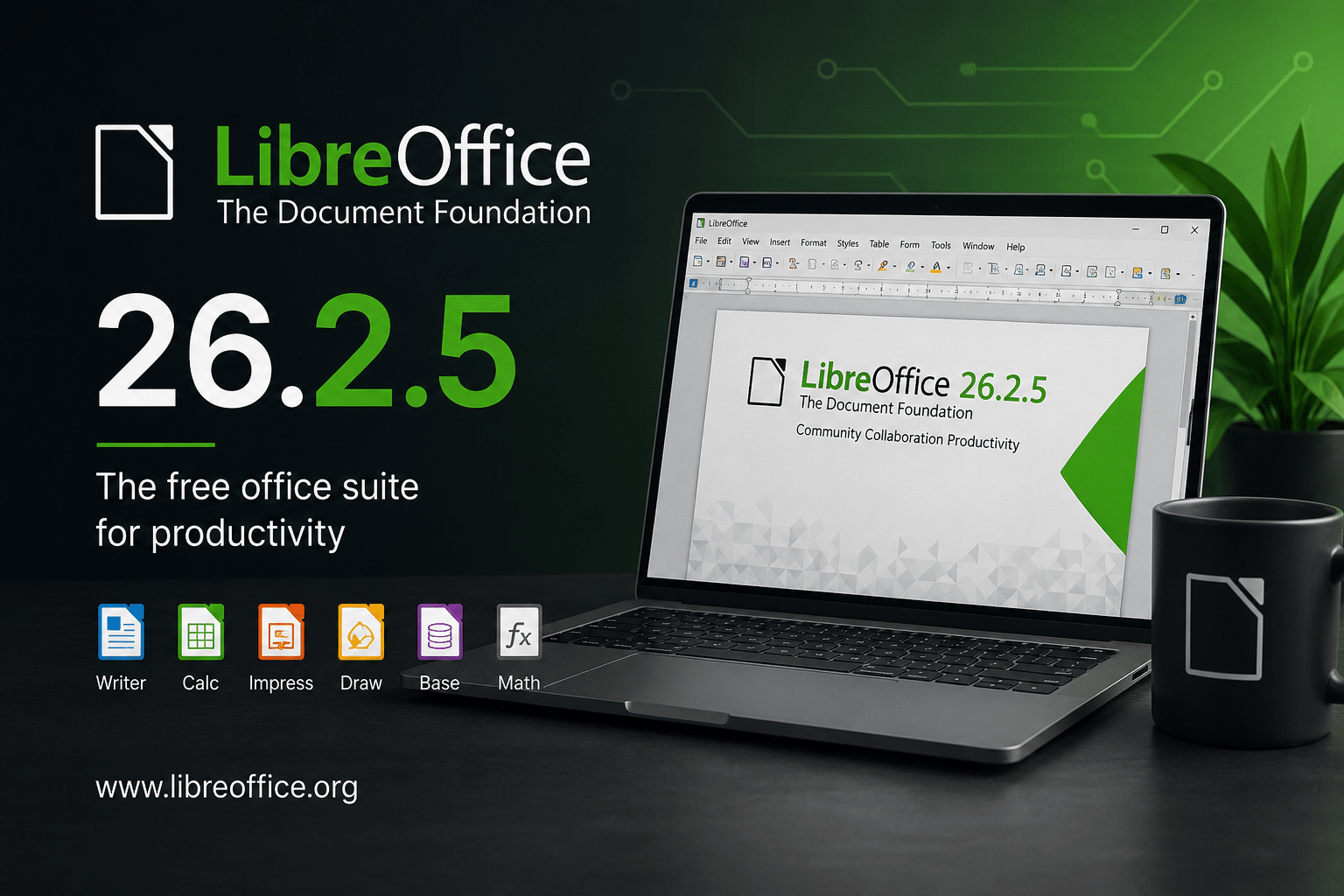
What Is LibreOffice 26.2.5?
LibreOffice is a free and open-source office suite that includes applications for word processing, spreadsheets, presentations, drawing, databases, and more.
Its core applications include:
- Writer for documents.
- Calc for spreadsheets.
- Impress for presentations.
- Draw for diagrams and graphics.
- Base for database-related workflows.
- Math for formula editing.
The LibreOffice 26.2 branch introduced several new features, including Markdown import and export, connectors in Writer and Calc, and performance improvements involving EPUB export, scrolling, SVG rendering, and 3D charts.
Version 26.2.5 does not attempt to introduce another major feature layer.
Instead, it improves the existing foundation.
The release contains more than 20 improvements, including fixes for:
- HTML saving with right-to-left text.
- Opening multiple files on macOS.
- DOC file compatibility.
- Numeric keypad keyboard behavior.
- Accessibility text rendering.
- Conditional text fields.
- Color picker regressions.
- Transparent images and shapes.
- Calc
DROP()andTAKE()functions. TEXTAFTER()interoperability.- Saudi Riyal currency support.
- Unicode wildcard matching.
- Context-menu functionality.
- Integer-overflow and null-check issues.
That list reveals something important.
LibreOffice 26.2.5 is not simply a “small update.”
It addresses problems across several layers of a complex office suite.
Why Maintenance Releases Matter for Professional Productivity
Many users focus on major releases because new features create the most visible headlines.
Businesses and professionals often care about something else:
Can the software reliably perform the tasks I already need?
A productivity suite becomes part of a daily workflow.
A writer may spend hours inside Writer.
An analyst may build a complex Calc model.
A business may exchange DOCX and XLSX files with customers.
A remote worker may maintain a persistent desktop session for an entire workday.
In these situations, reliability matters more than a flashy interface change.
A single problem can have a real operational cost:
- A document crash can cause lost work.
- A formatting problem can require manual correction.
- A formula error can affect a business calculation.
- A broken export can delay a publishing workflow.
- A compatibility problem can disrupt document exchange.
This is why maintenance updates matter.
They improve the parts of software that users often notice only when something goes wrong.
The 26.2.5 Update Targets Real-World Workflows
The LibreOffice 26.2.5 improvement list demonstrates how many different workflows an office suite must support.
1. HTML and Right-to-Left Text
One fix addresses the handling of weak-directionality characters such as hyphens and commas inside right-to-left direction spans when saving HTML.
This matters for users working with:
- Arabic content.
- Hebrew content.
- Mixed-language documents.
- Multilingual websites.
- International publishing workflows.
Right-to-left text creates complex challenges because the visual order of characters does not always match their logical storage order.
A document editor must correctly handle:
- Paragraph direction.
- Character direction.
- Embedded punctuation.
- Mixed scripts.
- Formatting boundaries.
A small error can produce an output that looks different after export.
The fix in LibreOffice 26.2.5 improves the reliability of this process.
2. DOC Compatibility
LibreOffice 26.2.5 fixes an issue involving hidden, empty paragraphs in DOC files that could become invisible when opened.
Document compatibility remains one of the most important requirements for an office suite.
Organizations frequently exchange files between:
- LibreOffice.
- Microsoft Office.
- Microsoft 365.
- Document management systems.
- Web-based office platforms.
Supporting the same file extension does not guarantee identical behavior.
Different applications may interpret:
- Styles.
- Paragraphs.
- Sections.
- Tables.
- Fields.
- Numbering.
differently.
A hidden paragraph can affect document structure and layout.
Improving this behavior helps reduce surprises when users open older or externally created documents.
Calc Fixes Matter to Businesses
Spreadsheets often contain more operational logic than many applications.
A single workbook may include:
- Financial forecasts.
- Inventory calculations.
- Sales reports.
- Employee data.
- Project schedules.
- Business dashboards.
- Statistical models.
That makes formula reliability important.
LibreOffice 26.2.5 fixes corner-case behavior involving the DROP() and TAKE() functions. It also addresses an interoperability issue where TEXTAFTER() results did not match Excel 365 behavior under a particular match end condition.
These fixes illustrate a major challenge in modern office software:
Interoperability requires more than supporting the same file format.
It also requires compatible behavior.
Two applications may open the same spreadsheet while producing different results for certain formulas.
That is why spreadsheet compatibility requires attention to:
- Function semantics.
- Error handling.
- Locale settings.
- Wildcard behavior.
- Date systems.
- Numeric formatting.
The more complex the workbook, the more important these details become.
Internationalization Is a Core Productivity Requirement
LibreOffice 26.2.5 also includes improvements related to internationalization.
The release fixes an issue involving the Saudi Riyal currency symbol and addresses wildcard matching behavior involving supplementary Unicode characters.
These may seem like narrow technical fixes.
However, global organizations rely on this type of functionality every day.
Modern productivity applications must support:
- Multiple writing systems.
- Unicode.
- Local currencies.
- Regional date formats.
- Decimal separators.
- Right-to-left languages.
A business operating across multiple regions cannot assume that every document uses the same language or financial format.
Internationalization therefore becomes a core productivity feature.
Stability: The Feature Users Notice When It Disappears
LibreOffice 26.2.5 also fixes multiple issues involving crashes and unexpected behavior.
One fix addresses a crash after pressing Shift + Enter with the numeric keypad. Other fixes address problems involving:
- Integer overflow.
- Null-check behavior.
- Conditional text fields.
- Color picker behavior.
- Transparent images and shapes.
These fixes demonstrate how complex applications can fail in unexpected combinations of actions.
A user may:
- Open a document.
- Edit a field.
- Insert an image.
- Change formatting.
- Use a keyboard shortcut.
- Export the document.
Each action may work individually.
The problem may appear only when several components interact.
That is why maintenance releases are essential.
Why Remote Work Changes the Productivity Equation
Traditional productivity looks like this:
Physical PC → Local operating system → Local applications → Local files
Remote productivity changes the architecture:
Endpoint → Internet → Remote Windows environment → Applications and files
The user’s laptop, desktop, or tablet becomes an access device.
The remote environment provides:
- CPU resources.
- Memory.
- Storage.
- Operating-system execution.
- Application installation.
- Persistent workspace.
This model provides several advantages.
1. Device independence
The user can access the same environment from different devices.
2. Persistent workspaces
The remote environment can remain configured even when the user disconnects.
3. Centralized software
Applications remain installed in one environment.
4. Easier resource upgrades
Users can choose a larger VPS configuration when their workload grows.
5. Reduced endpoint dependency
The local computer does not need to perform every task itself.
This model works particularly well with productivity software that has moderate hardware requirements.
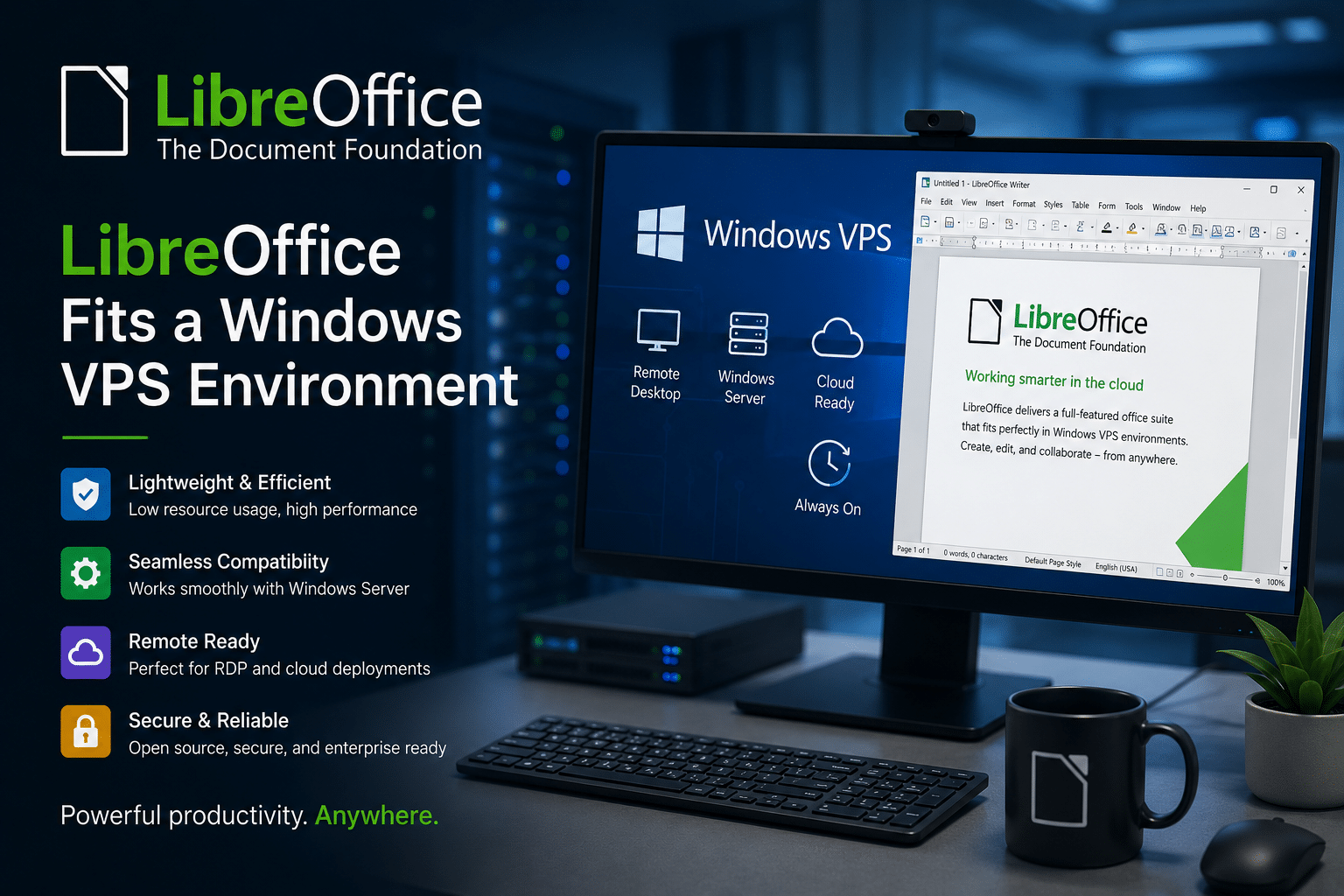
Why LibreOffice Fits a Windows VPS Environment
LibreOffice has relatively modest system requirements compared with many modern software packages.
The official LibreOffice download ecosystem supports Windows x86-64 and ARM64, alongside macOS and Linux packages. The 26.2.5 release is available across multiple supported platforms.
This cross-platform flexibility makes LibreOffice useful in environments where users work across different devices.
For example:
- A user may have a Windows VPS.
- A local laptop may run Linux.
- A secondary device may run macOS.
- The user may access documents through a remote Windows session.
LibreOffice can also work with common Microsoft Office file formats, making it practical for users who exchange documents with Microsoft Office users.
This combination creates a useful productivity stack:
Software layer
LibreOffice
Operating-system layer
Windows
Infrastructure layer
Windows VPS
Access layer
RDP
The user can access the complete workspace remotely.
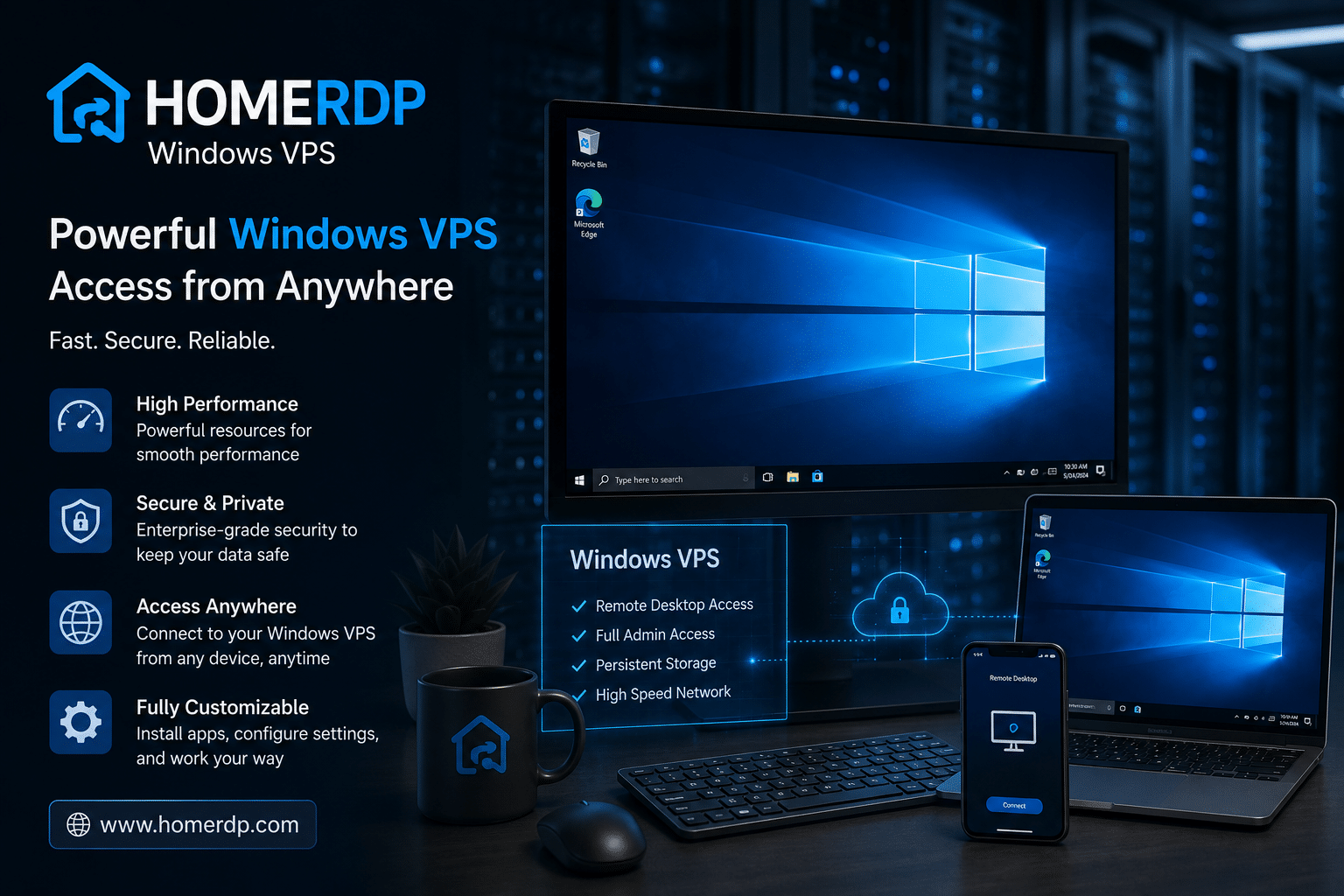
HOMERDP Windows VPS: Matching Resources to Productivity Workloads
A remote productivity environment should match the workload.
A simple Writer document does not require the same resources as a large spreadsheet opened alongside several other applications.
HOMERDP Windows VPS lists several Windows VPS configurations with different CPU, memory, storage, and bandwidth levels. The current plans include options from 2 vCPU and 2 GB RAM through larger configurations such as 4 vCPU and 8 GB RAM, as well as higher-resource options with 6 vCPU, 16 GB RAM and beyond.
That gives users a practical way to scale their environment.
Entry-level productivity
A lower-resource configuration can suit users who primarily work with:
- Writer.
- Light Calc spreadsheets.
- PDF files.
- Email.
- Web applications.
Multitasking workloads
A mid-range configuration may better suit users who run:
- LibreOffice.
- Multiple browser tabs.
- Communication applications.
- File-management tools.
- Remote administration software.
Heavy productivity workloads
Higher-resource configurations become more relevant for users handling:
- Large spreadsheets.
- Multiple applications simultaneously.
- Data processing.
- Development tools.
- Large document collections.
The key principle is simple:
Choose VPS resources based on the workload, not simply the application name.
“LibreOffice” can describe anything from a single text document to a complex business environment with large spreadsheets and multiple applications.
A Practical LibreOffice + Windows VPS Workflow
A modern remote productivity workflow can look like this:
Step 1: Connect to the remote Windows environment
The user launches an RDP client from a laptop, desktop, or other compatible device.
Step 2: Open LibreOffice
The user launches Writer, Calc, Impress, or another application.
Step 3: Work inside the persistent environment
The remote system handles the application workload.
Step 4: Save documents
Files can remain within the remote environment or synchronize with an appropriate storage system.
Step 5: Disconnect
The user ends the remote session.
Step 6: Reconnect later
The user can continue working from another location or device.
This workflow can benefit:
- Remote workers.
- Freelancers.
- Students.
- Consultants.
- Developers.
- Small businesses.
- Distributed teams.
The user does not need to recreate the entire software environment every time they change devices.
Remote Work Benefits from Persistent Environments
One of the most valuable features of a remote desktop environment is persistence.
A local laptop may be:
- Turned off.
- Lost.
- Damaged.
- Replaced.
- Shared with another user.
A remote environment can remain configured independently.
For example, a freelancer might maintain:
- LibreOffice.
- Browser profiles.
- Templates.
- Development tools.
- File-conversion utilities.
- Project folders.
The user can access that environment from multiple endpoints.
This creates a consistent workspace.
The endpoint changes.
The working environment remains.
Open-Source Software and Infrastructure Flexibility
The LibreOffice and Windows VPS combination also reflects a broader technology philosophy.
Open-source software provides:
- Transparency.
- Community development.
- Flexibility.
- Broad platform support.
- Reduced dependence on a single proprietary productivity suite.
A VPS provides:
- Remote access.
- Configurable resources.
- Persistent infrastructure.
- Flexible deployment.
Together, they create a modular stack.
The user can choose:
- The productivity suite.
- The operating system.
- The infrastructure provider.
- The access device.
This reduces dependence on a single physical computer.
LibreOffice 26.2.5 Is More Than a Bug-Fix Update
The release also demonstrates how mature open-source projects evolve.
A major release introduces new functionality.
Maintenance releases then refine that functionality.
The 26.2 branch introduced Markdown support, connectors, and performance improvements. Version 26.2.5 continues the process by fixing compatibility, stability, internationalization, and usability problems.
This development model is particularly important for professional users.
New features attract attention.
Bug fixes build trust.
A reliable office suite needs both.
Security Should Remain Part of the Remote Productivity Strategy
Remote access creates convenience, but it also creates security responsibilities.
Users and administrators should consider:
Strong credentials
Use unique, high-entropy passwords.
Multi-factor authentication
Enable additional authentication controls where available.
Software updates
Keep Windows and LibreOffice updated.
Firewall controls
Restrict unnecessary inbound access.
User permissions
Avoid giving administrative privileges unnecessarily.
Data protection
Protect sensitive documents and business information.
Backups
Maintain independent backups of important files.
Session management
Lock or disconnect remote sessions when appropriate.
A Windows VPS is infrastructure.
The customer remains responsible for configuring the operating environment according to their security requirements.
The more important the documents, the more important the security architecture.
Performance: What Actually Determines a Good Remote Office Experience?
A remote office environment depends on more than CPU and RAM.
The major performance factors include:
CPU
CPU resources affect:
- Spreadsheet recalculation.
- Document conversion.
- Export operations.
- Multitasking.
RAM
Memory affects:
- Large spreadsheets.
- Multiple documents.
- Browser usage.
- Background applications.
Storage
Fast SSD or NVMe storage can improve:
- Application startup.
- File access.
- Temporary-file operations.
- Document loading.
Network quality
The network affects:
- RDP responsiveness.
- Screen updates.
- File transfers.
- Session stability.
HOMERDP’s Windows VPS plans list NVMe/SSD storage, different CPU and memory configurations, and high-bandwidth network options.
The best configuration depends on the complete workload.
Local PC vs Windows VPS for LibreOffice
Local installation
Best for:
- Offline work.
- Direct local file access.
- Low-latency editing.
- Users with capable hardware.
Limitations:
- Hardware-dependent.
- Device-specific.
- Difficult to access from multiple devices.
- Local backup responsibility.
Windows VPS
Best for:
- Remote work.
- Persistent workspaces.
- Multiple-device access.
- Centralized application environments.
Limitations:
- Requires internet access.
- Requires careful remote-access security.
- Involves recurring infrastructure costs.
The choice does not have to be binary.
Many users can combine both approaches.
A local installation can handle everyday work.
A remote Windows VPS can provide:
- A backup environment.
- A dedicated work environment.
- A more powerful remote desktop.
- A persistent workspace.
Use Cases for LibreOffice on a Windows VPS
1. Remote document editing
Professionals can access Writer from different devices.
2. Spreadsheet analysis
Calc can run inside a persistent environment for financial and operational workbooks.
3. Remote administration
IT teams can maintain a dedicated office environment for documentation and reporting.
4. Freelance work
Freelancers can separate work applications from personal devices.
5. Small business operations
A business can maintain a consistent software environment for remote workers.
6. Document conversion
Users can maintain a dedicated environment for converting files between supported formats.
7. Cross-device workflows
A user can switch between devices without reinstalling applications.
8. Development and testing
Developers can combine office applications with code editors, browsers, and testing tools.
The Role of Markdown in Modern Workflows
One of the most important additions to the 26.2 series is Markdown import and export.
Markdown has become important across:
- Software development.
- Technical documentation.
- Knowledge bases.
- Static websites.
- Project documentation.
- AI-assisted workflows.
This creates a bridge between traditional office productivity and modern technical workflows.
A user might:
- Write content in Writer.
- Export or move it into Markdown.
- Store it in a Git repository.
- Publish it through a documentation platform.
This is particularly useful for technical teams.
The office suite no longer needs to exist separately from the developer workflow.
It can participate in the same content pipeline.
Why Open Formats Matter for Remote Work
Remote work increases the importance of portability.
A user may switch:
- Devices.
- Operating systems.
- Locations.
- Infrastructure providers.
Open standards can help reduce dependence on a single environment.
LibreOffice supports its own OpenDocument formats while also providing compatibility with widely used Microsoft Office formats.
This gives users flexibility when moving documents between systems.
For long-term document management, organizations should still test their own files, templates, macros, and complex formatting.
Compatibility is never guaranteed simply because two applications support the same file extension.
A Practical Setup Guide for a Remote LibreOffice Workspace
A basic workflow can follow these steps:
1. Select the Windows VPS configuration
Choose CPU, RAM, storage, and bandwidth according to the workload.
2. Secure the Windows environment
Apply updates and configure authentication and firewall policies.
3. Install LibreOffice 26.2.5
Download the appropriate version from the official LibreOffice source. The current download page lists Windows x86-64 and ARM64 packages alongside other supported platforms.
4. Install required extensions
Only install extensions from sources you trust.
5. Configure document storage
Decide whether documents should remain on the VPS, synchronize to another service, or use a separate backup system.
6. Test important workflows
Open:
- DOCX files.
- XLSX files.
- ODT documents.
- Large spreadsheets.
- PDF exports.
7. Create a backup strategy
Do not treat the VPS as the only copy of important documents.
8. Connect through RDP
Use a secure remote-access workflow.
This setup creates a dedicated remote office environment.
Who Should Consider This Productivity Stack?
The LibreOffice + Windows VPS model is particularly attractive to:
Remote professionals
Access a consistent workspace from different locations.
Freelancers
Separate work infrastructure from personal devices.
Small businesses
Provide employees with a standardized environment.
Developers
Combine documentation, spreadsheets, and development tools.
IT administrators
Maintain a dedicated remote management environment.
Students
Access productivity software from lower-powered personal devices.
Researchers
Work with large document collections and spreadsheets.
The suitability depends on workload, connectivity, security requirements, and budget.
The Future of Productivity Is Distributed
The traditional desktop model assumes that everything must happen locally.
The modern model distributes the workload.
The endpoint provides:
- Input.
- Display.
- Network access.
The remote environment provides:
- Processing.
- Storage.
- Applications.
- Persistence.
LibreOffice provides the productivity layer.
RDP provides the access layer.
The VPS provides the infrastructure layer.
This architecture creates a flexible alternative to buying increasingly powerful hardware for every individual device.
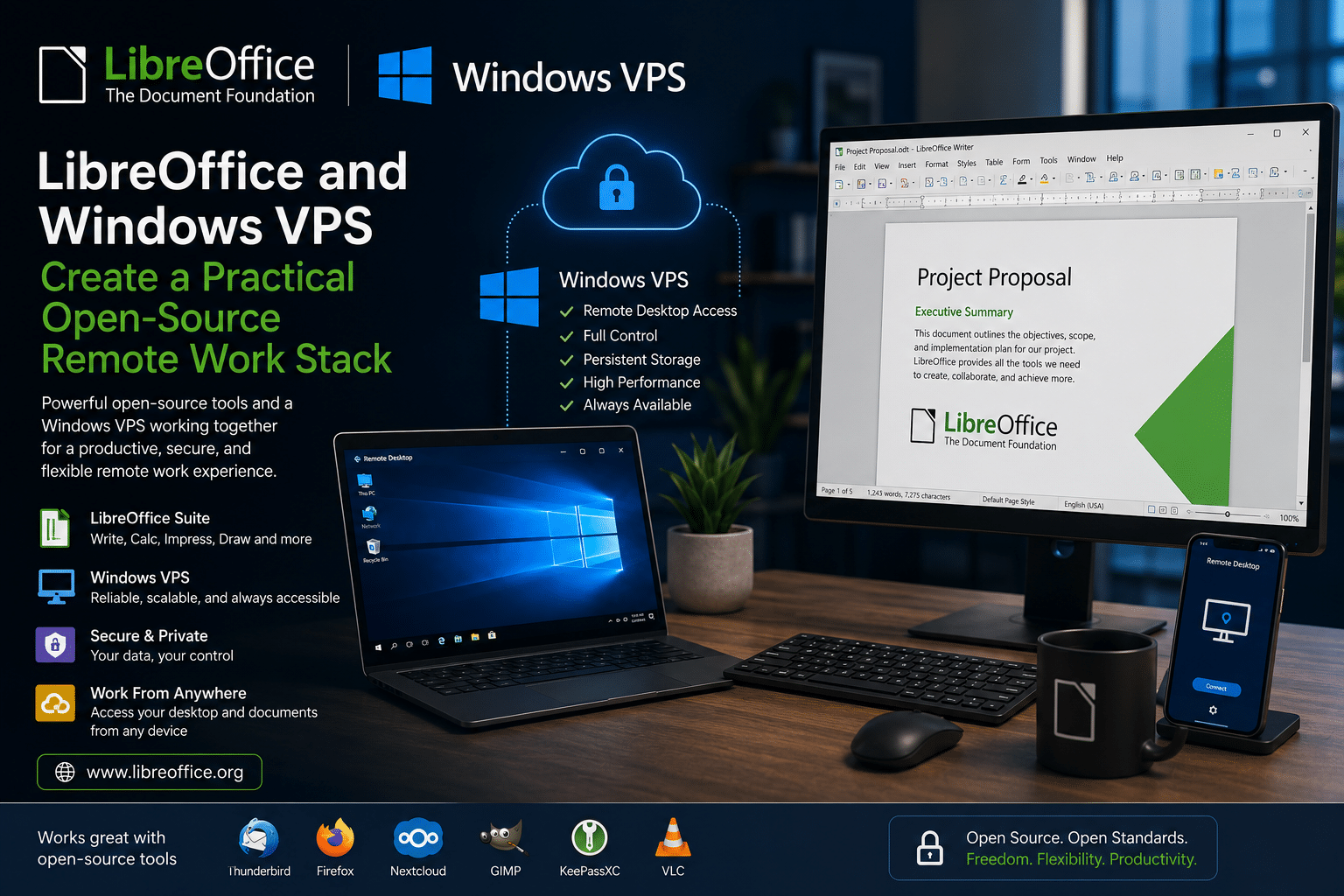
Final Verdict: LibreOffice and Windows VPS Create a Practical Open-Source Remote Work Stack
LibreOffice 26.2.5 demonstrates why maintenance releases matter.
The fifth bug-fix release in the LibreOffice 26.2 branch delivers more than 20 improvements across document compatibility, HTML handling, Calc functions, accessibility, Unicode behavior, internationalization, stability, and the user interface.
The release also builds on a broader 26.2 feature set that includes Markdown support, Writer and Calc connectors, and performance improvements.
For local users, the update makes an already capable open-source office suite more reliable.
For remote workers, developers, freelancers, students, and businesses, LibreOffice can become part of a larger productivity architecture.
A Windows VPS provides the environment.
RDP provides remote access.
LibreOffice provides the office applications.
Together, they create a practical stack for modern work.
HOMERDP Windows VPS offers multiple configurations, ranging from entry-level plans with 2 vCPU and 2 GB RAM to higher-resource configurations with additional CPU, memory, storage, and bandwidth. That makes it possible to match the remote environment to different productivity requirements.
The most important idea is not that every user should move their entire office to a VPS.
The important idea is flexibility.
A modern professional can:
- Use a local laptop for lightweight tasks.
- Connect to a remote Windows environment for heavier work.
- Run LibreOffice in a persistent workspace.
- Access the same environment from different devices.
- Use open-source software to reduce dependence on a single proprietary productivity platform.
The result is a computing model that separates where the user sits from where the work happens.
That distinction will become increasingly important as remote work, virtualization, cloud infrastructure, and open-source software continue to evolve.
LibreOffice 26.2.5 strengthens the productivity layer. Windows VPS infrastructure strengthens the computing layer. RDP connects the two.
Together, they form a flexible, cost-conscious, and technically capable open-source productivity stack for the modern remote workplace.
EXPLORE MORE ; LibreOffice 25.8.7 Is the Last Upgrade

READ OUR BLOGS