

DietPi 10.5 Enables KMS/DRM by Default: A Big Win for Raspberry Pi Performance
The Raspberry Pi ecosystem continues to evolve far beyond its origins as an educational single-board computer. Today, Raspberry Pi devices power everything from smart home hubs and industrial automation systems to edge computing deployments and lightweight desktop environments. As these use cases become increasingly sophisticated, the underlying software stack must keep pace.
That is precisely what the latest release of DietPi aims to accomplish.
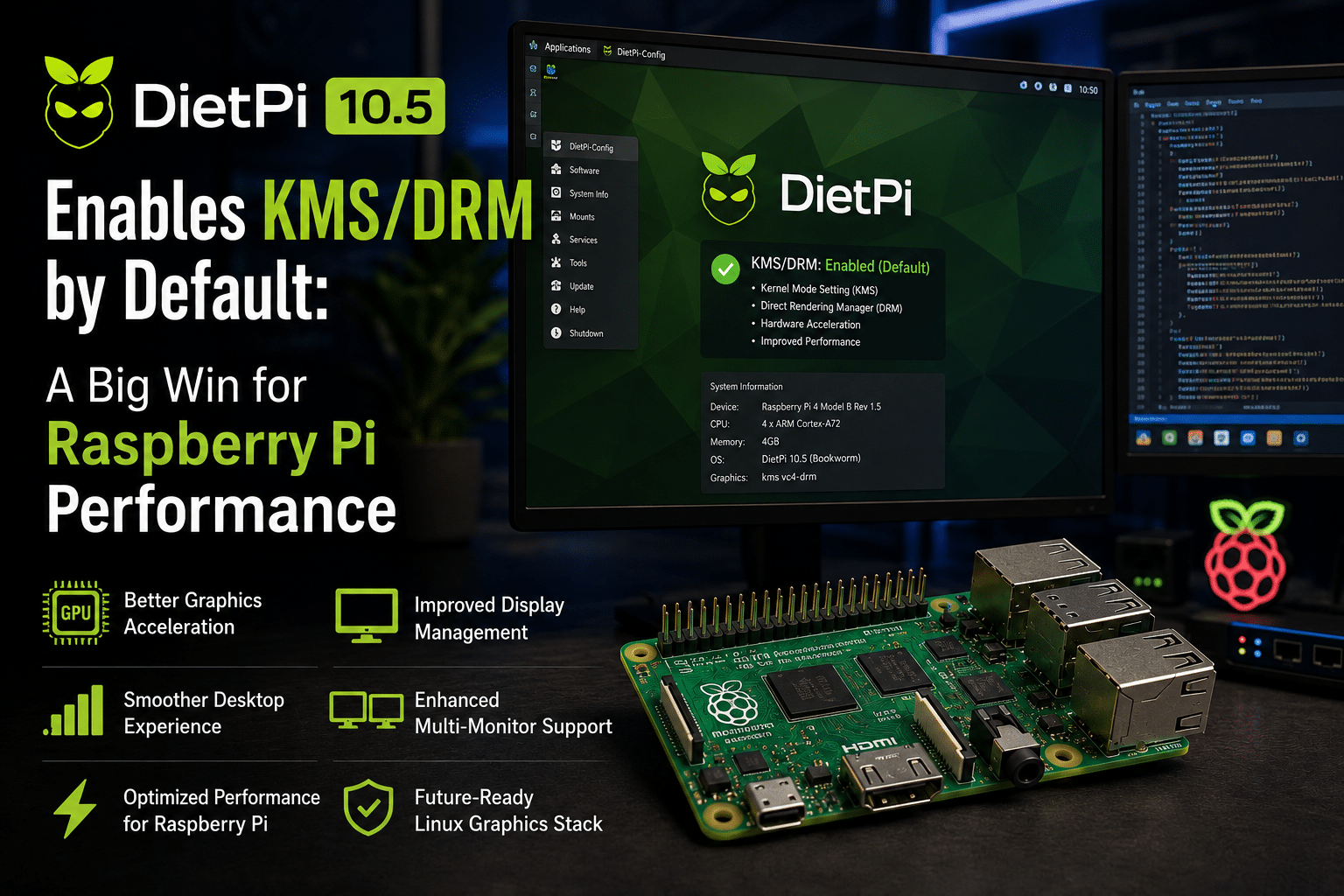
DietPi 10.5 introduces one of the most significant graphics-related changes in recent years by enabling the Kernel Mode Setting (KMS) and Direct Rendering Manager (DRM) graphics stack by default on Raspberry Pi graphical installations. While this change may seem technical at first glance, its impact extends far beyond Linux internals. It promises better graphics performance, improved hardware acceleration, stronger compatibility with modern desktop environments, and a more future-proof foundation for Raspberry Pi users.
For developers, system administrators, hobbyists, and businesses deploying Raspberry Pi systems at scale, DietPi 10.5 represents an important step toward modern Linux computing.
Let’s explore what this update means, why KMS/DRM matters, and how solutions like HOMERDP can help organizations maximize the benefits of modern Raspberry Pi deployments.
Understanding DietPi’s Growing Popularity
DietPi has earned a reputation as one of the lightest and most optimized Linux distributions available for single-board computers.
Unlike many Linux distributions that prioritize extensive feature sets, DietPi focuses on efficiency, minimal resource consumption, and ease of deployment.
Key advantages include:
- Lightweight operating system footprint
- Lower RAM consumption
- Faster boot times
- Simplified software installation
- Broad support for ARM devices
- Excellent Raspberry Pi optimization
These characteristics have made DietPi particularly attractive for:
- Home labs
- IoT deployments
- Educational projects
- Embedded systems
- Edge computing workloads
- Lightweight desktop environments
As Raspberry Pi hardware becomes more powerful, users increasingly expect desktop-class experiences. That expectation is driving improvements such as the transition to KMS/DRM.
What Changed in DietPi 10.5?
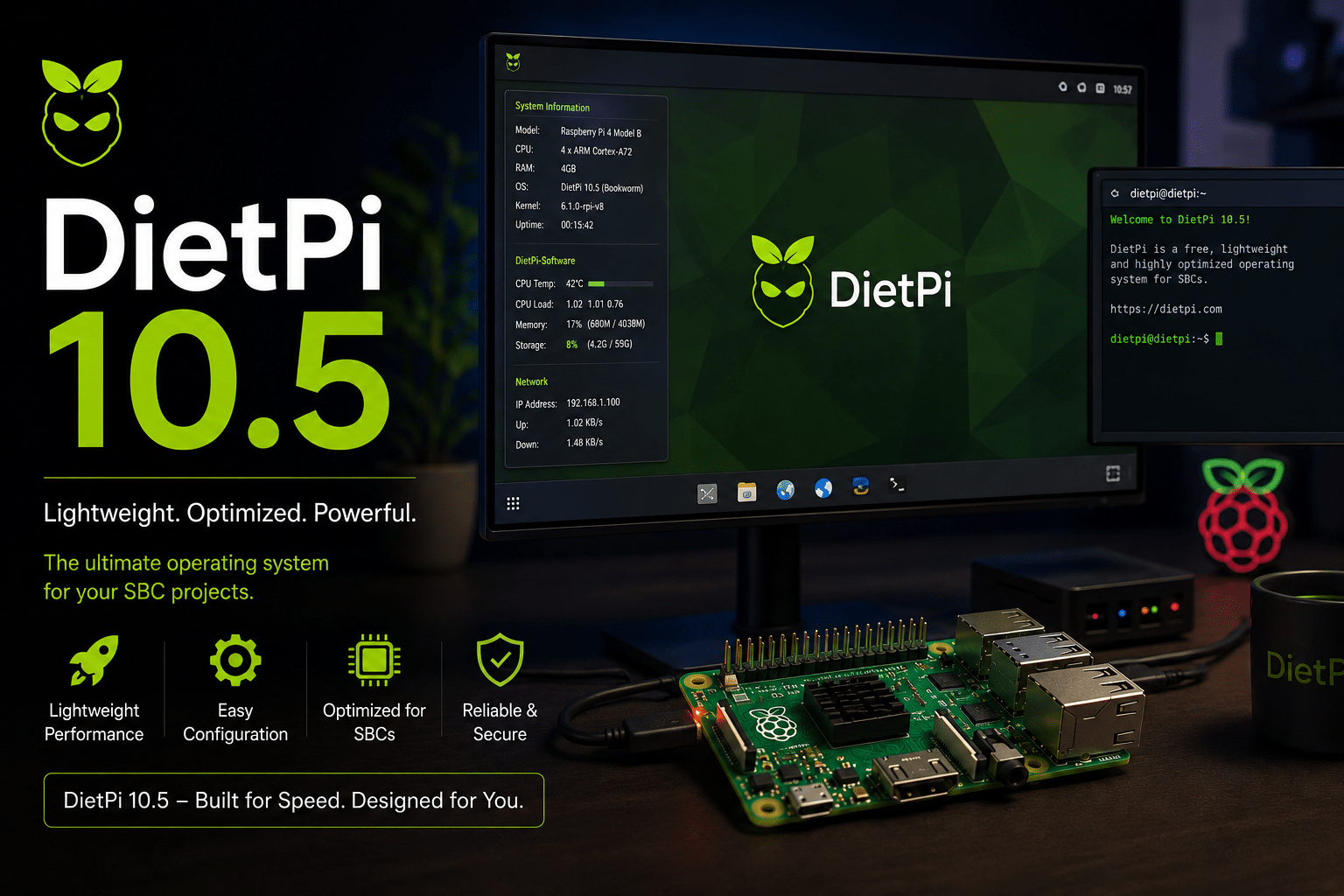
The headline feature of DietPi 10.5 is the decision to enable KMS/DRM by default for Raspberry Pi graphical installations.
This transition moves Raspberry Pi systems away from older firmware-based graphics management and toward the standard graphics architecture used throughout modern Linux distributions.
The update also aligns DietPi more closely with contemporary Linux development practices and desktop technologies.
The change affects:
- Display handling
- Graphics acceleration
- Desktop responsiveness
- Multi-monitor support
- Wayland compatibility
- Video rendering performance
While casual users may simply notice a smoother experience, the technical improvements underneath are substantial.
What Is Kernel Mode Setting (KMS)?
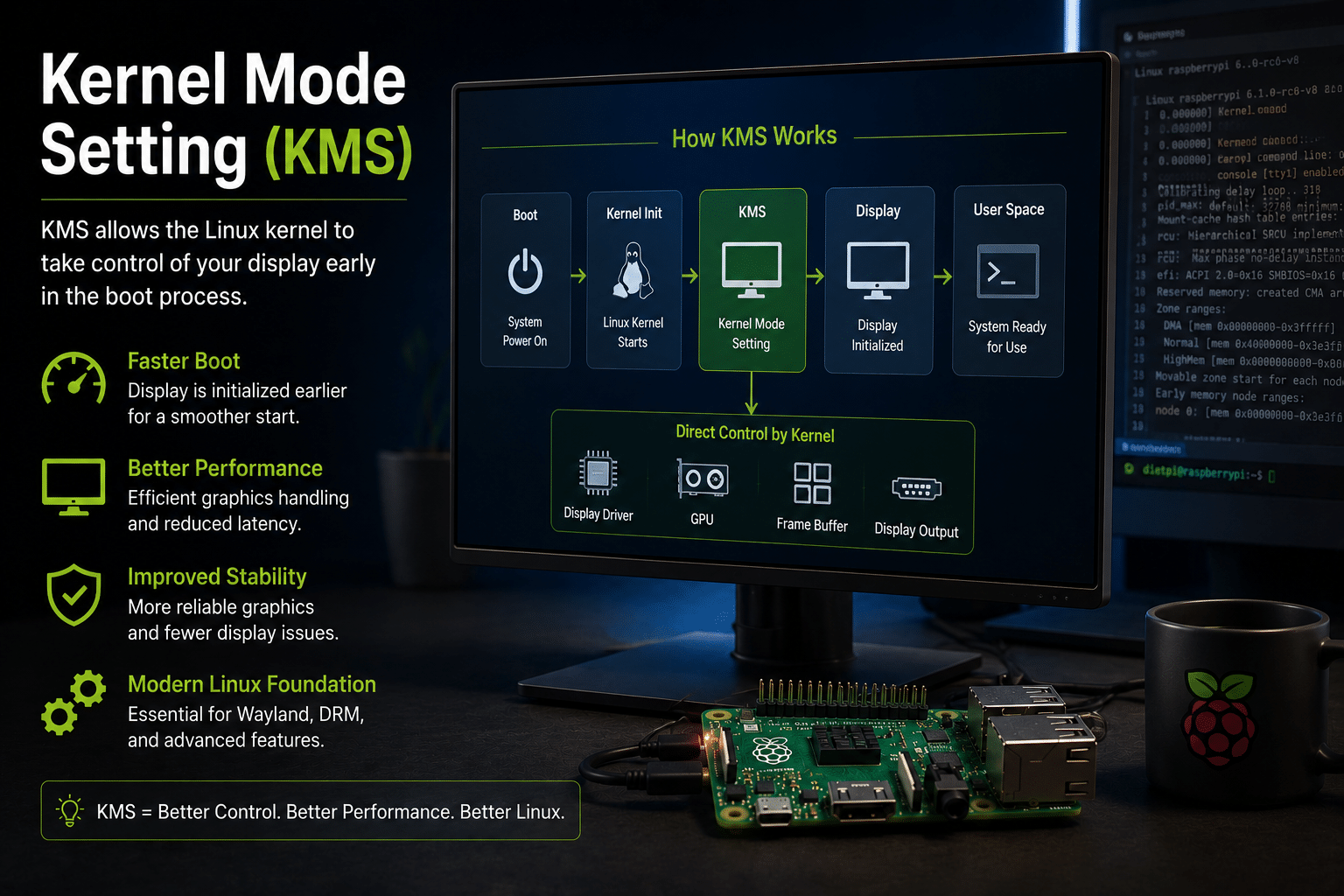
Kernel Mode Setting, commonly known as KMS, is a Linux technology that allows the operating system kernel to control display hardware directly.
Historically, display configuration often occurred in user space or through firmware-specific mechanisms. This created inconsistencies between devices and limited the operating system’s ability to manage graphics resources efficiently.
KMS shifts responsibility into the Linux kernel.
Benefits include:
Faster Display Initialization
The display can be configured earlier during boot, resulting in smoother startup experiences.
Better Resource Management
The kernel gains direct control over display resources, improving overall system efficiency.
Improved Stability
Graphics-related crashes and inconsistencies become less common because the operating system manages hardware more consistently.
Modern Linux Compatibility
Many current Linux desktop environments and graphical applications are designed with KMS in mind.
Understanding DRM (Direct Rendering Manager)
Direct Rendering Manager complements KMS by providing the infrastructure needed for GPU acceleration and graphics rendering.
DRM acts as a communication layer between:
- Applications
- Desktop environments
- Graphics drivers
- GPU hardware
The result is improved performance and more efficient graphics processing.
Advantages include:
Hardware Acceleration
Applications can utilize GPU resources more effectively.
Better Video Playback
High-resolution video streams become smoother and more efficient.
Enhanced Desktop Performance
Window rendering, animations, and visual effects operate more smoothly.
Modern Graphics Features
New Linux graphical technologies increasingly depend on DRM support.
Together, KMS and DRM form the foundation of contemporary Linux graphics systems.
Why This Matters for Raspberry Pi Users
For years, Raspberry Pi relied heavily on proprietary graphics components and firmware-specific display handling.
While functional, that approach created limitations.
DietPi 10.5 helps overcome many of those limitations by embracing modern Linux graphics standards.
Users can expect improvements in several critical areas.
1. Better Desktop Responsiveness
Desktop environments depend heavily on efficient rendering.
Whether users run:
- XFCE
- LXQt
- KDE Plasma
- MATE
or other graphical interfaces, rendering performance directly impacts usability.
The KMS/DRM stack reduces bottlenecks and improves display updates.
Users benefit from:
- Smoother animations
- Faster window movement
- Better application responsiveness
- Reduced graphical glitches
The improvement becomes especially noticeable on Raspberry Pi 4 and Raspberry Pi 5 systems.
2. Enhanced Video Playback
Video playback remains one of the most demanding workloads for lightweight systems.
Streaming platforms, digital signage deployments, and media centers all require efficient video decoding and rendering.
KMS/DRM enables improved hardware acceleration pathways that help:
- Reduce CPU utilization
- Improve frame consistency
- Support higher resolutions
- Deliver smoother playback
For media-focused Raspberry Pi projects, this can significantly enhance user experience.
3. Improved Multi-Monitor Support
Many Raspberry Pi users now operate dual-monitor workstations.
Developers frequently use multiple displays for:
- Code editors
- Documentation
- Monitoring dashboards
- Virtual machines
- Terminal sessions
Modern display management is essential for these workflows.
The KMS/DRM architecture improves:
- Display detection
- Resolution management
- Monitor configuration
- Display synchronization
This makes Raspberry Pi a more viable desktop replacement for productivity-focused users.
4. Better Wayland Readiness
Wayland is increasingly becoming the future of Linux desktop graphics.
Many major Linux distributions are transitioning away from X11 toward Wayland.
Benefits of Wayland include:
- Lower latency
- Improved security
- Better scaling support
- Enhanced graphics performance
KMS/DRM serves as a critical requirement for successful Wayland implementations.
By enabling these technologies by default, DietPi prepares Raspberry Pi users for the next generation of Linux desktop computing.
5. Stronger Future Compatibility
Linux graphics development is moving rapidly.
Developers creating desktop applications increasingly optimize for modern graphics stacks.
Organizations deploying Raspberry Pi systems need software platforms that remain compatible over the long term.
The transition to KMS/DRM helps ensure:
- Better software compatibility
- Easier updates
- Improved driver support
- Alignment with upstream Linux development
This future-proofs Raspberry Pi deployments.
The Growing Importance of Raspberry Pi in Professional Environments
The Raspberry Pi is no longer just a hobbyist platform.
Organizations worldwide use Raspberry Pi devices for:
Edge Computing
Processing data closer to users and devices reduces latency and bandwidth costs.
Industrial Monitoring
Factories deploy Raspberry Pi systems for machine monitoring and operational analytics.
Digital Signage
Retail environments rely on Raspberry Pi-powered displays.
IoT Gateways
Smart devices frequently use Raspberry Pi as a central communication hub.
Software Development
Developers utilize Raspberry Pi systems for testing ARM-based applications.
As deployments grow larger, management complexity increases.
That is where remote infrastructure solutions become increasingly valuable.
Why Remote Access Matters More Than Ever
Many Raspberry Pi systems operate in locations where physical access is limited.
Examples include:
- Manufacturing facilities
- Data centers
- Retail stores
- Educational institutions
- Smart buildings
- Remote offices
Administrators need efficient ways to manage systems without traveling to each location.
Remote access solutions enable:
- Centralized administration
- Faster troubleshooting
- Reduced downtime
- Improved operational efficiency
Modern graphics capabilities become even more valuable when paired with powerful remote desktop technology.
How HOMERDP Complements Modern Raspberry Pi Workflows
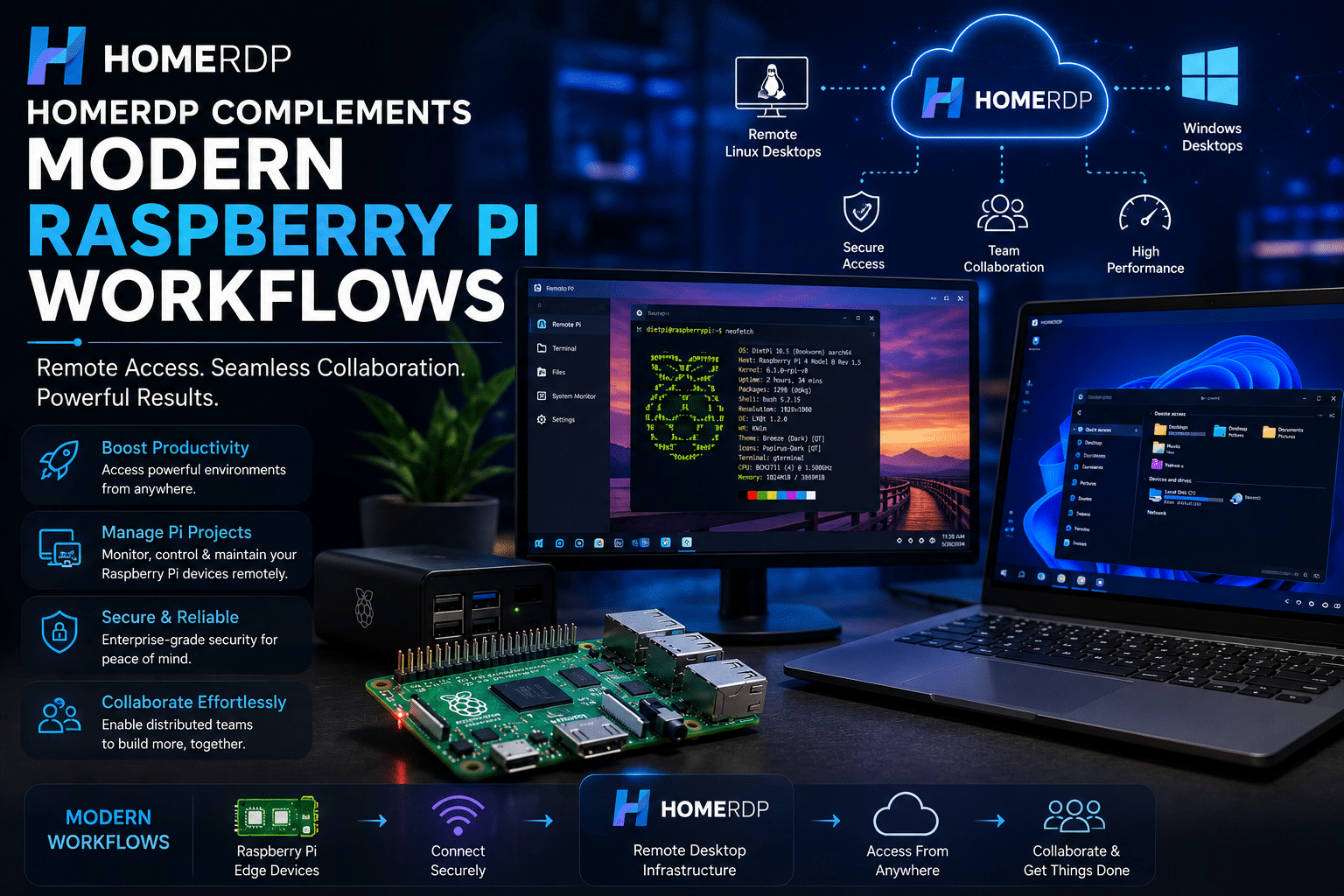
As DietPi modernizes its graphics architecture, users increasingly need flexible access to Linux environments from anywhere.
This is where HOMERDP provides significant value.
HOMERDP enables users to access high-performance remote desktop environments securely and efficiently, regardless of location.
Instead of relying solely on local hardware, organizations can extend their workflows through cloud-based infrastructure.
Benefits include:
Access Development Environments Anywhere
Developers can connect to Linux desktops remotely without carrying dedicated hardware.
Simplify Testing Workflows
Applications can be tested across multiple Linux environments quickly.
Support Distributed Teams
Remote teams gain secure access to centralized resources.
Reduce Hardware Costs
Organizations can leverage cloud resources rather than continuously expanding local infrastructure.
Improve Business Continuity
Critical systems remain accessible even when physical devices are unavailable.
Combining DietPi and HOMERDP for Maximum Flexibility
A modern workflow might look like this:
Raspberry Pi Devices Handle Edge Tasks
These systems collect data, manage sensors, or run lightweight applications.
HOMERDP Hosts Development Resources
Developers access powerful Linux desktops remotely.
Teams Collaborate Centrally
Applications are developed, tested, and deployed from centralized environments.
Remote Administration Becomes Easier
Administrators can manage distributed deployments efficiently.
This hybrid approach combines the strengths of lightweight edge computing with scalable remote infrastructure.
Real-World Use Cases
IoT Development Teams
Developers build and test applications on HOMERDP-hosted Linux desktops while deploying workloads to DietPi-powered Raspberry Pi devices.
Educational Institutions
Students gain access to Linux environments remotely while learning Raspberry Pi programming and administration.
Smart Manufacturing
Engineers monitor factory equipment through Raspberry Pi edge devices while using HOMERDP for centralized management.
Software Testing Labs
Teams validate applications across ARM and x86 environments simultaneously.
Digital Signage Networks
Administrators maintain fleets of Raspberry Pi displays remotely from centralized desktops.
The Broader Significance of DietPi 10.5
The transition to KMS/DRM represents more than a graphics update.
It reflects a broader trend within Linux:
- Standardization
- Hardware acceleration
- Wayland adoption
- Modern desktop experiences
- Improved interoperability
These improvements help Raspberry Pi evolve from a hobbyist platform into a capable computing solution suitable for increasingly professional workloads.
The change also demonstrates the maturity of the Linux ecosystem surrounding ARM-based computing.
As organizations deploy more edge devices, consistency across environments becomes increasingly important.
DietPi 10.5 contributes directly to that goal.
Looking Ahead
The future of Raspberry Pi computing is increasingly tied to modern Linux technologies.
Emerging trends include:
- AI inference at the edge
- Industrial IoT
- Smart cities
- Distributed computing
- Containerized applications
- Hybrid cloud-edge deployments
Graphics technologies such as KMS/DRM may appear unrelated to these trends at first glance, but they form part of the foundation that enables reliable, modern computing environments.
By adopting contemporary graphics standards now, DietPi ensures users can benefit from future innovations without major architectural transitions later.
Final Thoughts
DietPi 10.5’s decision to enable KMS/DRM by default marks a major milestone for Raspberry Pi users.
The update delivers:
- Better graphics performance
- Improved hardware acceleration
- Enhanced desktop responsiveness
- Stronger multi-monitor support
- Better Wayland compatibility
- Improved future-proofing
For hobbyists, developers, educators, and businesses alike, these improvements create a more capable and modern Raspberry Pi experience.
At the same time, the growing complexity of edge computing environments makes remote access increasingly important. HOMERDP complements DietPi’s modernization by providing flexible, secure, and scalable remote desktop capabilities that help teams manage Linux workflows from anywhere.
Together, DietPi 10.5 and HOMERDP represent a compelling combination for organizations looking to build efficient, modern, and future-ready Linux infrastructure.
As Raspberry Pi continues its journey from educational device to enterprise-ready platform, updates like DietPi 10.5 demonstrate that the ecosystem is more prepared than ever for the challenges of modern computing.
EXPLORE MORE ; OmniTools and Raspberry Pi Zero 2 W

READ OUR BLOGS