

From HDR to Multi-Monitor Workflows: Exploring KDE Plasma 6.7’s Biggest Improvements
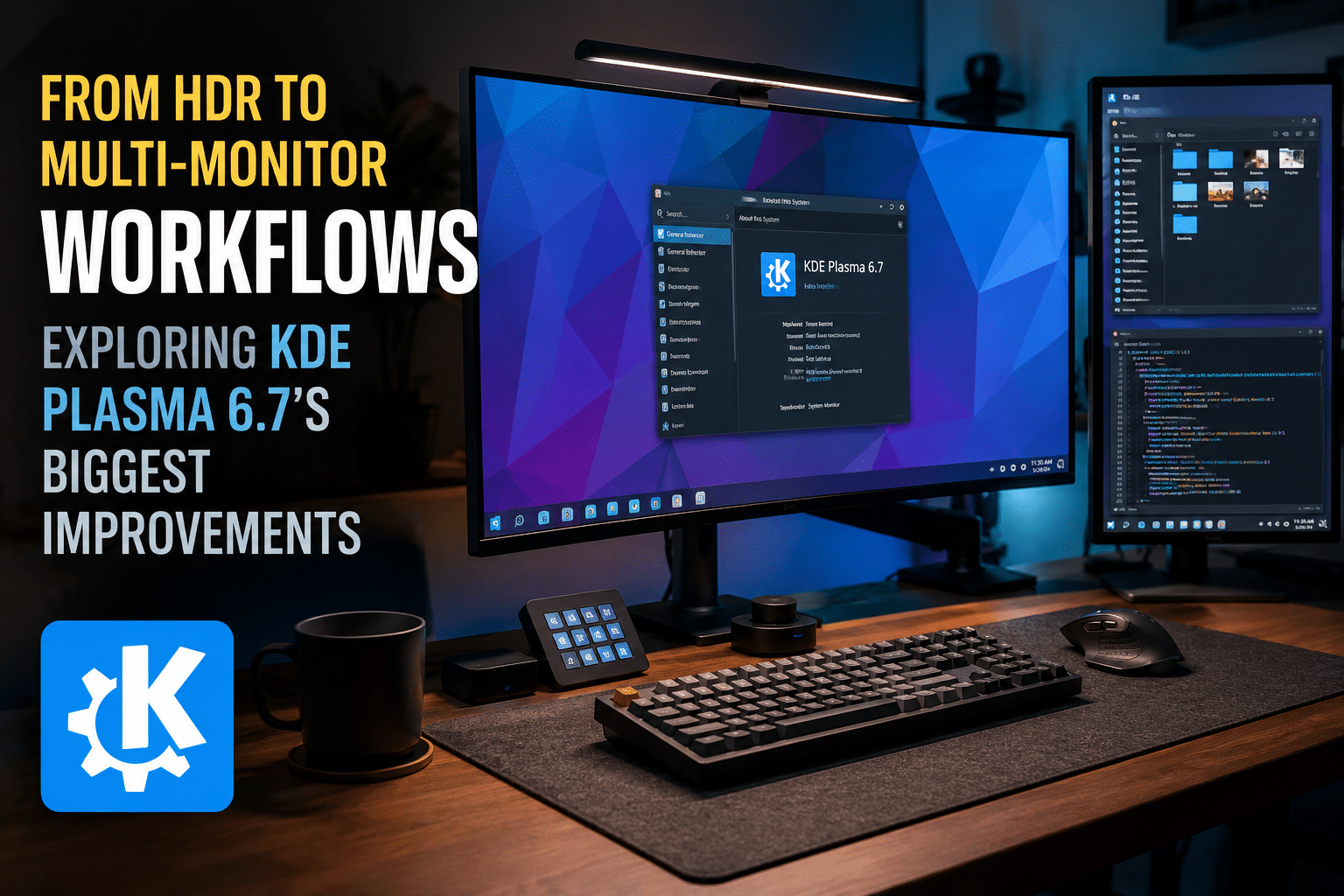
The Linux desktop ecosystem continues to evolve at an impressive pace, and KDE Plasma 6.7 stands as one of the most significant desktop environment releases in recent years. While Linux users have traditionally chosen KDE Plasma for its flexibility, customization options, and performance, Plasma 6.7 demonstrates that the project is equally focused on solving real-world productivity challenges for developers, creators, enterprise users, and remote teams.
The release introduces long-awaited features such as per-screen virtual desktops, major HDR improvements, enhanced Wayland support, smarter window management, improved accessibility, and numerous performance optimizations. These upgrades arrive at a time when Linux adoption is growing across software development, cloud infrastructure, artificial intelligence, cybersecurity, and enterprise computing.
Organizations are increasingly building Linux-first workflows that rely on remote access, cloud-hosted workstations, and distributed teams. As a result, the value of a modern Linux desktop environment extends beyond individual laptops and workstations. It must also support productivity across remote environments, virtual desktops, and cloud infrastructure.
This is where solutions like HOMERDP become increasingly relevant. By enabling secure, high-performance remote desktop access to Linux environments, HOMERDP helps organizations leverage cutting-edge desktop experiences such as KDE Plasma 6.7 from anywhere in the world.
Let’s explore the biggest improvements in KDE Plasma 6.7 and why they matter for modern Linux users.
KDE Plasma’s Growing Influence in the Linux Ecosystem
Before examining the new features, it is worth understanding KDE Plasma’s position in today’s Linux landscape.
For years, Linux desktop discussions focused on whether Linux could compete with Windows and macOS in terms of usability. Today, that conversation has shifted dramatically.
Many organizations now evaluate Linux based on:
- Security
- Performance
- Development workflows
- Infrastructure compatibility
- Open-source flexibility
- Cost efficiency
KDE Plasma has emerged as one of the strongest desktop environments for these use cases.
The Plasma desktop powers countless workstations used by:
- Software developers
- DevOps engineers
- System administrators
- Data scientists
- Cloud architects
- Security professionals
- Creative teams
The KDE project has earned a reputation for delivering enterprise-grade functionality while maintaining an attractive user experience.
Plasma 6.7 builds upon that foundation.
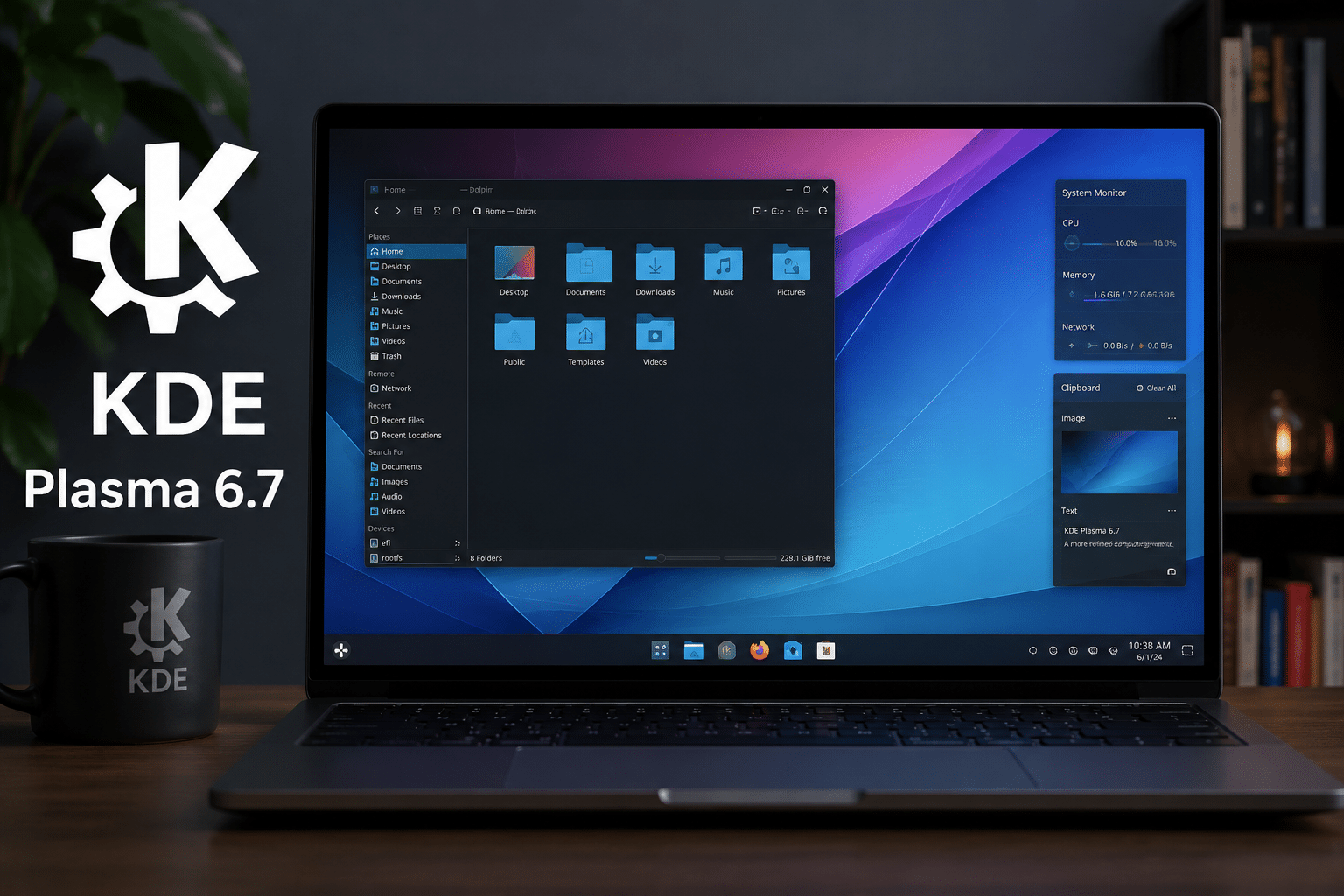
Per-Screen Virtual Desktops Finally Arrive
One of the most exciting additions in Plasma 6.7 is the introduction of per-screen virtual desktops.
For many Linux power users, this feature has been a long-standing request.
What Are Per-Screen Virtual Desktops?
Traditionally, switching virtual desktops affected all connected monitors simultaneously.
For example:
- Desktop 1 on Monitor A
- Desktop 1 on Monitor B
Switching to Desktop 2 would move both monitors to Desktop 2.
This behavior often limited workflow flexibility.
Plasma 6.7 changes that.
Users can now assign different virtual desktops to individual displays.
For example:
Monitor 1
- Coding workspace
- Visual Studio Code
- Terminal windows
Monitor 2
- Documentation
- Browser tabs
- Slack
- Teams
Monitor 3
- Monitoring dashboards
- Kubernetes management tools
- Server logs
Each monitor can maintain its own workspace independently.
Why This Matters
Developers frequently juggle:
- IDEs
- Containers
- Documentation
- Monitoring tools
- Communication platforms
The new desktop model dramatically reduces context switching and improves focus.
For DevOps engineers managing complex infrastructure, the feature enables more organized operational workflows.
This seemingly simple change can save hours every month by reducing desktop clutter and improving task management.
HDR Support Reaches a New Level
High Dynamic Range (HDR) support has become increasingly important as modern displays improve.
While Windows and macOS have made significant HDR investments, Linux desktop environments have historically lagged behind.
Plasma 6.7 takes a major step toward closing that gap.
Improved HDR and ICC Color Profile Compatibility
One of the biggest improvements involves HDR support working alongside ICC color profiles.
This enhancement is particularly important for:
- Photographers
- Graphic designers
- Video editors
- Content creators
- Digital artists
Color management has long been a challenge on Linux.
By improving integration between HDR workflows and color profiles, KDE enables professionals to achieve more accurate visual output.
Why Creative Professionals Should Care
Color accuracy directly impacts:
- Branding projects
- Marketing assets
- Product photography
- Video production
- UI/UX design
Even minor inconsistencies can create costly revisions.
Plasma 6.7 helps Linux become a more viable platform for professional creative work.
Wayland Continues to Mature
The Linux desktop industry continues its migration away from X11.
Wayland represents the future of Linux graphics architecture.
KDE Plasma 6.7 further strengthens Wayland adoption through numerous improvements.
Enhanced Stability
Many users delayed their transition because of concerns about:
- Application compatibility
- Input behavior
- Multi-monitor support
- Screen sharing
Plasma 6.7 addresses many of these concerns through protocol refinements and expanded support.
Better Security
Wayland offers security advantages compared to traditional X11 environments.
Benefits include:
- Better application isolation
- Reduced attack surface
- Improved permission management
- Stronger desktop security
As cybersecurity concerns continue growing, these improvements become increasingly valuable.
Better Performance Across the Board
Performance remains one of KDE Plasma’s strongest advantages.
The KDE development team focused heavily on optimization throughout Plasma 6.7.
Faster Rendering
Several rendering improvements contribute to:
- Smoother animations
- Reduced lag
- Better responsiveness
- Faster desktop interactions
Users on lower-powered hardware will particularly appreciate these enhancements.
Improved Intel GPU Support
Integrated graphics remain common across enterprise deployments.
Many organizations rely on Intel-powered systems because of their:
- Cost efficiency
- Reliability
- Energy efficiency
Plasma 6.7 includes optimizations that improve performance on integrated Intel graphics hardware.
Reduced Resource Consumption
Lower resource usage translates into:
- Better battery life
- Faster multitasking
- More responsive desktops
- Improved remote desktop experiences
This matters greatly for organizations deploying Linux desktops at scale.
Smarter Window Management
Window management remains a critical productivity feature for Linux professionals.
Plasma 6.7 introduces several refinements that improve daily workflows.
Enhanced Tiling Behavior
Modern productivity increasingly relies on organized window layouts.
Users commonly work with:
- IDEs
- Browsers
- Terminals
- Documentation
- Communication tools
Improved window placement and management help users maintain efficient workspaces.
Better Multi-Monitor Experiences
Remote and hybrid work have accelerated adoption of multi-monitor setups.
Professionals often use:
- Dual monitors
- Triple monitors
- Ultra-wide displays
Plasma 6.7 introduces enhancements that make managing these environments more intuitive and reliable.
Accessibility Improvements Benefit Everyone
Accessibility often receives less attention than headline features, but it plays a crucial role in desktop usability.
Plasma 6.7 includes improvements designed to support a broader range of users.
Benefits include:
- Better keyboard navigation
- Improved visual clarity
- Enhanced usability options
- More consistent user experiences
These changes contribute to a desktop environment that works better for everyone.
Enterprise Networking Enhancements
Many organizations use Linux workstations in mixed environments.
This often creates challenges involving:
- Windows interoperability
- Shared printers
- Network resources
- Authentication systems
Plasma 6.7 addresses several enterprise-focused networking issues.
Improved Printer Management
The release simplifies access to shared printers and network printing resources.
Benefits include:
- Faster deployment
- Reduced support tickets
- Better user experiences
Network Configuration Improvements
Enhanced networking capabilities make Linux desktops easier to integrate into enterprise infrastructure.
This is particularly valuable for IT departments managing large deployments.
Why These Improvements Matter for Remote Teams
The way people work has fundamentally changed.
Organizations increasingly operate with:
- Distributed employees
- Hybrid offices
- Global teams
- Cloud infrastructure
Desktop environments must support these realities.
Plasma 6.7’s improvements align perfectly with modern remote work requirements.
Key advantages include:
- Better multi-monitor productivity
- Improved performance
- Enhanced graphics support
- Greater stability
- Stronger security
However, desktop software alone is not enough.
Users also need reliable access to those environments.
How HOMERDP Complements KDE Plasma 6.7
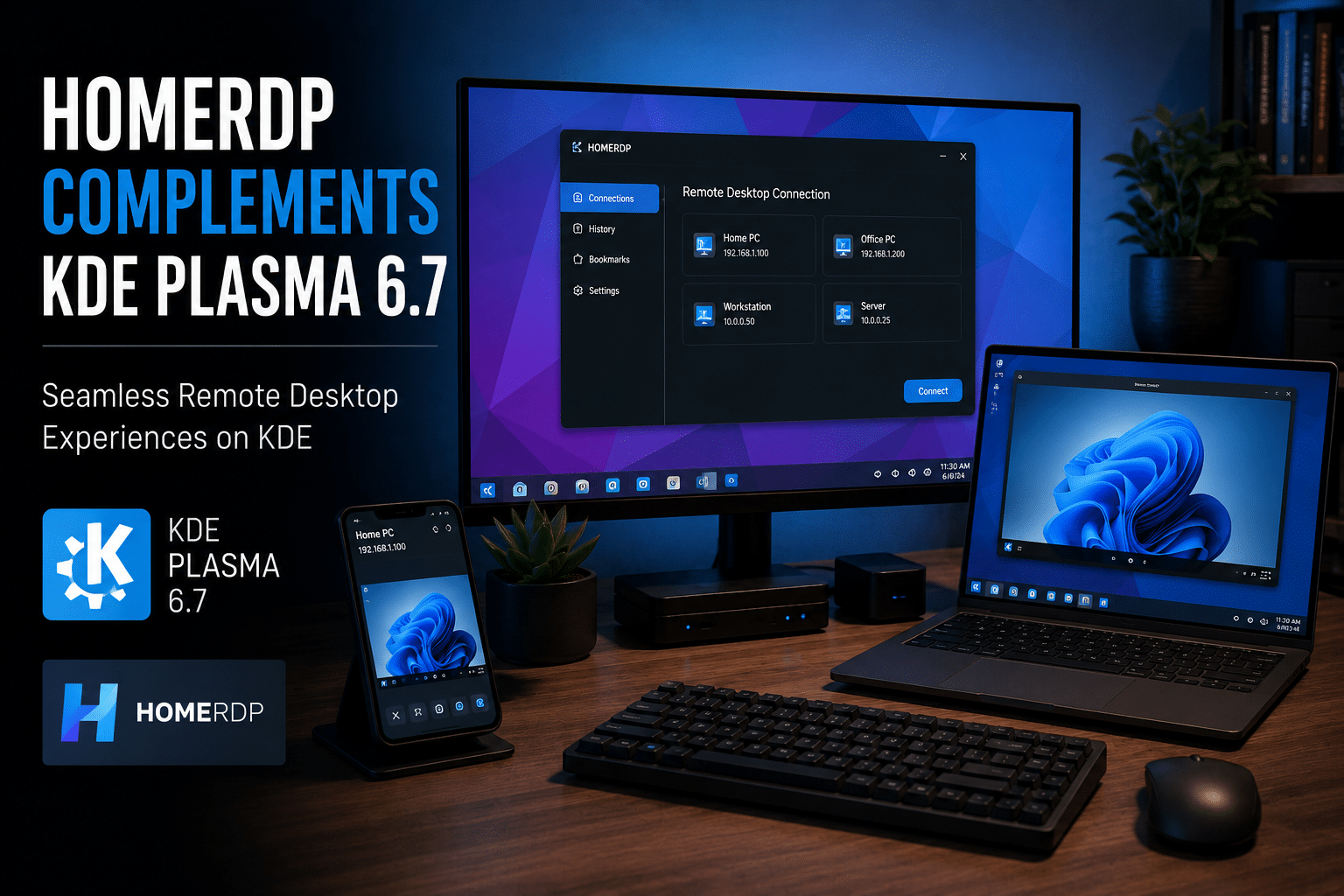
Many organizations want the benefits of Linux workstations without maintaining expensive hardware fleets.
This is where HOMERDP delivers significant value.
Access Linux Desktops from Anywhere
HOMERDP enables users to access Linux environments remotely through secure remote desktop technology.
Teams can connect from:
- Windows PCs
- macOS devices
- Linux laptops
- Thin clients
- Mobile devices
This flexibility allows organizations to deploy KDE Plasma environments without requiring dedicated local workstations.
Consistent Development Environments
Development teams frequently struggle with configuration inconsistencies.
Different hardware configurations can lead to:
- Software conflicts
- Dependency issues
- Deployment errors
HOMERDP helps organizations standardize Linux environments.
Benefits include:
- Faster onboarding
- Simplified management
- Improved collaboration
- Reduced troubleshooting
Plasma 6.7 provides the user experience while HOMERDP provides the infrastructure.
Better Resource Utilization
Modern workloads continue becoming more demanding.
Developers regularly work with:
- Docker containers
- Kubernetes clusters
- Machine learning frameworks
- Large code repositories
- Cloud-native applications
Running these workloads locally can strain hardware resources.
Remote desktop environments powered by HOMERDP allow organizations to centralize compute resources while delivering a premium desktop experience to end users.
Enhanced Security
Security remains a top priority for businesses.
HOMERDP supports secure access models by helping organizations:
- Centralize data
- Control access
- Simplify updates
- Improve compliance
Combined with Plasma 6.7’s ongoing security enhancements, organizations can build robust Linux desktop environments suitable for enterprise deployment.
KDE Plasma 6.7 Is a Strong Signal for Linux’s Future
The significance of Plasma 6.7 extends beyond individual features.
The release reflects several broader trends shaping the Linux ecosystem.
Trend 1: Linux Desktops Are Becoming More Professional
Features such as:
- HDR support
- Color management
- Multi-monitor workflows
demonstrate KDE’s commitment to professional users.
Trend 2: Remote Work Is Driving Desktop Innovation
Per-screen virtual desktops and multi-monitor enhancements directly address remote productivity needs.
Trend 3: Wayland Is Becoming the Standard
Each Plasma release further strengthens Wayland adoption.
Organizations planning long-term Linux deployments should view this transition as a strategic advantage.
Trend 4: Cloud-Based Workstations Are Growing
As teams become increasingly distributed, centralized Linux desktop environments will continue gaining popularity.
This creates strong opportunities for remote desktop providers such as HOMERDP.
Final Thoughts
KDE Plasma 6.7 represents one of the most impactful Linux desktop releases in recent memory. The introduction of per-screen virtual desktops, expanded HDR capabilities, Wayland improvements, performance optimizations, enterprise networking enhancements, and smarter window management collectively deliver a significantly better user experience.
For developers, DevOps teams, creators, and enterprise users, these enhancements translate directly into higher productivity and improved workflows.
Yet the future of Linux computing extends beyond local machines. Organizations increasingly need secure, scalable, and accessible desktop environments that support remote work and distributed teams.
By combining KDE Plasma 6.7’s modern desktop capabilities with HOMERDP’s remote desktop infrastructure, businesses can provide powerful Linux workstation experiences from virtually anywhere while reducing hardware complexity and improving operational efficiency.
As Linux adoption continues to expand across software development, AI, cloud computing, and enterprise IT, KDE Plasma 6.7 proves that the Linux desktop is not merely catching up—it is actively shaping the future of professional computing.
EXPLORE MORE ; KDE Brings Session Restore to Wayland

READ OUR BLOGS