

Preparing for Firefox 152: Best Practices for QA, DevOps, and Enterprise Teams
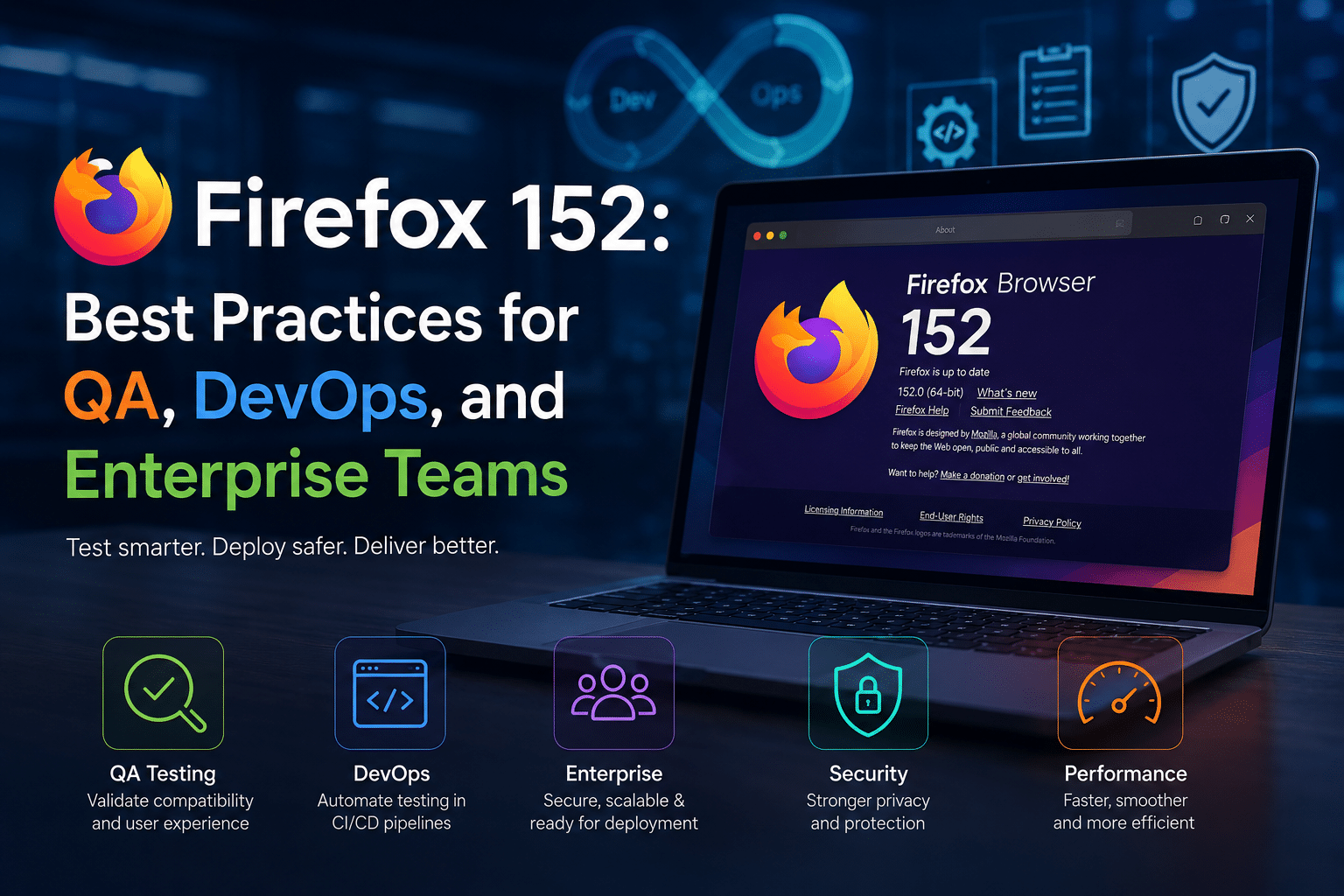
Mozilla Firefox continues to play a critical role in the modern web ecosystem. While Google Chrome dominates browser market share, Firefox remains a preferred platform for developers, privacy-conscious organizations, government agencies, educational institutions, and enterprises that prioritize open standards and security.
With the arrival of Firefox 152, organizations have another opportunity to improve browser performance, strengthen security, and ensure compatibility with evolving web technologies. However, every browser update introduces potential challenges. A seemingly minor browser change can impact authentication workflows, business-critical web applications, browser extensions, internal portals, SaaS platforms, and customer-facing websites.
For QA engineers, DevOps professionals, IT administrators, and enterprise technology leaders, successful browser adoption requires more than simply clicking “Update.”
It requires planning.
It requires testing.
It requires infrastructure that supports rapid validation.
This is where organizations that leverage cloud-based testing environments and remote desktop solutions such as HOMERDP gain a significant advantage.
In this guide, we’ll explore what Firefox 152 means for businesses, why browser testing matters more than ever, and the best practices QA, DevOps, and enterprise teams should follow before rolling out Firefox 152 across their organizations.
Why Browser Updates Matter More Than Most Organizations Realize
Modern businesses increasingly operate through browsers.
Employees now spend much of their workday using browser-based applications such as:
- Microsoft 365
- Google Workspace
- Salesforce
- HubSpot
- ServiceNow
- Jira
- Slack
- GitHub
- Internal business portals
- Custom enterprise applications
For many organizations, the browser has effectively become the operating system.
When a browser changes, business workflows can change as well.
Even small browser modifications can affect:
- Website rendering
- JavaScript execution
- CSS behavior
- Browser extensions
- Authentication mechanisms
- API interactions
- Security policies
- Accessibility compliance
This makes browser updates a strategic IT event rather than a routine software upgrade.
Understanding Firefox 152
Firefox 152 continues Mozilla’s commitment to:
- Better performance
- Enhanced security
- Privacy protection
- Improved web standards support
- Developer-focused capabilities
Like previous Firefox releases, version 152 includes updates designed to improve user experience while maintaining compatibility with modern web technologies.
Organizations should view Firefox 152 not merely as another browser release but as a platform update that could influence application behavior across their technology ecosystem.
The larger the organization, the more important structured testing becomes.
The Hidden Cost of Skipping Browser Testing
Many organizations underestimate browser-related issues until they affect production users.
Without proper testing, enterprises may encounter:
Authentication Failures
Single Sign-On (SSO) systems can behave differently after browser updates.
Potentially affected solutions include:
- Azure Active Directory
- Okta
- Ping Identity
- Google Identity
- Custom authentication systems
Even minor browser changes can disrupt login workflows.
Application Rendering Problems
Business applications often depend on:
- Specific JavaScript implementations
- CSS frameworks
- Browser APIs
A browser update may expose previously hidden compatibility issues.
This can result in:
- Broken dashboards
- Misaligned interfaces
- Missing functionality
- Poor user experiences
Browser Extension Issues
Many organizations rely heavily on extensions for:
- Password management
- Security enforcement
- Workflow automation
- Productivity enhancement
Extensions may require updates following major browser releases.
Reduced Productivity
When browser problems emerge after deployment:
- Help desk tickets increase
- Employee frustration grows
- IT resources become overloaded
- Business operations slow down
Preventive testing is significantly less expensive than reactive troubleshooting.
Why QA Teams Must Prepare Early
Quality assurance teams serve as the first line of defense against browser-related disruptions.
Firefox 152 presents an ideal opportunity to strengthen browser testing practices.
Establish Dedicated Browser Testing Workflows
QA teams should avoid treating browser validation as an afterthought.
Create structured test plans covering:
- Login functionality
- Core application workflows
- User permissions
- Reporting tools
- Data entry forms
- File uploads
- File downloads
- Printing functionality
Document results carefully.
Repeat testing consistently across environments.
Prioritize Business-Critical Applications
Not every application requires equal attention.
Focus first on:
Revenue-Generating Systems
Examples include:
- E-commerce platforms
- Customer portals
- SaaS products
Operational Systems
Examples include:
- ERP platforms
- CRM software
- Supply chain systems
Internal Productivity Tools
Examples include:
- Collaboration systems
- HR portals
- Knowledge management platforms
Prioritization ensures testing resources are used efficiently.
Expand Cross-Browser Validation
Firefox should never be tested in isolation.
Compare Firefox 152 against:
- Google Chrome
- Microsoft Edge
- Previous Firefox releases
This helps identify browser-specific behavior before deployment.
DevOps Best Practices for Firefox 152
DevOps teams increasingly manage browser-dependent applications.
Browser updates should become part of the broader release management process.
Integrate Browser Testing into CI/CD Pipelines
Modern DevOps teams automate everything possible.
Browser validation should be no exception.
Include automated testing for:
- User authentication
- Critical workflows
- API interactions
- Front-end rendering
This enables rapid detection of compatibility issues.
Create Staging Environments That Mirror Production
Many browser-related failures occur because testing environments differ from production.
Effective staging environments should replicate:
- User permissions
- Security policies
- Browser settings
- Network configurations
- Application versions
The closer the environment matches production, the more valuable testing becomes.
Use Infrastructure That Scales Quickly
Testing multiple browser versions across different operating systems requires significant resources.
Traditional approaches often involve:
- Purchasing hardware
- Managing physical devices
- Maintaining operating systems
- Updating browsers manually
These tasks consume valuable engineering time.
Cloud-hosted environments offer a more scalable solution.
Why Enterprise IT Teams Need a Browser Deployment Strategy
Large organizations face unique challenges.
A browser update affecting 10 users may be manageable.
A browser update affecting 10,000 users can become a major operational incident.
Adopt Phased Rollouts
Avoid organization-wide deployment on day one.
Instead:
Phase 1
Deploy to IT and QA teams.
Phase 2
Deploy to power users.
Phase 3
Deploy to selected departments.
Phase 4
Deploy company-wide.
This strategy reduces risk significantly.
Monitor Performance Metrics
Track:
- Login success rates
- Application response times
- Help desk ticket volume
- User feedback
- Browser crash reports
Data-driven deployment decisions improve outcomes.
Maintain Rollback Procedures
Every browser deployment plan should include rollback capabilities.
If issues emerge:
- Revert quickly
- Minimize downtime
- Preserve productivity
Organizations that prepare rollback procedures recover faster.
How HOMERDP Helps Teams Prepare for Firefox 152
One of the biggest challenges in browser testing is creating suitable testing environments.
HOMERDP addresses this challenge directly.
The platform enables organizations to access cloud-based Windows desktops and virtual environments without investing in expensive hardware infrastructure.

1. Rapid Environment Provisioning
Traditional test lab creation can take days or weeks.
With HOMERDP, teams can rapidly deploy:
- Windows virtual desktops
- Browser testing environments
- QA workstations
- Remote development systems
This accelerates testing timelines significantly.
2. Isolated Browser Validation
Testing should occur in isolated environments.
HOMERDP allows teams to:
- Install Firefox 152 safely
- Compare browser versions
- Evaluate extensions
- Validate applications
without impacting production systems.
This reduces deployment risk dramatically.
3. Global Team Accessibility
Today’s technology teams are distributed worldwide.
Remote QA engineers, developers, and administrators need consistent testing environments.
HOMERDP enables secure access from virtually anywhere.
Benefits include:
- Better collaboration
- Faster issue resolution
- Consistent testing conditions
- Reduced infrastructure complexity
4. Cost-Effective Testing Infrastructure
Building internal browser testing labs requires:
- Hardware purchases
- Device maintenance
- Power consumption
- Software management
Cloud-hosted environments eliminate many of these costs.
Organizations gain flexibility without sacrificing testing quality.
5. Support for Multiple Testing Scenarios
Teams often need to validate:
- Browser upgrades
- New applications
- Security patches
- Extension updates
- User acceptance testing
HOMERDP provides flexible environments that support all these scenarios.
Browser Testing Checklist for Firefox 152
Before deploying Firefox 152, organizations should verify the following:
Authentication
✓ SSO functionality
✓ Multi-factor authentication
✓ Session management
Web Applications
✓ Core business workflows
✓ Forms and data entry
✓ Reporting modules
✓ Dashboards
Security
✓ Security extensions
✓ Endpoint protection integrations
✓ Browser policies
✓ Compliance controls
Performance
✓ Page load times
✓ Memory usage
✓ Resource consumption
✓ Application responsiveness
User Experience
✓ Navigation
✓ Accessibility
✓ Printing
✓ Downloads
✓ Upload functionality
Extension Compatibility
✓ Password managers
✓ Productivity tools
✓ Security extensions
✓ Internal plugins
Future-Proofing Enterprise Browser Management
Firefox 152 represents a broader trend in enterprise technology.
Software updates are becoming more frequent.
Browsers evolve continuously.
Organizations must adapt accordingly.
Successful enterprises increasingly invest in:
- Automated testing
- Remote infrastructure
- Cloud desktops
- DevOps automation
- Continuous validation
The goal is not simply to react to updates.
The goal is to build systems capable of handling updates efficiently.
The Business Case for Proactive Browser Testing
Organizations that test early gain measurable advantages:
Reduced Downtime
Fewer production incidents.
Improved User Satisfaction
Employees experience fewer disruptions.
Lower Support Costs
Fewer help desk tickets.
Faster Deployments
Updates move through validation pipelines more quickly.
Better Security
Organizations adopt browser security improvements sooner.
The cumulative impact can be substantial across large enterprises.
Final Thoughts
Firefox 152 offers another important step forward in Mozilla’s ongoing effort to improve browser performance, security, privacy, and web standards support. For organizations that rely on browser-based applications, however, the release also highlights the importance of structured testing and deployment strategies.
QA teams must validate functionality.
DevOps teams must automate compatibility testing.
Enterprise IT departments must manage rollout risk.
The organizations that succeed are those that prepare before deployment rather than troubleshoot after deployment.
By combining best-practice testing methodologies with flexible cloud-based infrastructure from HOMERDP, businesses can evaluate Firefox 152 confidently, accelerate validation cycles, reduce operational risk, and maintain a seamless user experience across their technology environments.
As browser releases continue to arrive at a rapid pace, proactive testing is no longer optional. It has become an essential component of modern enterprise IT strategy.
Firefox 152 is here. The smartest teams are already testing it.
EXPLORE MORE ; How WinpodX Is Redefining Cross-Platform Computing in 2026

READ OUR BLOGS