


How OmniTools on Raspberry Pi Zero 2 W Can Replace Expensive Software Tools
The economics of software are changing—and not quietly. For years, individuals and small teams have relied on expensive SaaS platforms and licensed software suites to handle everything from monitoring and automation to file management and remote workflows. But a new wave of lightweight, open-source utilities is challenging that model.
At the center of this shift is OmniTools, a compact toolkit designed to run efficiently even on constrained hardware like the Raspberry Pi Zero 2 W. What makes this combination powerful isn’t just affordability—it’s control, flexibility, and the ability to scale intelligently when paired with cloud solutions like HOMERDP.
This isn’t about replacing every enterprise tool overnight. It’s about building a smarter, hybrid approach where low-cost local hardware handles essential workloads, and cloud infrastructure fills in the performance gaps.
Let’s break it down.
Why Raspberry Pi Zero 2 W Is a Game-Changer
The Raspberry Pi Zero 2 W is deceptively powerful for its size and price. At roughly the cost of a single month of many SaaS subscriptions, it offers:
- Quad-core ARM Cortex-A53 CPU (1GHz)
- 512MB RAM
- Integrated Wi-Fi and Bluetooth
- Extremely low power consumption (~1W typical)
This makes it ideal for:
- Always-on services
- Background automation
- Edge computing tasks
- Lightweight servers
Unlike traditional desktops or cloud VMs, the Pi Zero 2 W thrives on efficiency-first computing. It doesn’t brute-force workloads—it handles them intelligently.
What Is OmniTools?
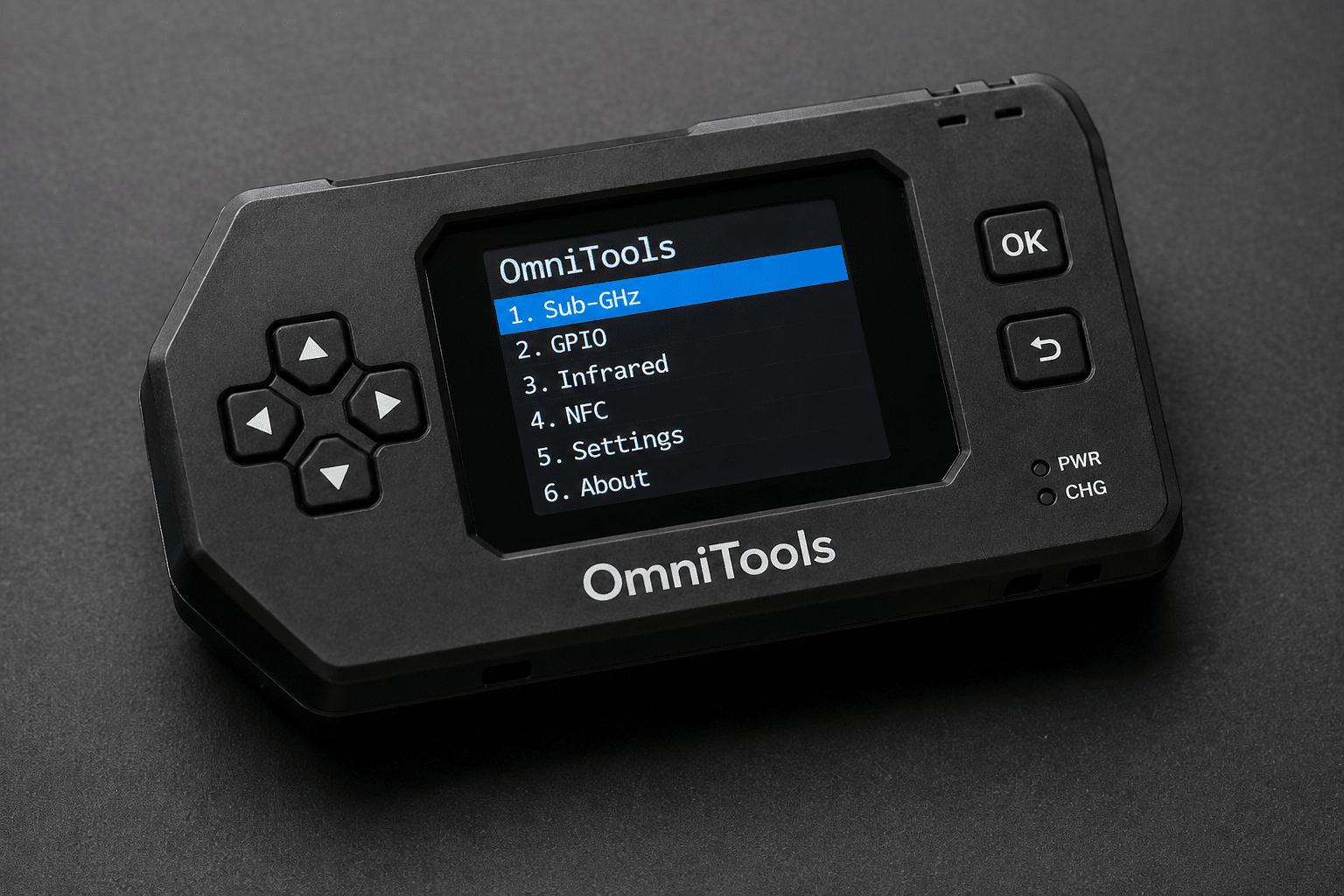
OmniTools is a lightweight, modular toolkit that consolidates multiple utility functions into a single streamlined environment. Instead of installing separate tools for monitoring, automation, networking, and file handling, OmniTools integrates these capabilities into one cohesive system.
Core Philosophy:
- Minimal resource usage
- Maximum functionality per process
- Modular extensibility
- Open-source flexibility
In other words, it’s designed for doing more with less—perfect for devices like the Pi Zero 2 W.
Breaking Down the Cost Problem of Paid Tools
Before diving into what OmniTools replaces, it’s worth understanding the problem.
Traditional Tool Stack (Typical Developer/Small Team)
| Function | Tool Type | Monthly Cost |
|---|---|---|
| Monitoring | SaaS dashboards | $10–$50 |
| Automation | Workflow tools | $15–$100 |
| Remote access | RDP/VPN tools | $5–$30 |
| File sync/storage | Cloud storage | $5–$20 |
| Dev environments | Cloud IDEs | $10–$50 |
Total: $50–$250/month per user
Now compare that to:
- One-time Pi Zero 2 W cost (~$15–$20)
- Free open-source tools like OmniTools
- Optional on-demand cloud usage (HOMERDP)
The difference is not marginal—it’s transformational.
What OmniTools Can Replace
Let’s move beyond theory and look at real replacements.
1. Monitoring & Observability Tools
Replaces: Paid monitoring dashboards (Datadog, New Relic, etc.)
With OmniTools running on a Pi:
- Track system metrics
- Monitor uptime
- Log network activity
- Trigger alerts
Paired with open-source stacks like:
- Prometheus
- Grafana
You get a fully functional monitoring system without recurring costs.
2. Automation Platforms
Replaces: Zapier, Make (Integromat), and similar tools
OmniTools enables:
- Scheduled scripts
- Event-based triggers
- API integrations
- Local automation workflows
Because it runs locally, you gain:
- Faster execution
- No API call limits
- Full data control
3. Remote Access Solutions
Replaces: Paid remote desktop or VPN tools
Using lightweight remote protocols:
- SSH for command-line access
- RDP/VNC for GUI access
When combined with HOMERDP:
- Access high-performance remote desktops
- Offload heavy tasks
- Maintain secure connectivity
4. File Management & Sync Tools
Replaces: Dropbox, Google Drive (partially)
With OmniTools + open-source solutions:
- Self-host file servers
- Automate backups
- Sync across devices
Add cloud support via HOMERDP when:
- You need larger storage
- You require global access
5. Development Environments
Replaces: Cloud IDE subscriptions
Use the Pi for:
- Code editing (lightweight editors)
- Git operations
- Testing scripts
Then scale with HOMERDP for:
- Compilation
- Container builds
- Resource-heavy workloads
Real Performance: Can It Actually Handle Work?
Short answer: Yes—if you use it correctly.
The Pi Zero 2 W is not meant for:
- Heavy multitasking
- Large-scale data processing
- GPU-intensive workloads
But it excels at:
- Dedicated tasks
- Background services
- Lightweight APIs
- Automation pipelines
Performance Strategy:
Instead of forcing one device to do everything:
Distribute workloads intelligently
| Task Type | Best Location |
|---|---|
| Monitoring | Pi Zero 2 W |
| Automation | Pi Zero 2 W |
| Data processing | HOMERDP |
| AI/ML workloads | HOMERDP |
| Remote dev | Hybrid |
The Hybrid Model: Where HOMERDP Fits In
This is where things get interesting.
OmniTools + Pi Zero 2 W gives you local efficiency, but HOMERDP adds on-demand power.
Key Advantages of HOMERDP Integration:
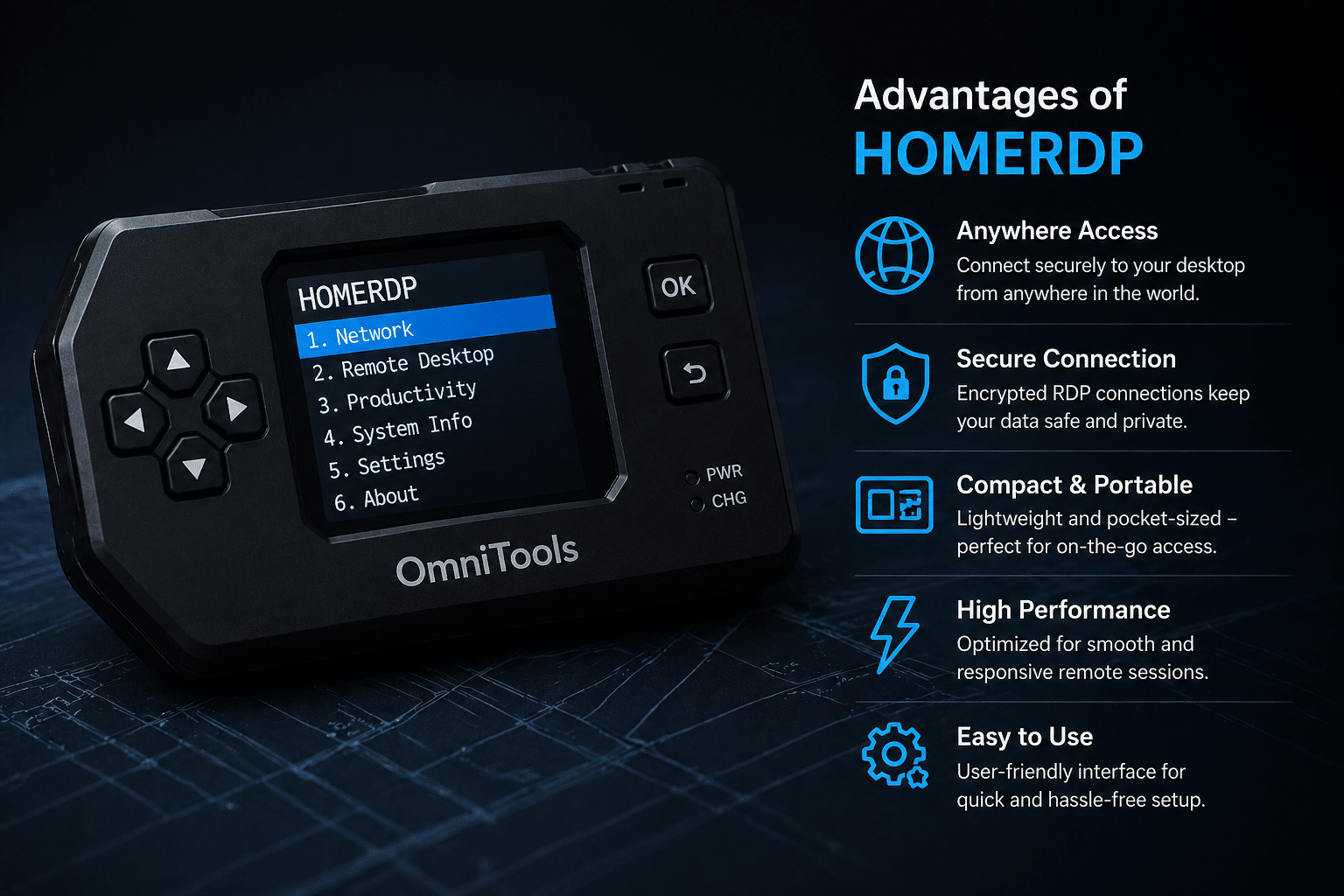
1. On-Demand High Performance
Need to run:
- AI models
- Data analytics
- Video rendering
Instead of upgrading hardware, spin up a HOMERDP instance.
2. GPU Acceleration
The Pi has no GPU for heavy workloads.
HOMERDP provides:
- GPU-enabled environments
- Faster processing
- Better performance scaling
3. Remote Workstations
Access your setup from anywhere:
- Connect to Pi for control
- Use HOMERDP for heavy lifting
4. Cost Optimization
Instead of paying monthly subscriptions:
- Use Pi for always-on tasks
- Use HOMERDP only when needed
Pay for performance, not idle time.
Real-World Use Cases
1. Indie Developer Stack
- Pi runs:
- Git hooks
- CI triggers
- Monitoring
- HOMERDP handles:
- Build pipelines
- Testing environments
2. Smart Home Automation
- Pi manages:
- Sensors
- Local rules
- Device control
- HOMERDP processes:
- Voice AI
- Data analytics
3. Startup Infrastructure on a Budget
- Replace SaaS tools with OmniTools
- Use Pi as central controller
- Scale via HOMERDP
4. Network Monitoring System
- Pi collects:
- Logs
- Metrics
- Alerts
- HOMERDP visualizes:
- Large datasets
- Dashboards
Security & Control Benefits
One overlooked advantage of this setup is data ownership.
With SaaS tools:
- Data stored on third-party servers
- Limited customization
- Vendor lock-in
With OmniTools + Pi:
- Full control over data
- Custom configurations
- No forced updates
Add HOMERDP and you still retain control while gaining scalability.
Limitations
This setup isn’t perfect.
Challenges:
- Initial setup complexity
- Learning curve for open-source tools
- Hardware limitations
- Maintenance responsibility
But:
Once configured, it becomes:
- Stable
- Predictable
- Cost-efficient
Cost Comparison: Traditional vs OmniTools Hybrid
| Approach | Upfront Cost | Monthly Cost | Flexibility |
|---|---|---|---|
| SaaS Stack | Low | High | Medium |
| Local Only | Low | Very Low | Limited |
| OmniTools + HOMERDP | Low | Optimized | High |
Strategic Takeaways
- You don’t need expensive tools for most workflows
- Lightweight systems are more efficient than bloated stacks
- Hybrid architectures are the future
- Control + scalability beats convenience-only solutions
Final Thoughts
OmniTools running on the Raspberry Pi Zero 2 W isn’t just a clever hack—it’s a glimpse into the future of computing.
A future where:
- Hardware is cheap
- Software is open
- Cloud is optional—but powerful
When combined with HOMERDP, this setup becomes more than a DIY project. It becomes a serious alternative to expensive software ecosystems.
The real takeaway isn’t that paid tools are obsolete.
It’s that you now have a choice.
And for developers, startups, and tech enthusiasts, that choice is incredibly powerful.
EXPLORE MORE ; Why Zenclora Linux Is One of the Fastest Lightweight Distros in 2026

READ OUR BLOGS