

Orion Browser vs Chromium on Linux:
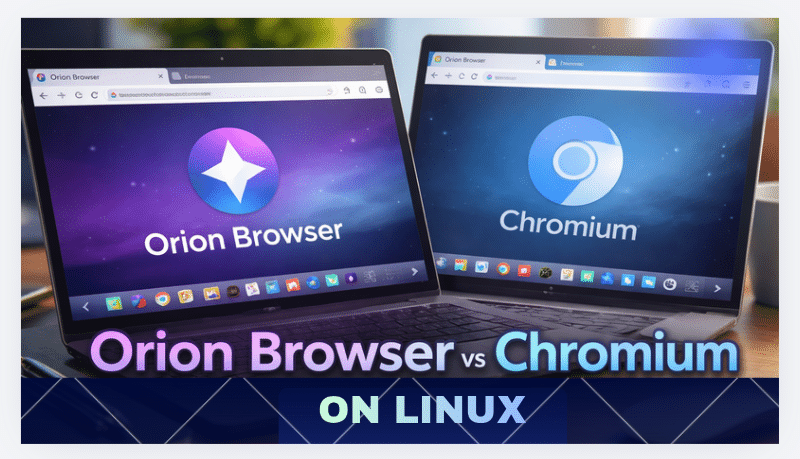
Performance, Privacy, and GPU-Powered Development Workflows
The Linux ecosystem offers a wide variety of browsers designed for developers, researchers, and power users. For years, Chromium-based browsers have dominated the Linux landscape, powering popular browsers such as Google Chrome, Microsoft Edge, Brave Browser, and Vivaldi.
However, a new competitor has entered the Linux space: Orion Browser, a privacy-focused browser developed by Kagi. Unlike most modern browsers, Orion is built on WebKit, the same engine used by Safari.
With the Linux beta release, Orion offers developers a new alternative to Chromium-based browsers—one that focuses on performance, privacy, and efficiency.
In this article, we will explore:
- Orion Browser vs Chromium architecture
- performance differences on Linux
- privacy and extension ecosystems
- developer use cases
- how GPU RDP servers enhance browser testing and workflows
The Linux Browser Landscape: Why Chromium Dominates

Chromium has become the default foundation for modern browsers because it provides:
- strong compatibility with modern websites
- frequent updates and security patches
- a massive extension ecosystem
- enterprise-level developer tools
The open-source Chromium project powers a large portion of the web browsing market.
Chromium-based browsers on Linux include:
- Google Chrome
- Brave Browser
- Vivaldi
- Microsoft Edge
- many developer-focused browsers
While Chromium delivers strong compatibility, it also introduces some concerns:
- high RAM consumption
- resource-heavy background processes
- telemetry and tracking in some builds
- large binary sizes
These limitations have motivated developers to explore lighter browser alternatives.
Orion Browser for Linux
Orion Browser is designed as a privacy-first, lightweight browser that avoids many of the limitations of Chromium.
The browser is developed by Kagi, a company focused on privacy-centric internet tools.
Key design goals include:
- zero telemetry
- efficient resource usage
- privacy-first browsing
- cross-extension compatibility
Unlike Chromium browsers, Orion runs on the WebKit, offering a completely different rendering architecture.
Orion vs Chromium: Core Technology Differences


1. Browser Engine Architecture
Chromium
Chromium uses the Blink rendering engine, which is optimized for compatibility with modern web applications.
Advantages:
- excellent compatibility with modern frameworks
- large developer ecosystem
- widely tested across web services
However, Blink often consumes significant memory and CPU resources, especially with many open tabs.
Orion
Orion uses WebKit, a browser engine known for efficiency and optimized performance.
Advantages include:
- faster rendering for many web pages
- lower memory consumption
- simplified architecture
For Linux users who prioritize performance and minimal resource usage, Orion can offer a compelling alternative.
2. Memory and CPU Usage
Resource efficiency is a key concern for Linux developers, especially those working in virtual environments or remote servers.
Chromium Resource Profile
Chromium browsers often run:
- multiple background processes
- GPU acceleration services
- extension worker threads
This architecture improves stability but can increase RAM usage significantly.
Heavy workloads such as:
- web debugging
- running developer tools
- large numbers of tabs
can consume several gigabytes of RAM.
Orion Resource Efficiency
Orion is designed to be lightweight and efficient.
Benefits include:
- fewer background processes
- optimized tab memory management
- lower CPU overhead
For developers running Linux desktop environments or remote virtual machines, this efficiency can significantly improve performance.
Privacy and Security Comparison
Chromium Privacy Considerations
Many Chromium-based browsers collect usage data, depending on the distribution.
For example:
- Google Chrome includes telemetry services
- background sync features transmit data
- integrated tracking features may exist
Privacy-focused Chromium forks like Brave Browser attempt to mitigate these concerns.
However, some developers still prefer minimal telemetry environments.
Orion’s Privacy-First Design
Orion Browser focuses heavily on privacy.
Key privacy features include:
- zero telemetry
- built-in tracker blocking
- ad blocking enabled by default
- reduced background connections
This design benefits users working on:
- sensitive research projects
- security testing
- enterprise development environments
Extension Ecosystem: Orion’s Unique Advantage
One of Orion’s most interesting features is dual extension compatibility.
Unlike most WebKit browsers, Orion supports:
- Chrome extensions
- Firefox add-ons
This means developers can access tools from both ecosystems.
Popular development extensions include:
- debugging tools
- SEO analysis tools
- web automation utilities
- productivity extensions
Chromium browsers also support large extension libraries, but Orion’s cross-ecosystem compatibility creates new possibilities.
Developer Use Cases on Linux
Modern development workflows require advanced browser capabilities.
1. Web Application Testing
Developers often test applications across multiple engines.
Using both Chromium and Orion allows testing on:
- Blink
- WebKit
This improves cross-browser compatibility.
2. Automation and DevOps
Browser automation tools require reliable environments.
Developers frequently use:
- Selenium
- Puppeteer
- browser testing frameworks
Running these frameworks on remote Linux servers allows scalable testing environments.
3. Research and Data Analysis
Developers researching technical topics or AI tools benefit from:
- fast browsing performance
- privacy-focused research environments
- efficient resource usage
This is where remote GPU infrastructure becomes valuable.
Enhancing Browser Workflows with GPU RDP Servers
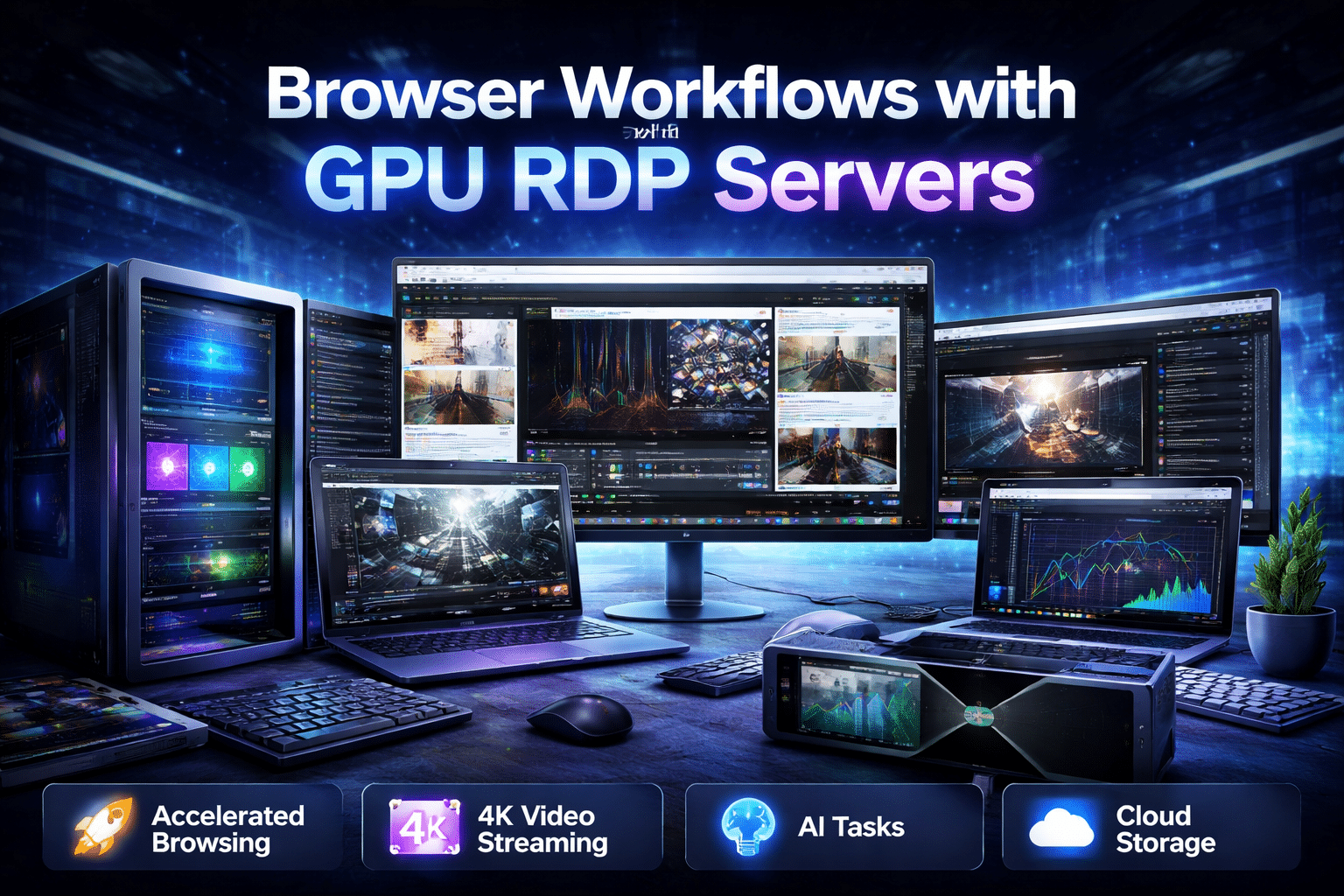
Modern web development increasingly involves graphics-intensive workloads.
Tasks such as:
- AI visualization
- browser rendering tests
- WebGL experiments
- video streaming applications
can require GPU acceleration.
This is where HOMERDP GPU RDP servers provide significant advantages.
Why Use GPU RDP Servers for Browser Testing
GPU-accelerated remote desktops provide powerful cloud environments for developers.
Benefits include:
1. High-Performance Browser Rendering
GPU acceleration improves performance in:
- WebGL applications
- browser-based games
- real-time data visualization
Developers can test how browsers behave under GPU workloads.
2. Multi-Browser Testing Environments
Using a GPU RDP server allows developers to install multiple browsers such as:
- Chromium
- Orion Browser
- Firefox
This makes it easier to compare rendering behavior across engines.
3. Large-Scale Automation
GPU-powered remote servers enable:
- parallel browser testing
- automation pipelines
- performance benchmarking
Developers can run large automation suites without overloading local machines.
4. AI and Data Science Workflows
Modern AI tools increasingly run in browsers.
Examples include:
- web-based machine learning demos
- browser-based visualization dashboards
- cloud AI tools
GPU RDP servers provide the computing power needed to run these applications smoothly.
HOMERDP GPU RDP Servers for Developers

Platforms like HOMERDP offer high-performance GPU-accelerated Remote Desktop servers that enable developers to build scalable browser testing environments.
Key benefits include:
- powerful CPU and GPU resources
- high RAM capacity
- fast NVMe storage
- low-latency remote access
Developers can run Linux development environments with Orion or Chromium on powerful cloud machines.
Practical Workflow Example
A developer working on a WebGL application might use the following workflow:
- Deploy a GPU RDP server from HOMERDP
- Install Orion Browser and Chromium
- Run rendering tests across both engines
- analyze GPU acceleration performance
- automate browser testing using Selenium
This setup allows testing under realistic high-performance environments.
The Future of Browsers on Linux
The arrival of Orion Browser on Linux represents a broader trend toward:
- privacy-focused software
- alternative browser engines
- lightweight computing environments
While Chromium will likely remain dominant due to its ecosystem, Orion introduces a valuable new option for developers and power users.
Combined with GPU-powered remote infrastructure, Linux users now have more flexibility than ever to build scalable development environments.
Conclusion
The comparison between Orion Browser and Chromium highlights two different approaches to modern browsing.
Chromium offers:
- widespread compatibility
- a mature developer ecosystem
- extensive extension libraries
Orion offers:
- strong privacy protections
- lower resource consumption
- WebKit-based browsing on Linux
For developers and engineers working on advanced web applications, combining both browsers with GPU-accelerated environments from HOMERDP creates a powerful platform for:
- browser testing
- automation
- AI research
- graphics-intensive web applications
As Linux continues to grow as a development platform, tools like Orion and cloud GPU servers will play a key role in shaping the next generation of web development workflows.
EXPLORE MORE ; Is Orion the Future of Linux Browsing?

READ OUR BLOGS