

7 Must-Have Free Tools for Every New Windows PC
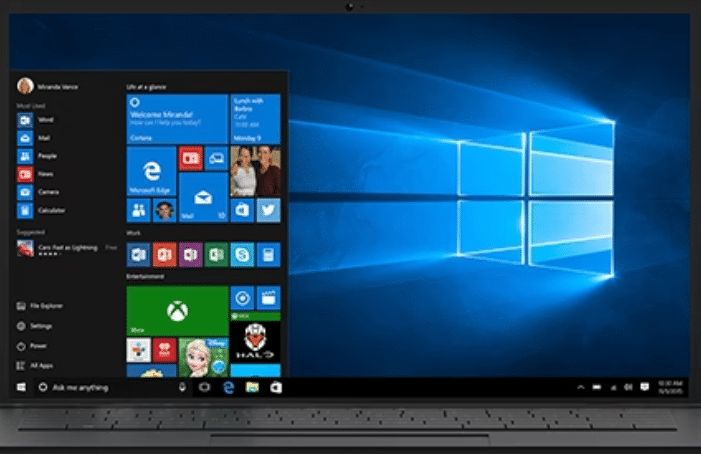
A fresh Windows installation feels fast, clean, and full of potential. But out of the box, Windows doesn’t include many advanced productivity tools that power users, developers, students, and remote professionals rely on daily.
If you want to transform your new Windows PC into a high-performance productivity machine, you need the right software stack from day one.
In this detailed guide, we’ll explore 7 must-have free tools that instantly upgrade your Windows experience — and we’ll also show you how pairing them with a high-performance Windows RDP from HOMERDP can take your workflow to the next level.
Free Tools for Every New Windows PC
Microsoft PowerToys – Unlock Advanced Productivity
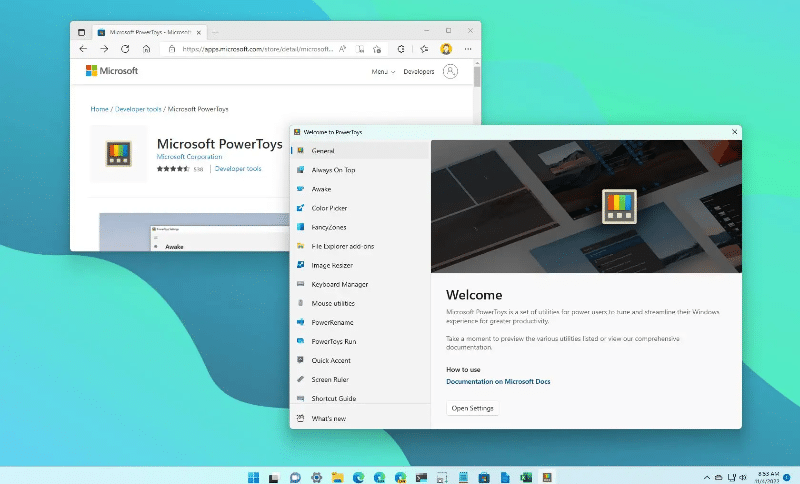
Developed by Microsoft itself, Microsoft PowerToys is a collection of utilities designed for power users.
Why You Need It:
- FancyZones – Create custom window layouts for multitasking.
- PowerToys Run – Launch apps and files instantly (like Spotlight on macOS).
- Batch Rename Tool – Rename hundreds of files in seconds.
- Keyboard Manager – Remap keys for custom workflows.
- Image Resizer – Resize images directly from File Explorer.
Productivity Impact:
Multitasking improves significantly when you control window layouts efficiently. Studies show that reducing window-switching friction can improve task efficiency by up to 20–30% in workflow-heavy environments.
If you’re running Windows on a HOMERDP high-performance RDP, PowerToys makes your remote desktop feel just as optimized as your local machine — with customizable layouts that remain consistent across devices.
Everything – Instant File Search at Lightning Speed

Windows Search has improved over time, but it still feels sluggish when compared to dedicated indexing tools.
Everything is a free file search engine that indexes your entire drive in seconds and displays results instantly as you type.
Why It’s Essential:
- Near-instant search results
- Minimal system resource usage
- Advanced search filters
- Supports large storage drives effortlessly
Real-World Benefit:
If you’re working with thousands of files — coding projects, media files, research documents — this tool saves hours over time.
On a Windows VPS from HOMERDP, where storage capacity can be significantly larger than a typical home PC, Everything ensures you never waste time digging through directories.
LibreOffice – Full Office Suite Without the Price Tag
Every new Windows PC needs productivity software. While Microsoft Office is powerful, it comes with licensing costs.
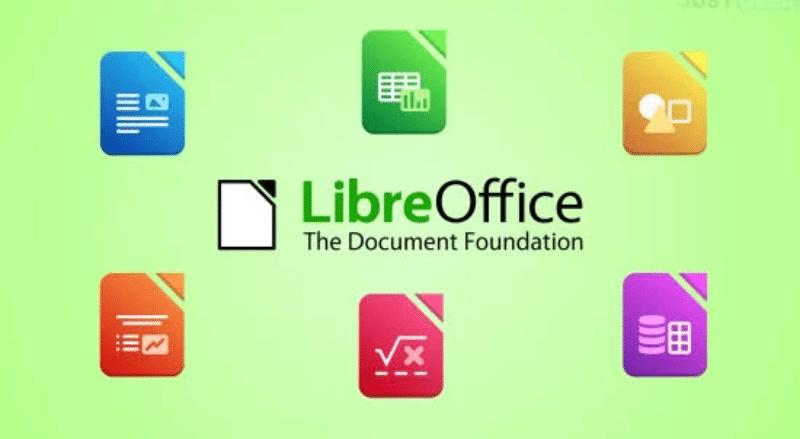
LibreOffice offers:
- Writer (Word alternative)
- Calc (Excel alternative)
- Impress (PowerPoint alternative)
- Full compatibility with Microsoft file formats
Why It Matters:
Students, freelancers, and startups can save significant costs while maintaining professional-level document creation.
If you’re running a remote Windows server via HOMERDP, LibreOffice becomes even more powerful. You can:
- Access documents from anywhere
- Store files securely on remote storage
- Collaborate using cloud sync solutions
For content writers, bloggers, and digital entrepreneurs, this setup creates a portable productivity hub.
Ditto – Clipboard Manager That Multiplies Efficiency
Windows’ default clipboard stores only one copied item at a time. That’s limiting.
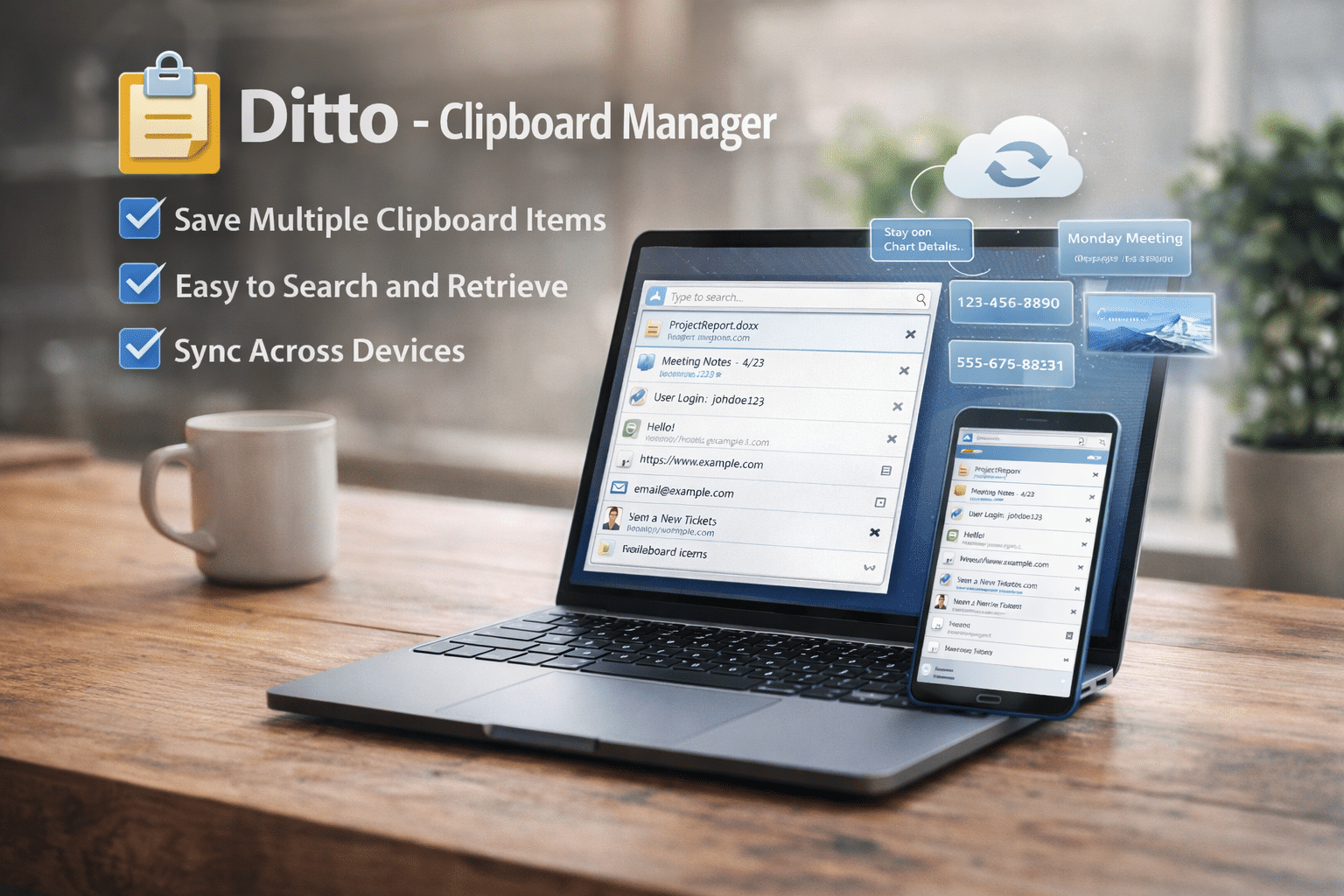
Ditto enhances your clipboard by:
- Storing unlimited copied text and images
- Allowing searchable clipboard history
- Supporting network synchronization
Why It’s a Game-Changer:
If you copy links, snippets, commands, or code frequently, Ditto dramatically reduces repetitive effort.
Imagine copying multiple SSH commands, code snippets, or content drafts on your HOMERDP Windows RDP — Ditto keeps everything organized and accessible.
For developers and remote professionals, this tool alone can significantly improve workflow speed.
Docker Desktop – Containerized Development Made Easy
Modern development depends on containerization.
Docker Desktop allows you to:
- Run applications in isolated containers
- Test environments without polluting your system
- Deploy apps consistently across machines
Why It’s Important:
According to industry reports, over 60% of enterprises use containerization in production environments. Docker is now a standard skill for developers.
Running Docker locally can be resource-intensive. That’s where HOMERDP’s high-RAM, high-CPU Windows VPS plans become extremely valuable.
You can:
- Offload heavy container workloads
- Run multiple environments simultaneously
- Keep your personal laptop lightweight
For developers, this setup offers scalability without hardware upgrades.
KSnip – Professional Screenshot and Annotation Tool

Screenshots are essential for:
- Tutorials
- Documentation
- Technical support
- Bug reporting
- Content creation
KSnip provides:
- Region capture
- Annotation tools
- Blur and highlight features
- Delay capture options
Why You Should Install It:
Clear visual communication speeds up collaboration and reduces misunderstandings.
If you manage remote clients or troubleshoot systems via HOMERDP Windows RDP, KSnip makes documentation and reporting professional and efficient.
For bloggers, YouTubers, or educators, this tool is indispensable.
7-Zip – Lightweight Yet Powerful File Compression

File compression remains essential for:
- Sharing large files
- Archiving data
- Reducing storage consumption
7-Zip offers:
- High compression ratios
- Support for multiple formats (ZIP, RAR, 7z, etc.)
- Strong encryption support
- Minimal system resource usage
Why It Matters:
Whether you’re sending project builds, media files, or backups, 7-Zip ensures faster transfers and reduced storage strain.
On a HOMERDP Windows VPS, this becomes even more valuable when managing remote backups or transferring data between environments.
Why Pair These Tools with HOMERDP?
Installing these seven tools makes your Windows PC powerful.
But pairing them with a high-performance Windows RDP from HOMERDP makes your setup:
🔹 Portable
Access your optimized Windows environment from anywhere in the world.
🔹 Scalable
Upgrade CPU, RAM, or storage without buying new hardware.
🔹 Reliable
Enjoy stable uptime for development, automation, trading, content creation, or business workflows.
🔹 Secure
Remote desktops isolate workloads from your local device, reducing risk exposure.
🔹 Cost-Efficient
Instead of investing heavily in high-end PCs, you can run demanding applications on a cloud-based Windows VPS.
For example:
- Developers can run Docker containers remotely.
- Content creators can manage large media files.
- Students can access heavy software without owning powerful hardware.
- Businesses can deploy centralized Windows environments.
Build a Windows Setup That Works for You
A new Windows PC should not remain basic for long.
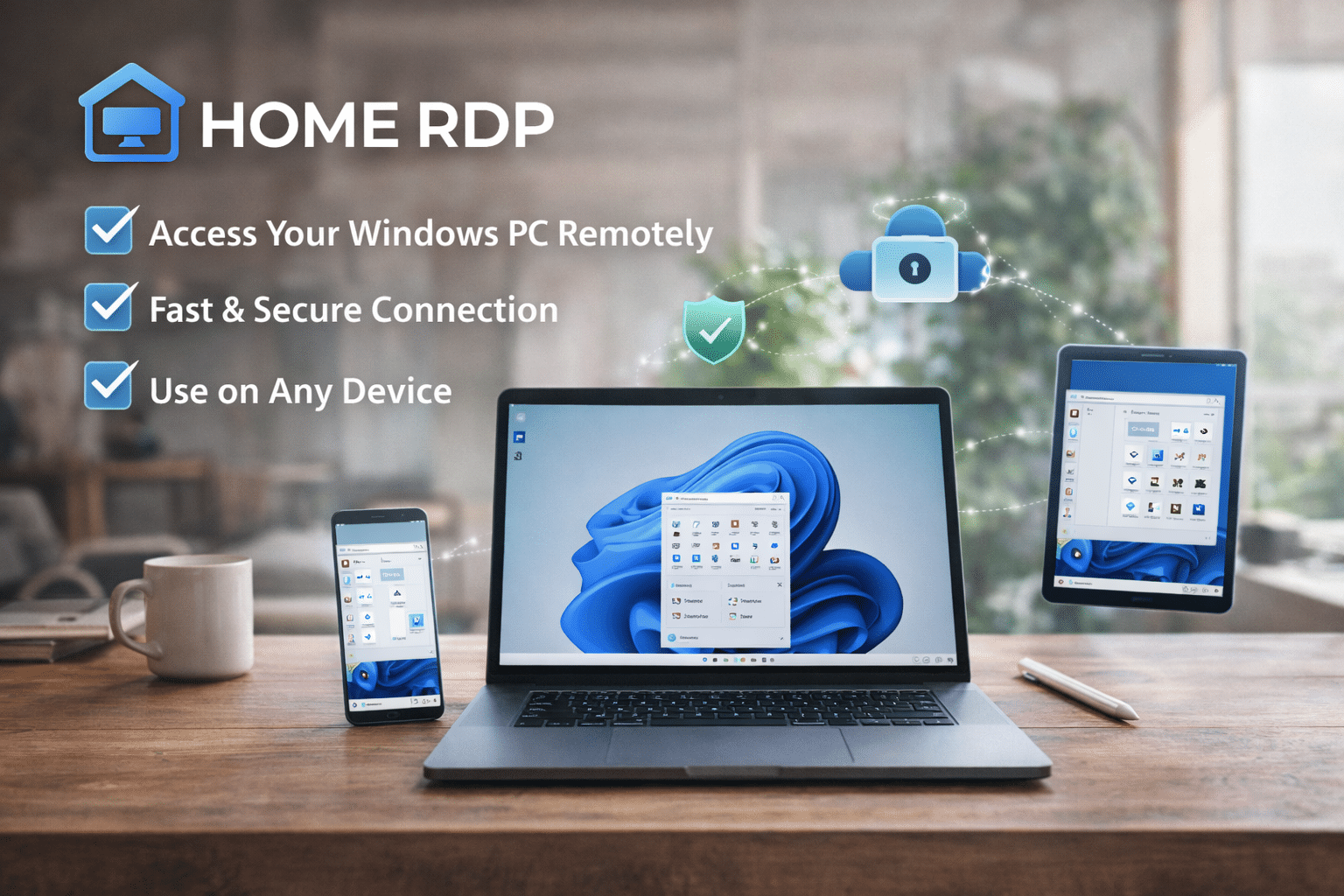
With these 7 must-have free tools, you can:
- Improve productivity
- Speed up workflows
- Enhance file management
- Streamline development
- Upgrade collaboration
And when you combine this optimized software stack with a powerful HOMERDP Windows RDP solution, you unlock flexibility, scalability, and remote access that modern professionals demand.
Whether you’re a developer, writer, student, entrepreneur, or remote worker — this combination ensures your Windows experience is not just functional, but future-ready.
EXPLORE MORE ; Why Copilot in Windows 11 Setup Matters

READ OUR BLOGS