

Fedora Silverblue Teaches Us About Maintenance
Over the past decade, the Linux desktop and server ecosystem has been evolving fast — from monolithic package managers and mutable filesystems to immutable base systems, atomic updates, and container-first workflows. One of the boldest experiments in this space is Fedora Silverblue — a reimagined operating system that challenges everything many Linux users have taken for granted about system maintenance, updates, and stability.

In this article, we’ll break down Silverblue’s key principles, what makes it different from traditional Linux distributions, real benefits and trade-offs, and how modern developers and administrators can pair this approach with powerful remote infrastructure solutions like HomeRDP Remote Desktop Services and HomeRDP Linux VPS Hosting to build scalable, reliable workflows.
1. The Immutable Operating System:Fedora Silverblue
Traditional Linux distributions — such as Ubuntu, Debian, or Fedora Workstation — manage updates in-place, meaning your base OS changes file by file. While this works, it’s prone to potential dependency conflicts, partial failures, and states where a single broken library makes the entire system unstable.
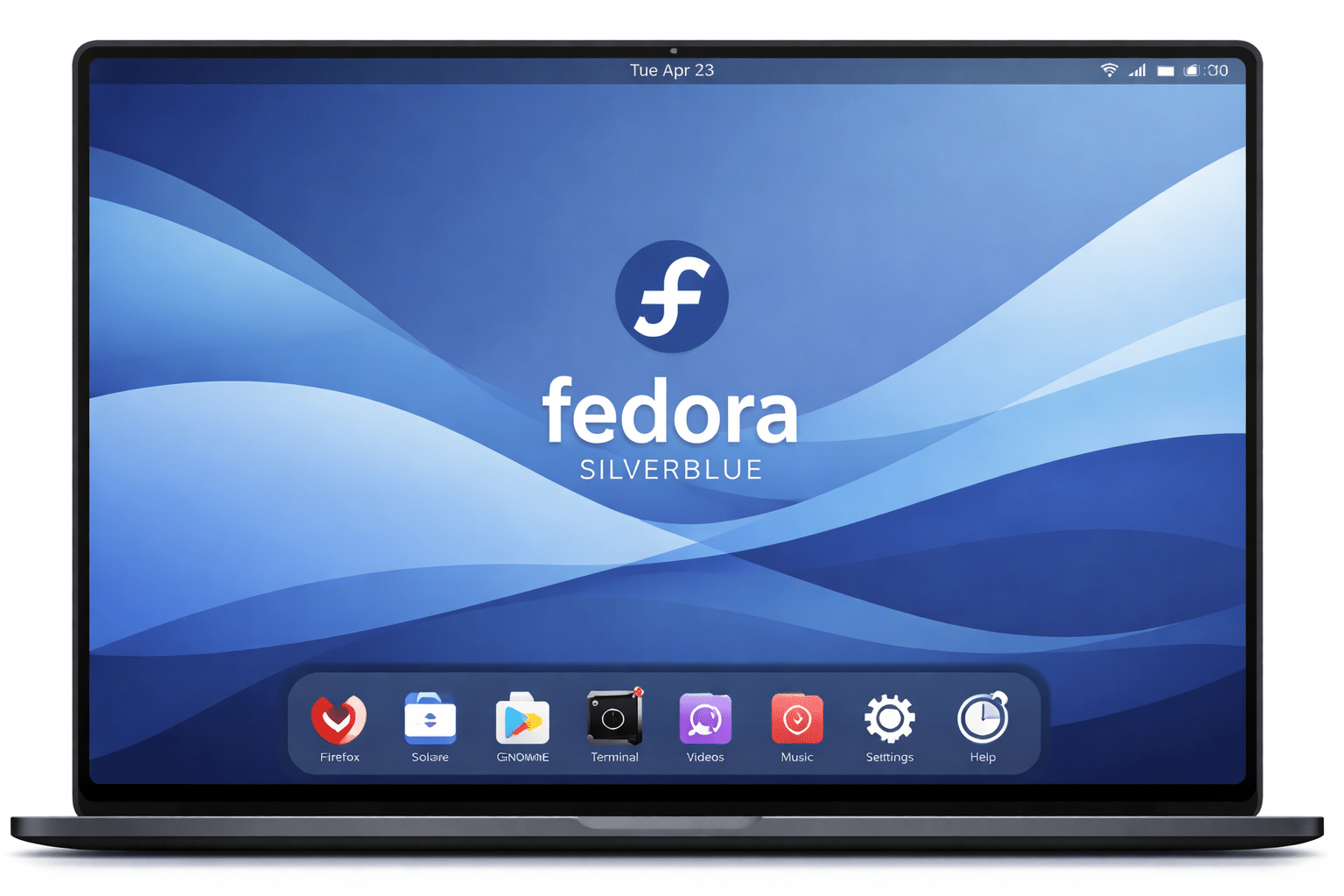
Fedora Silverblue does exactly the opposite: its core operating system is immutable — meaning the root filesystem is read-only at runtime. Updates work by replacing the entire system image atomically, instead of changing thousands of files individually.
Key points about immutability:
- System files remain protected from accidental deletion or malicious change.
- Updates are atomic — they complete fully or not at all.
- Users can rollback to a previous system state if an update causes issues.
This means you don’t spend hours diagnosing broken packages — you simply reboot into a previously known-good image, reducing maintenance overhead and increasing uptime.
2. Under the Hood: rpm-ostree, Flatpaks, and Toolbox
Underpinning Silverblue are a trio of powerful technologies:
rpm-ostree (Atomic Updates)
Fedora Silverblue uses rpm-ostree, a hybrid image/package manager that creates entire system snapshots before applying updates. Unlike traditional package managers like dnf, this model ensures that updates are fully integrated and easily reversible.
Benefits of rpm-ostree:
- Fast updates that don’t rely on file-by-file patching.
- Rollbacks available instantly at reboot.
- Eliminates “half-broken” upgrade states.
Flatpak (Applications Outside the Base OS)
Silverblue defaults to installing applications via Flatpak, which packages apps with their dependencies isolated from the OS. This reduces the risk of app updates breaking system libraries.
Toolbox (Developer Environment)
For development workflows, Silverblue offers Toolbox, which lets you create disposable containerized environments for things like build tools, SDKs, and CLI apps. This maintains immutability, while still letting you work with mutable systems when needed.
3. Real Benefits: Stability, Reliability, Safety
From a maintenance and systems perspective, Silverblue’s model delivers several concrete advantages:
1. Less Risk of Breakage
Traditional Linux upgrades sometimes leave systems in inconsistent states due to half-applied patches, configuration drift, or corrupted libraries. In Silverblue, these issues cannot happen. Since updates replace the image entirely, there’s no risk of leaving half-installed packages behind.
2. Quick Rollbacks
If an update causes a regression, you can reboot into a previous state in seconds. This dramatically reduces troubleshooting time — no need for manual restores or time-consuming recovery operations.
3. Cleaner Development Environments
Developers can maintain isolated, reproducible environments using tools like Toolbox. This lets teams standardize workflows across remote servers, shared workstations, and cloud instances.
4. Increased Security
Immutable systems inherently have a smaller attack surface. With fewer writable components, it’s harder for malware to persist — malware can’t embed itself deep into the filesystem or alter critical components.
4. Trade-Offs: What You Sacrifice for Stability
No technology is perfect — Silverblue’s design makes some things easier, and others more constrained:
| Pros | Limitations |
|---|---|
| Atomic upgrades and rollbacks | You must reboot to apply updates |
| Immutable system prevents corruption | Native package installs need layering |
| Isolation via Flatpaks | Some software only available as DEBs or external binaries |
For example, installing proprietary drivers that require modifying the base OS can be more complex than on a traditional distro because the system is intentionally locked down. However, containerized workflows help circumvent this limitation in most scenarios.
Pairing Silverblue With Remote Infrastructure
Developers, sysadmins, and enterprise teams often need remote systems to host, test, and deploy applications — especially when working with Linux desktops or web services at scale.
That’s where remote infrastructure like RDP and VPS hosting becomes incredibly useful.Remote Workstations & Dev Environments
Many developers use remote machines not only for hosting apps, but also for interactive development. Instead of relying on high-end local hardware, you can run Silverblue or any immutable Linux base on a remote VPS, working from anywhere with consistent performance.
For example:
- Access your Silverblue environment remotely from anywhere with high-performance RDP over reliable network connections.
- Use container-driven toolchains on remote Silverblue servers for builds, CI/CD pipelines, or testing environments.
- Isolate database servers and backend services on remote virtual machines while you develop on your laptop.
With services like HomeRDP Linux VPS Hosting, you get affordable Linux VPS instances with root access and instant deployment — perfect for hosting Silverblue systems, development environments, or container clusters.
Why Remote Desktop Services Matter
When your developers or teams collaborate on projects remotely, Remote Desktop Protocol (RDP) setups provide a powerful, familiar way to connect with graphical Linux desktops as well as CLI environments. RDP is a standard protocol used in remote workspace setups.
What Remote Desktop Hosting Offers
- Hosted desktops with graphical interfaces (Linux or Windows).
- Secure admin access and firewall configurations.
- Stability and uptime with managed infrastructure.
- Low latency connections, even over long distances.
For power users and businesses, solutions like HomeRDP Remote Desktop Services provide instant activation, 24/7 support, and high-availability servers in multiple global locations — which is perfect for collaborative DevOps teams or remote developer setups.

Practical Use Cases: Combining Silverblue With RDP/VPS
Here are concrete, real-world scenarios:
A. Distributed Development Teams
Teams spread across geographies can spin up Silverblue on VPS instances and let developers connect via RDP to consistent environments — eliminating the “it works on my machine” problem.
B. Testing Environments
Immutable systems are perfect for QA/Testing. Spin up a Silverblue server, test updates or software builds, then rollback instantly without risk.
C. Container-First Microservices
Use Silverblue’s container-oriented design for microservices: run container images on servers hosted on VPS, while using RDP access for monitoring and admin tasks.
D. Secure Remote Workstations
Provide graphical Silverblue desktops to users through remote access — ideal for teams using Linux desktops but without local infrastructure requirements.
Conclusion: A New Way to Think About Linux

Fedora Silverblue isn’t just another Linux distro — it’s a philosophy shift:
- From mutable systems that require constant maintenance, to immutable ones that just work.
- From updating file by file to atomic image replacements that can be rolled back instantly.
- From locally managed desktops to remote, consistent environments accessible globally.
This shift aligns perfectly with modern DevOps and distributed development requirements. When you pair it with remote infrastructure solutions like RDP and Linux VPS hosting from providers such as HomeRDP, you get a development and deployment ecosystem that’s stable, efficient, secure, and scalable — without the maintenance headaches of traditional Linux systems.
Whether you’re a developer, systems architect, or remote team lead, this combination offers a powerful path forward for modern computing infrastructure.
EXPLORE MORE ; Tmux Supercharges Remote Linux Development

READ OUR BLOGS