

Why Copilot in Windows 11 Setup Matters
Microsoft’s decision to introduce Copilot directly into the Windows 11 setup process marks a clear turning point in how operating systems evolve. This move signals that artificial intelligence is no longer an add-on—it is becoming the starting point of the user experience.
From the very first boot, Windows is no longer just configuring settings; it is introducing users to an AI-assisted way of computing.
AI Enters Before the Desktop Appears
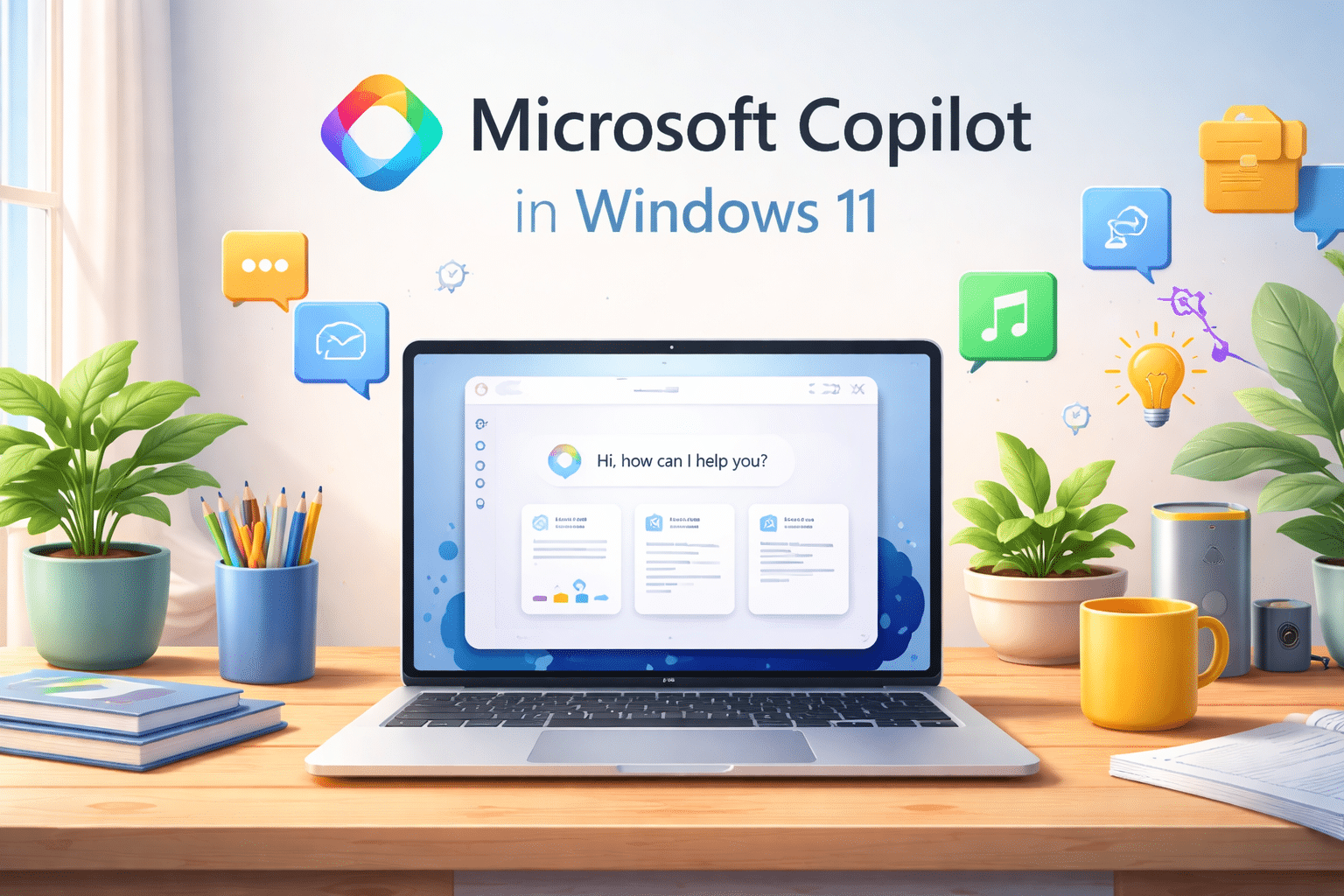
During the out-of-box experience (OOBE), users now see an option to interact with Microsoft Copilot while Windows 11 completes installation tasks. This interaction happens even before users reach the desktop.
This change transforms setup time into:
- An interactive onboarding experience
- An early introduction to AI-assisted workflows
- A signal that Windows is now designed around intelligence, not just usability
With Windows 11, Microsoft is clearly redefining what “getting started” means.
Why This Shift Is Strategically Important
1. AI Is No Longer Optional
By placing Copilot in the setup process, Microsoft removes the psychological barrier to AI adoption. Users don’t need to search for it, enable it later, or understand advanced settings.
AI becomes:
- Immediate
- Normalized
- Built into everyday computing
This matters because tools people meet first are often the tools they trust and use most.
2. First Impressions Shape Long-Term Behavior
Setup experiences define how users perceive a system. When Copilot appears at this stage, it subtly communicates that:
- Windows expects users to ask questions
- AI is there to assist, not replace
- Computing is becoming conversational
This early exposure increases long-term engagement with AI features across the OS.
3. Productivity Starts From Day One
Copilot’s presence during setup reinforces a bigger idea: productivity doesn’t begin after installation—it begins during it.
This aligns with Microsoft’s broader push toward:
- AI-assisted writing
- Task automation
- Context-aware help inside the OS
Users are introduced to a system that doesn’t just wait for commands—it actively supports decisions.
What This Means for the Future of Computing
AI-First Operating Systems Are the New Standard
Copilot’s early integration shows that modern operating systems are shifting from:
Tool-based systems → Intelligence-driven platforms
In this model:
- The OS understands intent
- Assistance is contextual
- Performance expectations rise sharply
This evolution places new demands on hardware and infrastructure.
Why Performance and Compute Power Matter More Than Ever
AI features like Copilot rely heavily on:
- Fast CPUs
- GPU acceleration
- Low-latency environments
- Stable memory and storage performance
When systems lack adequate resources, AI feels slow, inconsistent, and frustrating.
This is where high-performance remote computing becomes critical.
The Role of HOMERDP in an AI-Driven Windows Ecosystem
As Windows integrates AI deeper into its core, users increasingly need environments that can keep up with intelligent workloads—especially in remote or cloud-based scenarios.
HOMERDP’s high-performance Remote Desktop solutions are designed for exactly this shift.
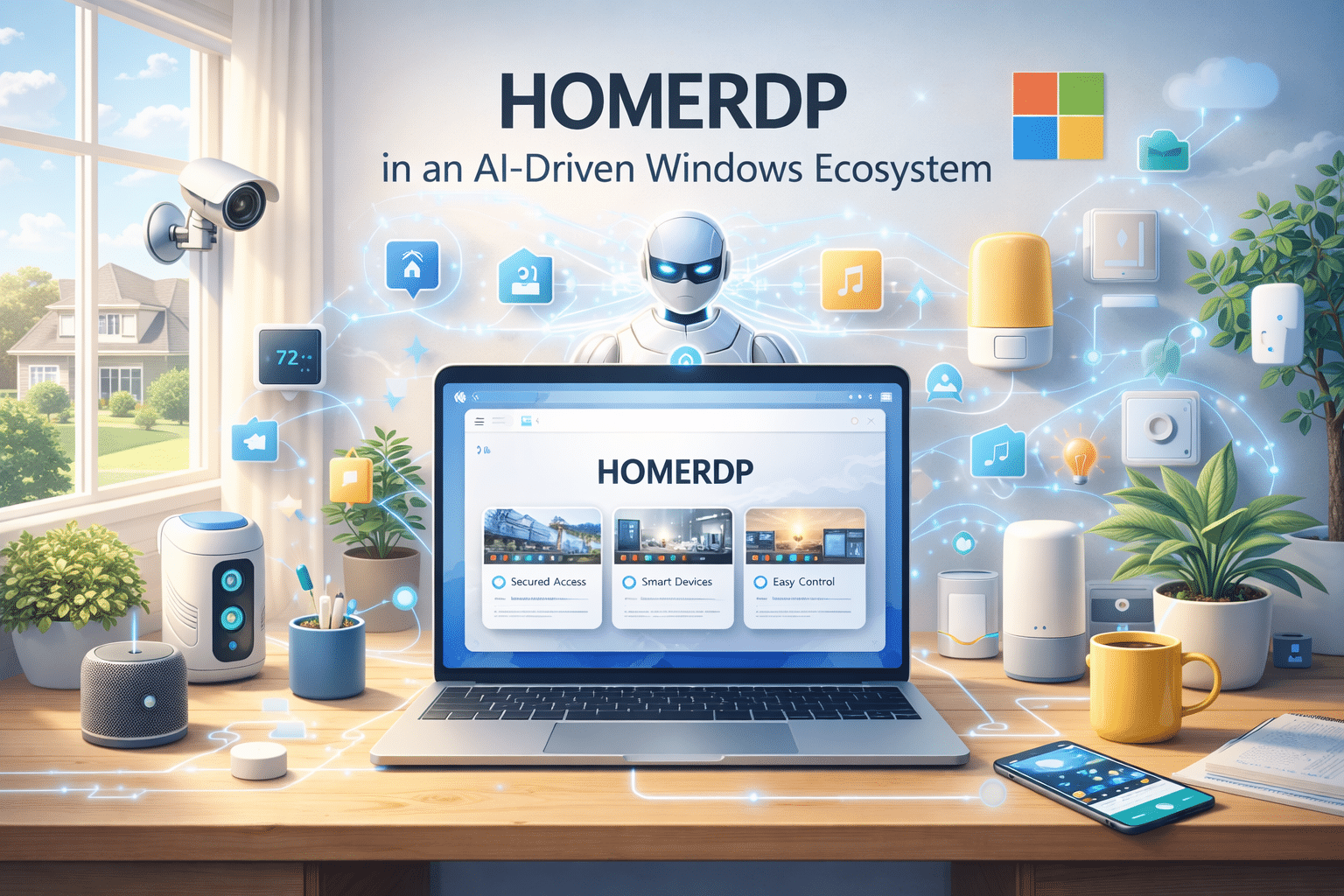
How HOMERDP Aligns With AI-First Windows
- GPU-powered RDP environments support AI-assisted applications smoothly
- High-speed remote desktops ensure Copilot and other AI tools respond instantly
- Scalable resources allow professionals to grow with AI-heavy workloads
- Secure, always-available access supports modern hybrid work models
For developers, content creators, data professionals, and remote teams, this combination ensures that AI features enhance productivity instead of slowing it down.
Why This Matters for Remote and Cloud Users
As more users operate Windows environments remotely, AI integration at the OS level means:
- Remote desktops must feel local
- AI tools must run without lag
- Infrastructure must handle continuous intelligent processing
HOMERDP bridges this gap by delivering AI-ready Windows environments that support both today’s workflows and tomorrow’s expectations.
A Clear Signal From Microsoft
Copilot appearing during Windows 11 setup is not a small UI change—it’s a message.
Microsoft is saying:
- AI belongs at the core of computing
- Users should meet intelligence before menus
- The future OS is proactive, not passive
And as AI becomes foundational, powerful compute platforms like HOMERDP become essential companions, enabling users to fully experience what AI-first operating systems promise.

Final Thoughts
Copilot in Windows 11 setup matters because it reshapes how people begin their digital journey. It sets expectations, encourages interaction, and establishes AI as a trusted partner from the first click.
For users and businesses embracing this shift, success will depend not just on software—but on infrastructure that can support intelligent computing at scale.
That’s where HOMERDP’s performance-driven RDP solutions fit naturally into the future of Windows and AI.
EXPLORE MORE; NVMe RDP vs SSD RDP

READ OUR BLOGS