

COSMIC Desktop 1.0.4 Makes Linux Remote Desktops Faster and More Reliable
Linux remote desktops have evolved rapidly over the past few years. What was once considered sluggish or unreliable has transformed into a serious alternative to local workstations, thanks to better protocols, faster cloud infrastructure, and modern desktop environments. One of the most promising developments in this space is COSMIC Desktop, and its latest update — COSMIC Desktop 1.0.4 — takes a meaningful step toward making Linux remote desktops faster, smoother, and more dependable.
Developed by System76 and written primarily in Rust, COSMIC is not just another desktop environment. It is a ground-up rethinking of how Linux desktops should behave in modern workflows — including cloud VPS deployments, remote RDP sessions, and distributed development setups. Version 1.0.4 focuses heavily on performance, responsiveness, and stability, all of which matter deeply when Linux runs remotely on platforms like HOMERDP’s Linux RDP and VPS infrastructure.
This article explores what COSMIC Desktop 1.0.4 brings to the table, why these changes matter for remote Linux desktops, and how pairing COSMIC with high-performance RDP servers creates a workstation-class experience in the cloud.
Why COSMIC Matters for Remote Linux Desktops
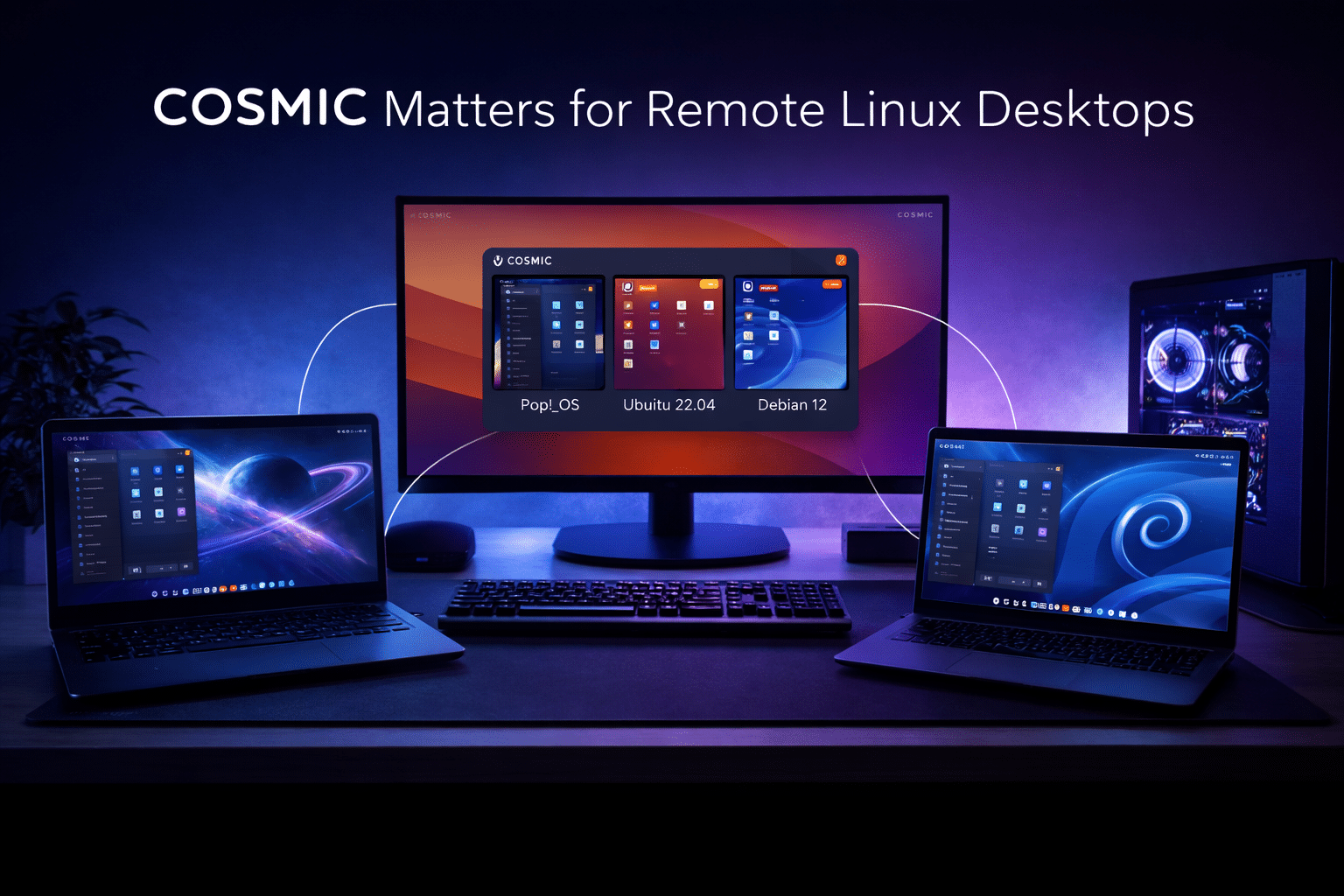
Traditional Linux desktop environments were not designed with cloud desktops in mind. Many rely on older C/C++ codebases, carry legacy components, and assume local hardware access. COSMIC changes that equation.
Key design principles that make COSMIC ideal for remote desktops include:
- Rust-based architecture for memory safety and stability
- Modular components that reduce unnecessary background overhead
- Built-in tiling and workspace management for productivity
- Optimized system utilities designed to stay responsive under load
When deployed on a Linux RDP server, these traits translate into fewer crashes, lower latency, and smoother user interaction — especially over long sessions.
What’s New in COSMIC Desktop 1.0.4
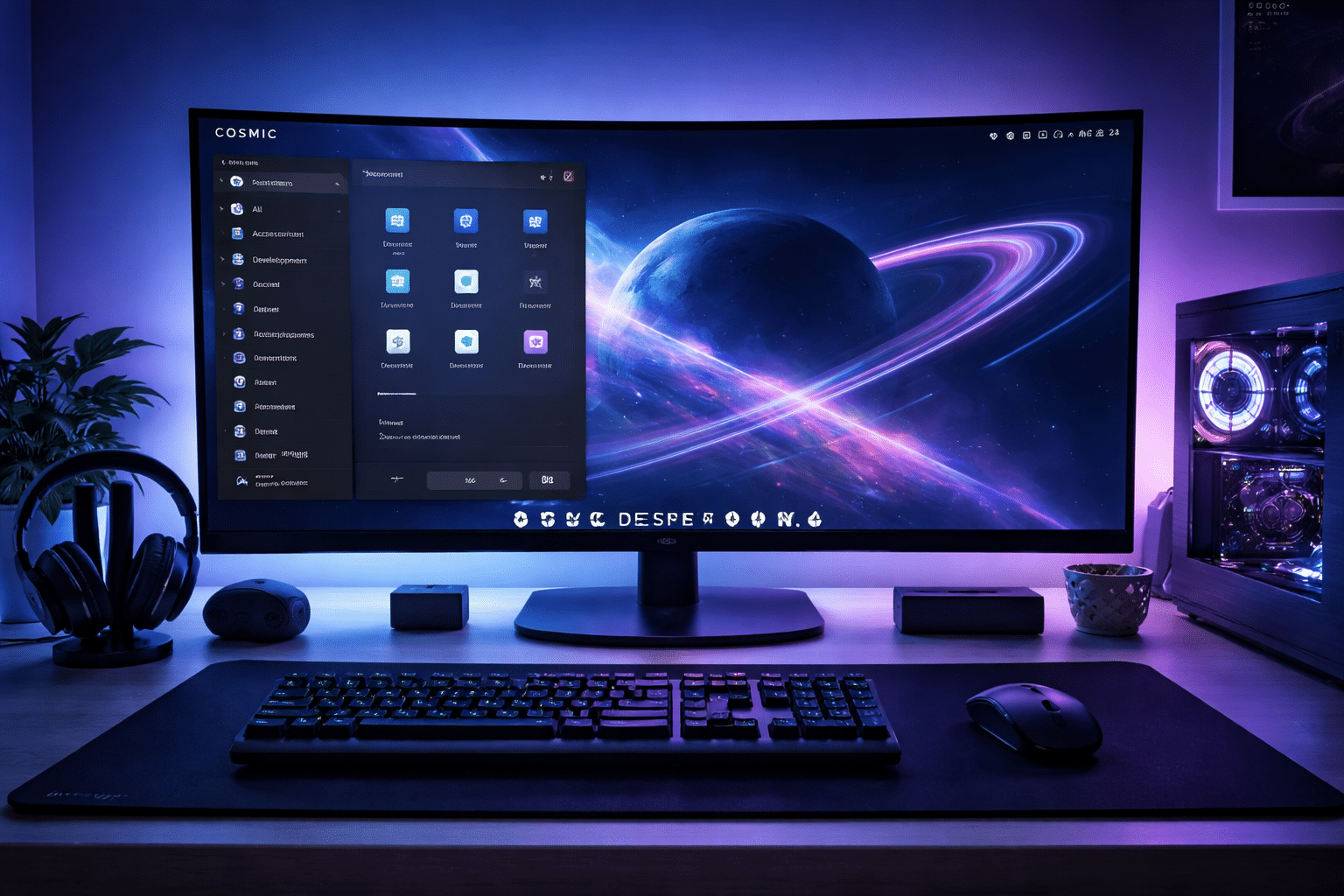
COSMIC Desktop 1.0.4 may look like a minor point release, but under the hood, it delivers improvements that significantly impact real-world usage — particularly in remote environments.
1. Faster and Smarter Login Experience
One of the most noticeable improvements in COSMIC 1.0.4 is the enhanced greeter behavior.
What Changed:
- Fingerprint authentication now logs users in immediately after successful verification
- Removes redundant confirmation steps
- Improves session initialization timing
Why It Matters for Remote Desktops:
In RDP and VPS-based desktops, login latency is amplified by network round-trips. Every extra click or delay breaks workflow continuity. COSMIC’s improved greeter reduces friction, making repeated logins — common in cloud environments — significantly faster.
On HOMERDP Linux RDP servers, this results in:
- Faster session startup
- Reduced idle time
- A more “local-machine-like” experience
2. Major File Manager Performance Improvements
File operations are one of the most sensitive performance areas in remote desktops. COSMIC Desktop 1.0.4 delivers noticeable speed improvements in COSMIC Files, especially during:
- Large directory copies
- Bulk file operations
- Recursive file traversal
Why This Is Critical:
Remote Linux users often work with:
- Large codebases
- Docker volumes
- Media assets
- Machine learning datasets
In previous generations of desktop environments, file operations could become bottlenecks over RDP. COSMIC 1.0.4 minimizes this pain by reducing UI blocking and improving background processing.
When combined with HOMERDP’s SSD-backed VPS storage, file operations feel responsive even under heavy I/O workloads.
3. Improved Stability and Reduced Visual Glitches
COSMIC 1.0.4 fixes multiple issues related to:
- Overview mode rendering
- Workspace switching behavior
- Shortcut and mouse interaction inconsistencies
Impact on Remote Work:
Visual glitches are more than cosmetic problems in remote desktops. They can:
- Cause redraw issues over RDP
- Increase bandwidth usage
- Break window focus behavior
By stabilizing these core UI interactions, COSMIC ensures smoother frame delivery and fewer UI resync events during remote sessions — a major win for Linux RDP users.
4. Better SSH and Environment Handling
COSMIC Desktop 1.0.4 refines how session variables such as SSH_AUTH_SOCK propagate across user sessions.
Why This Matters:
Remote Linux desktops often act as:
- SSH jump hosts
- Deployment terminals
- Git and CI control nodes
Improved environment handling ensures:
- Fewer broken SSH agent sessions
- More reliable Git operations
- Cleaner integration with remote servers
On HOMERDP VPS instances, this makes COSMIC ideal for developers managing multiple servers from a single remote desktop.
5. Optimized App Store and System Component Updates
The COSMIC Store received backend optimizations that improve:
- App metadata loading
- Update responsiveness
- System component synchronization
For cloud-based desktops, efficient update handling matters because:
- VPS uptime is continuous
- Updates often run unattended
- Slow package managers consume CPU and memory
COSMIC 1.0.4 keeps updates lightweight and predictable — crucial for long-running RDP sessions.
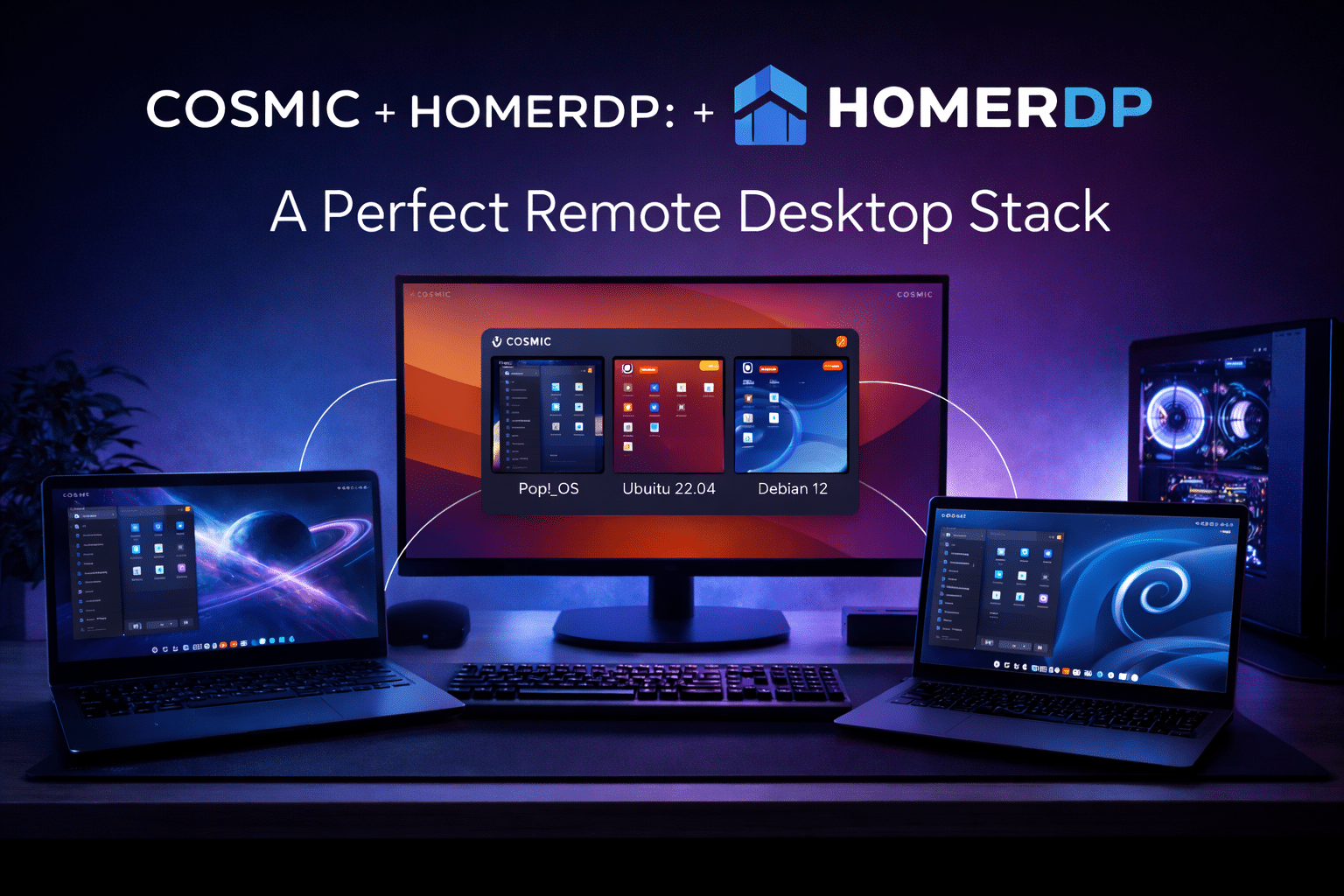
COSMIC + HOMERDP: A Perfect Remote Desktop Stack
COSMIC Desktop 1.0.4 truly shines when deployed on high-performance Linux RDP infrastructure. HOMERDP provides exactly the environment COSMIC needs to excel.
Why HOMERDP Complements COSMIC
HOMERDP’s Linux VPS and RDP services offer:
- NVMe/SSD storage
- High-bandwidth networking
- Persistent sessions
- Full root access for customization
When running COSMIC on HOMERDP, users gain:
- Near-local desktop responsiveness
- Reliable long-term uptime
- Scalable compute resources
Real-World Use Cases
1. Cloud-Based Linux Workstations
Developers can deploy COSMIC on a Linux RDP server and access a full desktop from anywhere — laptop, tablet, or low-power device — without sacrificing performance.
2. Remote Development Environments
COSMIC’s tiling and workspace features help developers juggle terminals, editors, browsers, and documentation efficiently on a single remote machine.
3. Secure Enterprise Linux Desktops
Companies can centralize Linux desktops on HOMERDP servers while using COSMIC for a modern, stable user experience with minimal crashes.
4. Education and Training Labs
COSMIC’s performance improvements make it ideal for remote Linux labs where multiple users access desktops simultaneously.
Performance, Reliability, and the Future of Linux RDP
COSMIC Desktop 1.0.4 demonstrates that Linux desktops no longer need to compromise when running remotely. Its Rust-based foundation, improved file handling, smarter login flow, and UI stability improvements directly address the pain points that historically plagued Linux RDP setups.
When paired with HOMERDP’s Linux VPS and RDP infrastructure, COSMIC transforms cloud servers into true workstation-grade Linux environments.
Final Verdict
COSMIC Desktop 1.0.4 is not just a routine update — it’s a refinement release that strengthens Linux’s position in remote desktop computing. Faster file operations, smoother UI behavior, improved authentication flow, and better environment handling make COSMIC one of the most promising desktop environments for cloud-first Linux users.
For developers, teams, and professionals who rely on remote Linux desktops, COSMIC Desktop 1.0.4 + HOMERDP delivers a fast, stable, and future-ready solution that finally makes Linux RDP feel effortless.
EXPLORE MORE ; Future of Linux Desktops: Zorin OS 18 Beta with HOMERDP

READ OUR BLOGS