

Nitrux 7.0: The Systemd-Free Linux Desktop for Developers and Tech Enthusiasts
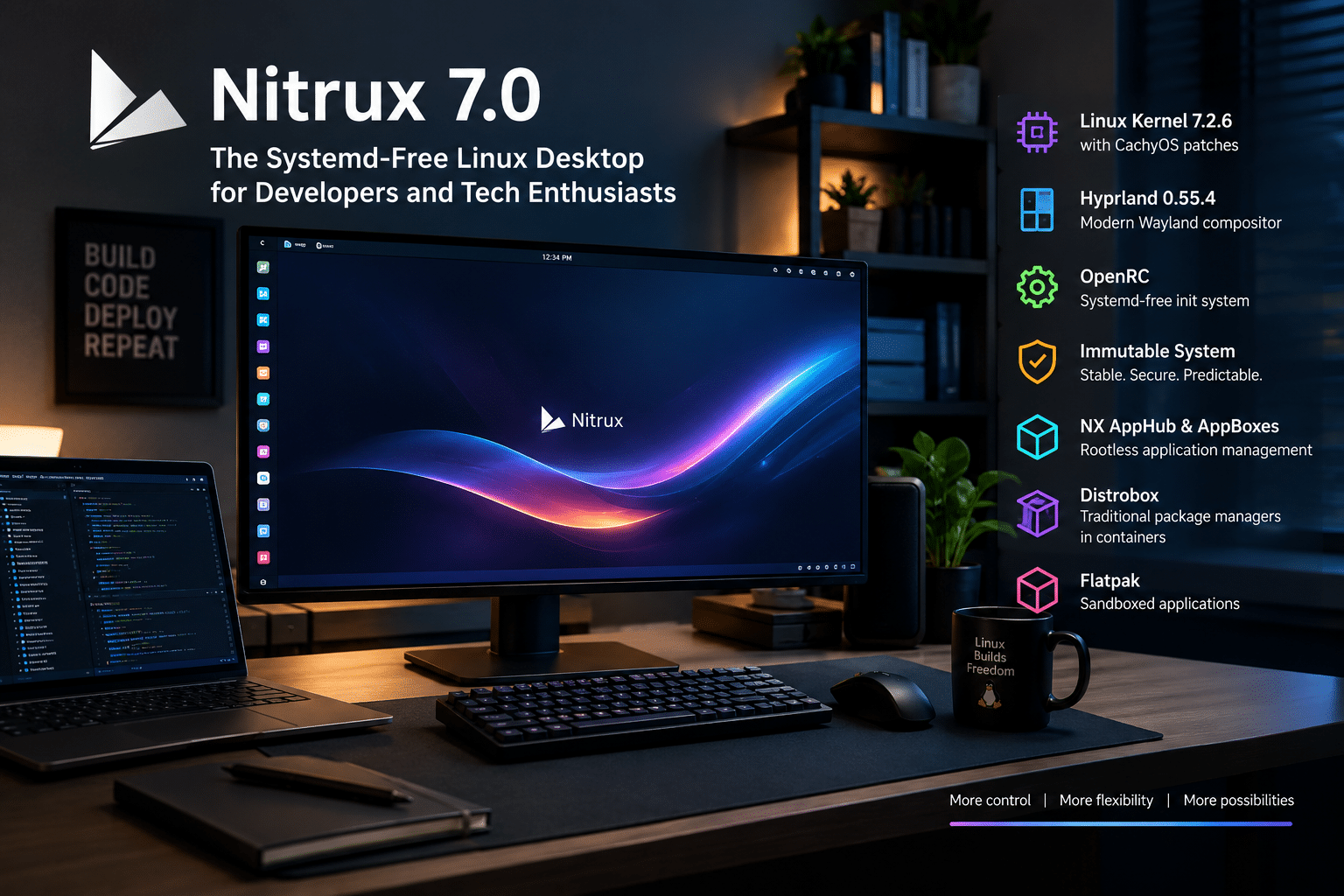
Linux gives users something few mainstream operating systems can match: the freedom to choose not only applications and desktop environments, but also the fundamental architecture of the operating system itself.
Nitrux 7.0 embraces that philosophy to an unusual degree.
The latest release of the specialized Linux distribution combines an immutable system architecture, OpenRC instead of systemd, Linux kernel 7.2.6 with CachyOS patches, Hyprland 0.55.4, MauiKit 4.0.4, KDE Frameworks 6.26, and Nitrux’s own application and update technologies. The release arrived more than four months after Nitrux 6.1 and continues the project’s deliberate move away from traditional Linux desktop conventions.
Nitrux describes itself as a specialized Linux system for technical workstations built on an immutable foundation. Rather than attempting to reproduce the familiar Ubuntu, Fedora, or conventional Debian experience, it builds its workflow around OpenRC, Hyprland, NX AppHub, AppBoxes, Flatpak, Distrobox, and an immutable root filesystem.
That makes Nitrux 7.0 particularly interesting for developers, Linux enthusiasts, system administrators, and technically minded users who want to understand where the Linux desktop can go next.
It also creates an interesting foundation for hybrid computing. A Nitrux workstation can remain focused on local Linux development while remote infrastructure provides access to additional operating systems and workloads. This is where a service such as HOMERDP can complement the Nitrux experience.
Let’s explore what makes Nitrux 7.0 different, what its architecture means for developers, and how it can fit into a modern local-plus-remote workflow.
Nitrux 7.0 at a Glance
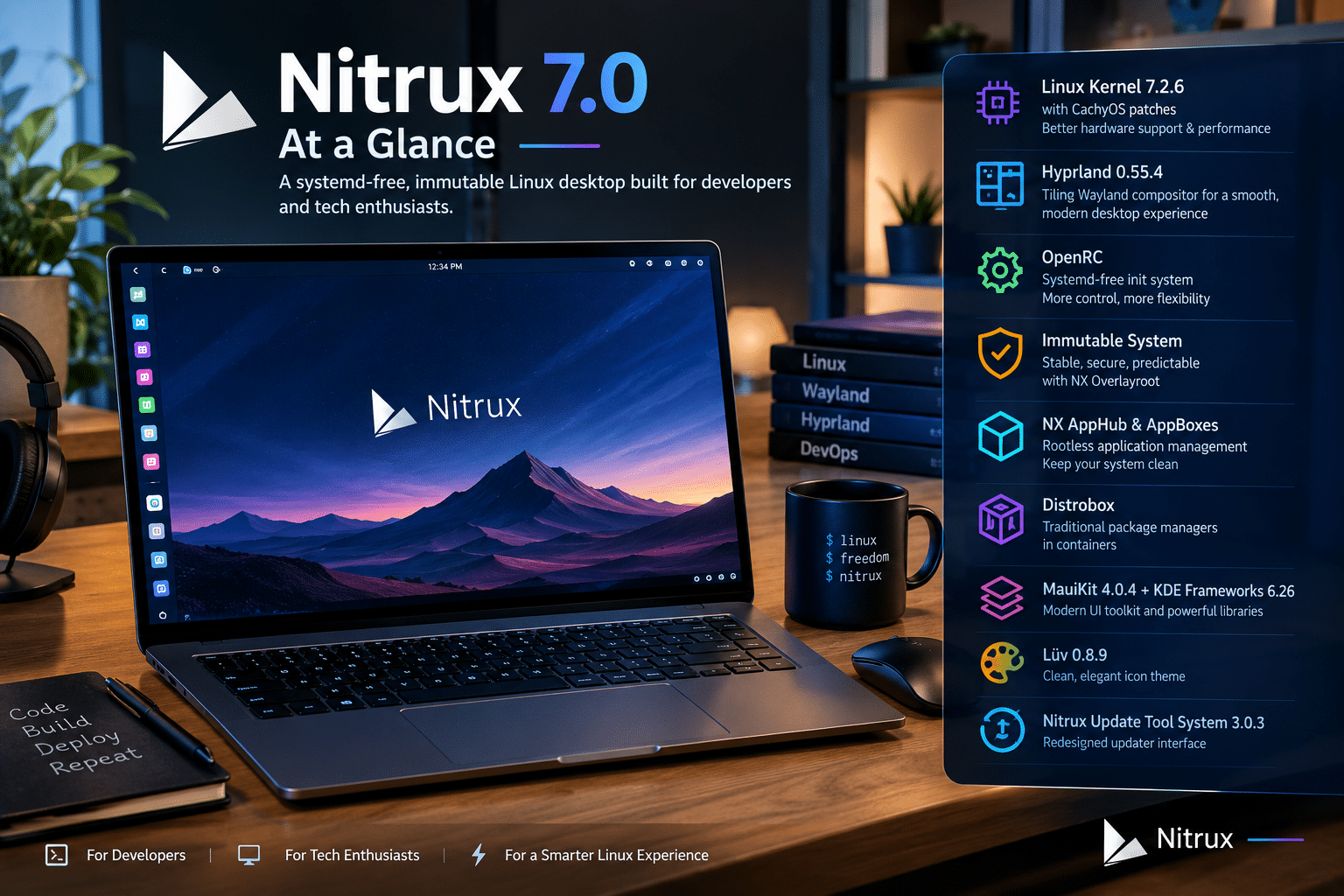
Before exploring the architecture, it helps to understand the major components of the release.
| Component | Nitrux 7.0 |
|---|---|
| Linux kernel | Linux 7.2.6 |
| Kernel modifications | CachyOS patches |
| Desktop compositor | Hyprland 0.55.4 |
| Init/service manager | OpenRC |
| System architecture | Immutable |
| Application framework | NX AppHub / AppBoxes |
| Alternative application delivery | Flatpak |
| Container environment | Distrobox |
| UI framework | MauiKit 4.0.4 |
| KDE Frameworks | 6.26 |
| Icon theme | Lüv 0.8.9 |
| Update system | Nitrux Update Tool System 3.0.3 |
The release information confirms that Nitrux 7.0 is not simply a package refresh. It updates several layers of the distribution while preserving the project’s core architectural philosophy.
What Is Nitrux?
Nitrux is a 64-bit Linux desktop distribution based on Debian, but describing it simply as “Debian with a different desktop” would miss much of what makes it unusual.
The Nitrux project describes its operating system as a specialized technical workstation built around an immutable foundation. It uses OpenRC rather than systemd, Hyprland as its desktop compositor, MauiKit for its application ecosystem, and NX AppHub for its rootless software-management model.
The project has intentionally removed several assumptions associated with conventional Linux distributions.
For example, a standard Debian-based installation normally revolves around apt and dpkg.
Nitrux does not.
The installed host system deliberately does not provide a traditional package-manager workflow for modifying the root filesystem. Instead, Nitrux directs users toward NX AppHub/AppBoxes, Flatpak, and Distrobox.
That is a significant architectural decision.
It means users need to approach software installation differently from the first day they use the system.
Linux Kernel 7.2.6 Gives Nitrux a Modern Foundation

One of the headline features of Nitrux 7.0 is its move to Linux kernel 7.2, specifically Linux 7.2.6, with CachyOS patches.
The kernel sits beneath everything else on a Linux system. It manages hardware, memory, processes, storage, networking, device access, and communication between software and physical components.
A newer kernel therefore matters particularly to technical workstation users.
It can bring changes in areas such as:
- Hardware enablement
- Graphics support
- Storage handling
- Networking
- CPU scheduling
- Memory management
- Security fixes
- Kernel-level bug fixes
- Support for newer devices
However, a newer kernel should not automatically be interpreted as a guarantee that every computer will become faster.
Actual performance depends on hardware, drivers, applications, workloads, and configuration.
Nitrux’s approach is more interesting than a simple “newer equals faster” argument. The project combines the current kernel generation with its own performance-oriented configuration and immutable architecture.
That gives developers and power users a platform designed around relatively recent Linux technologies rather than a deliberately conservative desktop stack.
Why the CachyOS Patches Matter
Nitrux 7.0’s Linux 7.2.6 kernel includes patches associated with the CachyOS kernel approach.
CachyOS is known within the Linux community for performance-oriented kernel and system configurations.
For Nitrux, incorporating such patches fits the distribution’s broader workstation philosophy.
The important point is not that every application will suddenly become dramatically faster.
Instead, the kernel is one component in a larger performance strategy that includes Nitrux’s filesystem and memory-management choices.
The official Nitrux documentation describes additional system-level optimizations, including zswap, asynchronous garbage collection, filesystem compression choices, and other kernel-related tuning.
This gives Nitrux a technical identity that goes beyond simply selecting a desktop environment.
Hyprland 0.55.4 Defines the Nitrux Desktop
If the Linux kernel provides the foundation, Hyprland 0.55.4 provides much of the visible desktop experience in Nitrux 7.0.
Nitrux moved away from KDE Plasma as its desktop foundation and now builds its desktop around Hyprland, Waybar, and Crystal Dock.
Hyprland is a Wayland compositor designed around dynamic tiling and extensive customization.
For developers and technical users, that approach can be especially useful.
Instead of arranging dozens of windows manually, users can rely on workspaces, keyboard shortcuts, dynamic layouts, and predictable window behavior.
A developer might dedicate separate workspaces to:
- Code
- Terminal sessions
- Browser documentation
- Git and project management
- Monitoring
- Remote desktop sessions
- Communication
That workflow can reduce the amount of time spent searching for windows.
Why Hyprland Works Well for Technical Work
Developers often have unusually complex desktop layouts.
A typical development workstation might simultaneously contain:
- An IDE
- Multiple terminal windows
- A browser
- Documentation
- Git tools
- Database management software
- Container logs
- Monitoring dashboards
- A remote desktop session
Traditional desktop environments can handle this workload, but tiling environments approach it differently.
The compositor becomes a productivity tool.
Windows automatically occupy available space, while workspaces provide additional organization.
Nitrux takes this concept further by providing a preconfigured Hyprland environment rather than requiring users to assemble every component themselves.
The result is a more complete Wayland workstation experience.
Nitrux Is Systemd-Free
One of the most important differences between Nitrux and mainstream Linux distributions is its decision not to use systemd as the host init and service-management system.
Nitrux uses OpenRC instead.
For ordinary desktop users, this distinction may not be obvious.
For developers and system administrators, it can be significant.
On a systemd-based Linux distribution, administrators commonly encounter commands such as:
systemctl status service
systemctl start service
systemctl stop service
systemctl enable service
Those commands assume systemd.
Nitrux’s host environment follows an OpenRC-based model instead.
That means administrators moving from Ubuntu, Fedora, or another systemd-oriented distribution need to learn a different service-management workflow.
This is one reason Nitrux is particularly interesting for Linux enthusiasts.
It provides an opportunity to understand Linux infrastructure outside the systemd-centric ecosystem.
OpenRC Gives Nitrux a Different Administrative Model
OpenRC is a service manager and init system used by several Linux distributions.
Nitrux’s decision to use it is not an optional desktop customization. It is part of the distribution’s fundamental architecture.
That matters when deploying software or following online Linux documentation.
A tutorial written for a systemd-based distribution may contain assumptions that do not apply directly to Nitrux.
Developers should therefore verify whether a guide expects:
- systemd
systemctl- systemd units
- journald
- systemd-specific service behavior
This does not make Nitrux incompatible with Linux software.
It simply means administrators need to understand the host architecture before applying instructions.
The Immutable Root Filesystem Is Nitrux’s Biggest Architectural Difference
The most consequential feature of Nitrux may be its immutable root filesystem.
Nitrux has used an immutable root since version 2.6.0, released in January 2023. The project explains that this architecture is intended to provide greater certainty around system versions and reduce conflicts caused by uncontrolled modifications to the root filesystem.
The underlying technology is OverlayFS, implemented through Nitrux’s NX Overlayroot system.
In simplified terms, Nitrux combines a read-only base with a writable overlay during a user session.
The user sees a unified filesystem.
The underlying operating-system base remains protected.
That distinction changes how the computer is maintained.
Why Immutability Matters for Developers
Developers constantly install and remove software.
That can create dependency conflicts on a traditional mutable Linux system.
For example:
- Application A needs library version X.
- Application B expects library version Y.
- A manual installation changes a system library.
- A third-party repository introduces another version.
- A future update changes the dependency chain.
Over time, the operating system can become difficult to reproduce.
Nitrux takes a different approach.
Its immutable architecture keeps the base operating system separate from user-installed applications.
The official documentation identifies several goals:
- Greater system integrity
- More predictable updates
- Reduced root-level conflicts
- Easier troubleshooting
- Separation between the operating system and applications
This is particularly relevant to developers who regularly experiment with software.
What Happens to User Data?
Immutable does not mean “everything is read-only.”
Nitrux maintains writable areas for persistent information.
The project’s architecture identifies /home for user directories and /var/lib for persistent system state and services.
This produces a layered model:
Immutable root
The core operating system.
Persistent system state
Information required by services and system components.
User space
Personal files, applications, configurations, and other user-managed data.
This separation is central to Nitrux’s design.
NX Overlayroot Protects the Base
Nitrux implements its immutable root through NX Overlayroot, which uses OverlayFS.
The project describes the system as a read-only lower layer combined with a writable upper layer. Changes made during a session can appear to persist from the user’s perspective without modifying the underlying base filesystem.
This creates an interesting development environment.
You can experiment without treating every modification as a permanent alteration to the core installation.
For troubleshooting and system maintenance, that separation can make it easier to determine whether a problem originates from the base system or from software operating above it.
Software Management Works Differently in Nitrux 7.0
This is one of the biggest adjustments for new users.
Nitrux intentionally does not revolve around a conventional host package manager.
The project states that the installed host system does not include apt, dpkg, or an equivalent package-management system for traditional root-level software installation.
Instead, Nitrux supports three principal approaches:
1. NX AppHub
Nitrux’s native software-management system.
2. Flatpak
A widely used sandboxed application format.
3. Distrobox
A container-based environment that allows users to use conventional Linux package managers inside containers.
This is an important distinction.
Nitrux does not remove traditional package management from the Linux ecosystem.
It moves it away from the immutable host.
NX AppHub and AppBoxes
Nitrux’s NX AppHub is designed specifically for its immutable architecture.
AppBoxes provide self-contained application bundles managed in user space.
According to Nitrux, AppBoxes can incorporate sandboxing through technologies including:
- Firejail
- AppArmor
- Bubblewrap
They are designed to remain separate from the immutable operating-system base.
This creates a clear separation between:
Operating system
and
Applications
That separation is one of the defining principles of Nitrux.
Flatpak Provides a Familiar Application Route
Nitrux also supports Flatpak.
This matters because developers and desktop users may already have experience with Flatpak applications and Flathub.
Flatpak provides a standardized way to distribute sandboxed desktop applications across Linux distributions.
In Nitrux, it also fits the immutable model because applications can operate without requiring conventional modifications to the core operating-system filesystem.
That gives users a second major application-delivery mechanism alongside AppBoxes.
Distrobox Brings Traditional Linux Environments Back
Distrobox may be one of the most useful technologies for developers using Nitrux.
The concept is straightforward:
Keep the host immutable, but run a conventional Linux environment inside a container.
Nitrux supports Distrobox and documents it as a way to access full Linux environments and traditional package managers without modifying the host system.
A developer could therefore maintain:
- An Ubuntu container
- An Arch container
- A Fedora container
- A Debian container
- A specialized development container
while leaving the Nitrux host untouched.
This is a powerful model for software testing.
Why Developers Can Benefit From Containerized Environments
Imagine a developer building a cross-distribution application.
On a conventional workstation, they might install packages from multiple repositories directly onto the host.
On Nitrux, the developer can instead create isolated environments.
For example:
Host
Nitrux 7.0 + Hyprland
Container 1
Ubuntu development environment
Container 2
Fedora testing environment
Container 3
Arch testing environment
Container 4
Specialized build environment
Each environment can use its own package manager without turning the host into a dependency experiment.
That is precisely the kind of workflow that makes an immutable workstation interesting to technical users.
Nitrux’s Architecture Encourages Reproducibility
Reproducibility is becoming increasingly important in modern software development.
A developer wants to know:
Can I recreate this environment tomorrow?
A team wants to know:
Can another developer reproduce the same setup?
An administrator wants to know:
Can I rebuild or recover the workstation without manually reconstructing hundreds of changes?
Immutable systems help address these questions by separating the operating-system foundation from user environments.
Nitrux explicitly connects its immutable architecture with reproducible updates and system certainty.
Containers then provide another layer of reproducibility for application development.
Nitrux Update Tool System
Nitrux 7.0 also includes Nitrux Update Tool System 3.0.3, which comes with a redesigned updater interface.
This is an important part of the immutable model.
Instead of treating operating-system upgrades as a long sequence of individual package changes, Nitrux uses an update approach designed around its immutable architecture.
That can simplify the conceptual model:
Application updates
are separate from
Operating-system updates
This distinction can make system maintenance more predictable.
Security Is Another Part of the Design
Nitrux’s architecture also incorporates several security-related technologies.
The project documents the use of:
- AppArmor
- Firejail
- Bubblewrap
- Core dump protection
- Hardened kernel settings
- Encryption options
- Inactive root account
- Password policies
Nitrux currently documents roughly 117 AppArmor profiles and 1,247 Firejail profiles as part of its security configuration.
Those numbers demonstrate that application and system isolation are not merely theoretical ideas in Nitrux.
However, no operating system should be described as invulnerable.
Nitrux itself explicitly avoids making such claims and advises users to treat security as an ongoing responsibility.
Hardware Requirements Are Worth Checking Before Installation
Nitrux’s hardware requirements also reflect its focus on modern systems.
The project lists the following minimum requirements for a standard workstation experience:
- 4 GB RAM
- 64-bit x86 processor
- AVX2 support / x86-64-v3
- UEFI/EFI support
- At least 512 MB VRAM
- At least 64 GB storage
Nitrux recommends 8 GB RAM, modern CPUs, 2 GB VRAM for Wayland and GPU workloads, and 128 GB storage. It also recommends NVMe SSD storage for an optimal experience.
For users planning a development workstation, more memory can be valuable.
Running several containers, browser tabs, IDEs, databases, terminals, and remote sessions simultaneously can quickly consume RAM.
Nitrux 7.0 Is Built for Physical Workstations
There is another important consideration.
Nitrux’s developers explicitly state that the project is optimized for physical systems rather than virtual machines. Since Nitrux 5.0, the project has discontinued integration and support features specifically intended for running Nitrux as a guest operating system.
That makes the intended deployment model clear.
Nitrux wants to be the operating system running directly on the workstation.
This matters when planning a development infrastructure.
Rather than treating Nitrux as a disposable virtual machine, users should evaluate it as a physical workstation platform.
Nitrux 7.0 for Developers: A Practical Workflow
A developer can build a highly modular workflow around Nitrux.
Local layer
Use Nitrux for:
- Coding
- Git
- Browsing
- Documentation
- Terminal work
- Communication
- Local development
Application layer
Use:
- AppBoxes
- Flatpak
- Native applications
Environment layer
Use Distrobox for:
- Distribution-specific development
- Package-manager access
- Build environments
- Testing
Remote layer
Use remote systems for:
- Windows-only applications
- Large workloads
- Dedicated servers
- Team environments
- Specialized testing
- Cloud-hosted development
This is where HOMERDP can become useful.
How HOMERDP Can Complement a Nitrux Workstation
Nitrux provides an advanced local Linux environment.
But no single operating system can provide every application and development tool a user might need.
A developer may need Windows for a specific application.
A business user may need a Windows-based work environment.
A testing engineer may need several operating systems.
An administrator may need to manage remote machines.
Rather than installing every environment locally, a remote desktop service can provide access to separate computing resources.
HOMERDP can complement Nitrux by providing a remote desktop layer alongside the local Linux workstation.
The concept is simple:
Nitrux handles the local Linux workflow. HOMERDP extends access to remote computing environments.
Building a Nitrux + HOMERDP Workflow
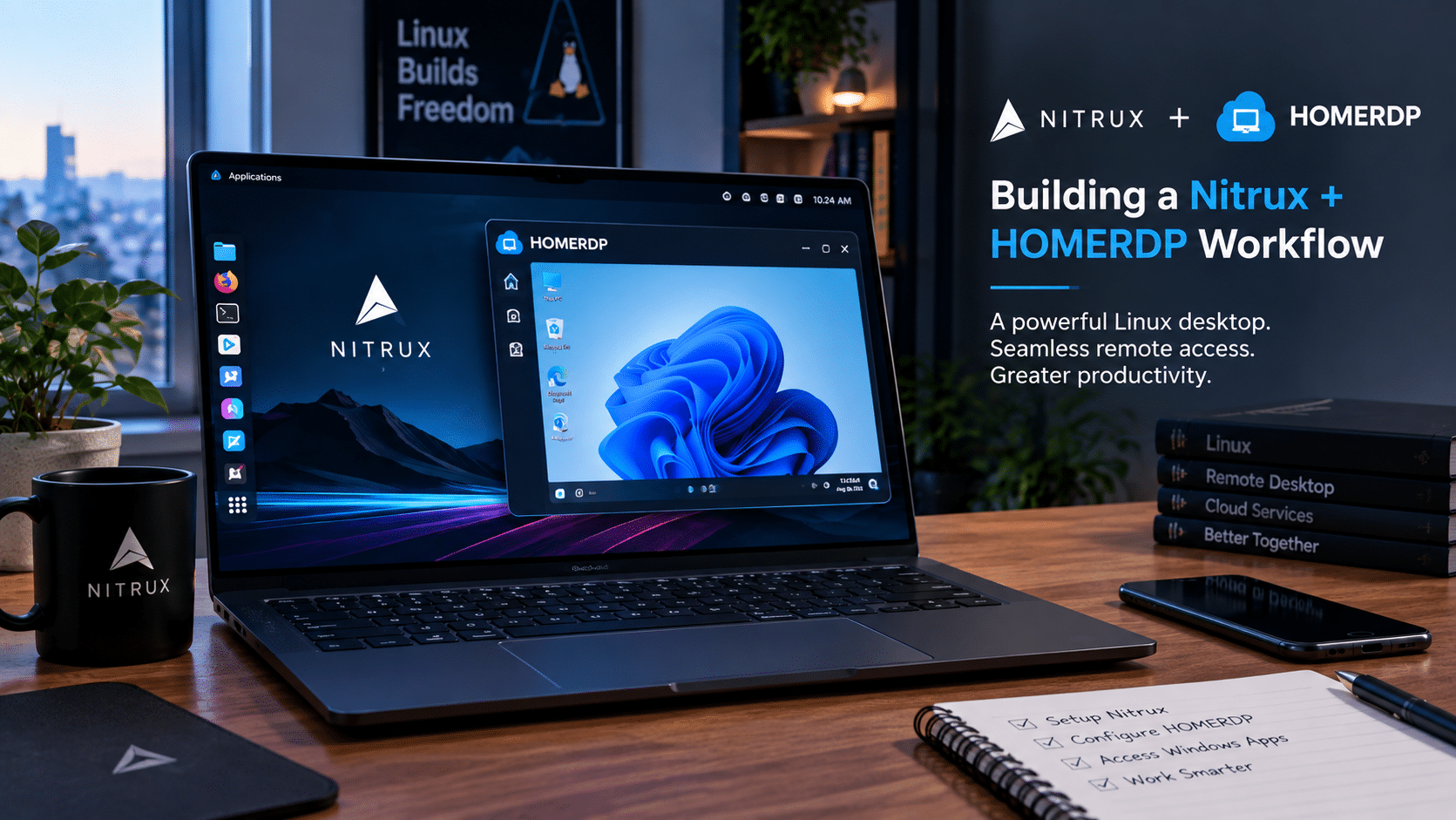
Imagine a developer using a modern workstation with Nitrux 7.0.
They could structure their Hyprland workspaces like this:
Workspace 1 — Development
IDE, source code, terminal.
Workspace 2 — Documentation
Browser, API documentation, technical references.
Workspace 3 — Containers
Distrobox development environments and container tools.
Workspace 4 — Monitoring
System monitoring, logs, dashboards.
Workspace 5 — Remote Desktop
HOMERDP remote environment.
Workspace 6 — Communication
Email, chat, project management.
This approach turns the desktop into a command center rather than simply a place to open applications.
Hyprland’s workspace-oriented workflow makes such segmentation natural.
Why Remote Desktop Fits the Immutable Model
There is a deeper connection between immutable operating systems and remote computing.
Both encourage separation.
Nitrux separates:
Operating system → Applications → Containers
Remote infrastructure separates:
Local workstation → Remote workload
Together, they create a modular computing architecture.
For example:
Nitrux
provides the stable local foundation.
Distrobox
provides isolated Linux development environments.
HOMERDP
provides remote access to another computing environment.
This means users do not have to make the local host responsible for every workload.
A Practical Developer Scenario
Consider a developer who primarily writes Linux applications but occasionally needs Windows software.
A traditional approach might involve:
- Dual boot
- Virtual machines
- Multiple physical systems
- Compatibility layers
- Complex local configurations
A Nitrux-based workflow can take another route.
The developer can use Nitrux as the primary operating system.
Linux development happens locally.
Distrobox handles distribution-specific tooling.
When a Windows environment is required, the developer can connect through a remote desktop workflow such as HOMERDP.
The local workstation remains focused.
The specialized environment remains separate.
That separation can reduce unnecessary configuration on the host.
Who Should Use Nitrux 7.0?
Nitrux is not designed to appeal equally to every Linux user.
Its own documentation describes it as a specialized workstation distribution and explicitly notes that its architecture is not intended to reproduce conventional Linux workflows.
It can be particularly interesting for:
Linux enthusiasts
Users who enjoy exploring alternative architectures.
Developers
People who want isolated application and development environments.
System administrators
Professionals interested in OpenRC and immutable operating systems.
Wayland enthusiasts
Users interested in Hyprland and modern Linux graphics architecture.
Technical workstation users
People who want a controlled base combined with flexible application environments.
Container users
Developers who already rely on Distrobox and containerized workflows.
Who May Need More Time to Adapt?
Nitrux’s biggest strength is also the source of its learning curve.
Users accustomed to conventional Linux distributions may find several aspects unfamiliar.
Nitrux may require adjustment if you:
- Depend heavily on
apt - Expect
systemctl - Frequently modify
/usr - Prefer traditional desktop environments
- Want a conventional Debian workflow
- Expect every online Linux tutorial to work unchanged
The Nitrux documentation explicitly warns users not to treat the system like a standard Debian installation.
That warning is important.
Nitrux is Debian-based, but it is not simply Debian with a different wallpaper.
Nitrux 7.0 and the Future of the Linux Desktop
Nitrux is part of a broader movement within Linux.
Modern distributions are increasingly experimenting with:
- Immutable operating systems
- Atomic updates
- Sandboxed applications
- Containerized development
- Wayland
- Declarative configuration
- Rootless software
- Image-based deployment
These technologies address a common problem:
How can we make powerful Linux systems easier to maintain without removing the flexibility that makes Linux attractive?
Nitrux’s answer is architectural separation.
Protect the operating system.
Move applications outside the root.
Use containers for traditional package-management workflows.
Use specialized tools for updates.
Use a modern Wayland compositor for the desktop.
The Biggest Takeaway From Nitrux 7.0
Nitrux 7.0 is interesting not because it tries to become another mainstream Linux distribution.
It is interesting because it refuses to follow many of the assumptions that mainstream Linux users take for granted.
It asks users to rethink:
- What an operating system should be
- Where applications should live
- How software should be updated
- How much the root filesystem should change
- How services should be managed
- How containers should interact with the host
- How a desktop should organize windows
That makes Nitrux a valuable platform for experimentation and technical learning.
Final Verdict: A Linux Desktop Designed Around Separation
Nitrux 7.0 brings together a remarkable collection of technologies.
The release uses Linux 7.2.6 with CachyOS patches, Hyprland 0.55.4, OpenRC, MauiKit 4.0.4, and an immutable operating-system foundation.
But the individual specifications only tell part of the story.
The more important change is the way these components work together.
Nitrux protects its core operating system with immutability.
NX AppHub and AppBoxes move applications into user space.
Flatpak provides another sandboxed application route.
Distrobox provides conventional Linux environments without requiring the host itself to become mutable.
Hyprland provides a keyboard-friendly, tiling Wayland desktop.
OpenRC replaces systemd as the host’s initialization and service-management framework.
The result is a Linux workstation designed around separation, reproducibility, and user control.
For developers, that can mean cleaner boundaries between the host and development environments.
For Linux enthusiasts, it offers a fascinating alternative to mainstream distributions.
For system administrators, it provides a chance to work with OpenRC and immutable architecture.
And for users who combine local Linux productivity with remote computing, Nitrux can serve as a powerful local control center.
That is where HOMERDP can naturally enter the picture.
A Nitrux workstation can handle Linux-native development, containers, browsers, terminals, and productivity applications locally, while HOMERDP can extend the workstation into remote environments when a different operating system, application stack, or dedicated computing resource is required.
The result is not necessarily a replacement for every traditional Linux workflow.
It is something more specific: a modular workstation model where the operating system, applications, development environments, and remote machines each have a clearly defined role.
For developers and tech enthusiasts willing to move beyond conventional Linux habits, Nitrux 7.0 offers an opportunity to explore exactly that model.
Frequently Asked Questions
What is Nitrux 7.0?
Nitrux 7.0 is a specialized, immutable Linux distribution based on Debian. It uses OpenRC instead of systemd and features Hyprland 0.55.4 as its Wayland desktop compositor. The release uses Linux 7.2.6 with CachyOS patches.
Is Nitrux 7.0 systemd-free?
Yes. Nitrux uses OpenRC as its host init and service-management system instead of systemd.
Which kernel does Nitrux 7.0 use?
Nitrux 7.0 uses Linux kernel 7.2.6 with CachyOS patches.
Does Nitrux 7.0 use Hyprland?
Yes. Nitrux uses Hyprland 0.55.4 as its Wayland compositor and desktop foundation.
Can I use apt normally on Nitrux?
No. Nitrux deliberately removes the conventional host-level apt/dpkg workflow. It instead provides NX AppHub/AppBoxes, Flatpak, and Distrobox as supported software-management approaches.
Is Nitrux really immutable?
Yes. Nitrux uses an immutable root filesystem implemented through NX Overlayroot and OverlayFS. User data and persistent system state remain writable in designated locations.
Can developers use containers on Nitrux?
Yes. Distrobox is supported and provides access to conventional Linux environments and package managers without requiring changes to the immutable host.
How much RAM does Nitrux require?
Nitrux lists 4 GB RAM as the minimum for a standard workstation experience and recommends 8 GB. The project notes that 16 GB or more can provide additional headroom for demanding multitasking and workstation workloads.
Is Nitrux suitable for developers?
Nitrux can be particularly interesting for developers who appreciate immutable operating systems, containerized development, Wayland, and separation between the host system and applications. However, developers accustomed to traditional Debian or systemd workflows will need to adapt to its architecture.
Can Nitrux work with remote desktop environments?
Yes. Nitrux can serve as the local Linux workstation from which users access remote computing environments. A service such as HOMERDP can complement this workflow by providing remote desktop access for workloads that users prefer to keep outside the local Linux installation.
EXPLORE MORE; Work on 5 Computers at Once: Multiple Chrome RDP

READ OUR BLOGS