

KDE Plasma 6.8 Brings Windows-Like Autoscrolling to Linux Desktop

Linux desktop environments rarely become better because of one enormous feature. More often, they improve through dozens of small changes that remove friction from everyday computing.
KDE Plasma 6.8 is following exactly that path.
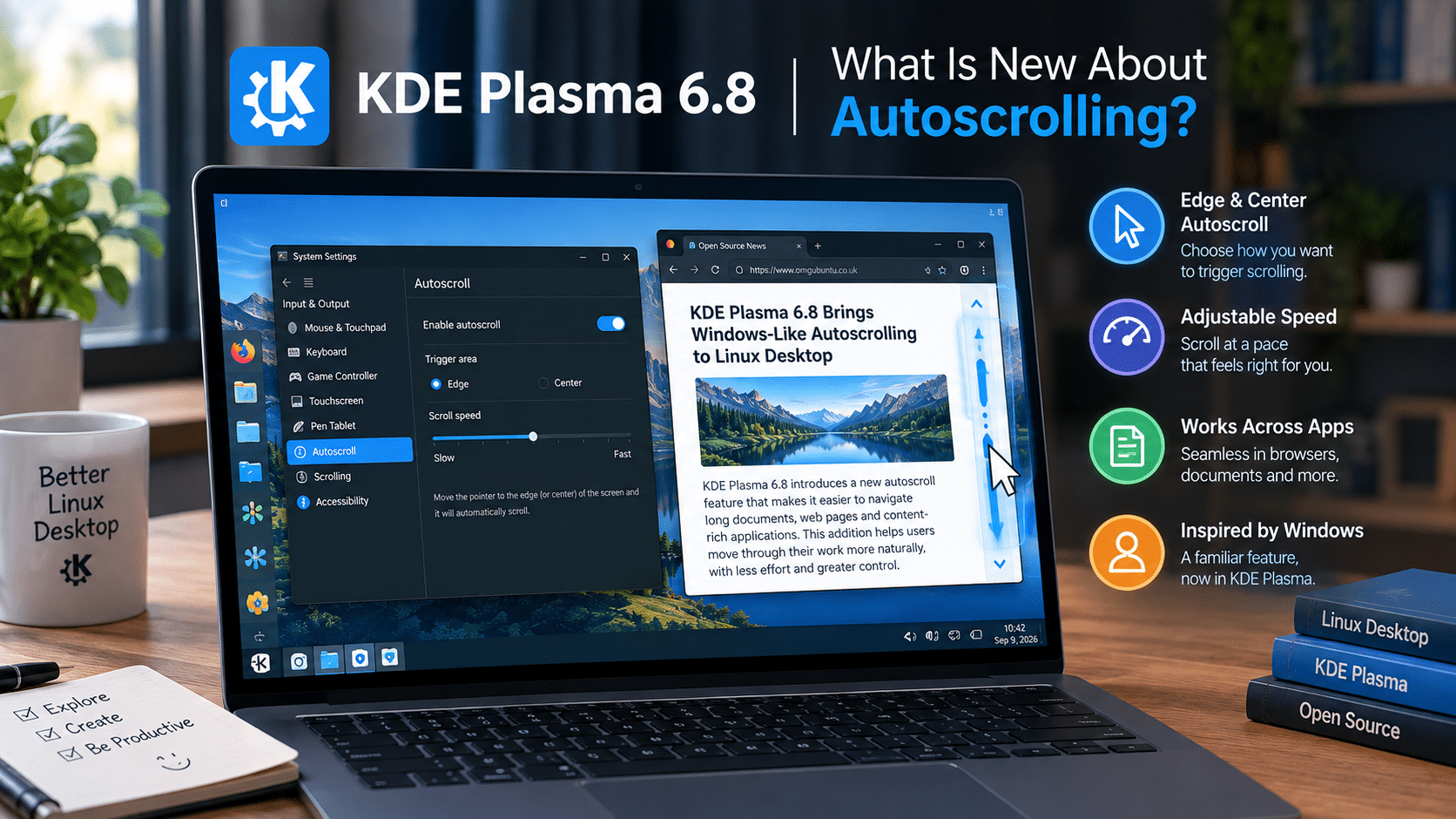
One of its most interesting additions is a new optional Windows-like autoscroll mode. The feature changes how users interact with middle-button scrolling, allowing them to enter a dedicated scrolling mode with a click instead of having to continuously hold the middle mouse button. KDE’s developers have described the behavior as bringing Plasma closer to the familiar Autoscroll functionality found on Windows.
At first glance, this sounds like a minor mouse setting.
For anyone who spends hours reading documentation, browsing long webpages, reviewing code, working with PDFs, or navigating large documents, however, small interaction improvements can make a noticeable difference.
And Plasma 6.8 is doing more than adding autoscrolling. KDE is also introducing a built-in dwell clicker, improving accessibility, enhancing remote desktop behavior, and working on several other refinements that collectively make Plasma a more capable desktop for both local and remote Linux users.
For users who want to take that experience beyond a physical PC, a Linux VPS provides another interesting possibility. A service such as HOMERDP’s Linux VPS can provide a remotely accessible Linux environment where users can experiment with desktop software, development tools, administration workflows, and graphical applications.
So what exactly is changing in Plasma 6.8, and why does a seemingly simple autoscroll feature deserve attention?
What Is New About Autoscrolling in KDE Plasma 6.8?
KDE Plasma already supported a form of middle-button autoscrolling.
The traditional behavior requires the user to hold the middle mouse button while moving the pointer. Plasma 6.8 adds an optional triggering mode that changes this behavior into a toggle.
Users can:
- Press the middle mouse button.
- Enter scrolling mode.
- Move the pointer to control scrolling.
- Press the middle mouse button again to exit the mode.
GamingOnLinux describes this as bringing Plasma’s behavior closer to Windows’ Autoscroll feature.
That distinction may sound insignificant, but it changes the ergonomics of the interaction.
Instead of continuously holding a physical button, users can activate a mode and then concentrate on controlling the pointer.
For long reading sessions, that can feel considerably more natural.
Why a Small Mouse Feature Matters
Modern computing involves an enormous amount of scrolling.
Users scroll through:
- Websites
- Documentation
- Source code
- PDFs
- Spreadsheets
- Online forums
- Technical specifications
- Project management dashboards
- Chat histories
- Digital books
- Research papers
Most users never think about the mechanics of scrolling because it has become second nature.
That is precisely why improvements to scrolling can be valuable.
A good user interface doesn’t force people to think about the interface itself. It allows them to concentrate on the content.
Plasma’s new autoscroll mode follows that principle.
Instead of repeatedly moving a mouse wheel or holding down a button, users can establish a scrolling state and control it with pointer movement.
It is a small optimization, but repeated interactions are where small optimizations accumulate.
Plasma 6.8 Doesn’t Simply Copy Windows
Calling the feature “Windows-like” does not mean KDE is abandoning its Linux identity.
In fact, the implementation demonstrates one of Plasma’s biggest strengths: choice.
The existing middle-button scrolling behavior isn’t simply being removed. KDE is adding another way to trigger the same general functionality.
That matters because Linux users have very different expectations.
Some users want traditional Unix-like workflows.
Others come from Windows.
Some prefer keyboard shortcuts.
Others rely heavily on a mouse.
Advanced users may configure Plasma extensively, while newcomers may simply want the desktop to behave in familiar ways.
A configurable desktop can accommodate all of them.
The new autoscroll option fits naturally into that philosophy.
KDE Plasma 6.8 Is About Usability, Not Just Appearance
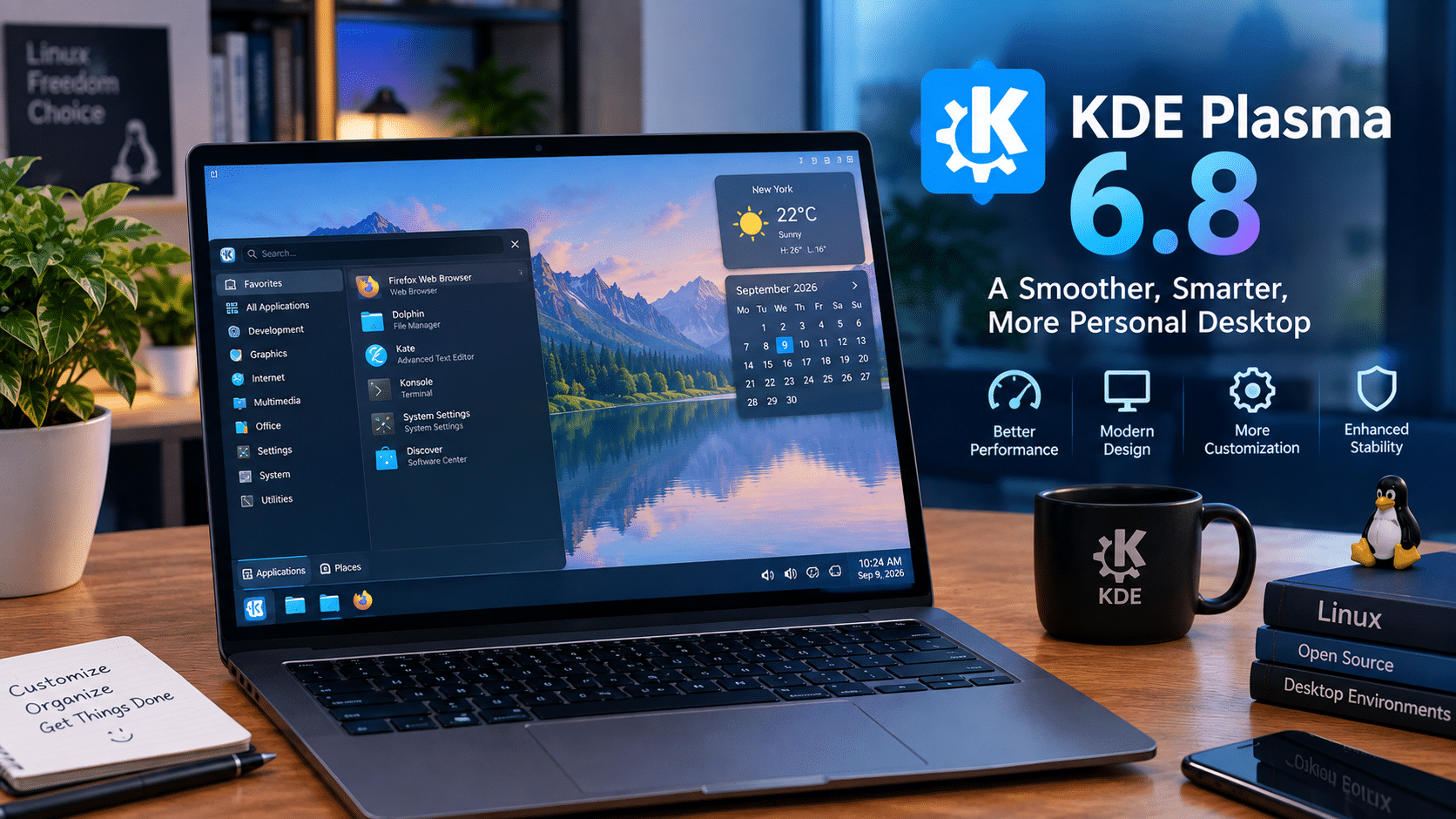
Plasma is often associated with customization.
Users can change:
- Panels
- Themes
- Widgets
- Window behavior
- Keyboard shortcuts
- Desktop effects
- Virtual desktops
- Application launchers
- Display configurations
- Input behavior
But customization alone doesn’t make a desktop good.
A modern desktop also needs to make everyday actions easy.
Plasma 6.8 demonstrates this with several changes focused on interaction and accessibility.
The new autoscroll feature is one example.
The dwell clicker is another.
Built-In Dwell Clicking Improves Accessibility
KDE’s Plasma 6.8 development notes introduce a built-in dwell clicker.
The feature automatically generates a click when the pointer remains stationary for a configurable period. KDE describes it specifically as an accessibility feature.
This can help users who have difficulty performing conventional physical mouse clicks.
Instead of requiring a mechanical button press, the desktop can interpret a stationary pointer as the user’s intention to click.
The configurable delay is particularly important because different users have different control requirements.
For some people, a short delay may work well.
For others, a longer delay may reduce accidental activation.
This is an excellent example of why desktop accessibility should be integrated directly into the operating system environment.
Screen Reader Improvements Also Matter
Plasma 6.8 isn’t limiting its accessibility work to mouse interaction.
KDE’s development update also notes that screen readers gain the ability to ask KWin which window is located under the pointer.
That may sound like an implementation detail, but accessibility often depends on exactly these kinds of low-level integrations.
A desktop environment isn’t merely a collection of windows.
It is an information system that needs to communicate application state, window relationships, focus, controls, and context to assistive technologies.
Better integration between KWin and accessibility tools can therefore improve the overall experience for users who rely on screen readers.
Plasma 6.8 Also Targets Remote Desktop Users
Another particularly interesting improvement involves remote desktop sessions.
Plasma 6.8 adds a new remote desktop mode that can lock the physical screens of the remote computer when a remote connection is established, while the remote user works through a virtual screen. Phoronix reports this as an “exclusive mode” for remote desktop sessions.
This is significant for professional remote computing.
Consider a workstation sitting in an office.
An administrator or employee connects to it remotely.
If the physical display remains active, someone standing near the machine may potentially see what is happening.
A mode that locks the physical screens while maintaining the remote session provides a more appropriate experience for certain remote-access scenarios.
It also shows that KDE isn’t treating remote desktop as an afterthought.
Why Remote Linux Desktops Are Becoming More Interesting
The traditional Linux desktop model assumes that the computer sits directly in front of you.
That model is increasingly incomplete.
Today, users regularly work with computing resources that exist somewhere else.
Those resources may be:
- Cloud servers
- Virtual machines
- VPS instances
- Dedicated servers
- Office workstations
- Homelab machines
- Development servers
- Remote GPU systems
A graphical Linux desktop can turn these resources into persistent remote workspaces.
KDE Plasma is particularly well suited to this concept because it provides a full-featured desktop environment without forcing users into a single workflow.
This Is Where HOMERDP’s Linux VPS Service Fits
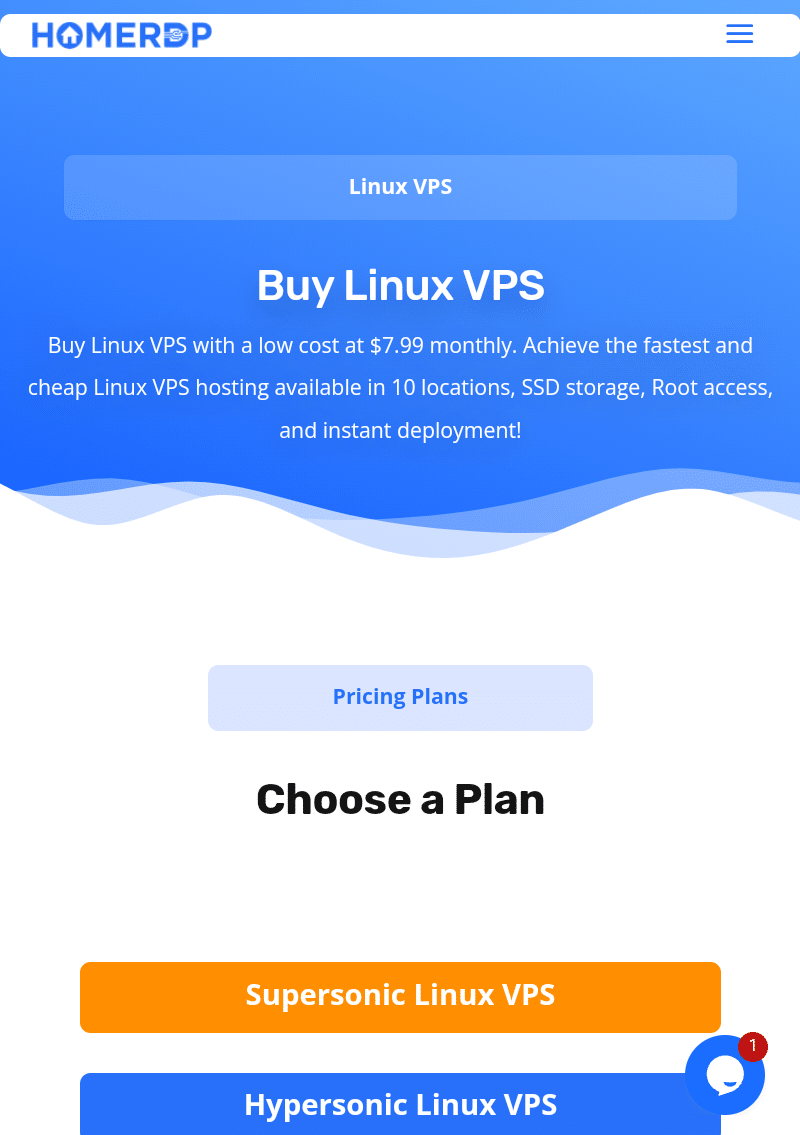
For users who want to experiment with a remote Linux desktop, HOMERDP’s Linux VPS service provides a practical infrastructure layer.
HOMERDP currently advertises Linux VPS hosting with SSD storage, root access, instant deployment, multiple locations, and plans starting at $7.99 per month.
That makes a Linux VPS useful for more than hosting websites.
A suitably configured VPS can become a remote Linux environment for:
- Development
- System administration
- Testing
- Web browsing
- Documentation
- Remote work
- Self-hosted applications
- Automation
- Linux experimentation
- Lightweight graphical workloads
The relationship with KDE Plasma is straightforward.
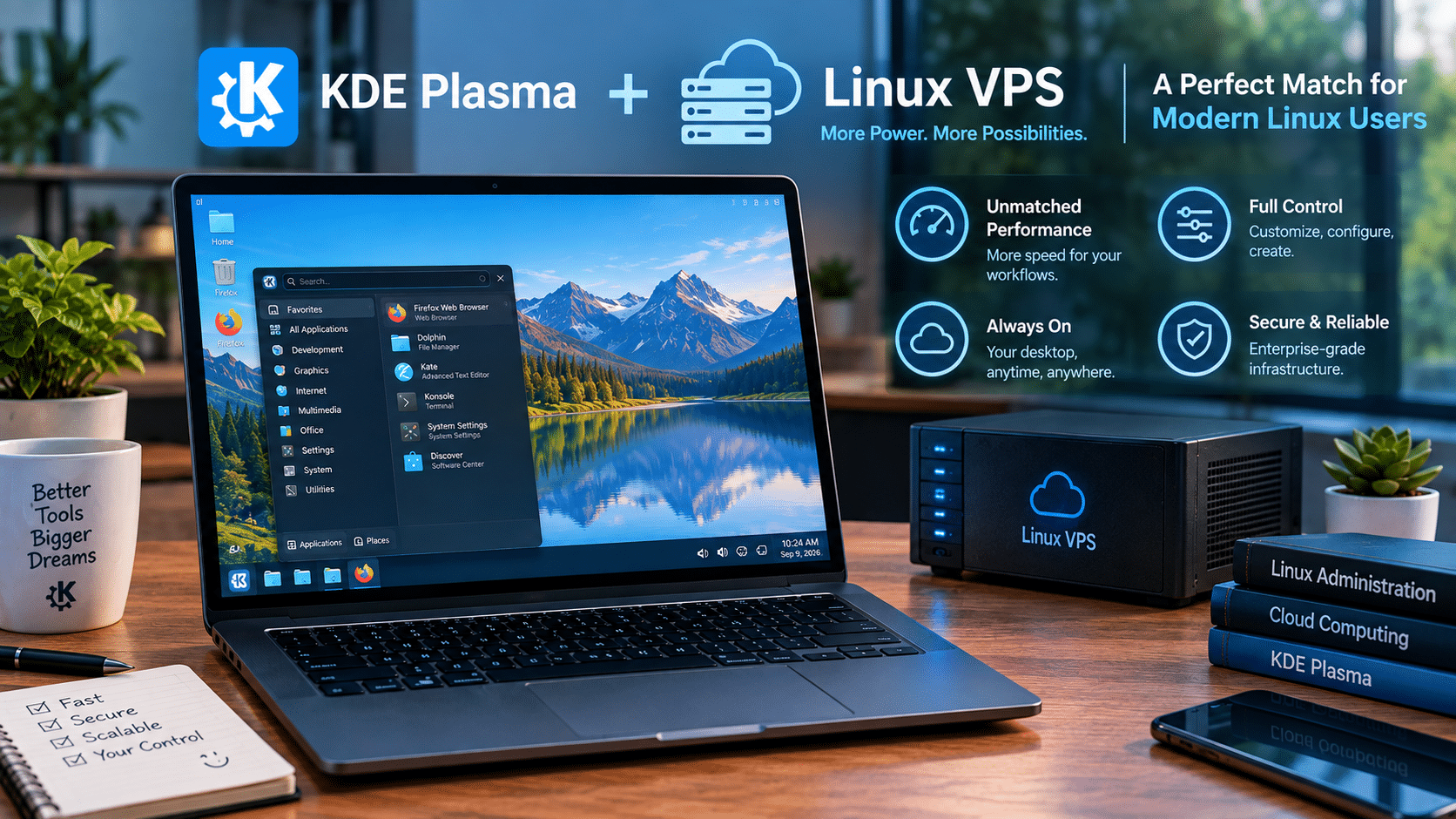
Plasma provides the desktop experience. The VPS provides the remote computing environment.
Users can therefore separate their local hardware from the environment in which they perform certain tasks.
You can explore HOMERDP’s Linux VPS offerings if you want a remotely accessible Linux environment.
Why a Linux VPS Can Complement KDE Plasma
Imagine a developer who owns a lightweight laptop.
The laptop works well for communication and everyday tasks, but the developer doesn’t want to install every development dependency locally.
A remote Linux VPS can provide a persistent environment.
The workflow becomes:
Local device → Remote connection → Linux VPS → KDE Plasma → Applications
The local computer acts primarily as the access device.
The remote machine holds the working environment.
This can provide several practical benefits.
Persistent environment
Your development tools remain installed on the server.
Centralized configuration
You configure one Linux environment rather than several.
Remote accessibility
You can access the environment from compatible devices.
Separation
Personal computing and professional development can remain separate.
Scalability
You can choose a VPS configuration appropriate for your workload.
This model is particularly attractive to developers, administrators, students, and Linux enthusiasts.
KDE Plasma and Remote Development
Developers frequently work with multiple environments.
One system might be used for everyday computing.
Another might contain:
- Docker
- Git
- Python
- Node.js
- Databases
- Build tools
- Kubernetes utilities
- Testing environments
- Development servers
A Linux VPS can host these tools independently from the user’s primary computer.
Add a graphical environment such as KDE Plasma, and the remote server can become more than a terminal-only system.
It becomes a complete Linux workstation that users can access remotely.
That is where improvements such as Plasma’s remote desktop enhancements become relevant.
The Importance of Network Performance
There is one important caveat.
A remote desktop is only as good as the connection between the client and server.
A powerful VPS cannot completely compensate for poor network conditions.
Three factors are particularly important:
Latency
Lower latency generally makes mouse movement and interface interactions feel more responsive.
Bandwidth
Higher bandwidth helps when transferring large amounts of graphical or file data.
Stability
Consistent connectivity matters just as much as peak speed.
This is why choosing a server location that provides a good network path to the user is important.
HOMERDP advertises multiple locations for its infrastructure, including locations across regions such as India, Europe, Asia, and the United States.
Autoscroll Is Particularly Useful for Remote Work
The autoscroll improvement becomes more interesting when considered in the context of remote work.
Remote sessions can already introduce a small amount of interaction friction.
Every unnecessary physical action matters.
When navigating:
- Documentation
- Logs
- Code
- PDFs
- Long web pages
- Configuration files
a toggle-based scrolling mode can provide another way to move efficiently through large amounts of content.
It isn’t going to eliminate network latency.
It isn’t going to make a slow VPS faster.
But it can make the interaction model more comfortable.
That distinction is important.
Infrastructure determines how fast the environment responds. Interface design determines how efficiently humans interact with it.
You need both.
Linux Desktop Performance Isn’t Just About Benchmarks
When people compare Linux desktops, they often focus on:
- CPU consumption
- RAM usage
- GPU acceleration
- Boot time
- Application launch time
- Frame rates
These measurements matter.
But perceived productivity involves another category: interaction efficiency.
Suppose an application launches in one second instead of two.
That’s useful.
But imagine a user performs the same mouse interaction hundreds of times every day.
A more comfortable interaction can have a cumulative impact too.
That is why apparently tiny features deserve attention.
A desktop isn’t simply software running on hardware.
It is the interface between humans and computing resources.
KDE Is Refining That Interface
Plasma 6.8 shows KDE working on that interface from several directions.
The release brings improvements around:
- Scrolling
- Clicking
- Accessibility
- Screen-reader integration
- Remote desktop
- Screen recording
- Visual styling
- System configuration
Phoronix also reports higher-quality screen recordings for Spectacle and other applications using KPipeWire, along with other Plasma 6.8 changes.
These aren’t necessarily revolutionary features.
But mature software doesn’t always need revolutionary changes.
Sometimes it needs refinement.
Why Familiarity Matters for Windows Users
Linux adoption often involves a psychological barrier.
New users don’t necessarily fear Linux itself.
They fear having to relearn everything.
Familiar interactions can reduce that barrier.
Autoscroll is a perfect example.
Someone who has used Windows for years may already understand how autoscrolling works.
When Plasma offers a similar interaction, the user doesn’t need to develop a completely new mental model.
At the same time, KDE retains Linux’s traditional flexibility.
That combination is powerful.
Familiar where it helps. Configurable where it matters.
Linux Doesn’t Have to Be Different for the Sake of Being Different
Open-source software sometimes gets judged by how different it looks from proprietary platforms.
That isn’t necessarily a useful measurement.
The better question is:
Does the design help users accomplish their work?
If Windows has a useful interaction, Linux can implement a similar idea.
If macOS has a good workflow, Linux can learn from it.
If KDE develops a better approach, other platforms can learn from KDE.
Software improves through experimentation.
The open-source model makes this especially interesting because developers can study existing behavior, propose improvements, implement alternatives, and allow users to choose.
The KDE Philosophy: More Choice, Not Less
Plasma’s greatest strength remains configurability.
The autoscroll change reinforces this.
KDE doesn’t need to tell everyone:
“This is now the only correct way to scroll.”
Instead, users can choose whether the new mode fits their workflow.
That is the right approach for a desktop environment serving a diverse audience.
Power users retain control.
New users get familiar behavior.
Accessibility users gain additional options.
Remote users gain improved session controls.
Developers gain another flexible environment.
KDE Plasma 6.8 Is Also Relevant to Accessibility
Accessibility should not be treated as a separate category from usability.
A feature that makes interaction easier for someone with a physical limitation can also improve convenience for other users.
The dwell clicker illustrates this.
Its primary purpose is accessibility.
But its underlying concept—allowing the user to trigger an action without a conventional physical click—demonstrates a broader principle:
Computers should adapt to humans rather than forcing humans to adapt to computers.
The same principle applies to autoscrolling.
Different people have different physical preferences.
Different workflows require different interaction patterns.
Plasma gives users more options.
Remote Desktop Security and Privacy Also Matter
The new physical-screen locking behavior deserves attention for another reason: privacy.
Remote access becomes increasingly common in professional environments.
Employees may access office machines from home.
Administrators may manage systems from another city.
Developers may connect to development workstations remotely.
Support teams may troubleshoot machines without being physically present.
In these scenarios, keeping the physical display from exposing the remote session can be useful.
Plasma’s new remote desktop mode shows that KDE is thinking about the entire remote session rather than only the ability to connect.
A Practical KDE Plasma + VPS Workflow
For users interested in experimenting, a typical architecture could look like this:
Step 1: Choose a Linux VPS
Select CPU, RAM, storage, and network resources based on your workload.
Step 2: Install a supported Linux distribution
Choose a distribution that provides the packages and desktop components you need.
Step 3: Install KDE Plasma
Configure Plasma as the graphical environment.
Step 4: Configure remote access
Set up an appropriate remote desktop solution and secure authentication.
Step 5: Configure Plasma
Adjust:
- Display settings
- Keyboard shortcuts
- Mouse behavior
- Autoscroll
- Accessibility options
- Panels
- Virtual desktops
Step 6: Install applications
Add your browser, development tools, office applications, terminals, and other software.
Step 7: Optimize the environment
Remove unnecessary services and applications if resources are limited.
Step 8: Connect remotely
Access your Linux desktop from your preferred device.
The result is a persistent Linux workspace that isn’t tied to one physical computer.
Choosing the Right VPS Resources
Not every Plasma workload needs the same amount of hardware.
A lightweight administrative environment may require relatively modest resources.
A development workstation running several applications simultaneously needs more.
A practical rule is to think about the workload rather than choosing the largest plan available.
Lightweight use
Suitable for:
- Terminal work
- Documentation
- Basic browsing
- Administration
- Lightweight applications
Medium workloads
Suitable for:
- Browser multitasking
- IDEs
- Development
- Office applications
- Multiple graphical applications
Heavier workloads
May require:
- More CPU
- More RAM
- Faster storage
- Potentially GPU-enabled infrastructure
HOMERDP offers multiple Linux VPS configurations, allowing users to select resources based on their requirements rather than treating every workload identically.
KDE Plasma 6.8 Could Be Particularly Interesting for Remote Linux Enthusiasts
There is a natural synergy between KDE’s improvements and remote computing.
KDE focuses on:
Desktop usability + customization + accessibility + remote interaction
A VPS provides:
Persistent compute + remote access + configurable resources
Combine the two and users can create a Linux environment that travels with them.
Your physical device becomes less important.
The remote Linux environment becomes the consistent workspace.
That is increasingly relevant in a world where people work from multiple computers.
What Plasma 6.8 Means for Everyday Linux Users
For ordinary desktop users, the biggest change may simply be convenience.
If you like autoscrolling, you gain a better way to activate it.
If you need dwell clicking, Plasma now provides a built-in option.
If you rely on screen readers, KWin gains additional accessibility integration.
If you use remote desktop, Plasma introduces a new mode for protecting the physical display.
If you enjoy customization, Plasma continues to give you control over how these features work.
This is a strong example of incremental open-source development.
What Plasma 6.8 Means for Linux’s Broader Desktop Competition
Linux desktops don’t need to win by copying Windows wholesale.
They can compete by offering:
- Familiarity
- Flexibility
- Performance
- Transparency
- Accessibility
- Security
- Customization
- Community-driven development
Plasma is particularly strong in the customization category.
With features like autoscroll becoming more familiar to Windows users, KDE can reduce the number of small differences that make Linux feel unfamiliar.
That can make switching easier without compromising the platform’s identity.
The Bigger Trend: Linux Is Becoming More Accessible
Over the past several years, Linux desktop development has increasingly focused on making the platform approachable.
Wayland development has matured.
Desktop accessibility has improved.
Gaming support has expanded.
Hardware support has progressed.
Graphical configuration tools have become more polished.
Remote desktop capabilities have continued evolving.
KDE Plasma 6.8 fits into that broader trajectory.
The autoscroll feature may be small, but it represents an important design philosophy:
Improve the desktop by removing friction.
Why HOMERDP Makes Sense in This Conversation
The HOMERDP connection should not be reduced to simply saying “buy a VPS.”
The more interesting proposition is the combination of modern Linux desktop software and flexible remote infrastructure.
KDE Plasma can provide the interface.
A Linux VPS can provide the environment.
Remote desktop technology can connect the two.
That combination can help users:
- Experiment without changing their primary PC
- Maintain a persistent development environment
- Access Linux from multiple devices
- Separate work from personal computing
- Host development tools remotely
- Practice Linux administration
- Build remote workstations
HOMERDP’s Linux VPS offering provides SSD storage, root access, instant deployment, and multiple locations, making it a reasonable option for users exploring this model.
The Future of the Linux Desktop May Be Both Local and Remote
The most interesting lesson from Plasma 6.8 isn’t really about scrolling.
It is about how the definition of a desktop is changing.
A desktop can exist on a laptop.
It can exist on a workstation.
It can exist inside a virtual machine.
It can exist on a VPS.
It can exist in a data center.
The graphical interface remains the user’s gateway to that environment.
KDE’s investment in remote desktop capabilities therefore becomes increasingly relevant.
As computing becomes more distributed, desktop environments have to work well regardless of where the underlying resources live.
Final Verdict
KDE Plasma 6.8’s Windows-like autoscrolling feature may look like a small addition, but it captures exactly what makes modern desktop development valuable: eliminating friction one interaction at a time.
The new optional mode lets users press the middle mouse button to enter and exit a scrolling state rather than holding the button continuously. KDE designed the behavior to be closer to Windows’ familiar Autoscroll functionality while preserving the existing approach.
But autoscrolling is only one part of the story.
Plasma 6.8 also introduces a built-in dwell clicker, improves screen-reader interaction with KWin, and adds a remote desktop mode capable of locking physical screens during remote sessions.
Together, these changes demonstrate KDE’s broader direction.
The project isn’t simply trying to make Plasma look attractive.
It is making the desktop:
- More intuitive
- More configurable
- More accessible
- More comfortable
- More useful remotely
That matters because Linux increasingly operates beyond the traditional desktop PC.
A Linux VPS can provide a persistent environment for development, administration, testing, and remote work, while KDE Plasma can provide a familiar graphical interface on top.
HOMERDP’s Linux VPS service adds the infrastructure side of that equation with SSD storage, root access, instant deployment, and multiple server locations.
The result is an increasingly compelling model:
Linux flexibility + KDE Plasma usability + remote infrastructure.
For longtime Linux users, Plasma 6.8 provides another reason to appreciate KDE’s attention to detail.
For Windows users considering Linux, familiar behaviors such as autoscrolling can reduce the learning curve.
For accessibility users, features such as dwell clicking and improved screen-reader integration can make the desktop more accommodating.
And for remote users, Plasma’s continued investment in remote desktop functionality makes a graphical Linux environment increasingly practical outside the traditional PC.
The biggest improvements in desktop computing aren’t always the ones that appear on benchmark charts.
Sometimes they are the features you stop noticing because they simply make the computer easier to use.
KDE Plasma 6.8’s Windows-like autoscrolling is one of those features.
Small change.
Less friction.
Better workflow.
And another sign that the Linux desktop continues to mature.
EXPLORE MORE ; Why COSMIC Is Linux’s Most Exciting Desktop Project
READ OUR BLOGS