

GIMP, Krita, Blender and More: The Rise of the Open-Source Creative Stack
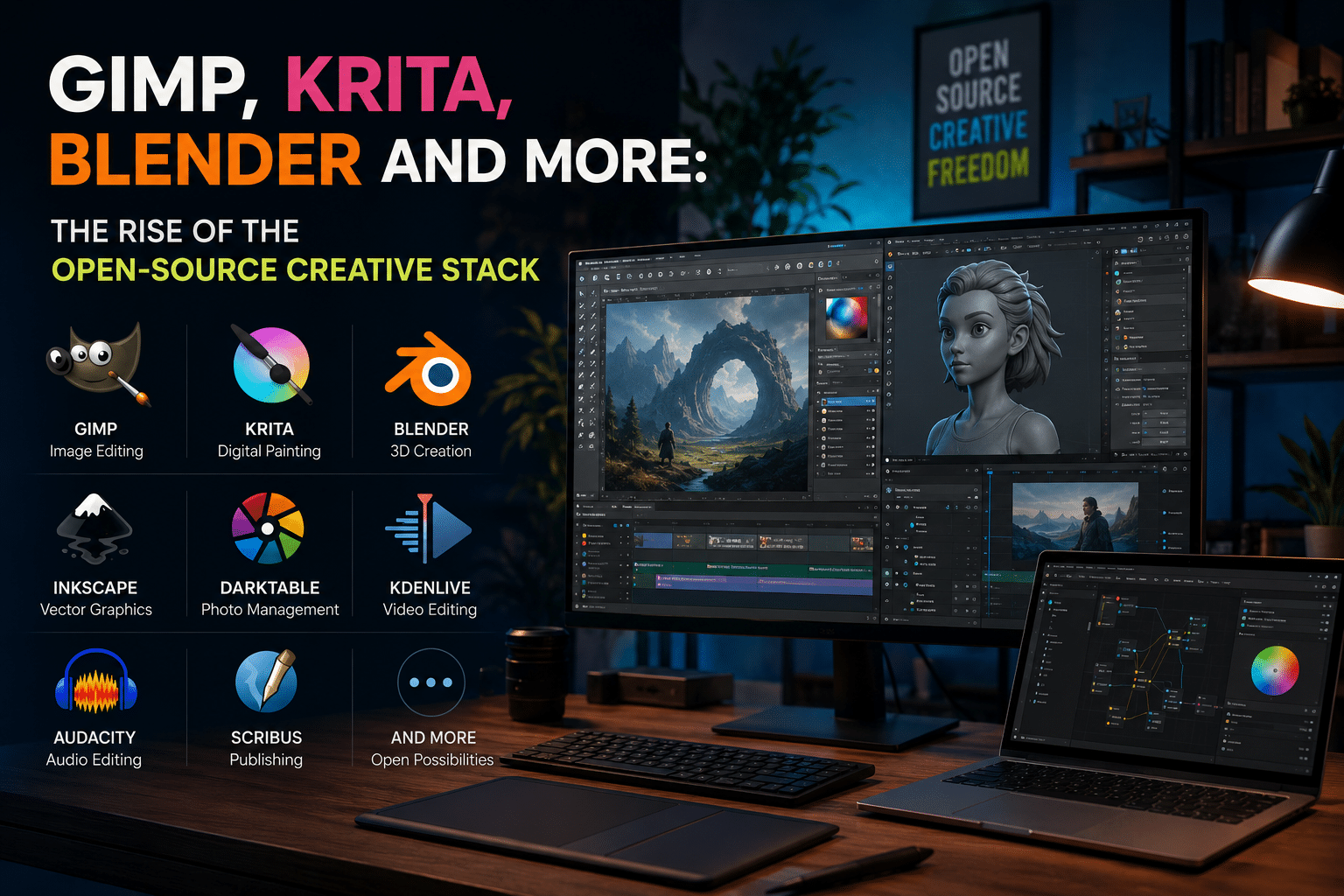
For decades, professional creative work has been closely associated with expensive proprietary software.
Adobe Photoshop became synonymous with image editing. Illustrator dominated vector design. Autodesk became a familiar name in 3D production. Commercial applications shaped everything from photography and graphic design to animation, filmmaking, publishing, and visual effects.
For many creators, the standard professional workflow was simple: choose an established commercial software ecosystem, pay for access, learn its tools, and build your career around it.
But that model is changing.
A growing number of designers, illustrators, photographers, animators, 3D artists, developers, and independent creators are building workflows around open-source software instead. They are not necessarily abandoning commercial tools overnight. Instead, they are combining powerful open-source applications with cloud infrastructure, automation, and self-hosted services to create flexible technology stacks.
GIMP. Krita. Blender. Inkscape. Darktable. Kdenlive. Audacity. Scribus.
These are no longer obscure applications used only by hobbyists or Linux enthusiasts. They represent a mature and increasingly capable ecosystem of creative tools.
The numbers also tell an interesting story. Blender’s 2025 user feedback survey received responses from 5,102 participants. Its companion-software data showed extensive mixed workflows: 1,570 respondents reported using Adobe Photoshop alongside Blender, while 840 used Krita, 651 used GIMP, and 490 used Inkscape. The data illustrates a crucial reality: modern creators increasingly build hybrid stacks instead of remaining loyal to a single software vendor.
This shift is about more than saving money.
It is about creative independence.
It is about choosing the right tool for each task.
And increasingly, it is about controlling the infrastructure behind creative work.
The future of creative work may not belong to one giant software suite.
It may belong to the creative stack.
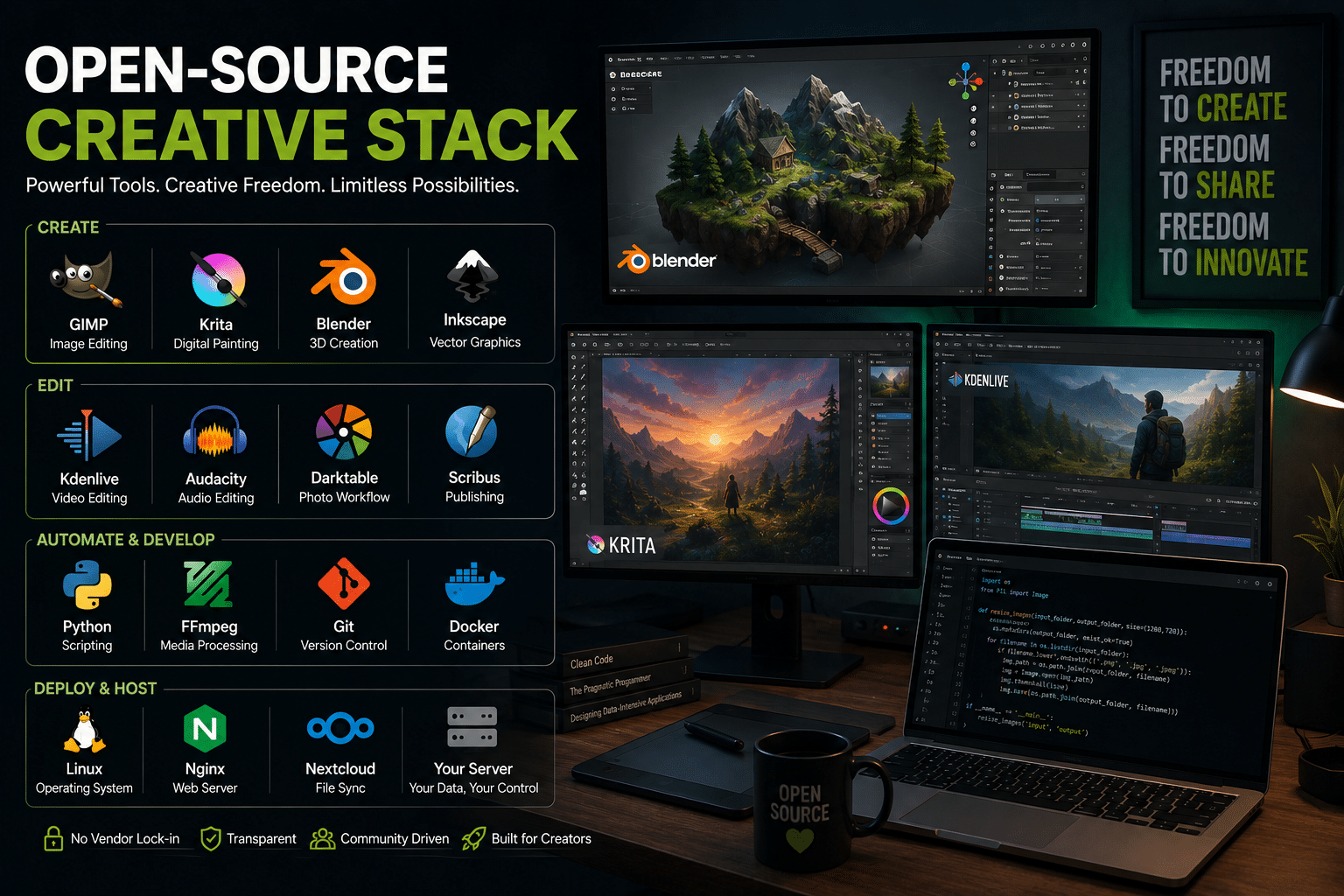
What Is an Open-Source Creative Stack?
A creative stack is the collection of software, services, infrastructure, and workflows a creator uses to produce and publish work.
Traditionally, many creative stacks were built around a single commercial vendor.
For example:
- Photoshop for images
- Illustrator for vector graphics
- Premiere Pro for video
- After Effects for motion graphics
- Lightroom for photography
Everything lived inside one ecosystem.
An open-source creative stack takes a different approach.
Instead of depending on one company for every creative requirement, users select specialized tools based on their needs.
A modern open-source stack might include:
| Creative Task | Open-Source Tool |
|---|---|
| Image Editing | GIMP |
| Digital Painting | Krita |
| Vector Graphics | Inkscape |
| 3D Creation | Blender |
| RAW Photography | Darktable |
| Video Editing | Kdenlive |
| Audio Editing | Audacity |
| Desktop Publishing | Scribus |
| Automation | Python + FFmpeg |
| Hosting & Infrastructure | Linux VPS |
The important difference is flexibility.
A creator does not need to accept an entire ecosystem simply because they need one application.
They can choose.
And that ability to choose is becoming increasingly valuable.
Why the Traditional Creative Software Model Is Being Challenged
Commercial creative software remains incredibly powerful.
There is no serious argument that Photoshop, Illustrator, Premiere Pro, or other professional applications suddenly became bad tools.
They remain industry standards in many environments.
However, several major trends are causing creators to rethink their dependence on proprietary ecosystems.
1. Subscription Fatigue Is Real
The modern internet runs on subscriptions.
Music subscriptions.
Video subscriptions.
Cloud storage subscriptions.
AI subscriptions.
Website subscriptions.
Productivity subscriptions.
Creative professionals often manage an especially long list of recurring expenses.
A freelancer may pay monthly for:
- Creative software
- Cloud storage
- Website hosting
- Stock photography
- Project management
- AI tools
- Collaboration software
- Accounting platforms
- Domain management
Individually, each subscription may appear affordable.
Collectively, they can become a significant business expense.
Open-source software does not eliminate every cost associated with creative work. Hardware, storage, education, and infrastructure still require investment.
But it gives creators more control over where they spend their money.
Instead of automatically paying recurring licensing fees, they can invest resources into better hardware, storage, training, or infrastructure.
That changes the economics of creativity.
2. Creators Want More Control
Software is increasingly connected to cloud ecosystems.
That creates convenience.
But convenience can also create dependency.
Creative professionals increasingly ask important questions:
- What happens if a subscription price increases?
- Can I access my project files without an active subscription?
- What happens when a cloud service changes its policies?
- Where does my creative data live?
- Can I move my workflow somewhere else?
Open-source software gives users a different relationship with technology.
The source code is available.
Projects can be forked.
Communities can continue development.
Users are not dependent on one vendor’s business decisions in the same way.
That does not mean open-source projects are immune to challenges.
But it does mean the technology ecosystem is fundamentally more distributed.
3. Creative Work Is Becoming More Modular
Modern creators rarely use one application for everything.
A 3D artist may create a model in Blender, paint textures in Krita, edit promotional images in GIMP, and process video in Kdenlive.
The tools do not need to come from the same company.
Blender’s 2025 survey provides a useful snapshot of this reality. Among the companion applications reported by respondents were both proprietary and open-source tools, including Photoshop, DaVinci Resolve, Krita, GIMP, Godot, and Inkscape. citeturn0search1
This suggests that the future is not necessarily:
Commercial software versus open source.
Instead, the future may be:
The best tool for the job.
GIMP: The Foundation of Open-Source Image Editing
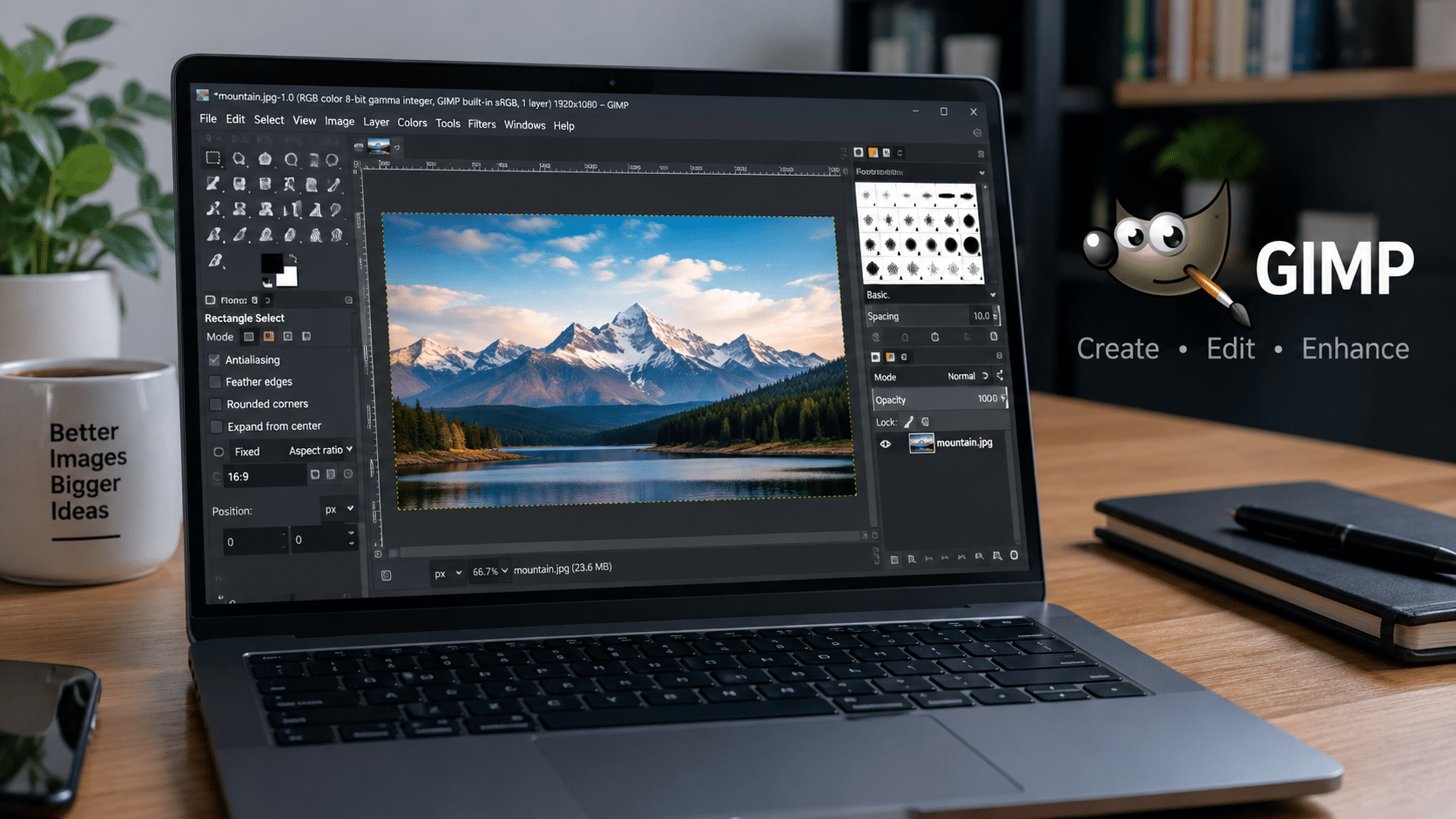
GIMP, short for GNU Image Manipulation Program, has been one of the most recognizable names in open-source creative software for decades.
It is a cross-platform image editor available across GNU/Linux, Windows, macOS, and other supported systems. The project describes GIMP as a free and open-source application designed for image manipulation, composition, authoring, and extensible workflows.
GIMP can support tasks such as:
- Photo retouching
- Image compositing
- Graphic design
- Digital artwork
- Batch processing
- Image conversion
- Scripting
- Plugin-based workflows
One of GIMP’s most important strengths is extensibility.
Its documentation highlights scripting and plugin support that allows users to automate workflows and customize image-processing operations.
That makes GIMP particularly interesting for creators who think beyond traditional point-and-click workflows.
Imagine processing hundreds of product images.
Instead of manually resizing every image, a creator can build an automated workflow.
Imagine generating multiple web-ready versions of photography.
Automation can handle repetitive conversion and export tasks.
This is where open-source software becomes more than a free replacement.
It becomes programmable infrastructure.
Krita: Built for Artists, Not Just Image Editing
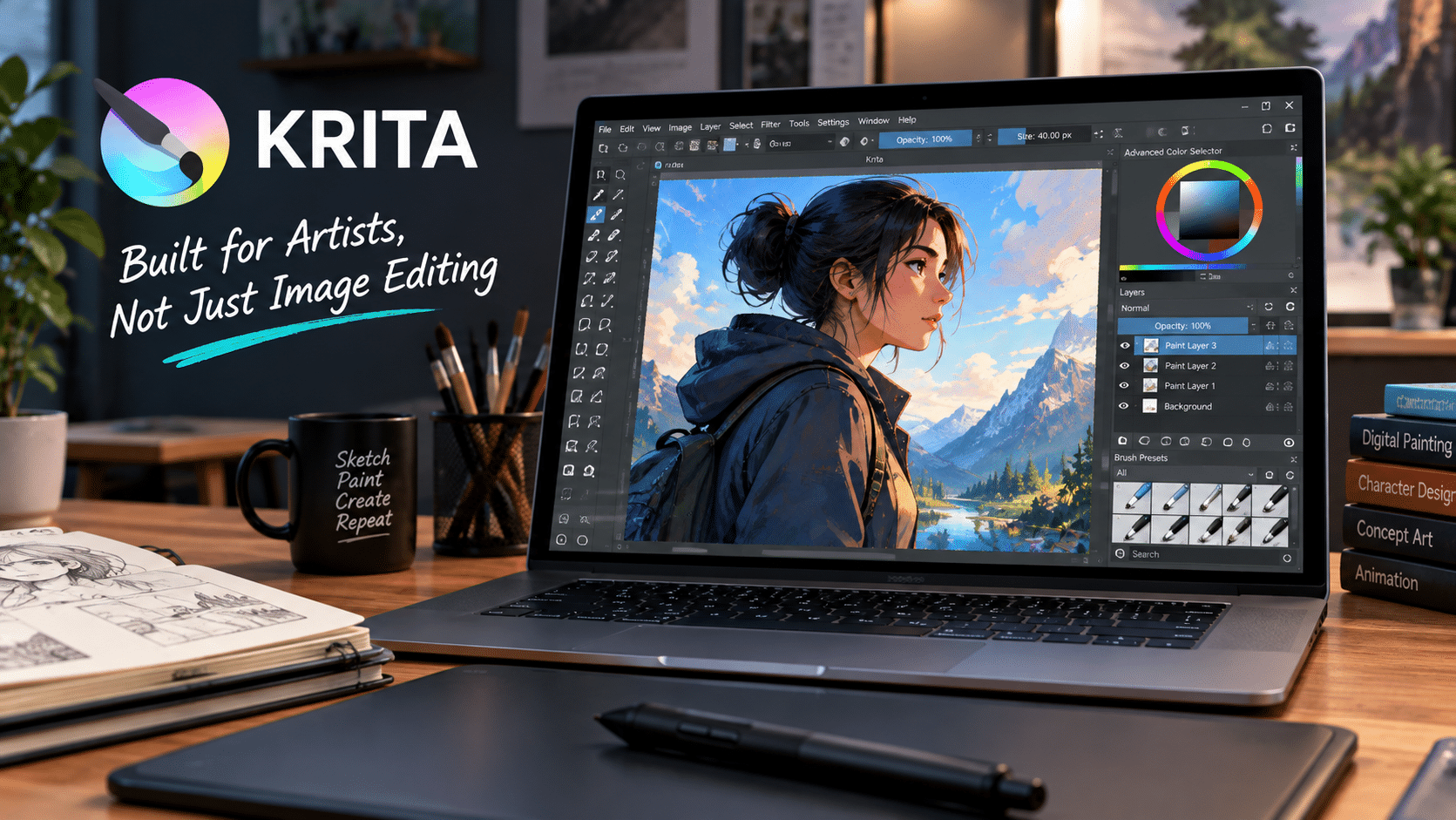
GIMP and Krita sometimes appear in the same discussions, but they serve different creative priorities.
Krita focuses heavily on digital painting and illustration.
Its official documentation emphasizes applications including:
- Illustration
- Concept art
- Matte painting
- Textures
- Comics
- Animation
The project specifically positions Krita around the needs of artists creating digital artwork from scratch rather than presenting itself as a universal replacement for every raster-editing workflow.
That specialization matters.
Creative tools become stronger when they focus on the workflows their users actually need.
Krita includes features such as:
- Over 100 preloaded brushes
- Customizable brush engines
- Brush stabilizers
- Layer management
- Vector and text support
- Animation tools
- Color management
- HDR workflows
- Python scripting
Krita’s feature set also includes more than 30 configurable dockers and extensive workspace customization, allowing artists to adapt the interface to their own workflows. The result is an application designed around artistic production.
And importantly, Krita’s development continues actively. Its official project updates show ongoing releases and development activity into 2026.
This demonstrates one of the biggest misconceptions about open-source software:
Free does not mean abandoned.
Many successful open-source projects have active communities, professional contributors, foundations, sponsors, and users who actively shape development.
Blender: The Application That Changed Perceptions
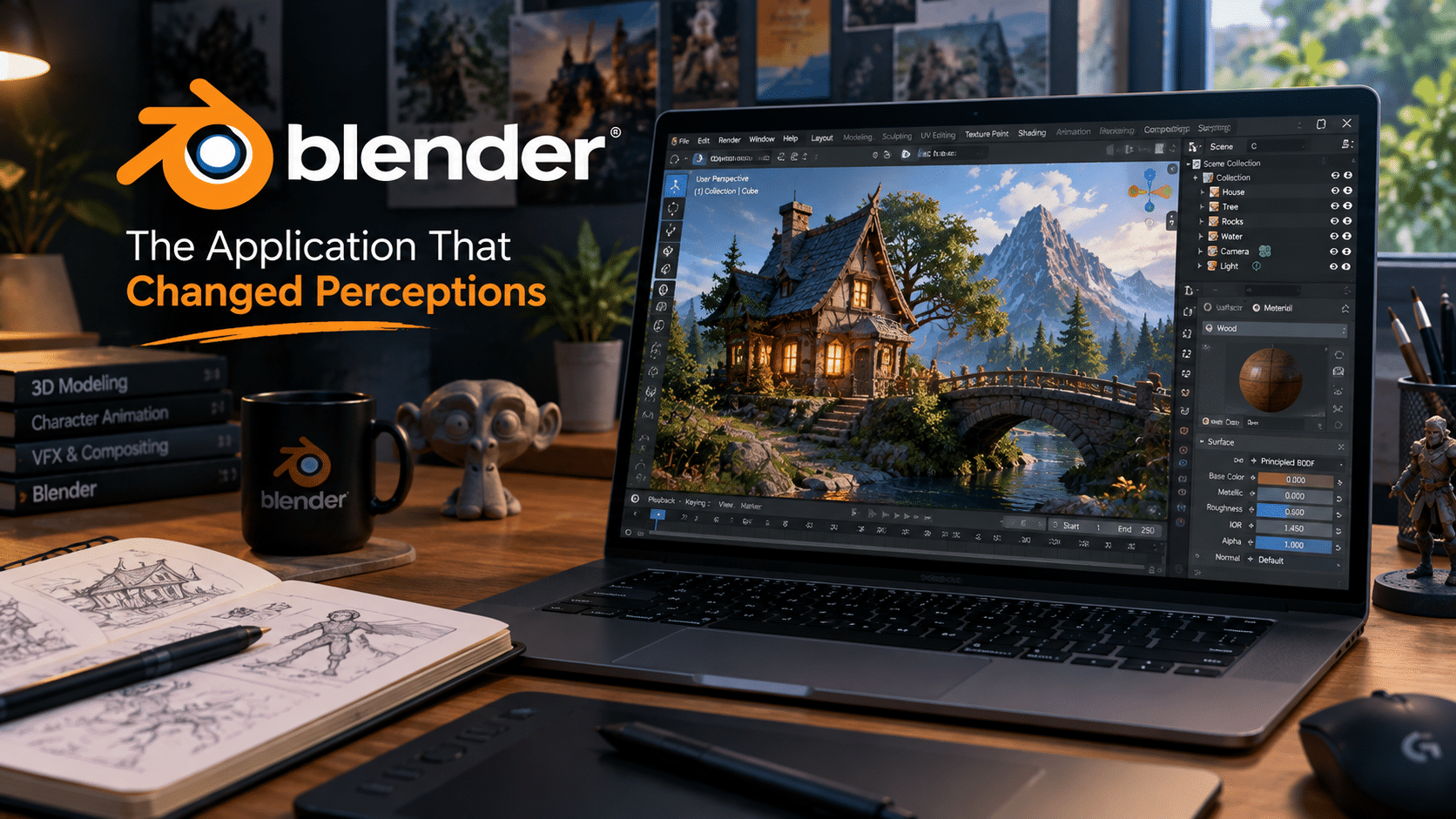
If one application has transformed how the technology industry views open-source creative software, it is Blender.
Blender is no longer simply an “alternative.”
It is a complete open-source 3D creation suite.
The official Blender project describes support across the full 3D pipeline, including:
- Modeling
- Sculpting
- Rigging
- Animation
- Simulation
- Rendering
- Compositing
- Motion tracking
- Video editing
- Game asset creation
It also provides Python scripting capabilities that allow advanced users and studios to customize workflows and create specialized tools.
That breadth is extraordinary.
Traditionally, a 3D production pipeline could involve multiple expensive commercial applications.
Blender provides an integrated environment capable of supporting numerous stages of production.
This does not mean every major studio has replaced its commercial software stack with Blender.
But Blender has clearly proven that open-source software can operate in demanding professional environments.
A 2025 academic survey examining FOSS 2D and 3D graphics software also documented Blender’s applications across science, academia, industry, visual effects, dataset generation, education, industrial modeling, 3D printing, and AR/VR workflows.
The significance of Blender goes beyond its individual features.
Blender changed expectations.
It demonstrated that an open development model could produce a sophisticated, professional-grade creative platform.
The Data Behind the Rise of Hybrid Creative Workflows
The idea that creators must choose between commercial software and open source is becoming outdated.
Real workflows are mixed.
Blender’s 2024 and 2025 survey data clearly demonstrates this.
In the 2025 survey:
- 1,570 respondents used Adobe Photoshop alongside Blender.
- 1,284 used DaVinci Resolve.
- 1,060 used Adobe Substance.
- 979 used Unreal Engine.
- 909 used Adobe After Effects.
- 840 used Krita.
- 651 used GIMP.
- 559 used Godot.
- 490 used Inkscape.
The survey also notes that many professional Blender users work independently or in small teams.
The 2024 survey showed a similar pattern, with Adobe tools appearing alongside Krita, GIMP, Inkscape, Godot, Unity, and other applications. The message is clear.
Creators are building stacks.
They are not necessarily switching from one ecosystem to another.
They are combining ecosystems.
A filmmaker might use Blender for 3D scenes and DaVinci Resolve for final editing.
A designer might use Photoshop for client compatibility and Krita for illustration.
A developer might use GIMP for assets while relying on Python for automation.
This is the new reality of creative technology.
Beyond GIMP, Krita, and Blender: The Expanding Open-Source Ecosystem
The open-source creative movement is larger than three applications.
A growing ecosystem supports nearly every stage of creative production.
Inkscape for Vector Graphics
Inkscape provides tools for vector illustration and SVG-based workflows.
Creators can use vector tools for:
- Logos
- Icons
- Technical diagrams
- Illustrations
- Infographics
- Web assets
SVG also plays an increasingly important role across modern web development.
This makes open vector workflows valuable not only for graphic designers but also for developers and product teams.
Darktable and RAW Photography
Photography workflows often involve large RAW files, extensive color adjustments, metadata management, and non-destructive editing.
Open-source photography tools give photographers alternatives for processing and organizing images.
Darktable and RawTherapee are frequently discussed in this category.
For photographers, the important consideration is workflow.
Does the tool support the camera?
Does it provide the color-management capabilities required?
Can it integrate with existing editing pipelines?
Open-source software provides more options.
Kdenlive and Open Video Production
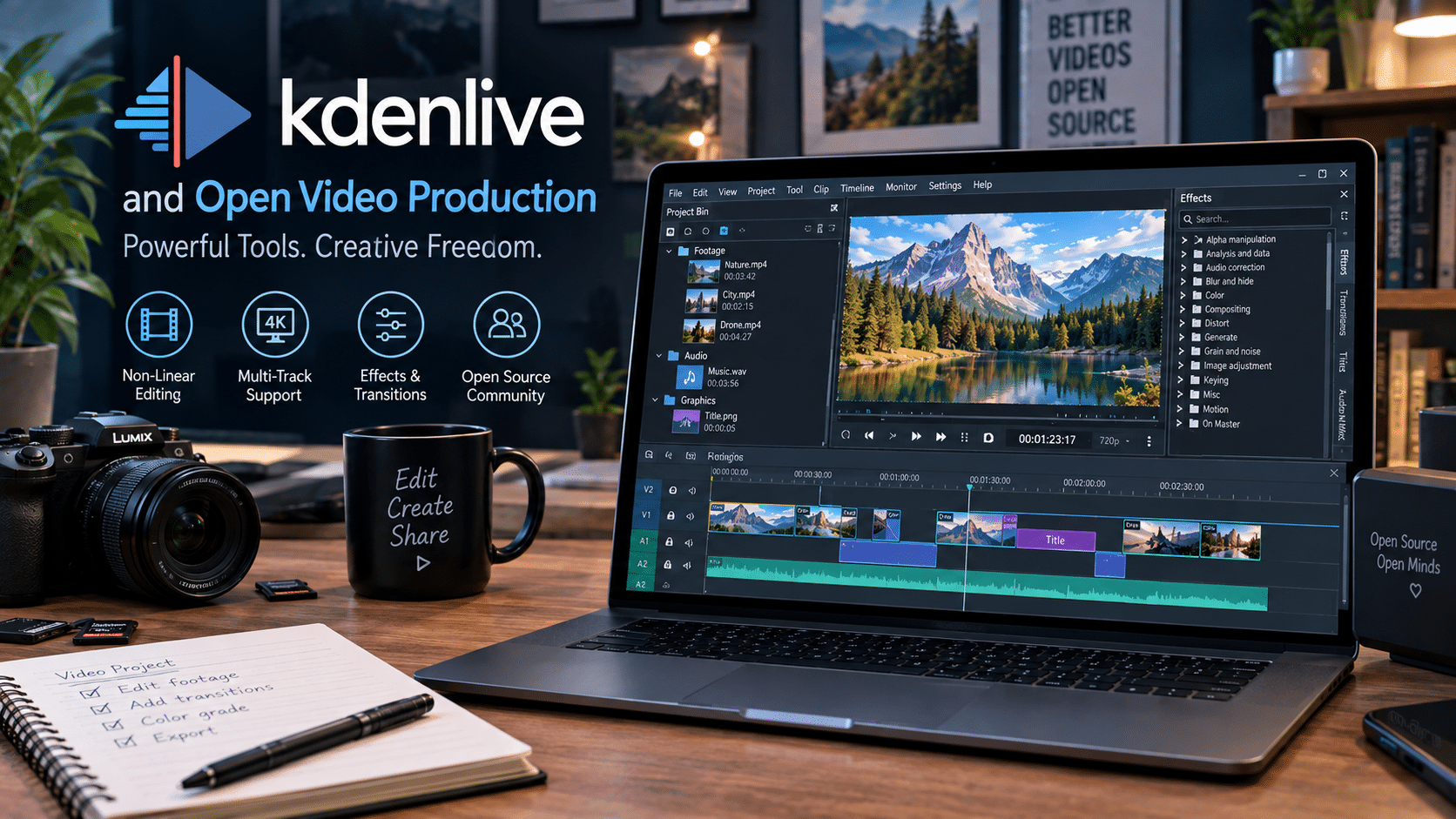
Video production has traditionally required powerful commercial software.
But open-source video tools continue to evolve.
Kdenlive provides a non-linear editing environment that can support video production workflows.
Other open tools complement it:
- FFmpeg for media processing
- OBS Studio for recording and streaming
- HandBrake for video conversion
- OpenToonz for animation
A creator can combine these tools into a powerful production environment.
Audacity and Open Audio Editing
Audacity remains one of the most recognizable open-source audio applications.
Podcasters, educators, musicians, and video creators can use open audio tools for recording and editing.
Again, the broader lesson is important.
Open-source creative software is not a single application.
It is an ecosystem.
The Next Layer: Creative Infrastructure
Creative software is only part of a modern workflow.
Creators also need infrastructure.
Consider everything required to run a digital creative business.
A professional might need:
- A portfolio website
- File storage
- Client delivery systems
- Automated backups
- Image optimization
- Video processing
- Collaboration tools
- Project documentation
- APIs
- Automation scripts
This is where the creative stack expands beyond desktop applications.
A creator becomes responsible for infrastructure.
And increasingly, creators are discovering that open-source software and Linux servers fit naturally together.
Why Linux Infrastructure Complements Open-Source Creativity
Open-source creative tools give users control over applications.
Linux infrastructure extends that control to the backend.
A creator can build a stack such as:
Creative Layer
- Blender
- Krita
- GIMP
- Inkscape
- Kdenlive
Automation Layer
- Python
- FFmpeg
- ImageMagick
- Bash scripts
Collaboration Layer
- Nextcloud
- Git
- Self-hosted project tools
Infrastructure Layer
- Linux
- Docker
- Nginx
- Databases
- VPS hosting
This approach gives creators more flexibility.
They can build workflows around their specific needs instead of adapting everything to a proprietary SaaS platform.
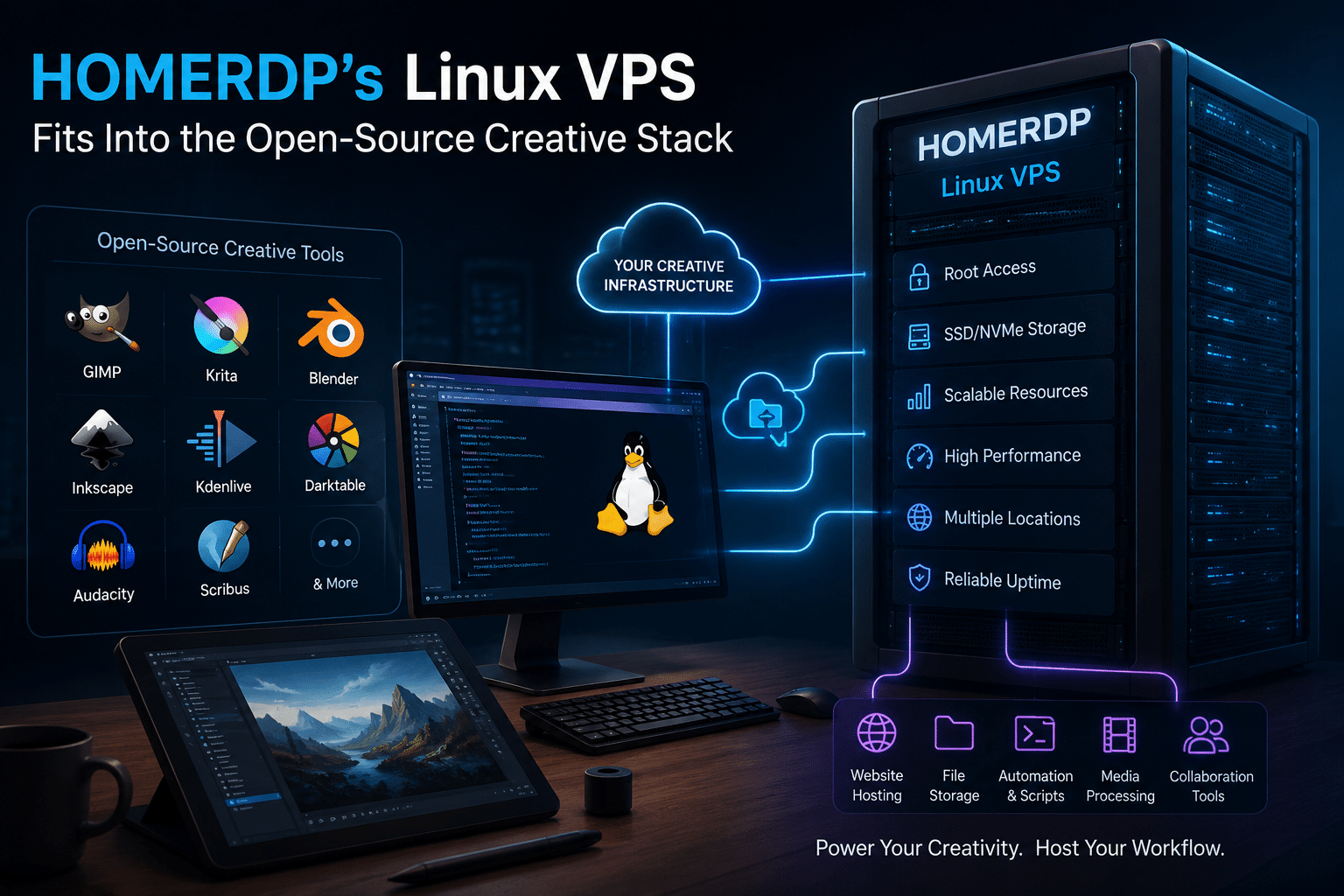
How HOMERDP’s Linux VPS Fits Into the Open-Source Creative Stack
A desktop computer handles most intensive creative tasks.
But a server can handle the infrastructure surrounding those tasks.
For creators and small studios, this infrastructure can complement an open-source workflow in several practical ways.
1. Host a Professional Creative Portfolio
Every creative professional needs a digital home.
A Linux VPS can host:
- Portfolio websites
- Blogs
- Client portals
- Digital galleries
- Documentation
- Project landing pages
Creators can deploy WordPress, static site generators, or custom web applications.
Instead of depending entirely on closed portfolio platforms, they can build and control their own web presence.
2. Automate Image Processing
Imagine a design agency uploading hundreds of product images.
Each image needs:
- Resizing
- Compression
- Format conversion
- Thumbnail generation
- Watermarking
Manually processing every asset wastes time.
A Linux VPS can run automated workflows using tools such as ImageMagick and Python.
A creator uploads files.
The server processes them automatically.
The final optimized assets become available for websites or client delivery.
This transforms infrastructure into a productivity tool.
3. Build Automated Video Pipelines
Video files consume enormous amounts of storage and processing time.
Tools such as FFmpeg allow developers and creators to automate:
- Video conversion
- Resolution changes
- Audio extraction
- Thumbnail generation
- Format optimization
A VPS can serve as an automation layer for lightweight or appropriately provisioned media-processing workloads.
For example, a creator could automatically generate web-optimized versions of uploaded videos.
The goal is not necessarily to replace a powerful workstation.
The goal is to automate repetitive backend tasks.
4. Self-Host Collaboration Tools
Creative teams increasingly work remotely.
They share files, feedback, documentation, and project assets.
Self-hosted platforms can provide alternatives to relying entirely on third-party SaaS services.
Depending on server resources and technical requirements, teams can explore self-hosted tools for:
- File synchronization
- Documentation
- Project management
- Version control
- Internal communication
This approach provides more control over the workflow.
5. Deploy Docker-Based Creative Services
Docker has simplified application deployment.
A creator or developer can package services into containers and deploy them consistently.
For example, a creative technology stack could include containers for:
- WordPress
- Nextcloud
- Nginx
- Image-processing APIs
- Python automation
- Databases
A Linux VPS provides the foundation for running such services.
This is particularly useful for technically inclined creators who want to experiment beyond traditional desktop software.
The Rise of the Independent Creative Technologist
One of the most interesting changes happening today is the merging of creative and technical skills.
A modern designer might understand:
- Figma or Inkscape
- HTML and CSS
- JavaScript
- Git
- Linux
- Cloud deployment
A modern 3D artist might understand:
- Blender
- Python
- Rendering
- Automation
- Asset pipelines
A photographer might understand:
- Darktable
- Color management
- Metadata
- Image optimization
- Web hosting
The boundaries between creative work and technical infrastructure are becoming less rigid.
This creates a new type of professional:
The creative technologist.
Open-source software supports this evolution particularly well because it encourages experimentation.
Users can inspect tools.
Write scripts.
Create plugins.
Modify workflows.
Connect applications.
Build automation.
The software becomes a platform rather than a closed product.
Open Source Does Not Mean Everything Is Free
It is important to avoid oversimplifying the open-source argument.
Open-source software can reduce licensing costs.
But professional workflows still have costs.
Creators need:
- Powerful computers
- Graphics cards
- Storage
- Backup systems
- Training
- Internet connectivity
- Server infrastructure
- Technical support
The advantage is not that everything suddenly becomes free.
The advantage is flexibility.
A creator can decide where to spend money.
Perhaps they choose free creative software and invest in better hardware.
Perhaps they use Blender and pay for professional cloud rendering.
Perhaps they use Krita and invest in a high-quality drawing tablet.
Perhaps they combine GIMP with a Linux VPS for automation.
The ability to allocate resources strategically is one of the strongest advantages of an open ecosystem.
The Biggest Challenge: Compatibility
Open-source adoption is not without challenges.
Professional creative industries often depend on proprietary formats.
Clients may send:
- PSD files
- AI files
- INDD files
- Premiere projects
- After Effects projects
A creator working with agencies may need to maintain compatibility.
That is why switching does not need to be absolute.
A hybrid approach is often the smartest option.
For example:
Workflow A: Graphic Designer
- Inkscape for personal vector projects
- GIMP for image processing
- Photoshop when client compatibility requires it
Workflow B: Digital Artist
- Krita for illustration
- Blender for 3D references
- Commercial tools only for specialized requirements
Workflow C: Small Studio
- Blender for 3D
- Krita for concept art
- GIMP for compositing
- Linux VPS for websites and automation
The goal should not be ideological purity.
The goal should be productivity.
Why Open Standards Matter
Software independence also depends on file formats.
A creator can move more easily between applications when workflows rely on widely supported standards.
Examples include:
- SVG
- PNG
- JPEG
- TIFF
- WebP
- WAV
- FLAC
- OpenEXR
Open formats help reduce vendor lock-in.
This does not mean proprietary formats disappear.
They remain important in many professional environments.
But creators can design workflows that prioritize portability where possible.
That creates long-term flexibility.
Building Your Own Open-Source Creative Stack
If you are interested in exploring open-source creative tools, do not replace everything at once.
Start strategically.
Step 1: Identify Your Most Expensive Workflow
Look at your current software subscriptions.
Which applications do you use most frequently?
Which ones do you barely use?
You may discover that one expensive subscription supports only a few simple tasks.
Try replacing that workflow first.
Step 2: Test One Open-Source Application
Choose one category.
For example:
- Try GIMP for image editing.
- Try Krita for digital painting.
- Try Blender for 3D.
- Try Inkscape for vector graphics.
Do not force yourself to migrate immediately.
Experiment.
Step 3: Learn the Workflow, Not Just the Interface
Switching applications often feels uncomfortable because muscle memory changes.
Keyboard shortcuts differ.
Menus move.
Tools use different terminology.
Give yourself time.
Focus on what you need to accomplish rather than expecting every feature to work exactly like your previous application.
Step 4: Explore Automation
Once you become comfortable with creative tools, explore automation.
Learn basic Python.
Experiment with FFmpeg.
Use ImageMagick.
Automate repetitive tasks.
This is where open-source workflows can become particularly powerful.
Step 5: Add Infrastructure
As your projects grow, consider your backend requirements.
Do you need:
- A portfolio website?
- Automated backups?
- A media-processing service?
- Private file synchronization?
- Docker containers?
- Development environments?
A configurable server environment such as a Linux VPS can become the next component of your creative stack.
HOMERDP’s VPS plans emphasize root access, dedicated resource allocation, scalable plans, and NVMe/SSD storage configurations, making them relevant for users who want more control over Linux-based deployments.
The Future Is Not One Software Suite
The biggest lesson from the rise of GIMP, Krita, Blender, and other open-source projects is not that commercial software is disappearing.
It is that creators now have more choices.
The creative software market is becoming increasingly diverse.
Some users will continue using Adobe Creative Cloud.
Others will build entirely open-source workflows.
Many will combine both.
Blender’s survey data strongly supports this hybrid reality. Open-source applications and proprietary tools already coexist within professional creative pipelines.
The same philosophy applies to infrastructure.
Some creators will rely entirely on SaaS platforms.
Others will self-host services.
Many will combine both approaches.
The future is modular.
Conclusion: Creative Freedom Is Becoming a Technology Strategy
The rise of the open-source creative stack represents something larger than a search for free software.
It represents a change in how creators think about technology.
Instead of asking:
“Which software suite should I subscribe to?”
Creators can increasingly ask:
“What stack should I build?”
That stack might include GIMP for image editing.
Krita for painting.
Blender for 3D.
Inkscape for vector design.
FFmpeg for automation.
Python for scripting.
Linux for infrastructure.
And a VPS environment for hosting and deploying the services that connect everything together.
GIMP continues to provide a flexible and extensible environment for image manipulation. Krita offers a specialized digital-painting workflow with professional creative features. Blender delivers an extraordinarily broad 3D production pipeline. Together, they demonstrate how far open-source creative technology has evolved.
The real power appears when these tools work together.
That is the essence of the open-source creative stack.
It is not about finding one application that replaces every proprietary product.
It is about combining the right technologies for your workflow.
And as creators gain more control over their software, infrastructure becomes the next frontier.
The creative professionals of the future will not necessarily be defined by the software company they subscribe to.
They will be defined by how effectively they combine creativity, technology, automation, and infrastructure.
The era of the all-in-one creative suite is not over.
But another model is rising beside it.
A model built around flexibility.
A model built around interoperability.
A model built around ownership.
And increasingly, a model built around open source.
The future of creativity is not just about choosing better tools.
It is about building your own stack.
EXPLORE MORE ; Dual-Boot Linux and Windows in 2026
READ OUR BLOGS