

Beyond Coding: Why Students Should Learn Servers and Deployment
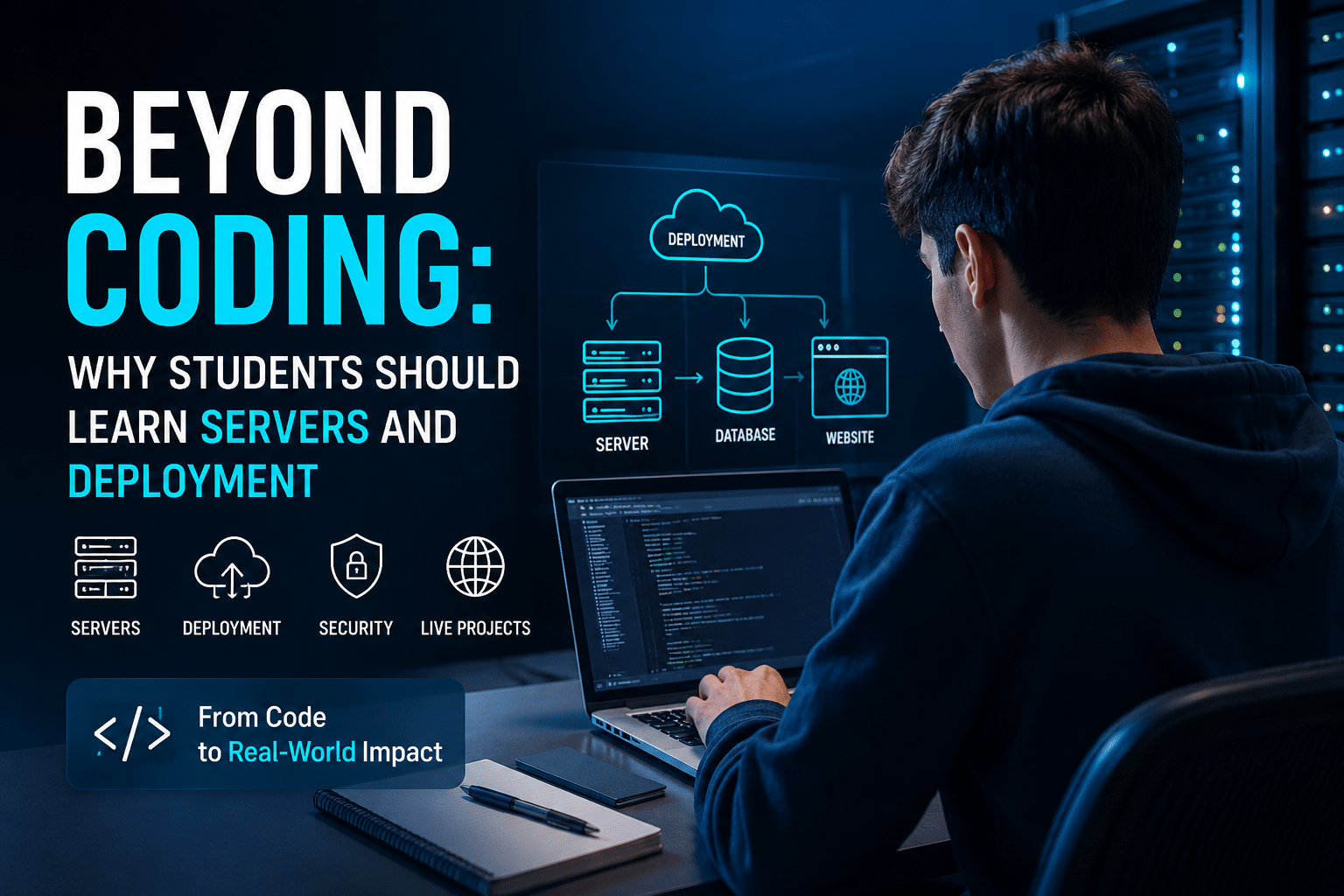
Learning to code is no longer enough to stand out.
A student can write clean Python, build a responsive React interface, create a PHP application, or develop a sophisticated database-driven project. But an important question remains:
Can they take that project from their laptop and make it available to the world?
This is where servers and deployment enter the picture.
For years, students have focused primarily on programming languages, algorithms, frameworks, and academic projects. These skills remain essential. However, modern software development extends far beyond writing code. Applications need to be deployed, configured, secured, monitored, updated, and maintained.
The journey from:
“It works on my computer”
to
“It is live, secure, accessible, and reliable”
requires a completely different set of practical skills.
That gap is becoming increasingly important.
The 2025 Stack Overflow Developer Survey collected responses from more than 49,000 developers across 177 countries, providing a useful snapshot of how broad the modern developer ecosystem has become. Cloud platforms, containers, databases, infrastructure tools, and deployment technologies now sit alongside programming languages as part of everyday software development. The survey also highlights growing interest in cloud development and containerization tools, reinforcing the idea that modern developers increasingly work beyond the boundaries of a local code editor.
For students preparing for internships, freelance work, startups, or software engineering careers, understanding servers and deployment can provide a major practical advantage.
This article explores why.
Coding Is Only the Beginning

Imagine two students applying for the same internship.
Both know JavaScript.
Both understand databases.
Both have completed several university assignments.
Both have GitHub profiles.
But there is one important difference.
Student A says:
“I built a web application using Node.js and MongoDB.”
Student B says:
“I built a web application, deployed it to a production server, configured the domain, enabled SSL, managed environment variables, created database backups, and maintained the application after deployment.”
Which project demonstrates more real-world experience?
The second one.
Not necessarily because Student B is a better programmer.
But because Student B understands the complete lifecycle of an application.
Real software does not live permanently inside VS Code.
It runs somewhere.
It consumes computing resources.
It communicates over networks.
It stores data.
It requires security.
It needs updates.
It occasionally fails.
And someone needs to understand how all those pieces work together.
That is why students should think beyond coding.
The Modern Developer Is Becoming More Infrastructure-Aware
Software development has changed dramatically.
A decade ago, many developers could focus primarily on writing application code while specialized system administrators handled servers and infrastructure.
Today, cloud platforms and modern hosting tools have made infrastructure more accessible.
Developers can launch applications faster.
Students can deploy projects independently.
Small startups can operate without maintaining physical servers.
Freelancers can manage websites for clients around the world.
This accessibility has created an important shift.
Developers do not necessarily need to become full-time system administrators.
But they increasingly benefit from understanding the infrastructure their applications depend on.
The Stack Overflow 2025 survey reflects this expanding technology landscape. Docker, cloud platforms, infrastructure tooling, databases, and development frameworks all form part of the broader skills ecosystem developers actively use and want to explore. The survey notes particularly strong interest in containerization and cloud-development technologies.
For students, the lesson is clear:
Learning to deploy software is no longer an advanced specialization reserved only for DevOps engineers. It is becoming part of practical software literacy.
What Does “Deployment” Actually Mean?
Many beginners hear the word deployment and immediately imagine massive cloud data centers.
Deployment can be much simpler.
At its core, deployment means moving an application from a development environment into an environment where users can access and use it.
For example:
Development environment
A student builds an application locally:
Laptop
   ↓
Code Editor
   ↓
Local Server
   ↓
localhost:3000
The application works perfectly.
But only the student can access it.
Production environment
After deployment:
Developer
   ↓
Server
   ↓
Domain Name
   ↓
HTTPS
   ↓
Internet
   ↓
Users
Now the application becomes accessible.
That transition teaches students several valuable concepts.
They may learn about:
- Web servers
- Domains
- DNS
- SSL certificates
- File permissions
- Databases
- Environment variables
- SSH
- FTP or SFTP
- Backups
- Server resources
- Application logs
- Security updates
Suddenly, programming becomes more tangible.
The student is no longer simply writing code.
They are operating a real application.
Why Students Should Learn How Servers Work
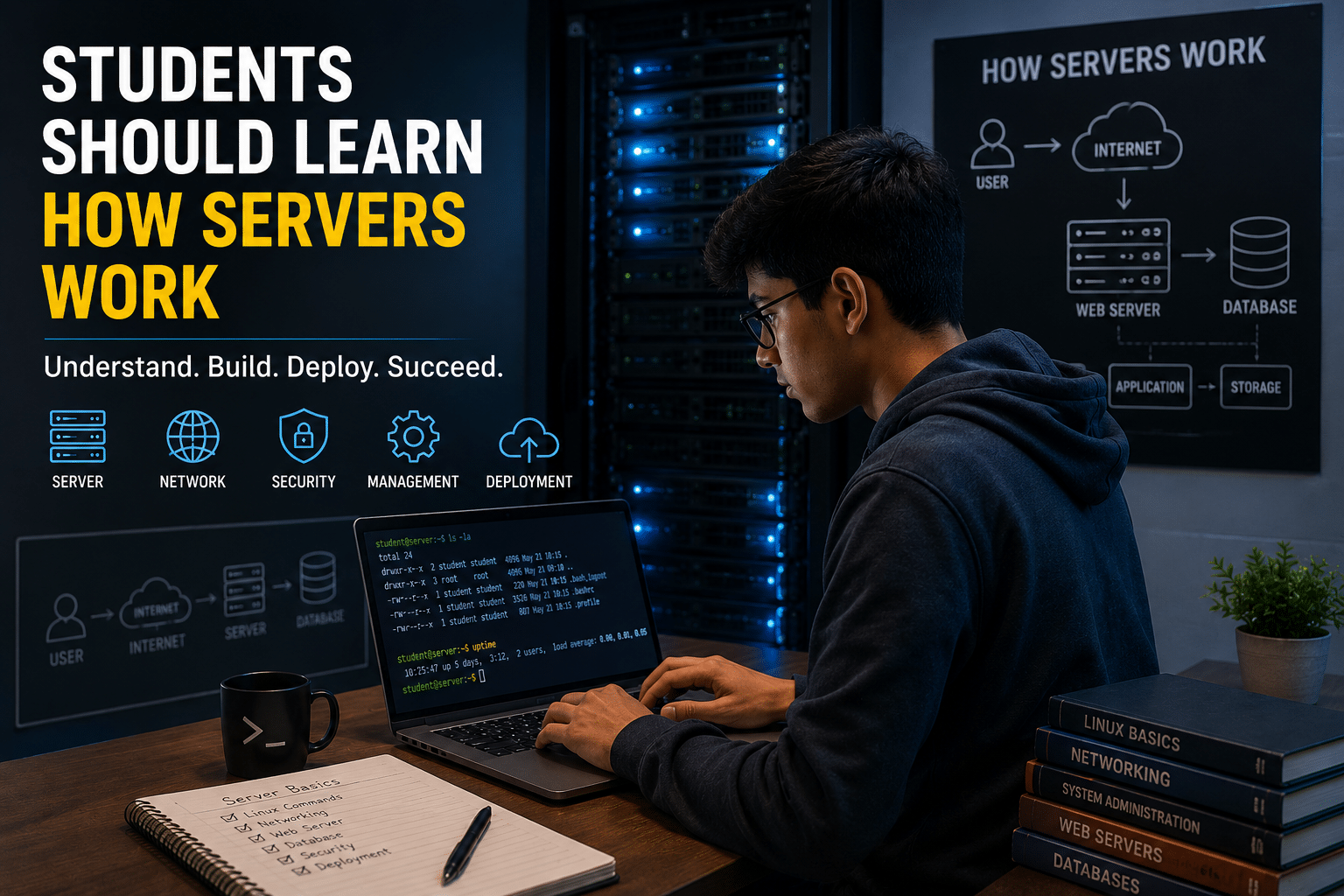
You do not need to build a data center to understand servers.
A basic understanding can dramatically improve the way students think about software.
1. Servers Teach Students Where Applications Actually Run
When students run an application locally, many important details remain invisible.
For example:
- Where is the application stored?
- Which process runs the application?
- Which port does it use?
- Where is the database located?
- How do users connect?
- What happens when the server restarts?
- How are files secured?
A server environment makes these questions practical.
Students begin understanding that software requires an operating environment.
An application is not simply a collection of files.
It is a running system.
2. Servers Introduce Real Networking Concepts
Networking can feel abstract in textbooks.
Students learn terms such as:
- IP address
- Port
- DNS
- HTTP
- HTTPS
- TCP/IP
But deployment turns those concepts into real experiences.
For example:
A student purchases or configures a domain.
They connect it to a server.
They configure DNS records.
They enable HTTPS.
Suddenly, networking is no longer theoretical.
They can see exactly how a user types:
www.example.com
and eventually reaches an application running on a server.
That practical understanding can make networking concepts significantly easier to remember.
3. Students Learn the Difference Between Development and Production
One of the most important lessons deployment teaches is this:
A working local application is not automatically production-ready.
An application might work perfectly on a student’s laptop but fail after deployment.
Why?
Because production environments introduce new variables.
For example:
- Missing environment variables
- Incorrect database credentials
- File permission issues
- Different operating systems
- Incorrect URLs
- Firewall restrictions
- Dependency problems
- SSL configuration issues
These challenges teach students an important professional habit:
Never assume that development and production environments behave identically.
Learning this early can prevent countless problems later.
The “It Works on My Machine” Problem
Almost every developer eventually encounters this situation.
A project works perfectly on one computer.
Then someone else tries to run it.
It fails.
This is not always caused by bad code.
The problem might involve:
- Different dependency versions
- Missing packages
- Operating system differences
- Configuration files
- Environment variables
- Database settings
Deployment exposes students to these challenges.
And that is a good thing.
Because debugging deployment problems teaches structured problem-solving.
Students learn to ask:
- What changed?
- What environment am I running?
- Are all dependencies installed?
- What do the logs say?
- Is the database connection working?
- Is the server process running?
These are real engineering questions.
Deployment Turns Student Projects into Real Products
Consider a typical university project.
A student spends several weeks developing:
- A student management system
- An e-commerce website
- A blogging platform
- A portfolio website
- A library management application
Then the semester ends.
The project remains inside a folder.
Maybe the student uploads screenshots to GitHub.
And eventually, the project disappears into an archive.
But deployment can change that.
Instead of saying:
“Here is my project code.”
A student can say:
“Here is my live project. You can test it yourself.”
That difference matters.
A live application demonstrates:
- Initiative
- Technical confidence
- Practical skills
- Product thinking
- Deployment knowledge
A deployed project can become part of a student’s professional portfolio.
Why a Live Portfolio Is More Powerful Than Screenshots
Recruiters and potential clients often want evidence.
Screenshots are useful.
GitHub repositories are useful.
But a live application creates another level of credibility.
Imagine visiting a student’s portfolio.
You see:
Project Name
CampusConnect
Description
A platform that helps students discover campus events.
Live Demo
Available online.
Technology Stack
- HTML
- CSS
- JavaScript
- PHP
- MySQL
Infrastructure
- Hosted on VPS
- SSL enabled
- Custom domain
Immediately, the project feels more complete.
The student has demonstrated the ability to build and deliver software.
This is an important distinction.
Servers Teach Responsibility
Writing code locally is relatively safe.
If something breaks, the student can restart the application.
But when a project is deployed, decisions become more meaningful.
For example:
What happens if the database is deleted?
You need backups.
What happens if the server runs out of storage?
You need monitoring.
What happens if the SSL certificate expires?
Users may receive security warnings.
What happens if a password is compromised?
You need proper access controls.
What happens if an update breaks the application?
You need a rollback or recovery plan.
These situations teach responsibility.
Students begin thinking about software not only as developers but also as operators.
This mindset is extremely valuable.
Students Do Not Need to Become DevOps Engineers
This point is important.
Learning servers does not mean every student must become a Linux administrator or cloud architect.
Students do not need to master:
- Kubernetes clusters
- Multi-region infrastructure
- Enterprise networking
- Complex infrastructure-as-code systems
Not immediately.
Instead, students should begin with foundational concepts.
For example:
Stage 1: Learn the basics
Understand:
- What a server is
- How websites are hosted
- What DNS does
- What SSL does
Stage 2: Deploy something simple
Deploy:
- A personal portfolio
- A static website
- A WordPress site
- A PHP application
Stage 3: Learn server access
Understand:
- SSH
- File permissions
- Linux commands
- Application logs
Stage 4: Learn application infrastructure
Explore:
- Databases
- Environment variables
- Backups
- Security
Stage 5: Explore modern DevOps
Eventually learn:
- Docker
- CI/CD
- Cloud platforms
- Infrastructure automation
This progression makes infrastructure learning less intimidating.
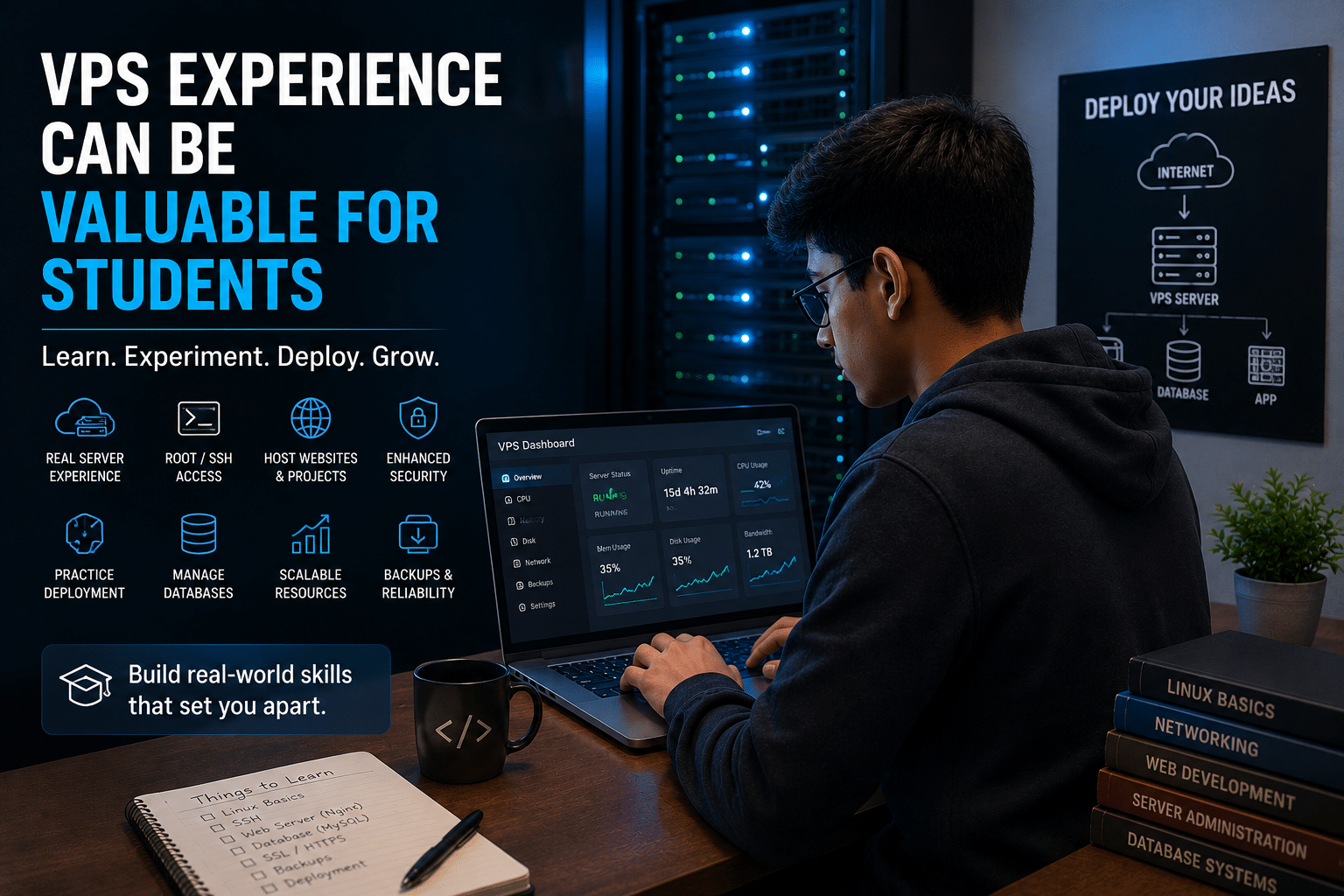
Why VPS Experience Can Be Valuable for Students
A Virtual Private Server, commonly called a VPS, provides students with a practical environment for experimentation.
Unlike a purely local development environment, a VPS introduces students to the realities of remote computing.
They can learn how applications behave when running independently from their personal computer.
Depending on the configuration, students can experiment with:
- Hosting websites
- Managing databases
- Deploying applications
- Configuring domains
- Creating backups
- Managing server resources
This makes VPS hosting useful as a learning environment.
Students can treat a server as a laboratory.
They can experiment.
They can make mistakes.
They can troubleshoot.
And those experiences often teach more than simply watching another tutorial.

HOMERDP cPanel VPS: A Practical Starting Point for Student Projects
For students who want to move from local development toward real deployment, a managed control environment can reduce some of the initial complexity.
HOMERDP’s cPanel VPS solutions can provide a practical environment for hosting websites and web projects while giving learners exposure to server and hosting workflows.
The advantage for beginners is that a control panel can make several common administrative tasks easier to understand.
Students can explore concepts such as:
- Website file management
- Domain configuration
- Database management
- Email setup
- SSL certificates
- Backups
- Resource management
This can create a useful bridge between shared hosting simplicity and deeper server-level learning.
Instead of immediately jumping into highly complex cloud infrastructure, students can begin by understanding how a real hosted environment works.
That practical experience can later make advanced technologies easier to learn.
From Localhost to the Internet: A Powerful Learning Journey
Consider the learning progression of a web development student.
Step 1: Build locally
The student creates:
My Project
│
├── index.php
├── style.css
├── script.js
└── database.sql
Everything works on localhost.
Step 2: Create a database
The student learns:
- Tables
- Queries
- Relationships
- Authentication
Step 3: Deploy the files
Now they need to upload the application.
They learn about:
- File management
- Directories
- Permissions
Step 4: Connect the database
The student configures:
- Database hostname
- Username
- Password
- Database name
Step 5: Connect a domain
They learn:
- DNS
- Domain records
- Propagation
Step 6: Enable HTTPS
They understand why encryption matters.
Step 7: Troubleshoot problems
Something fails.
Now the real learning begins.
They check:
- Error logs
- Configuration files
- Database connections
This journey teaches multiple disciplines simultaneously.
Deployment Skills Can Help Students Become Better Programmers
This may sound surprising.
But learning infrastructure can improve coding skills.
Why?
Because developers begin seeing the consequences of their decisions.
For example, a student might write inefficient database queries without noticing on a local machine.
After deployment, performance issues become more obvious.
Similarly, students might:
- Store passwords incorrectly
- Hardcode configuration values
- Ignore error handling
- Upload unnecessarily large files
- Create inefficient API requests
Production environments expose these weaknesses.
This encourages better engineering practices.
Students begin writing software with questions like:
- Will this scale?
- Is this secure?
- What happens if this fails?
- How will I configure this in production?
- Where should sensitive credentials be stored?
That is a more mature approach to software development.
Security Awareness Starts with Server Knowledge
Cybersecurity is often treated as a separate discipline.
But basic security awareness should be part of every developer’s education.
Students who deploy applications encounter practical security concepts.
For example:
HTTPS
Why should user traffic be encrypted?
Strong authentication
Why should server credentials be protected?
File permissions
Why should every file not be publicly accessible?
Database security
Why should credentials not be hardcoded?
Backups
Why should important data have recovery options?
Software updates
Why should outdated components be monitored?
Learning deployment encourages students to think about these questions.
Security becomes practical instead of theoretical.
The Growing Importance of Cloud and Infrastructure Skills
Modern software increasingly depends on distributed infrastructure.
Applications may involve:
- Front-end hosting
- APIs
- Databases
- Object storage
- Content delivery networks
- Authentication providers
- Cloud services
Even small projects can involve multiple services.
The Stack Overflow 2025 Developer Survey demonstrates the breadth of technologies modern developers engage with. The survey included 314 technologies and reported strong engagement with cloud-development tools, databases, frameworks, and containerization. It also noted a significant rise in Docker usage and continuing interest in infrastructure-related skills.
Students entering this ecosystem should not feel pressured to learn everything.
But understanding the foundations provides an advantage.
7 Server Skills Every Student Should Consider Learning
1. Basic Linux Commands
Start with:
ls
cd
pwd
mkdir
rm
cp
mv
cat
These commands build confidence.
Students do not need to become Linux experts overnight.
They simply need familiarity.
2. SSH
SSH allows secure remote access to servers.
Understanding SSH teaches students that servers can be managed remotely.
It also introduces concepts such as:
- Authentication
- SSH keys
- Remote terminals
3. Domains and DNS
Students should understand the relationship between:
Domain Name
      ↓
DNS
      ↓
IP Address
      ↓
Server
      ↓
Application
This is fundamental internet knowledge.
4. Databases
Students should learn how applications connect to databases in production.
Important concepts include:
- Credentials
- Backups
- User permissions
- Remote access
5. SSL Certificates
Students should understand why modern websites use HTTPS.
Security should not be an afterthought.
6. Logs
When something breaks, logs often provide clues.
Students should become comfortable asking:
What does the error log say?
This simple habit can dramatically improve debugging skills.
7. Backups
Every student should learn this lesson early:
Data can disappear.
A deployment workflow should consider recovery.
Backups are not exciting.
But they are important.
Deployment Experience Can Help Students Freelance
Server knowledge is also commercially useful.
Many small businesses need help with basic tasks.
For example:
- Launching a website
- Moving a website
- Setting up WordPress
- Connecting a domain
- Configuring SSL
- Creating professional email
- Managing databases
- Creating backups
A student who understands both development and deployment can potentially offer broader services.
Instead of only saying:
“I can design your website.”
They can say:
“I can build, deploy, configure, and maintain your website.”
That expands the type of problems they can solve.
Students Can Build Real Projects Instead of Tutorial Clones
One of the biggest problems with online learning is tutorial dependency.
Students watch:
Build a To-Do App in 20 Minutes
Then:
Build a Weather App
Then:
Build a Blog
They successfully follow the instructions.
But they may never independently deploy anything.
A better challenge is:
Build something useful and make it live.
For example:
Campus Notes Platform
Students can upload and organize study materials.
Local Event Directory
Users can discover nearby events.
Student Portfolio Builder
Students can create online resumes.
Club Management System
Universities can manage memberships and announcements.
Small Business Website
Students can build a real website for a local business.
The moment users interact with a project, the learning experience changes.
A Simple Student Roadmap for Learning Deployment
Here is a practical six-stage roadmap.
Month 1: Learn Web Fundamentals
Understand:
- HTML
- CSS
- JavaScript
- HTTP
- Browsers
- Servers
Build a simple website.
Month 2: Learn Version Control
Learn:
- Git
- GitHub
- Branches
- Commits
Start documenting projects.
Month 3: Deploy a Static Website
Learn:
- Domains
- DNS
- HTTPS
Make your portfolio live.
Month 4: Deploy a Dynamic Application
Build an application with:
- Backend
- Database
- Authentication
Deploy it to a hosting environment.
Month 5: Learn Server Basics
Explore:
- Linux
- SSH
- Logs
- Permissions
- Processes
Month 6: Explore Modern Infrastructure
Begin learning:
- Docker
- CI/CD
- Cloud platforms
- Monitoring
This gradual approach prevents students from becoming overwhelmed.
Why Experimentation Is More Valuable Than Memorization
Students often focus heavily on certifications and theoretical knowledge.
These can be useful.
But practical experimentation is equally important.
You can read about DNS.
Or you can configure a domain yourself.
You can read about SSL.
Or you can enable HTTPS on your project.
You can read about databases.
Or you can troubleshoot a real database connection.
The second experience often creates deeper understanding.
Mistakes are part of the process.
A server configuration may fail.
A deployment may break.
A database connection may refuse to work.
That frustration is not wasted time.
It is experience.
HOMERDP as Part of a Student Learning Workflow
Students who want to explore real-world hosting can incorporate a VPS environment into their learning journey.
For example, a practical workflow might look like this:
Phase 1: Build
Develop the application locally.
Phase 2: Test
Make sure major features work correctly.
Phase 3: Deploy
Move the application to a hosted environment.
Phase 4: Configure
Set up:
- Domain
- Database
- SSL
- Application settings
Phase 5: Maintain
Monitor:
- Errors
- Storage
- Backups
- Updates
A service such as HOMERDP cPanel VPS can fit naturally into this workflow by giving learners a practical hosting environment where they can explore deployment and server-management concepts.
The goal should not simply be to purchase infrastructure.
The goal should be to use infrastructure as a learning tool.
A student who deploys five different projects will likely learn more practical lessons than someone who only watches five deployment tutorials.
The Future Belongs to Builders Who Understand the Full Stack
The term full-stack developer traditionally describes someone who understands both front-end and back-end development.
But the modern definition of a capable builder is expanding.
Increasingly, successful developers understand at least some elements of:
- Front-end development
- Back-end development
- Databases
- APIs
- Deployment
- Cloud infrastructure
- Security
Nobody needs to master everything.
Technology is too broad for that.
But students who understand how these layers connect can become more effective problem solvers.
The Stack Overflow survey also illustrates how modern developers continuously learn: 69% of respondents reported spending time during the previous year learning new coding techniques or programming languages, while technical documentation remained one of the most widely used learning resources. Continuous skill development is clearly part of the profession.
That mindset matters more than mastering one tool.
Final Thoughts: Don’t Let Your Code Stay on Your Laptop
Students spend years learning how to write software.
They learn:
- Syntax
- Algorithms
- Frameworks
- Databases
- Object-oriented programming
These skills are essential.
But eventually, every developer should ask:
What happens after I finish writing the code?
The answer leads toward deployment.
And deployment leads toward a deeper understanding of technology.
Learning servers does not mean abandoning programming.
It means completing the picture.
When students understand deployment, they begin seeing software as a living system rather than simply a collection of files.
They understand how users access applications.
They understand where data lives.
They understand how domains connect to servers.
They understand why security matters.
They understand how real projects move from an idea to a usable product.
That experience can improve portfolios, strengthen technical confidence, and prepare students for internships, freelance opportunities, startups, and professional software careers.
The best time to learn these skills is not after graduation.
It is while experimenting.
Build something.
Break something.
Fix something.
Deploy something.
And then build again.
Because in the modern technology industry, writing code is only the beginning.
The real journey starts when you make it work for everyone else.
EXPLORE MORE ; LibreOffice 26.2.5 and Windows VPS

READ OUR BLOGS